
Dyson AM06
Dyson Air Multiplier AM06 Table Fan User Manual
Model: AM06 (49095-01)
Brand: Dyson
1. Introduction and Overview
The Dyson Air Multiplier AM06 Table Fan utilizes advanced Air Multiplier technology to generate a powerful, smooth, and uninterrupted airflow. Unlike conventional fans, it operates without fast-spinning blades, making it a safer and quieter option for any room. This manual provides essential information for the safe and efficient operation, maintenance, and troubleshooting of your Dyson AM06 fan.

Figure 1: Dyson Air Multiplier AM06 Table Fan (White/Silver model).
Key features include 10 precise airflow settings, a convenient sleep timer, smooth oscillation, and an easy-tilt mechanism for directing airflow. Its bladeless design not only enhances safety but also simplifies cleaning.
2. Important Safety Information
Always adhere to the following safety precautions to prevent electric shock, fire, or injury:
- Ensure the fan is placed on a stable, level surface.
- Do not operate the fan with a damaged cord or plug.
- Keep the power cord away from heated surfaces.
- Unplug the fan before cleaning or performing any maintenance.
- Do not immerse the fan in water or other liquids.
- This appliance is not intended for use by persons (including children) with reduced physical, sensory or mental capabilities, or lack of experience and knowledge, unless they have been given supervision or instruction concerning use of the appliance by a person responsible for their safety.
- Children should be supervised to ensure that they do not play with the appliance.
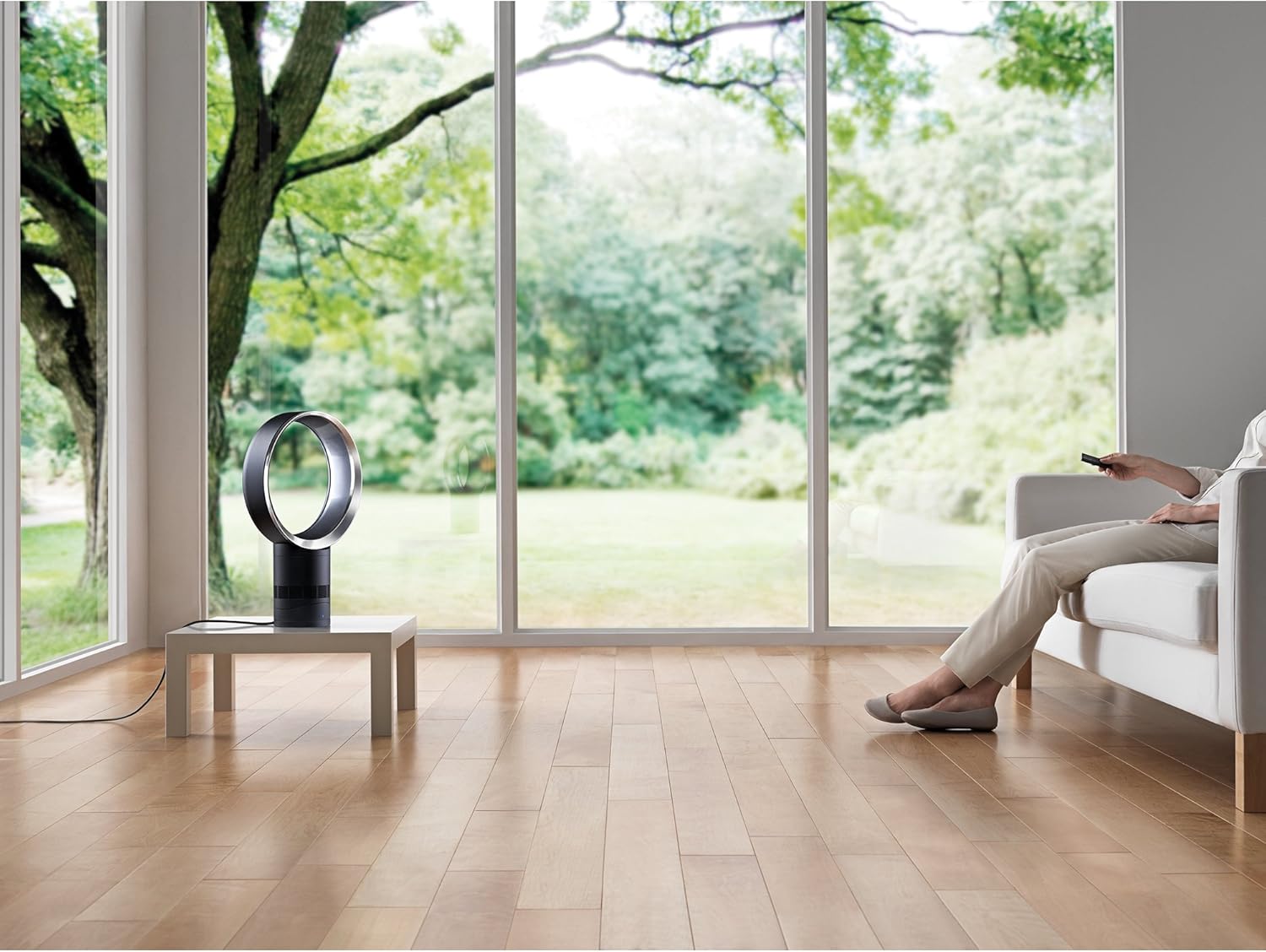
Figure 2: The bladeless design of the Dyson AM06 enhances safety, especially around children and pets.
3. What's in the Box
Upon unboxing your Dyson Air Multiplier AM06 Table Fan, you should find the following components:
- Dyson AM06 Table Fan Unit
- Remote Control (with 1 AAA battery included)

Figure 3: The compact remote control for the Dyson AM06 fan.
4. Setup
Setting up your Dyson AM06 fan is quick and straightforward:
- Unpack: Carefully remove all components from the packaging.
- Placement: Position the fan on a flat, stable surface in your desired location. Ensure there is adequate space around the fan for optimal airflow.
- Power Connection: Plug the power cord into a suitable electrical outlet (110 Volts).
- Remote Battery: The remote control comes with a pre-installed AAA battery. If needed, replace the battery by sliding open the battery compartment.

Figure 4: Proper placement of the Dyson AM06 fan for effective air circulation.
5. Operating Instructions
Your Dyson AM06 fan can be controlled using the included remote control or the soft-touch button on the base unit.
5.1. Power On/Off
- Press the Power button () on the remote or the soft-touch button on the base to turn the fan on or off.
5.2. Airflow Control
The fan offers 10 precise airflow settings:
- Use the Plus (+) and Minus (-) buttons on the remote to increase or decrease the airflow speed.
- The current setting will be displayed on the fan's digital screen.
Video 1: Demonstrates the precise airflow settings and oscillation feature of the Dyson AM06 fan, controlled via the remote.
5.3. Oscillation Control
To distribute airflow across a wider area:
- Press the Oscillation button () on the remote to activate or deactivate smooth oscillation.
5.4. Sleep Timer
The sleep timer allows you to program the fan to turn off automatically:
- Use the Sleep Timer button () on the remote to set the fan to turn off after pre-set intervals ranging from 15 minutes to 9 hours.

Figure 5: The sleep timer feature allows for comfortable use during rest periods.
5.5. Easy Tilt
The fan pivots on its own center of gravity, allowing you to easily direct the airflow where needed without clamping or additional adjustments.
6. Maintenance
Regular cleaning ensures optimal performance and longevity of your Dyson AM06 fan.
6.1. Cleaning
Due to its bladeless design, the Dyson AM06 is exceptionally easy to clean:
- Always unplug the fan from the power outlet before cleaning.
- Wipe the surfaces with a soft, damp cloth. Do not use detergents or polishes.
- Ensure the fan is completely dry before plugging it back in.
Video 2: Illustrates the ease of cleaning the bladeless Dyson AM06 fan.
6.2. Filter Replacement
While the AM06 is primarily a fan, some Dyson models incorporate air purification features with filters. If your specific AM06 model includes air purification, refer to the full user manual for detailed instructions on filter maintenance and replacement. Regular filter replacement is crucial for maintaining optimal air quality performance.
7. Troubleshooting
If you encounter issues with your Dyson AM06 fan, try the following common troubleshooting steps:
- No Power: Ensure the power cord is securely plugged into both the fan and the wall outlet. Check if the outlet is functional by plugging in another device.
- Remote Not Working: Check the battery in the remote control (1 AAA battery). Ensure there are no obstructions between the remote and the fan. The remote is magnetized to store neatly on the loop of the fan.
- Reduced Airflow: Ensure the air intake vents on the base are not obstructed by dust or debris. Clean the fan as per the maintenance instructions.
- Unusual Noise: Unplug the fan and check for any foreign objects that might be lodged in the air pathways.
For persistent issues or more complex problems, please refer to the official Dyson support resources or contact customer service.
8. Specifications
| Feature | Specification |
|---|---|
| Brand | Dyson |
| Model Name | Cool AM06 |
| Item Model Number | 49095-01 |
| Color | White/Silver (This specific variant) |
| Electric Fan Design | Table Fan |
| Product Dimensions | 5.8"D x 12"W x 19.7"H |
| Item Weight | 0.01 Ounces |
| Power Source | Corded Electric |
| Voltage | 110 Volts |
| Wattage | 5 watts |
| Air Flow Capacity | 437 L/sec |
| Number of Power Levels | 10 |
| Control Method | Remote |
| Included Components | Remote |
| Cable Length | 6.6 Feet |
| Indoor/Outdoor Usage | Indoor |
| Blade Material | Plastic |
9. Warranty and Support
Your Dyson Air Multiplier AM06 Table Fan is covered by a 2-year parts and labor warranty when purchased from an authorized reseller. Please retain your proof of purchase for warranty claims.
For further assistance, detailed product information, or to register your product, please visit the official Dyson website or refer to the comprehensive user manual available as a PDF:
10. Recycling and Disposal
To protect the environment, please dispose of this product responsibly at the end of its life cycle. Do not dispose of electrical appliances with household waste. Consult your local authority for information regarding recycling facilities and collection points for electronic waste.
Related documentsAM06


Ask a question about this manual
Ask about setup, troubleshooting, compatibility, parts, safety, or missing instructions. Manuals+ will review the question and use this page’s manual context to help answer it.