
1. Product Overview
The LiftMaster 387LM is a universal wireless keyless entry keypad designed to provide convenient access to your garage or gate without the need for a remote control or key. It operates using a 4-digit Personal Identification Number (PIN) and features a completely wireless design, eliminating the need for additional wiring. The keypad is backlit for visibility in low light conditions and includes a weatherproof, slide-up protective cover.
This keypad incorporates the Security+ system, which ensures that each signal sent to your garage door opener is secure. It is compatible with a wide range of garage door openers from various brands, including Chamberlain, LiftMaster, Sears Craftsman, Master Mechanic, Raynor, True Value, Access Master, and Do-It models. Compatibility extends to openers with green, orange, red, or purple learn buttons operating on 390MHz or 315MHz frequencies.

Image 1.1: The LiftMaster 387LM Universal Wireless Keyless Entry Keypad.
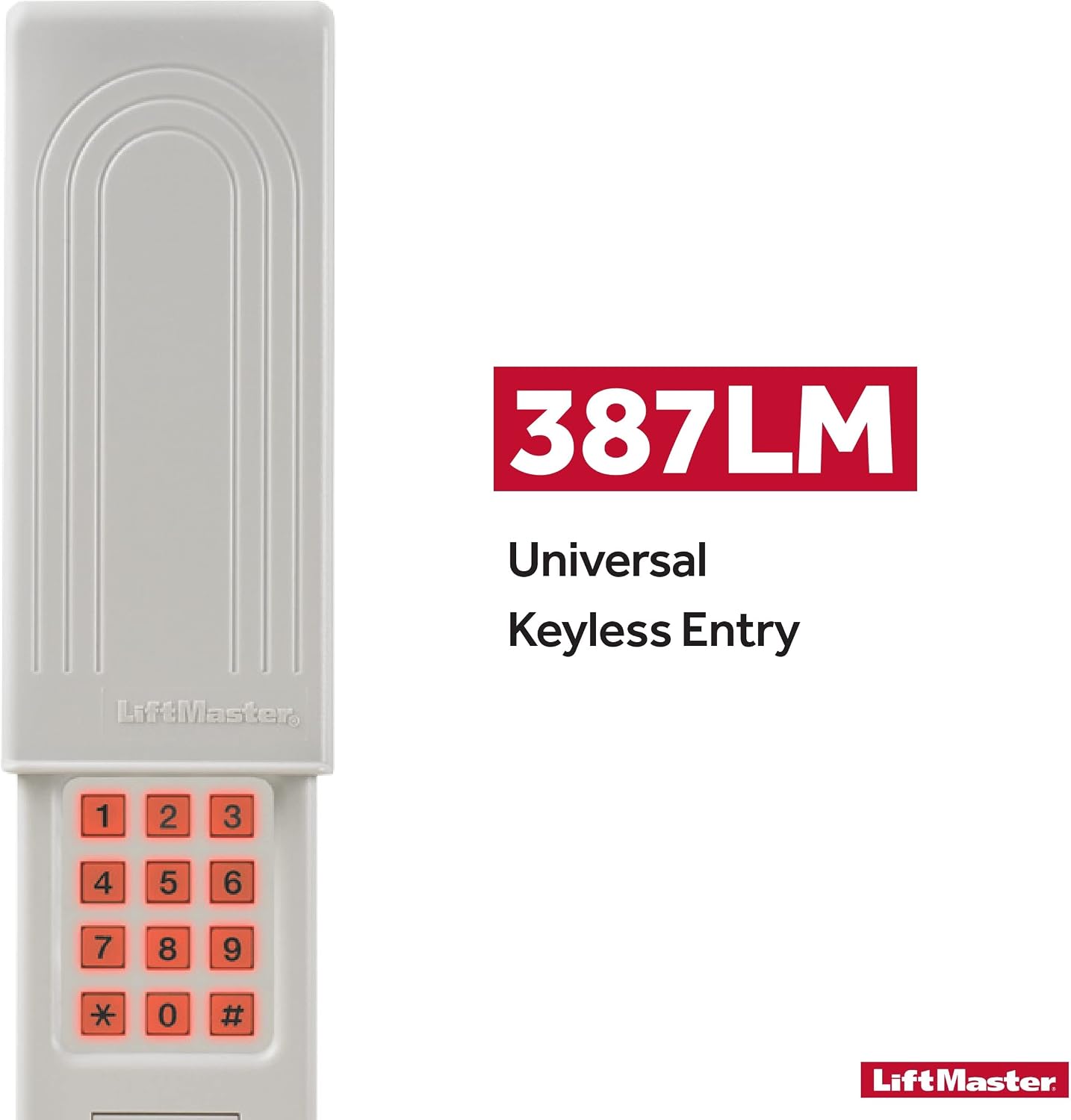
Image 1.2: Branding for the 387LM Universal Keyless Entry.

Image 1.3: The Security+ system ensures secure code transmission to your garage door opener.
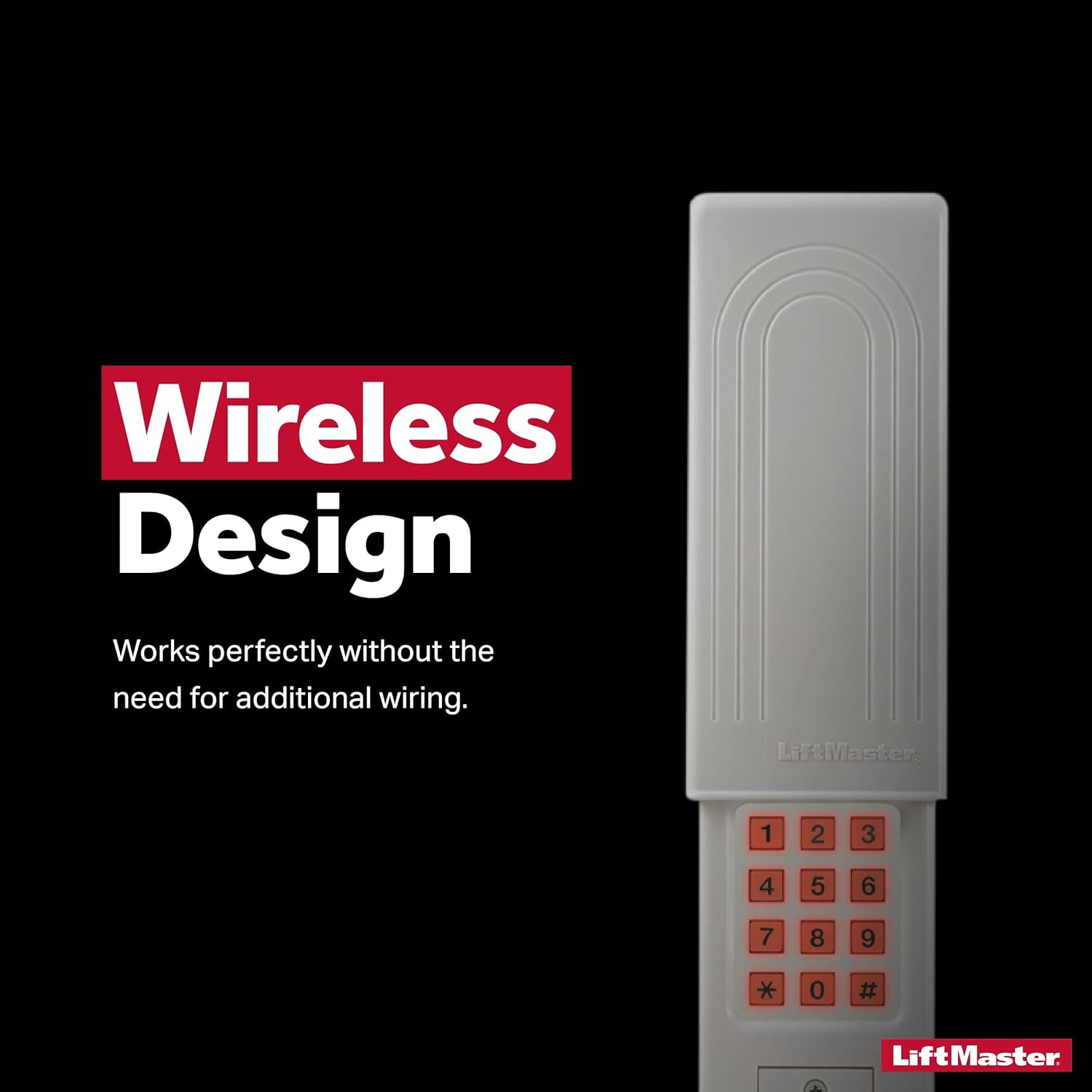
Image 1.4: The wireless design of the keypad eliminates the need for additional wiring.

Image 1.5: Keyless access provides entry without a traditional key or remote control.
2. Setup and Installation
2.1 Package Contents
- LiftMaster 387LM Universal Keyless Entry Keypad
- Mounting Screws (2)
- 9V Battery (pre-installed)
- Instruction Sheet
2.2 Mounting the Keypad
- Select a suitable location outside your garage door, within easy reach.
- Open the keypad cover and remove the battery cover to access the mounting holes.
- Use the keypad as a template to mark the positions for the two mounting screws.
- Drill two pilot holes at the marked locations.
- Secure the keypad to the surface using the provided screws. Ensure it is firmly attached.
- Replace the battery cover and close the keypad cover.
2.3 Programming the Keypad
The programming process varies depending on your garage door opener's brand and learn button color. Refer to the detailed instruction sheet included with your keypad for specific steps. Generally, the process involves:
- Identifying your garage door opener's learn button color (green, orange, red, or purple) and frequency (390MHz or 315MHz). This information may be on the opener unit itself or in its manual.
- Following the corresponding programming column or section in the LiftMaster 387LM instruction sheet.
- Entering a desired 4-digit PIN on the keypad.
- Pressing a specific sequence of buttons on the keypad, often followed by pressing the learn button on your garage door opener.
- The garage door opener's lights may flash to indicate successful programming.
Note: Some garage door openers, particularly older models or specific brands like Genie, may require careful attention to frequency (315MHz vs. 390MHz) during programming. If the first attempt fails, try the alternative frequency setting if applicable.
3. Operating Instructions
To operate your garage door or gate using the LiftMaster 387LM keypad:
- Slide up the protective cover to reveal the keypad.
- Enter your 4-digit PIN.
- Press the '0' button. The '0' button functions as the 'Enter' key on this model.
- The garage door or gate should activate.
Important: Unlike some keypads with a dedicated 'Enter' button, the LiftMaster 387LM uses the '0' button to finalize the PIN entry and send the command. Ensure all users are aware of this to prevent confusion.
4. Maintenance
4.1 Battery Replacement
The keypad is powered by a 9V battery. When the keypad's backlight dims or the unit becomes unresponsive, it is time to replace the battery.
- Slide up the protective cover.
- Locate and remove the battery compartment cover, typically on the lower back of the unit.
- Remove the old 9V battery.
- Insert a new 9V alkaline battery, ensuring correct polarity.
- Replace the battery compartment cover.
- Test the keypad's functionality. Replacing the battery quickly should retain the programming.
4.2 Protective Cover Care
The slide-up protective cover is designed for weather resistance. If the cover becomes stiff or difficult to slide, a small amount of silicone lubricant or WD-40 can be applied to the sliding mechanism to improve movement. Exercise caution when opening the cover, especially in cold weather, as brittle plastic may be more prone to cracking if excessive force is used or if opened at an incorrect angle.
5. Troubleshooting
- Keypad not responding: Check the battery. Replace with a fresh 9V alkaline battery if necessary.
- Garage door not opening after PIN entry:
- Ensure you are pressing the '0' button after entering your 4-digit PIN.
- Verify that the keypad is correctly programmed to your garage door opener. Refer to Section 2.3 for programming instructions.
- Confirm the compatibility of your garage door opener with the 387LM keypad, including the learn button color and frequency.
- If the keypad previously worked but stopped, try reprogramming it.
- Intermittent operation: This could indicate a low battery or interference. Replace the battery first. If the issue persists, ensure there are no new sources of radio frequency interference near the keypad or garage door opener.
- Difficulty sliding cover: Apply a small amount of silicone lubricant to the sliding tracks.
6. Specifications
- Manufacturer: LiftMaster
- Part Number: 387LM
- Item Weight: 2.4 ounces
- Product Dimensions: 8 x 4 x 0.05 inches
- Item Model Number: 387LM
- Batteries: 1 x 9V battery required (Alkaline)
- Power Source: Battery Powered
- Special Features: Backlit, Universal Compatibility
- Included Components: Universal 387LM Keyless Entry
- Max Number of Supported Devices: 1
- Compatible Devices: Garage Door Openers (Chamberlain, LiftMaster, Sears Craftsman, Master Mechanic, Raynor, True Value, Access Master, and Do-It models with green, orange, red, purple learn buttons on 390Mhz or 315Mhz frequency)
7. Warranty Information
The LiftMaster 387LM Universal Wireless Keyless Entry Keypad typically comes with a 1-Year Limited Warranty from the date of purchase. This warranty covers defects in materials and workmanship under normal use. For specific terms and conditions, please refer to the warranty documentation included with your product or visit the official LiftMaster website.

Image 7.1: The LiftMaster 387LM typically includes a 1-year warranty.
8. Support
For further assistance, technical support, or to obtain replacement parts, please refer to the contact information provided in your product packaging or visit the official LiftMaster website. Ensure you have your model number (387LM) and purchase date available when contacting support.


