1. Product Overview
This manual provides instructions for the v4ink compatible CE278A black toner cartridge. This product is designed to deliver consistent, high-quality prints for compatible HP LaserJet Pro printers.
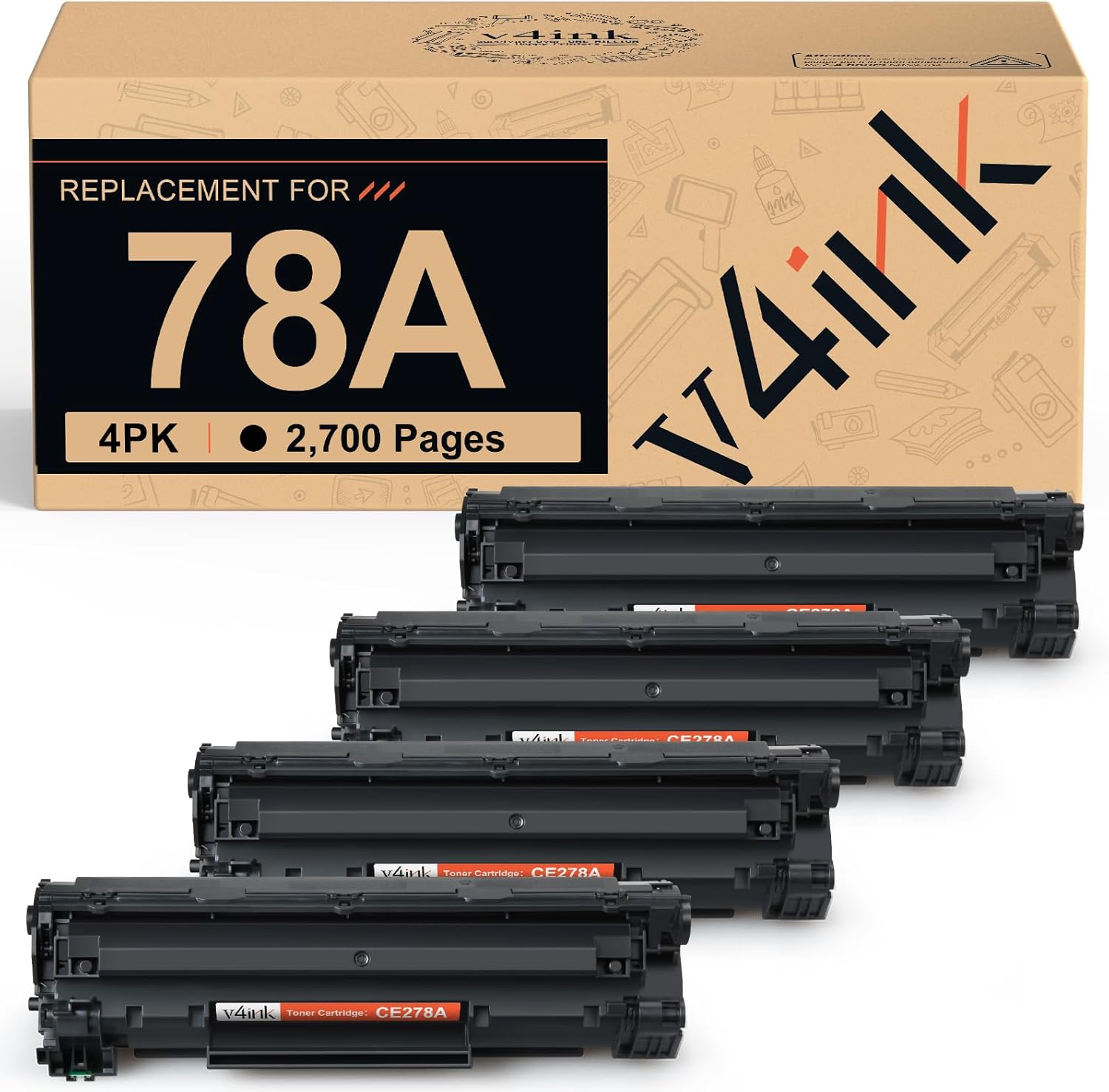
Image: v4ink CE278A Toner Cartridges (4-pack).
2. Printer Compatibility
The v4ink CE278A toner cartridge is compatible with the following HP LaserJet Pro printer models:
- HP LaserJet Pro M1536
- HP LaserJet Pro M1536dnF
- HP LaserJet Pro P1560
- HP LaserJet Pro P1566
- HP LaserJet Pro P1600
- HP LaserJet Pro P1606dn

Image: Compatible Printer List for v4ink CE278A Toner Cartridge.
3. Installation Instructions
Follow these steps to install the v4ink CE278A toner cartridge into your compatible HP LaserJet Pro printer:
- Step 1: Prepare the Cartridge
Gently shake the new toner cartridge 5 or 6 times horizontally to distribute the toner evenly inside. - Step 2: Remove Sealing Tape
Locate the sealing tape on the cartridge (usually orange or yellow) and entirely pull it out. Ensure no tape remains attached. - Step 3: Install into Printer
Open the toner access door on your printer. Carefully align the cartridge with the corresponding slot and push it firmly until it clicks into place. Close the toner access door.

Image: Easy Installation Steps for v4ink CE278A Toner Cartridge.
4. Operating Instructions
Once installed, the v4ink CE278A toner cartridge is ready for use. It is designed to provide reliable printing performance with sharp text, bold blacks, and crisp graphics.
Page Yield
Each v4ink CE278A toner cartridge is rated for approximately 2,100 pages based on 5% coverage (Letter/A4). Actual page yield may vary depending on the content of printed pages and other factors.
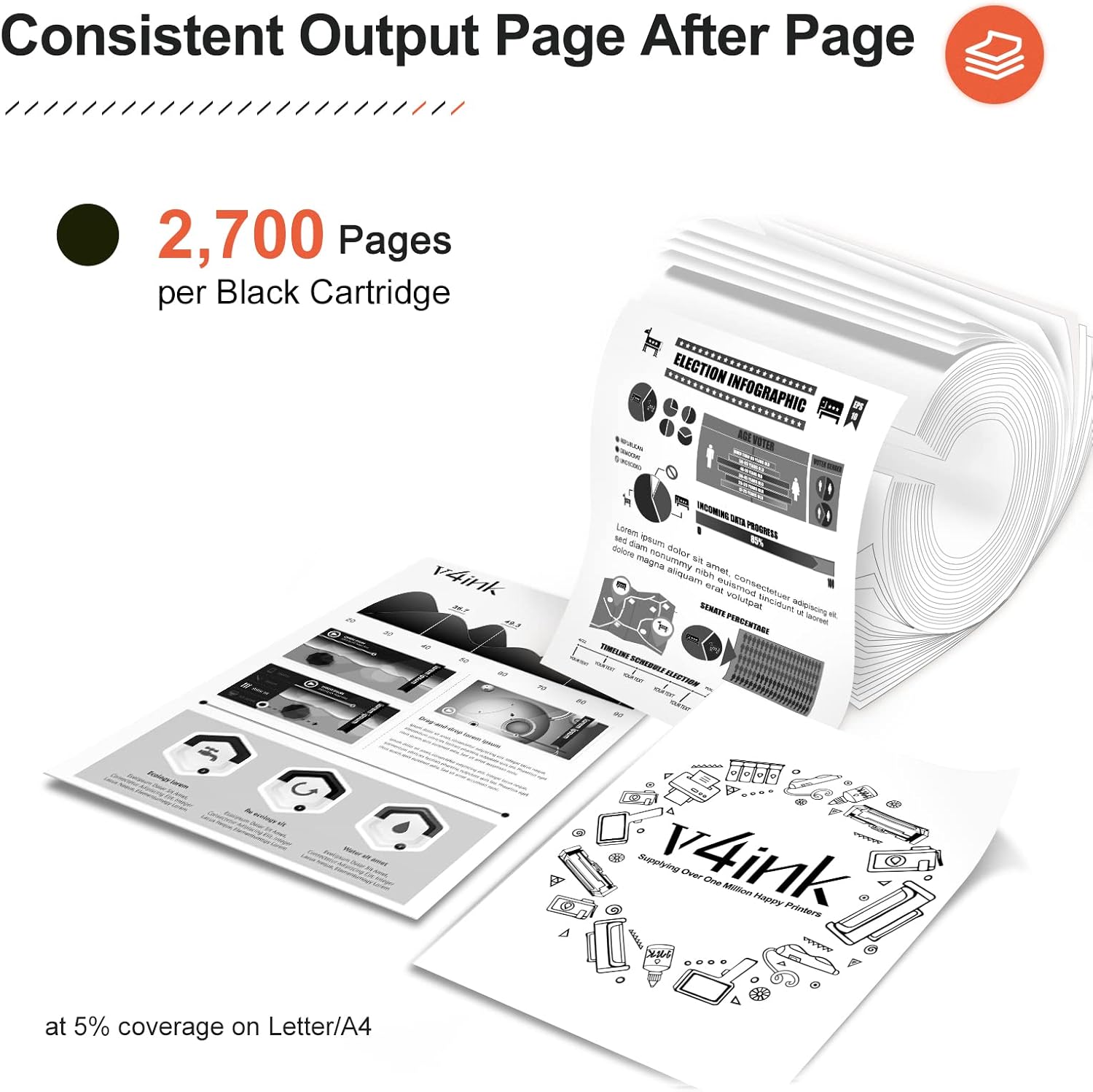
Image: Consistent Output Page After Page, illustrating page yield.
Print Quality
The cartridge is engineered to produce high-quality output suitable for everyday documents and professional reports. Expect clear, legible text and distinct images.

Image: Standout Quality for Everyday Prints, demonstrating print clarity.
5. Maintenance
Proper handling and storage can extend the life and performance of your toner cartridges:
- Storage: Store unused cartridges in their original, sealed packaging in a cool, dry place away from direct sunlight and extreme temperatures.
- Handling: Avoid touching the drum surface of the cartridge, as oils from your skin can affect print quality.
- Disposal: Dispose of empty toner cartridges responsibly according to local regulations. Many manufacturers and retailers offer recycling programs.
6. Troubleshooting
If you encounter issues with your v4ink CE278A toner cartridge, consider the following:
Cartridge Not Recognized
- Ensure the cartridge is fully seated in its slot. Remove and reinsert it firmly.
- Clean the metal contacts on the cartridge and inside the printer with a lint-free cloth.
- Restart your printer and computer.
- If your printer displays a non-genuine cartridge warning, you can usually bypass this and continue printing.
Print Quality Issues (e.g., streaks, blank areas, faded prints)
- Gently shake the toner cartridge again to redistribute the toner.
- Check if the sealing tape was completely removed during installation.
- Perform a printer cleaning cycle or print a test page through your printer's software settings.
- Ensure the paper type and quality settings in your printer driver match the paper being used.
- If the issue persists, the cartridge may be low on toner or defective. Replace with a new cartridge if necessary.
7. Specifications
| Feature | Detail |
|---|---|
| Product Type | Compatible Toner Cartridge |
| Model Number | CE278A (78A) |
| Color | Black |
| Page Yield | Approx. 2,100 pages (at 5% coverage) |
| Special Feature | High Page Yield |
| Item Weight | Approx. 4.6 pounds (for 4-pack) |
| Product Dimensions | Approx. 12.7 x 11.8 x 5.3 inches (packaging) |
8. Warranty and Support
For any questions, technical assistance, or warranty claims regarding your v4ink CE278A toner cartridges, please contact v4ink customer support. Refer to the product packaging or the v4ink official website for contact information.


