
1. Introduction
This manual provides essential information for the safe and effective use of your UpBright 5V AC/DC Adapter. This power supply is designed to provide reliable power to compatible OttLite LED Handheld Task Lights and similar devices requiring a 4.5V to 5.0V DC input.
The adapter features a global input voltage range of 100-240VAC, 50/60Hz, making it suitable for worldwide use. It incorporates Over Voltage Protection (OVP), Over Current Protection (OCP), and Short Circuit Protection (SCP) to ensure the safety of your devices.

Image 1.1: The UpBright 5V AC/DC Adapter, showing the main unit and attached power cord with the DC output plug.
2. Compatibility
This UpBright AC/DC Adapter is specifically designed for use with the following OttLite models and similar devices requiring 4.5V to 5.0V DC input:
- OttLite CDO-007
- OttLite 290089
- OttLite 4050
- OttLite 290G59
- OttLite ODO-007
- OttLite CDO007
- OttLite 290009 Portable Cordless LED Task Lamp
- OttLite 259WBC 30 LED Portable Task Light
- OttLite 29000C
Important Compatibility Note: This adapter is NOT compatible with OttLite versions requiring 6V, 9V, 12V, 13V, or 13.2V. Please verify your device's voltage requirements before connecting to avoid damage.
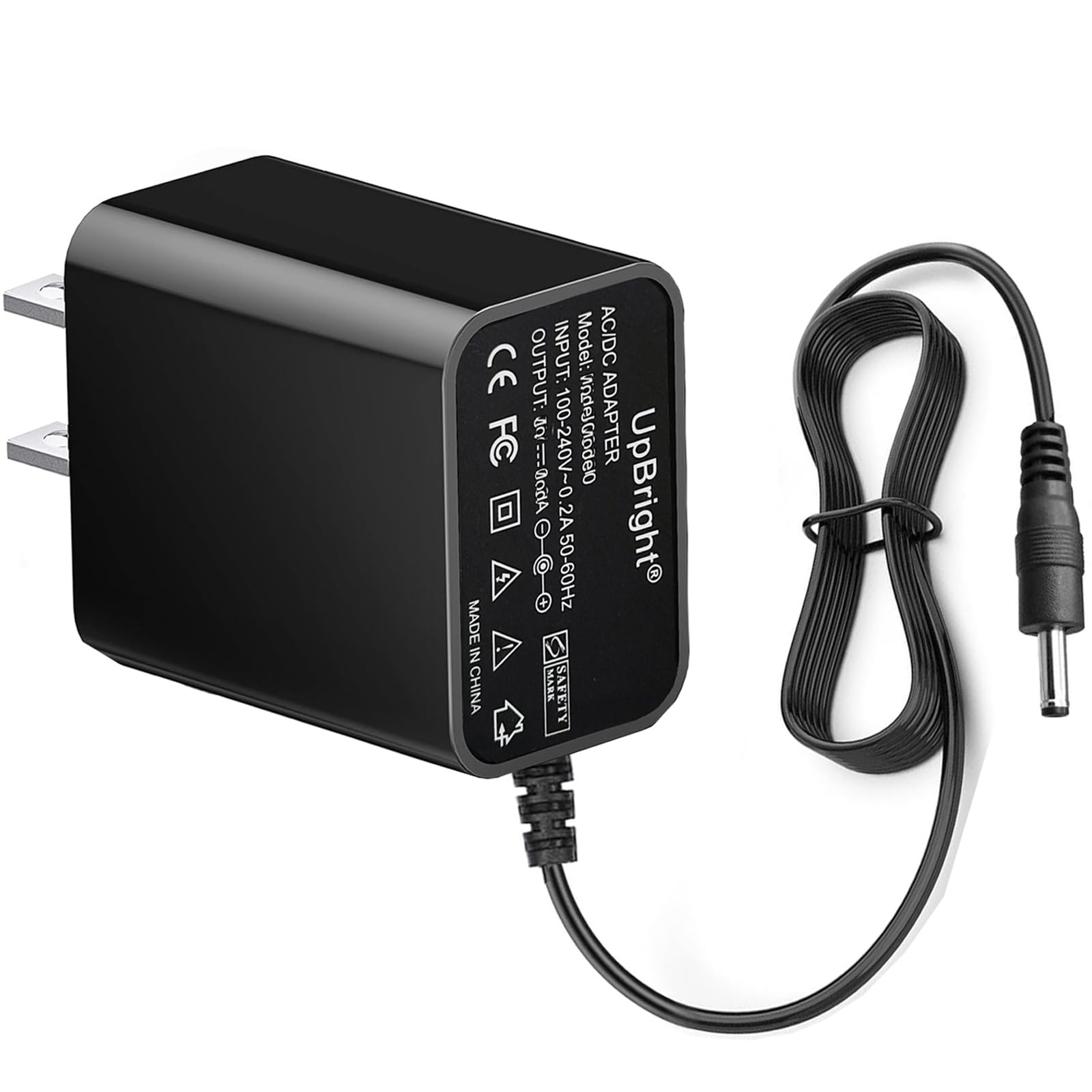
Image 2.1: This diagram illustrates the correct 'Small Tip' plug for compatibility (indicated by a green checkmark) and incorrect plug types (indicated by red crosses), specifically those 'Without Pin inside' and 'With Pin inside'. Ensure your device requires the 'Small Tip' plug for proper connection.
3. Setup
- Inspect the Adapter: Before use, visually inspect the adapter and its cable for any signs of damage. Do not use if damaged.
- Verify Device Compatibility: Confirm that your OttLite device requires a 4.5V to 5.0V DC input and has a compatible power input port (refer to Image 2.1 for plug tip compatibility).
- Connect to Device: Insert the DC output plug of the adapter firmly into the power input port of your OttLite device.
- Connect to Power Outlet: Plug the AC input prongs of the adapter into a standard 100-240VAC wall outlet.

Image 3.1: The UpBright 5V AC/DC Adapter, showing the standard US plug prongs ready for insertion into a wall outlet.
4. Operating Instructions
Once the adapter is correctly connected to your device and a power outlet, your OttLite device should receive power. Operate your device according to its own instruction manual. The adapter functions as a continuous power supply.
5. Safety Information
- The adapter is equipped with OVP (Over Voltage output Protection), OCP (Over Current output Protection), and SCP (Short Circuit output Protection) to protect your devices from electrical hazards.
- Do not expose the adapter to water, moisture, or extreme temperatures.
- Ensure adequate ventilation around the adapter during use.
- Caution: During prolonged use, the adapter and the connected device's plug may become warm. This is normal, but exercise caution to avoid direct contact if it feels excessively hot.
- Unplug the adapter from the wall outlet when not in use for extended periods.
6. Maintenance
The UpBright AC/DC Adapter requires minimal maintenance. Keep it clean and dry. Do not attempt to open or repair the adapter yourself, as this will void the warranty and could pose a safety risk. If the adapter is damaged, discontinue use and replace it.
7. Troubleshooting
- Device not powering on:
- Ensure the adapter is securely plugged into both the device and the wall outlet.
- Verify that the wall outlet is functional by testing it with another appliance.
- Confirm that your device is compatible with this 5V adapter (refer to Section 2).
- Check the adapter cable for any visible damage.
- Adapter feels excessively hot:
- Unplug the adapter immediately.
- Ensure there is adequate ventilation around the adapter and it is not covered.
- If the issue persists, discontinue use and contact support.
8. Specifications
| Feature | Specification |
|---|---|
| Input Voltage | 100-240VAC, 50/60Hz |
| Output Voltage | 5V DC (compatible with 4.5V - 5.0V DC devices) |
| Amperage | 1 Amp |
| Special Features | OVP, OCP, SCP Protection |
| Product Dimensions | 3 x 2 x 1 inches |
| Item Weight | 2.08 ounces |
| Included Components | 2 x AC Adapter |
9. Warranty and Support
Your UpBright AC/DC Adapter comes with a commitment to quality and customer satisfaction:
- 30-Day Refund: If you are not satisfied with your purchase, you may be eligible for a refund within 30 days.
- 24-Month Exchange: The product is covered by a 24-month exchange policy for manufacturing defects.
For warranty claims or technical support, please refer to the contact information provided with your purchase or visit the official UpBright website.
