
1. Introduction
The NOCO GC027 12V 2A Flex Regulator is an advanced micro-controller designed for efficient and safe charging of 12V lead-acid batteries using a solar panel. It is compatible with various 12V battery types, including Wet, Gel, MF, EFB, and AGM. This manual provides essential information for the proper setup, operation, and maintenance of your GC027 Flex Regulator.
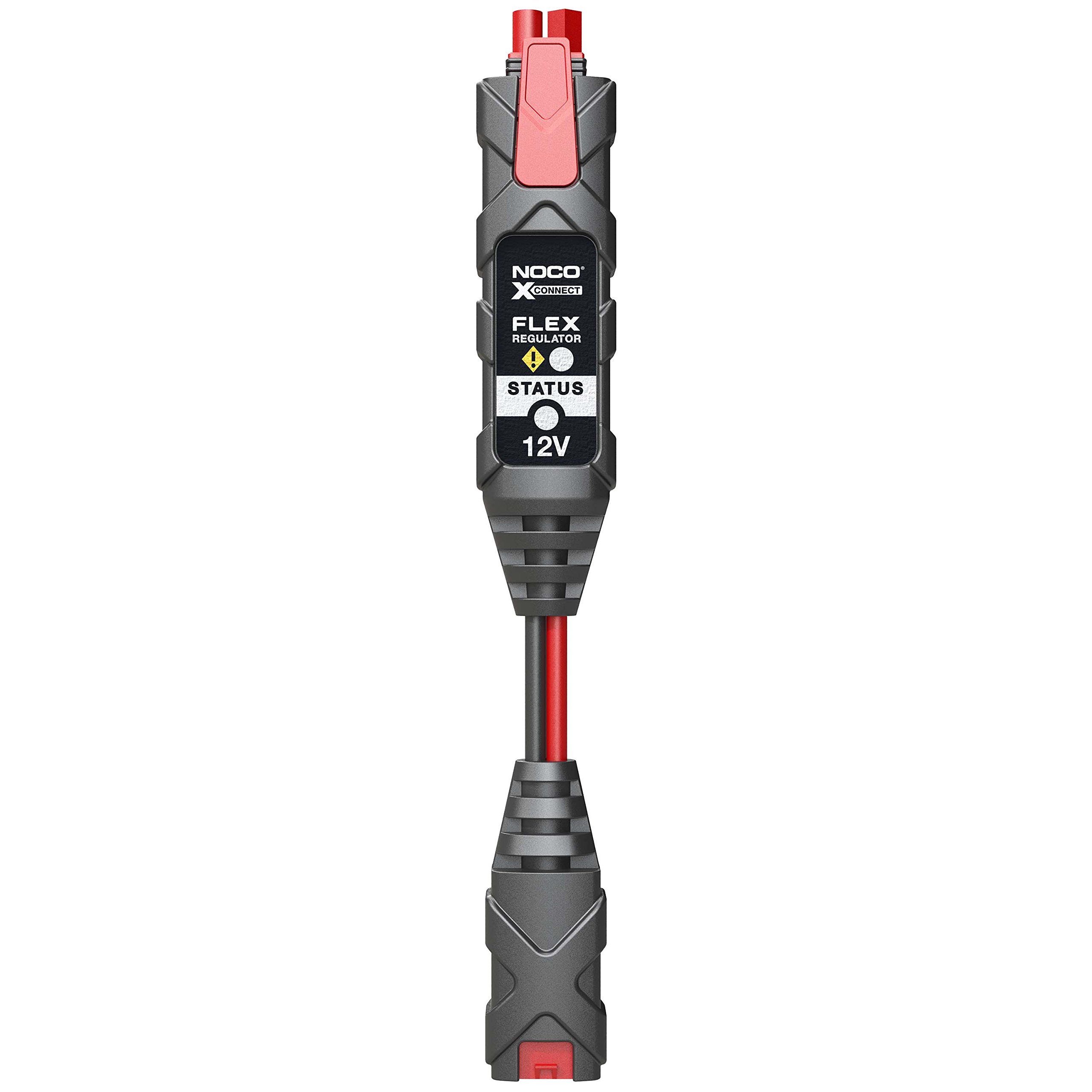
Figure 1: The NOCO GC027 12V 2A Flex Regulator, a compact device for solar battery charging.
2. Key Features
- Innovative Micro-controller: Optimized for charging 12V lead-acid batteries, including Wet, Gel, MF, EFB, and AGM types.
- Precision Charging: Incorporates a 12V Flex Regulator for optimal charging with a Recovery Mode to restore deeply discharged batteries.
- Enhanced Safety: Features reverse polarity protection, spark-proof connections, overcharge protection, over-current protection, and short-circuit protection.
- Power Indicator: An integrated LED indicates when the connected solar panel is actively generating power.
- Modular Design: Utilizes plug-n-play technology, ensuring compatibility with all NOCO Battery Life Solar Panels.
3. Safety Information
Read all safety information before using this product. Failure to follow these instructions may result in electrical shock, fire, or serious injury.
- Always ensure proper ventilation when charging batteries.
- Do not expose the regulator to rain, moisture, or extreme temperatures.
- Avoid connecting the regulator to damaged batteries.
- Ensure all connections are secure before operating.
- Do not attempt to disassemble or modify the regulator.
- Keep out of reach of children.
4. Setup Instructions
Follow these steps to properly set up your NOCO GC027 Flex Regulator:
- Connect to Solar Panel: Connect the input end of the GC027 Flex Regulator to your compatible NOCO Battery Life Solar Panel. Ensure the connection is firm and secure.
- Connect to Battery: Connect the output end of the GC027 Flex Regulator to your 12V lead-acid battery. The regulator uses NOCO's X-Connect system for easy and secure attachment.
- Verify Connection: Once connected, the LED indicator on the regulator will illuminate if the solar panel is generating sufficient power.
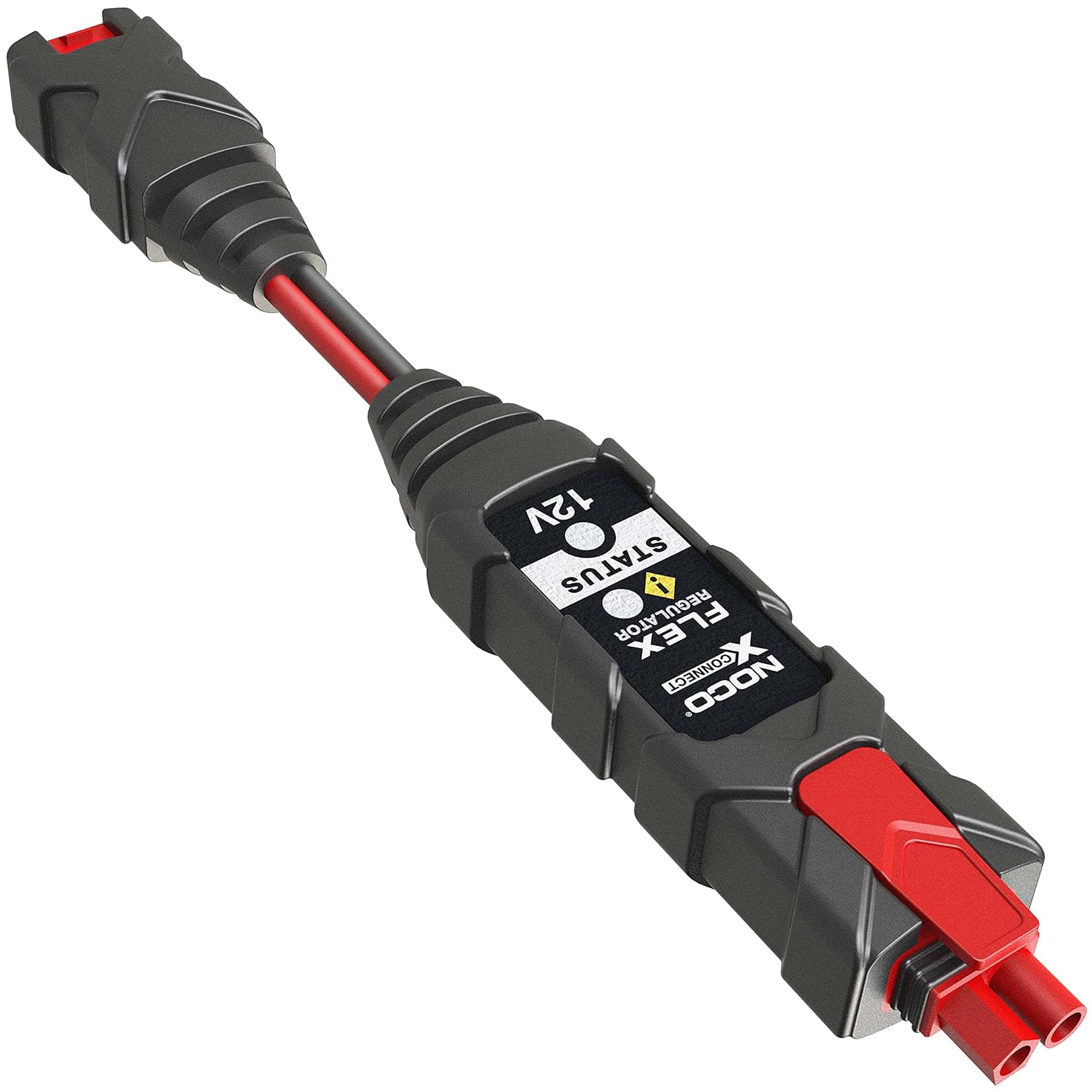
Figure 2: The NOCO GC027 Flex Regulator showing its input and output connectors for solar panel and battery.
For optimal performance, ensure your solar panel is positioned to receive maximum sunlight.
5. Operating Instructions
The NOCO GC027 Flex Regulator operates automatically once connected. It continuously monitors the battery's state and the solar panel's output to provide optimal charging.
- Power Indicator LED: The LED on the regulator indicates the status of solar power generation. A lit LED signifies that the solar panel is producing power and the regulator is active.
- Charging Process: The micro-controller intelligently manages the charging process, preventing overcharge and ensuring the battery receives the correct voltage and current. It includes a Recovery Mode for deeply discharged batteries.
- Safety Features: The built-in safety features (reverse polarity, spark-proof, overcharge, over-current, short-circuit protection) ensure safe operation under various conditions.

Figure 3: Close-up view of the NOCO GC027 Flex Regulator's status indicator LED.
6. Maintenance
The NOCO GC027 Flex Regulator requires minimal maintenance to ensure long-term performance.
- Cleaning: Periodically wipe the regulator with a dry, soft cloth to remove dust and debris. Do not use harsh chemicals or abrasive cleaners.
- Connection Inspection: Regularly check all connections to ensure they are clean, secure, and free from corrosion.
- Storage: When not in use, store the regulator in a cool, dry place away from direct sunlight and moisture.
7. Troubleshooting
If you encounter issues with your NOCO GC027 Flex Regulator, refer to the following common troubleshooting steps:
- LED Indicator Not Lit:
- Ensure the solar panel is receiving adequate sunlight.
- Check all connections between the solar panel, regulator, and battery for proper seating and integrity.
- Verify the solar panel is functioning correctly.
- Battery Not Charging:
- Confirm the LED indicator on the regulator is lit, indicating solar power input.
- Check the battery's condition. Severely damaged or deeply discharged batteries may require a longer recovery period or may not be recoverable.
- Ensure the battery voltage is within the 12V operating range for the regulator.
- Concern about Overcharging:
- The GC027 is designed with advanced micro-controller technology and includes overcharge protection to prevent damage to your battery. It intelligently regulates voltage and current.
- If you have concerns about battery voltage, use a multimeter to verify the battery's voltage after a full charge cycle. If readings consistently exceed safe levels for your battery type, contact NOCO support.
If problems persist after following these steps, contact NOCO customer support for further assistance.
8. Specifications
| Brand | NOCO |
| Model Number | GC027 |
| Voltage | 12 Volts |
| Product Dimensions (LxWxH) | 8.2 x 13 x 4 cm |
| Item Weight | 90.7 g |
| Manufacturer Part Number | GC027 |
9. Warranty and Support
For warranty information and customer support, please refer to the official NOCO website or contact their customer service directly. Keep your purchase receipt as proof of purchase for any warranty claims.
NOCO Official Website: https://no.co/


