1. Introduction
The KitSound Mini Buddy is a compact, portable speaker designed to enhance your audio experience from various devices. It features a 3.5mm audio jack for universal compatibility and a built-in rechargeable battery for on-the-go use. Its unique design makes it a fun and functional accessory.
This manual provides essential information on how to set up, operate, maintain, and troubleshoot your Mini Buddy speaker.
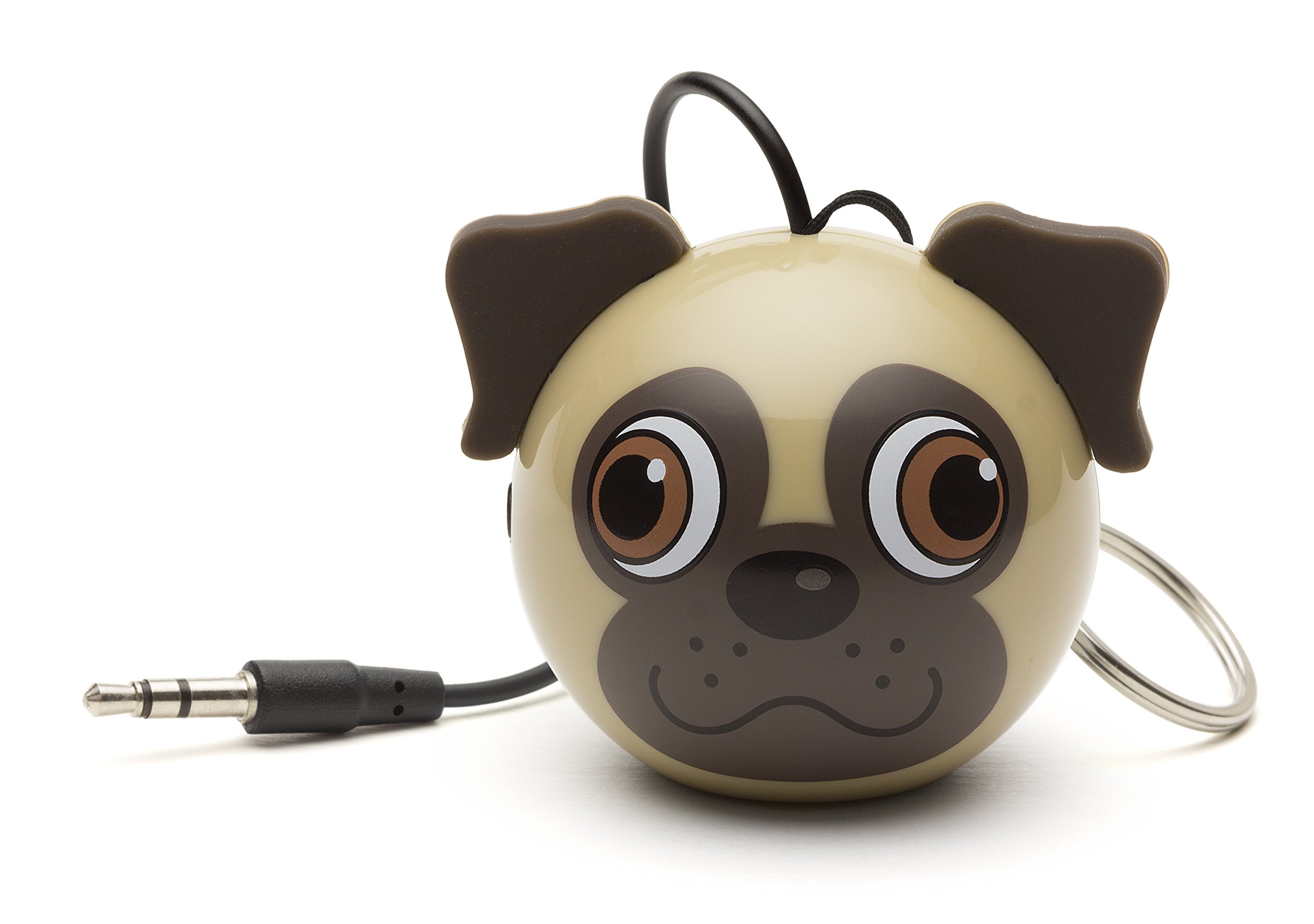
Image 1.1: The KitSound Mini Buddy Pug speaker connected to a smartphone via its 3.5mm audio jack.
2. Setup
2.1 Unboxing
Carefully remove the KitSound Mini Buddy speaker and its accessories from the packaging. Ensure all components are present:
- KitSound Mini Buddy Speaker
- USB Charging Cable
- Instruction Manual (this document)
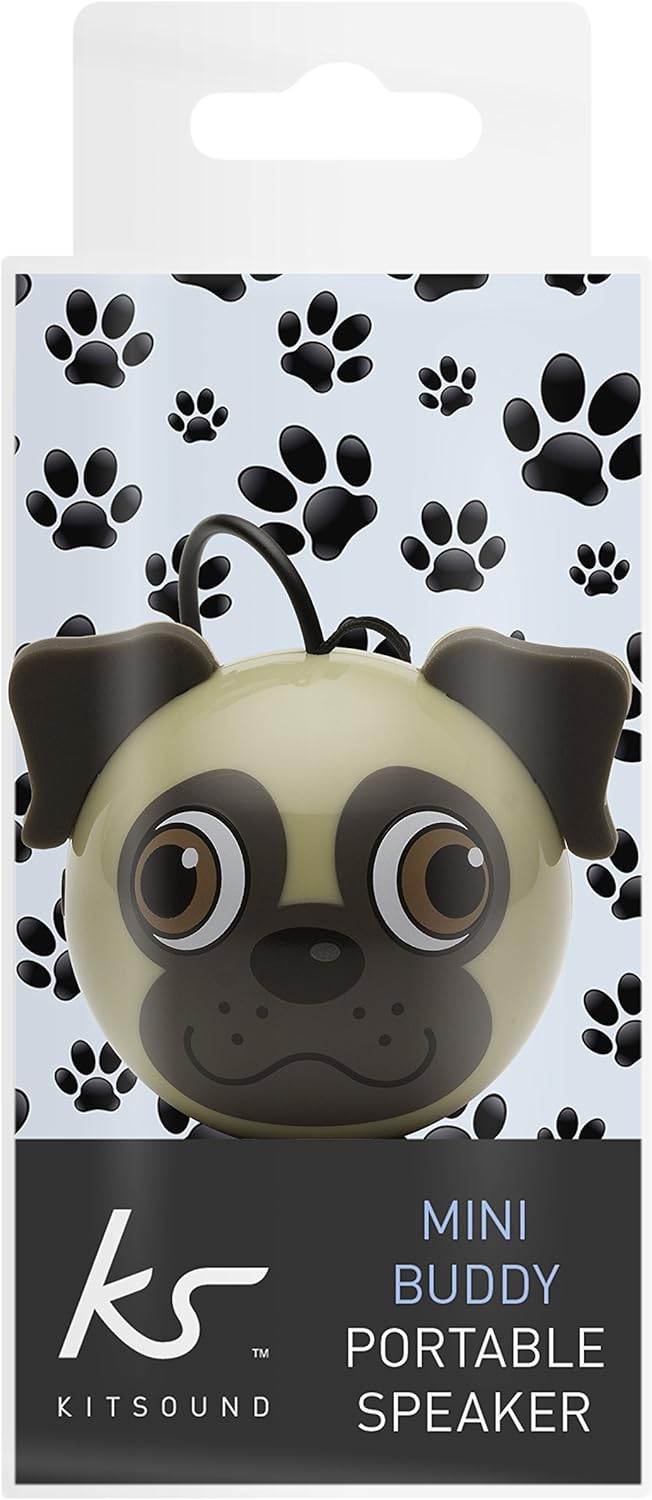
Image 2.1: The KitSound Mini Buddy Pug speaker shown in its retail packaging.
2.2 Initial Charging
Before first use, fully charge the speaker's built-in Li-ion battery.
- Locate the charging port on the speaker (usually at the bottom or side).
- Connect the supplied USB charging cable to the speaker's charging port.
- Connect the other end of the USB cable to a powered USB port on a computer, laptop, USB mains charger, or USB car charger.
- The charging indicator light (if present) will illuminate during charging.
- Allow the speaker to charge until the indicator light changes or turns off, signifying a full charge.
Note: The product description mentions that the charging indicator light does not change color or turn off when charging is complete. Monitor charging time based on typical small device charging durations (e.g., 1-2 hours for a full charge).
3. Operating Instructions
3.1 Powering On/Off
- To power on the speaker, locate the power switch (usually at the bottom) and slide it to the "ON" position.
- To power off the speaker, slide the power switch to the "OFF" position.
3.2 Connecting to an Audio Device
The KitSound Mini Buddy connects to your audio device using a standard 3.5mm audio jack.
- Ensure the Mini Buddy speaker is powered on.
- Plug the integrated 3.5mm audio cable from the speaker into the headphone jack of your smartphone, tablet, MP3 player, or other compatible audio device.
- Begin playing audio on your device. Sound should now be routed through the Mini Buddy speaker.

Image 3.1: The KitSound Mini Buddy Pug speaker showing its integrated 3.5mm audio jack ready for connection.
3.3 Volume Control
The KitSound Mini Buddy speaker does not have its own volume controls. Adjust the playback volume directly on your connected audio device (smartphone, tablet, MP3 player, etc.).
3.4 Connecting Multiple Mini Buddies (Buddy Jack Feature)
For increased volume and a more expansive sound, you can connect two or more KitSound Mini Buddy speakers together.
- Connect the first Mini Buddy speaker to your audio device as described in Section 3.2.
- Take a second Mini Buddy speaker and plug its 3.5mm audio jack into the headphone output of the first Mini Buddy speaker (if available, or into a splitter connected to the first speaker's output).
- Repeat for additional speakers if desired.

Image 3.2: Two KitSound Mini Buddy Pug speakers demonstrating the "Buddy Jack" feature for connecting multiple units.
4. Maintenance
4.1 Cleaning
- Ensure the speaker is powered off and disconnected from any power source or audio device before cleaning.
- Wipe the exterior of the speaker with a soft, dry, lint-free cloth.
- Do not use abrasive cleaners, solvents, or strong chemicals, as these may damage the finish or internal components.
- Avoid getting moisture into the speaker grille or ports.
4.2 Battery Care
- To prolong battery life, avoid fully discharging the battery frequently.
- If storing the speaker for an extended period, charge it to approximately 50% every few months.
- Do not expose the speaker to extreme temperatures (hot or cold), as this can affect battery performance and lifespan.
4.3 Storage
Store the speaker in a cool, dry place away from direct sunlight and excessive dust.
5. Troubleshooting
| Problem | Possible Cause | Solution |
|---|---|---|
| No sound from speaker |
|
|
| Low volume |
|
|
| Speaker not charging |
|
|
| Speaker stopped working after a short period |
|
|
6. Specifications
| Model Number | KSNMBPUG |
| Brand | KitSound |
| Connectivity Technology | Auxiliary (3.5mm Jack) |
| Power Source | Battery Powered (1 Lithium Ion battery included) |
| Output Power | 2 W RMS @ 4 ohms |
| Frequency Response | 100 Hz - 20 kHz |
| Driver Size | 36 mm |
| Signal-to-Noise Ratio (S/N) | 85 dB |
| Cable Length (integrated) | 8.5 cm |
| Product Dimensions (L x W x H) | 2.17 x 2.17 x 3.94 inches |
| Item Weight | 2.91 ounces |
| Compatible Devices | Smartphones, Tablets, MP3 Devices |
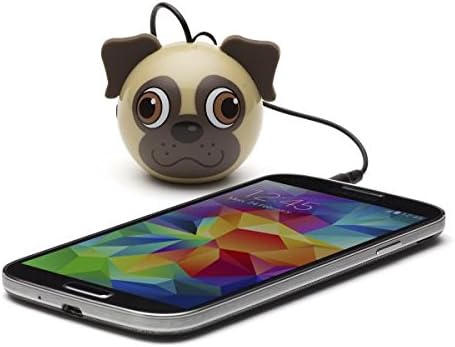
Image 6.1: Rear view of the KitSound Mini Buddy Pug speaker, highlighting the speaker grille.
7. Warranty and Support
7.1 Warranty Information
Specific warranty details for your KitSound Mini Buddy speaker may vary by region and retailer. Please refer to the warranty card included with your product or contact your point of purchase for detailed information regarding warranty coverage and terms.
7.2 Customer Support
If you encounter any issues not covered in the troubleshooting section or require further assistance, please contact KitSound customer support. Contact information can typically be found on the product packaging or the official KitSound website.