1. Introduction
This manual provides instructions for the Damson Audio Jet Portable Wireless Bluetooth Stereo Speaker Pair. The Damson Jet speakers are designed to deliver a true wireless stereo audio experience, utilizing Bluetooth 4.0 and Incisor Diffusion Technology for enhanced sound. This guide covers setup, operation, maintenance, and troubleshooting to ensure optimal performance of your speakers.
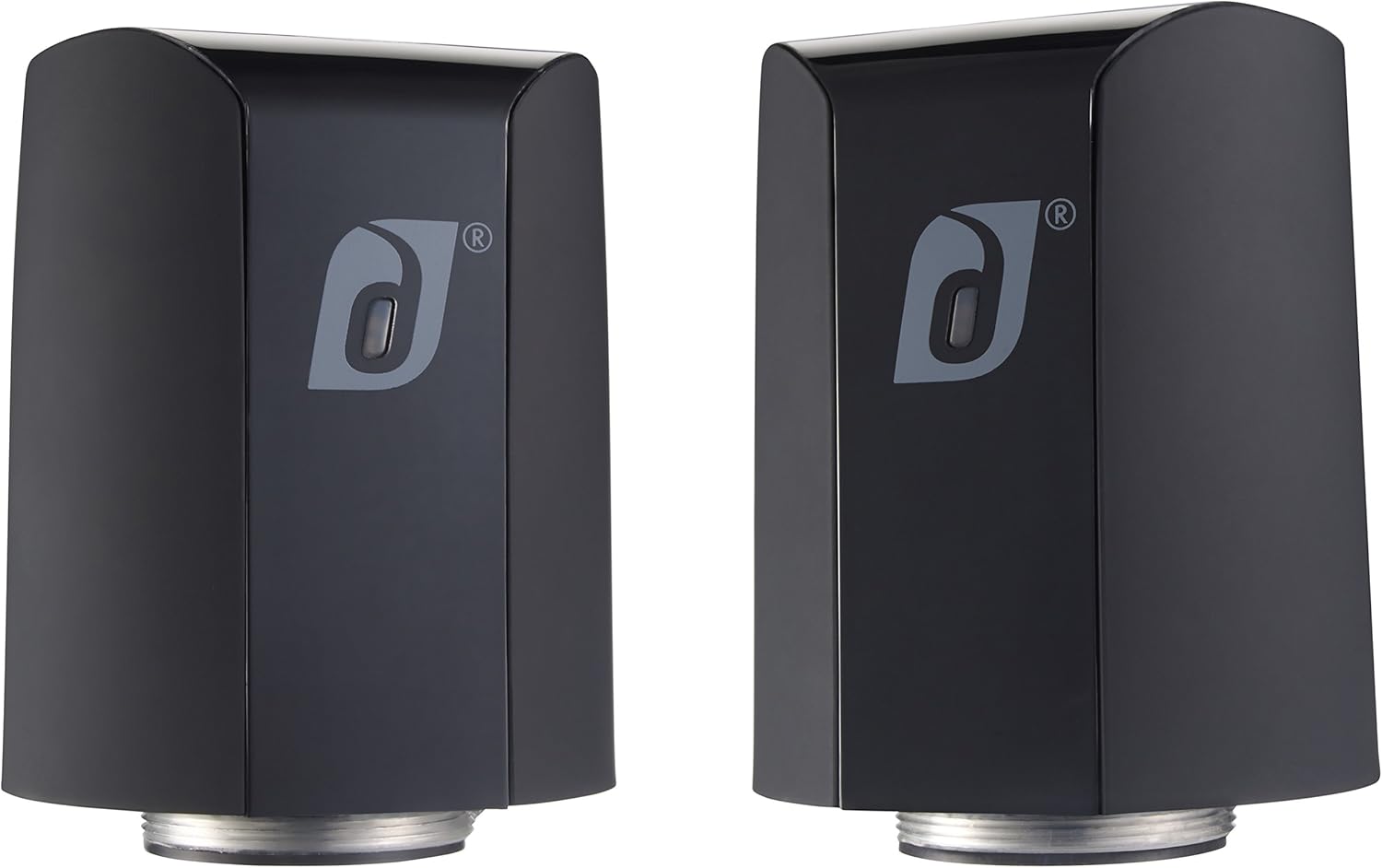
Image 1.1: Damson Audio Jet Speaker Pair
2. Package Contents
Verify that all items are present in your package:
- Damson Audio Jet Speaker (x2)
- Charging Cable (USB to Micro-USB)
- User Manual
3. Product Overview
Familiarize yourself with the components and controls of your Damson Jet speaker.

Image 3.1: Front View of a Single Damson Jet Speaker
3.1 Controls and Indicators

Image 3.2: Top Control Panel
- Power Button: Press and hold to power on/off.
- Volume Up/Next Track: Press to increase volume, hold for next track.
- Volume Down/Previous Track: Press to decrease volume, hold for previous track.
- Play/Pause/Call Button: Press to play/pause music, answer/end calls.
- LED Indicator: Displays power and pairing status.
- Microphone: For hands-free calling.
3.2 Incisor Diffusion Technology
The Damson Jet speakers utilize Incisor Diffusion Technology. This technology amplifies sound by transferring vibrations to the surface on which the speaker is placed. The tactile silicon feet on the base of the speaker facilitate this transfer, allowing the surface to act as a resonance chamber, enhancing the audio output.

Image 3.3: Speaker Base with Incisor Diffusion Feet
4. Setup
4.1 Charging the Speakers
- Connect the charging cable to the charging port on each speaker.
- Connect the other end of the charging cable to a USB power adapter (not included) or a powered USB port.
- The LED indicator will show charging status. A full charge takes approximately 8 hours.
- Once fully charged, disconnect the speakers from the power source.
4.2 Powering On/Off
- To Power On: Press and hold the Power button on each speaker until the LED indicator illuminates.
- To Power Off: Press and hold the Power button on each speaker until the LED indicator turns off.
4.3 Bluetooth Pairing (Single Speaker)
- Ensure the speaker is powered on and in pairing mode (LED indicator will flash).
- On your device (smartphone, tablet, laptop), enable Bluetooth and search for available devices.
- Select "Damson Jet" from the list of devices.
- Once connected, the LED indicator will stop flashing and remain solid.
4.4 True Wireless Stereo (TWS) Pairing (Two Speakers)
To experience true stereo sound, pair both Damson Jet speakers together.
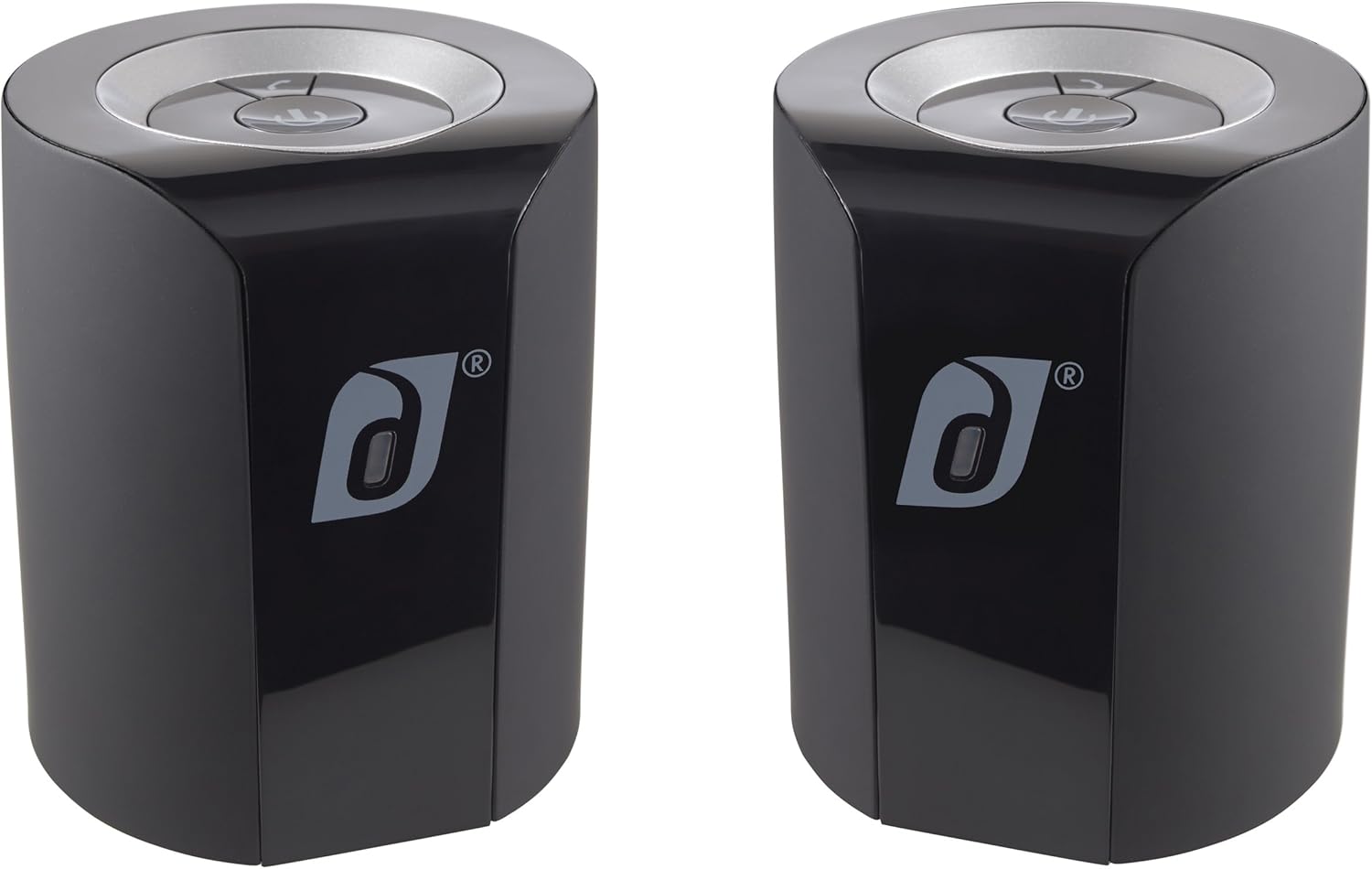
Image 4.1: Damson Jet Speakers in Stereo Configuration
- Power on both Damson Jet speakers. Do not connect them to your device yet.
- Place the two speakers within close proximity (e.g., 1 meter / 3 feet).
- On one speaker, double-press the Power button. It will enter TWS pairing mode.
- The speakers will automatically search for and connect to each other. You will hear an audible confirmation when they are paired. One speaker will become the master (left channel) and the other the slave (right channel).
- Once TWS paired, connect your device to the master speaker via Bluetooth as described in section 4.3. The master speaker will appear as "Damson Jet" on your device.
- The two speakers can be placed up to 9.14 meters (30 feet) apart for optimal stereo separation.
4.5 NFC Pairing (Near Field Communication)
For devices supporting NFC, you can pair quickly:
- Ensure NFC is enabled on your device and the Damson Jet speaker is powered on.
- Tap your NFC-enabled device gently against the NFC area on the speaker (usually indicated by an NFC logo).
- Confirm the pairing on your device if prompted.
5. Operating Instructions
5.1 Playing Audio
- Once connected via Bluetooth, start playing audio from your paired device.
- Use the volume buttons on the speaker or your device to adjust the volume.
- Press the Play/Pause button to pause or resume playback.
- Hold the Volume Up button for the next track, and the Volume Down button for the previous track.
5.2 Hands-Free Calling
When connected to a smartphone, the Damson Jet speakers can be used for hands-free calls.
- Answer Call: Press the Play/Pause/Call button once.
- End Call: Press the Play/Pause/Call button once during a call.
- Reject Call: Press and hold the Play/Pause/Call button.
- Redial Last Number: Double-press the Play/Pause/Call button.
5.3 Optimizing Sound with Incisor Diffusion Technology
The sound quality of your Damson Jet speakers can be significantly influenced by the surface they are placed on. Experiment with different surfaces to find the best acoustic performance:
- Hollow Surfaces: Surfaces like wooden tables, cardboard boxes, or hollow doors often provide a richer, more resonant sound.
- Solid Surfaces: Concrete or stone surfaces may produce a more direct, less resonant sound.
- Material Type: Different materials (wood, metal, glass) will affect the sound differently. Experiment to find your preferred sound profile.
- Surface Size: Generally, larger surfaces can produce a bigger sound.
5.4 Connecting Multiple Jet Speakers (Beyond Stereo Pair)
The Damson Jet speakers are designed for true wireless stereo pairing of two units. While the product description mentions "Connect multiple Jet speakers together and spread the sound all over! Wirelessly", this typically refers to connecting multiple pairs or individual speakers to separate devices, or a specific feature not detailed in the provided specifications. For true stereo, only two speakers can be paired together as a single system.
6. Maintenance
6.1 Cleaning
- Wipe the speakers with a soft, dry, lint-free cloth.
- Do not use abrasive cleaners, solvents, or chemical sprays.
- Avoid getting moisture into any openings.
6.2 Storage
- Store the speakers in a cool, dry place away from direct sunlight and extreme temperatures.
- If storing for an extended period, charge the battery periodically (e.g., every 3-6 months) to maintain battery health.
6.3 Battery Care
- The speakers contain a built-in rechargeable Lithium-Ion battery.
- Do not attempt to replace the battery yourself. Contact customer support for battery-related issues.
- Avoid fully discharging the battery frequently, as this can reduce its lifespan.
7. Troubleshooting
| Problem | Possible Cause | Solution |
|---|---|---|
| Speakers do not power on. | Low battery. | Charge the speakers for at least 8 hours. |
| Cannot pair via Bluetooth. | Speaker not in pairing mode; Bluetooth disabled on device; device too far. | Ensure speaker LED is flashing; enable Bluetooth on your device; move device closer to speaker (within 10 meters/30 feet). Try restarting both speaker and device. |
| No sound or low volume. | Volume too low on speaker or device; incorrect audio output selected on device. | Increase volume on both speaker and device. Check device's audio output settings. |
| Distorted sound. | Volume too high; poor Bluetooth connection; speaker placed on unsuitable surface. | Reduce volume. Ensure device is within range. Experiment with different placement surfaces. |
| True Wireless Stereo (TWS) pairing fails. | Speakers not in TWS pairing mode; speakers too far apart during initial pairing. | Ensure both speakers are powered on and not connected to any device. Double-press power button on one speaker to initiate TWS pairing. Keep speakers close during initial TWS pairing. |
| NFC pairing not working. | NFC disabled on device; incorrect tapping area. | Ensure NFC is enabled on your device. Tap the device directly over the NFC logo on the speaker. |
8. Specifications
| Feature | Detail |
|---|---|
| Model Number | DAIDT05BK |
| Speaker Type | Portable Bluetooth Stereo Speaker |
| Connectivity Technology | Bluetooth 4.0, NFC |
| Bluetooth Range | Up to 9.14 meters (30 feet) |
| Audio Output Mode | Stereo (with TWS pairing) |
| Speaker Maximum Output Power | 20 Watts per speaker |
| Audio Driver Type | Dynamic Driver, Incisor Diffusion Technology |
| Built-in Microphone | Yes (for hands-free calls) |
| Compatible Devices | Smartphone, Tablet, Laptop |
| Power Source | AC (via USB charging cable) |
| Battery Type | Lithium Ion (included) |
| Battery Life | Up to 8 hours |
| Charging Time | Approximately 8 hours |
| Product Dimensions (each speaker) | 2.5"D x 2.5"W x 4"H (6.35 cm D x 6.35 cm W x 10.16 cm H) |
| Item Weight (each speaker) | 1.1 Pounds (approx. 0.5 kg) |
| Color | Black |
| Is Waterproof | No |
9. Warranty Information
The Damson Audio Jet Portable Wireless Bluetooth Stereo Speaker Pair comes with a limited warranty. For specific details regarding warranty coverage, duration, and terms, please refer to the warranty card included in your product packaging or visit the official Damson website. Keep your proof of purchase for warranty claims.
10. Customer Support
If you encounter any issues not covered in this manual or require further assistance, please contact Damson customer support.
- Online Support: Visit the official Damson website for FAQs, support resources, and contact information.
- Brand Store: You can also visit the Damson Store on Amazon for product information and potential support links.


