
Introduction
The Logitech Multimedia Speakers Z150 provide clear stereo sound for various audio devices. Designed for simplicity and compact placement, these speakers offer convenient controls and dual audio input options, making them suitable for use with computers, smartphones, tablets, and MP3 players.

Image: Front view of the Logitech Z150 Multimedia Speakers, showcasing their compact design.
Package Contents
Verify that all items are present in the package:
- Two (2) Logitech Z150 Speakers
- One (1) Power Supply
- User Documentation

Image: Retail packaging for the Logitech Z150 Multimedia Speakers, indicating contents and features.
Setup
- Positioning the Speakers: Place the two speakers on a stable, flat surface, such as a desk or shelf. Ensure they are positioned to provide optimal sound distribution for your listening area.
- Connecting the Power Supply:
- Connect the power adapter cable to the power input port on the back of the right speaker.
- Plug the power adapter into a standard electrical outlet.
- Connecting Audio Devices:
- Primary Audio Input (3.5mm): Connect your primary audio source (e.g., computer, laptop, smartphone) to the 3.5mm audio input jack located on the back of the right speaker using a 3.5mm audio cable (not included).
- Auxiliary Input (3.5mm): For a second audio device, connect it to the auxiliary 3.5mm input jack located on the front of the right speaker. This allows for simultaneous connection of two devices.
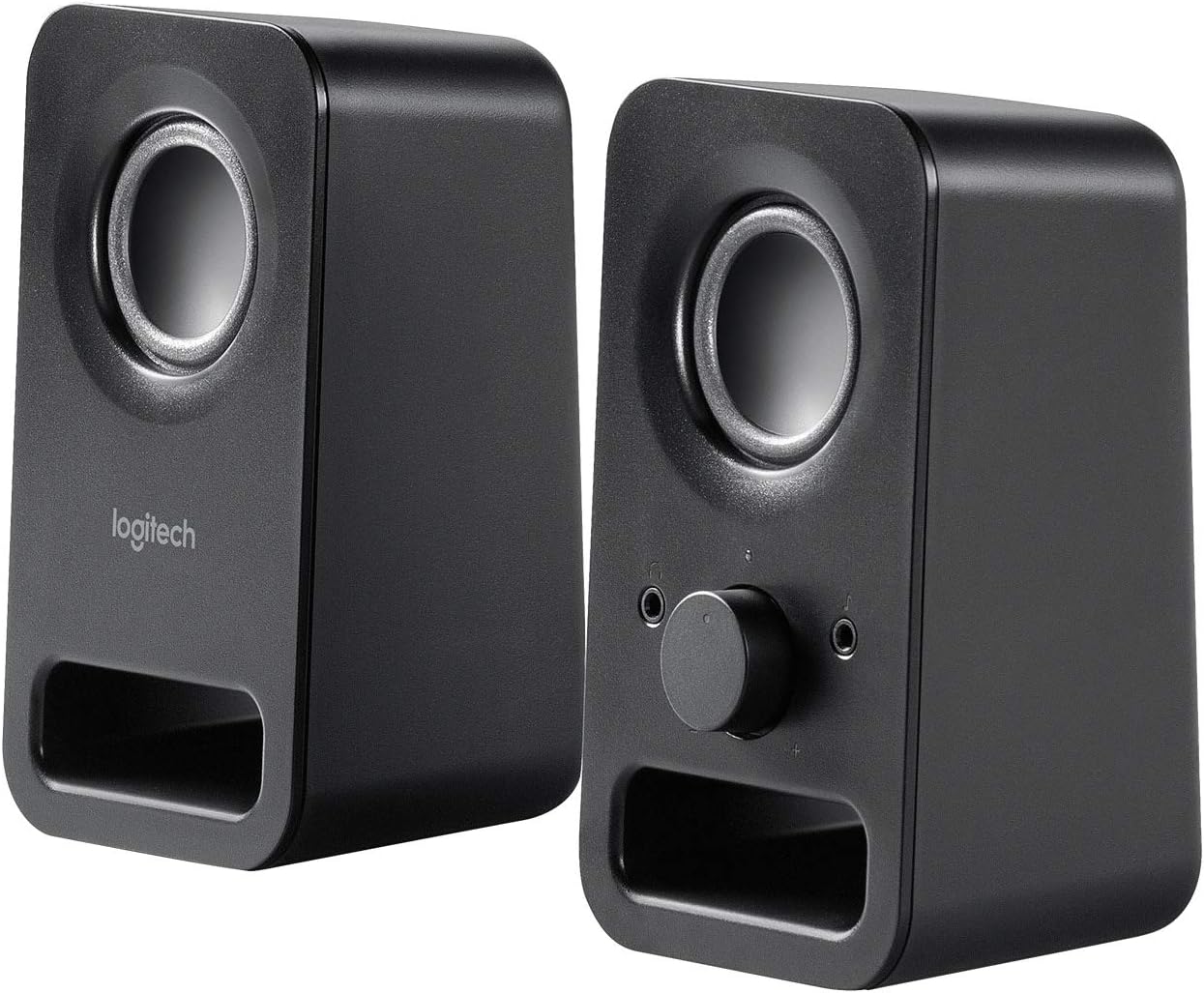
Image: Angled view of both Logitech Z150 speakers, illustrating their placement and potential connection points.
Operating Instructions
Power On/Off and Volume Control
The right speaker features a combined power and volume control knob on its front panel.
- To Power On: Rotate the knob clockwise until you hear a click and the power indicator light illuminates (typically green).
- To Adjust Volume: Continue rotating the knob clockwise to increase volume or counter-clockwise to decrease volume.
- To Power Off: Rotate the knob counter-clockwise until you hear a click and the power indicator light turns off.
Using the Headphone Jack
A 3.5mm headphone jack is conveniently located on the front of the right speaker.
- Plug your headphones into this jack to listen to audio privately.
- When headphones are connected, audio output from the speakers will automatically mute.
- Unplug your headphones to resume audio playback through the speakers.

Image: Close-up view of the right Logitech Z150 speaker, highlighting the volume/power knob and headphone jack.
Connectivity
The Logitech Z150 speakers support simultaneous connection of two audio devices.
- Rear 3.5mm Audio Input: Ideal for a primary device like a desktop computer or television.
- Front 3.5mm Auxiliary Input: Convenient for connecting a secondary device such as a smartphone, tablet, or MP3 player.
The speakers will play audio from both connected sources. To switch between sources, simply pause or mute one device to hear the other.
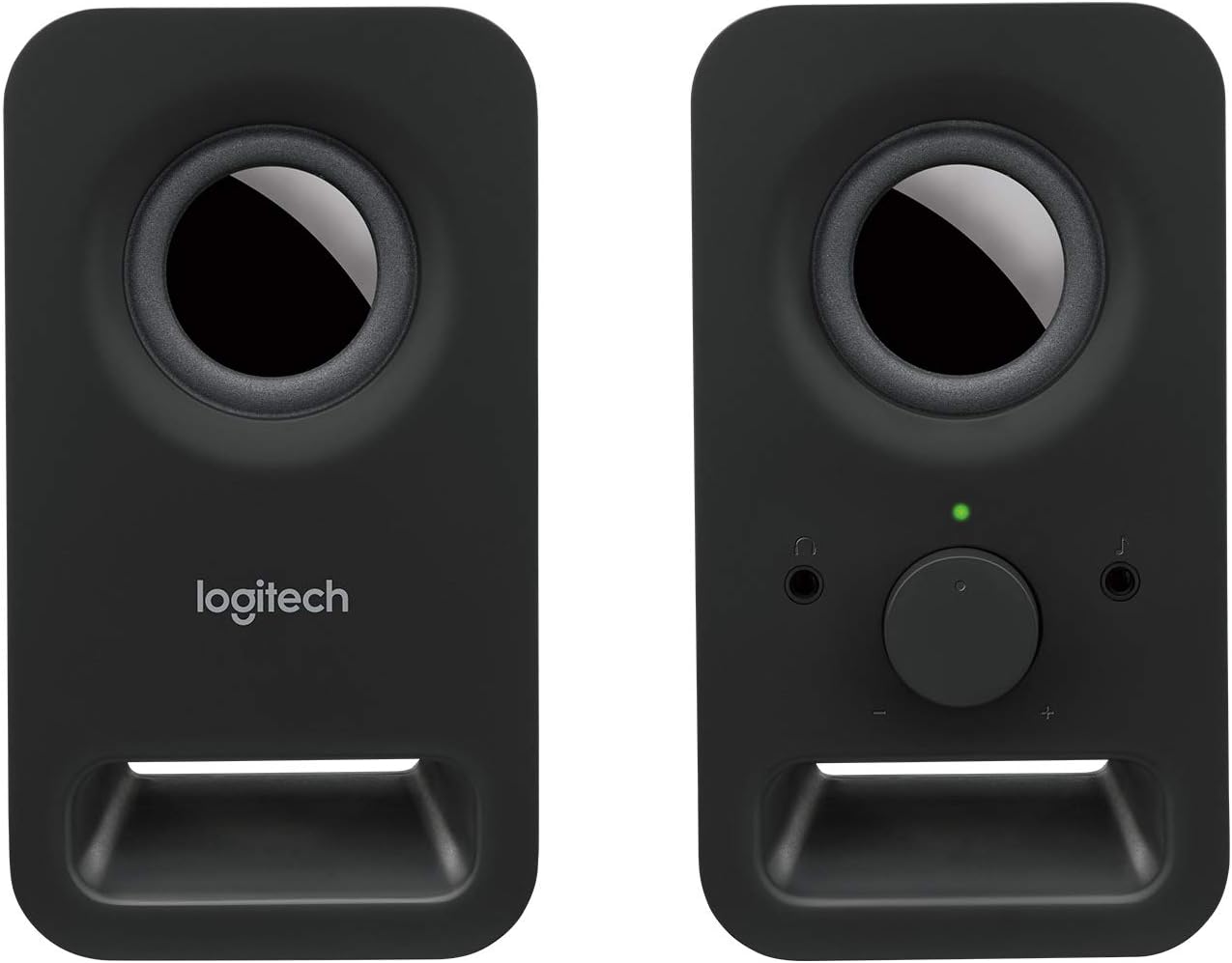
Image: Front view of both Logitech Z150 speakers, showing the illuminated power indicator on the right speaker.
Maintenance
- Cleaning: Use a soft, dry cloth to clean the speaker surfaces. Avoid using liquid cleaners or abrasive materials.
- Placement: Keep speakers away from direct sunlight, heat sources, and excessive moisture.
- Handling: Avoid dropping the speakers or subjecting them to strong impacts.
Troubleshooting
| Problem | Solution |
|---|---|
| No sound from speakers. |
|
| Sound is distorted or unclear. |
|
| Only one speaker is producing sound. |
|
Specifications
- Model Name: LOG980000802
- Item Model Number: 980-000802
- Brand: Logitech
- Color: Black
- Speaker Type: Computer
- Connectivity Technology: Wired
- Audio Output Mode: Stereo
- Speaker Maximum Output Power: 6 Watts (Peak)
- Frequency Response: 20 KHz (Note: This is likely the upper limit, not the full range)
- Driver Size: Two 2-inch drivers per speaker
- Product Dimensions (LxWxH): 7.87 x 3.54 x 6.34 inches (per speaker, approximate)
- Item Weight: 1.28 pounds (approximate total)
- Power Source: Corded Electric
- Control Method: Rotary Knob (Volume/Power)
- Compatible Devices: Smartphones, Tablets, MP3 Players, Desktop Computers, Laptops, Televisions, Projectors
- Mounting Type: Tabletop Mount
- Material: Metal (likely referring to internal components or grille, main body is plastic)
- UPC: 097855099815, 803982774309, 088021505674, 059595163423, 097855100689, 978551006652, 097855100665
Warranty and Support
The Logitech Multimedia Speakers Z150 come with a Limited Warranty. For specific warranty terms, conditions, and duration, please refer to the warranty information included with your product documentation or visit the official Logitech support website.
For technical assistance, troubleshooting guides, and frequently asked questions, please visit the Logitech Support website:
When contacting support, please have your product model (Z150) and item model number (980-000802) available.


