
1. Introduction
1.1 Product Overview
The Manfrotto 500PLONG is a long version video camera plate designed to provide optimal balance for camcorders, especially those with uneven weight distribution due to long lenses or heavy batteries. It ensures stable and secure mounting of your equipment to compatible tripod heads.
1.2 Key Features
- Long version for precise balance adjustment.
- Constructed from durable aluminum.
- Includes 1/4-inch and 3/8-inch camera screws.
- Features an anti-rotation pin for secure camera attachment.
1.3 What's in the Box
- Manfrotto 500PLONG Video Camera Plate
- 1x 1/4-inch camera screw
- 1x 3/8-inch camera screw
- Anti-rotation pin
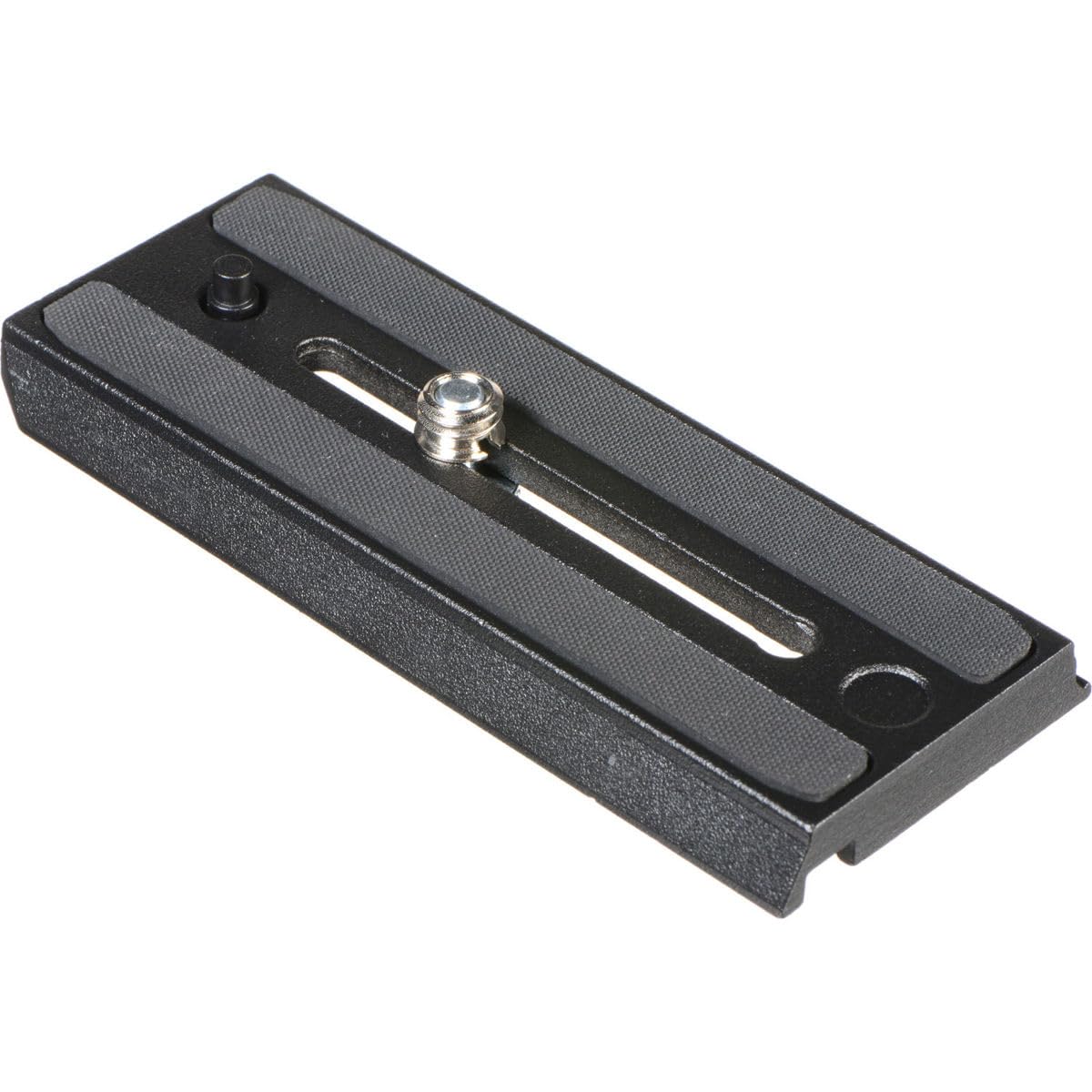
Image 1.1: The Manfrotto 500PLONG Video Camera Plate, showing its long design and mounting screw.
2. Setup Instructions
2.1 Attaching the Plate to Your Camera/Camcorder
- Identify the tripod mount on the base of your camera or camcorder.
- Select the appropriate camera screw (1/4-inch or 3/8-inch) provided with the plate.
- Align the screw with the camera's tripod mount and securely fasten it.
- If your camera has an anti-rotation socket, ensure the anti-rotation pin on the plate aligns and engages with it to prevent the camera from twisting.
2.2 Mounting to a Tripod Head
- Ensure your tripod head is compatible with Manfrotto 500 series quick-release plates.
- With your camera attached to the 500PLONG plate, slide the plate into the quick-release receiver of your tripod head.
- Push the plate fully into the receiver until it clicks or locks securely into place.
- Verify that the plate and camera are firmly attached and cannot be easily removed without disengaging the quick-release mechanism.
2.3 Balancing Your Equipment
- Loosen the locking mechanism on your tripod head that controls the plate's position.
- Slide the plate forward or backward within the tripod head's receiver.
- Adjust the position until your camera setup is perfectly balanced, meaning it remains level without assistance when the tilt lock is disengaged.
- Once balanced, firmly tighten the locking mechanism on your tripod head to secure the plate in position.
3. Operation
3.1 Adjusting the Sliding Plate
The Manfrotto 500PLONG plate features a sliding mechanism that allows for fine adjustments to the camera's position on the tripod head. To make adjustments:
- Ensure the camera is securely attached to the plate.
- Loosen the quick-release or locking lever on your tripod head that secures the plate.
- Gently slide the plate forward or backward to achieve the desired balance or composition.
- Once the adjustment is made, firmly re-tighten the quick-release or locking lever to prevent any movement during operation.
4. Maintenance
4.1 Cleaning
- Wipe the plate with a soft, dry cloth to remove dust, fingerprints, and light debris.
- For more stubborn dirt, a slightly damp cloth (water only) can be used. Ensure the plate is thoroughly dried immediately afterward to prevent water spots or corrosion.
- Avoid using abrasive cleaners, solvents, or harsh chemicals, as these can damage the finish or material of the plate.
4.2 Storage
- Store the Manfrotto 500PLONG plate in a clean, dry environment.
- Protect it from extreme temperatures, high humidity, and direct sunlight.
- Ensure any screws are lightly tightened to prevent them from becoming loose and lost during storage or transport.
5. Troubleshooting
5.1 Common Issues and Solutions
- Plate does not fit tripod head: Ensure your tripod head is specifically compatible with Manfrotto 500 series plates. This plate is designed for specific Manfrotto video heads. Refer to your tripod head's manual for compatibility.
- Camera feels loose on the plate: Verify that the camera screw (1/4-inch or 3/8-inch) is fully tightened into your camera's tripod mount. If using the anti-rotation pin, ensure it is properly engaged with your camera's base to prevent twisting.
- Difficulty balancing equipment: Ensure the plate is correctly positioned in the tripod head's receiver and the locking mechanism is sufficiently loosened to allow free sliding. Adjust the plate's position until the camera remains level without assistance, then re-tighten the lock.
- Rubber pads detaching: If the rubber pads on the plate's surface begin to detach, particularly in hot conditions, they may expand. Consider using a suitable strong adhesive for reattachment. For replacement pads or further assistance, contact Manfrotto customer support.
6. Specifications
| Brand | Manfrotto |
| Model Name | 500PLONG |
| Material | Aluminum |
| Color | Black |
| Item Weight | 118 Grams (2.82 oz) |
| Screw Attachment Type | 1/4-inch, 3/8-inch |
| Compatible Devices | Cameras |
| Mounting Type | Surface Mount |
7. Warranty and Support
7.1 Warranty Information
The Manfrotto 500PLONG Video Camera Plate comes with a 1 Year Limited Warranty. Please retain your proof of purchase for all warranty claims. The warranty covers manufacturing defects under normal use conditions.
7.2 Customer Support
For technical assistance, troubleshooting, or warranty inquiries, please contact Manfrotto customer support. You can find contact information and support resources on the official Manfrotto website: www.manfrotto.com.


