1. Introduction
This manual provides comprehensive instructions for the setup, operation, and maintenance of your Linksys RE1000-NP Wireless-N Range Extender. This device is designed to expand the coverage of your existing wireless network, eliminating dead spots and improving signal strength in areas with weak Wi-Fi reception.
Please read these instructions carefully before using the device to ensure optimal performance and to avoid potential issues.
2. Package Contents
- Linksys RE1000-NP Wireless-N Range Extender (Base Unit)
- Power Supply
Note: No other cables or accessories are included with this package.
3. Setup
Follow these steps to set up your Linksys RE1000-NP Range Extender:
- Unpack the Device: Carefully remove the range extender and its power supply from the packaging.
- Choose a Location: Select a central location between your wireless router and the area where you need improved Wi-Fi coverage. Ensure the location is within range of your existing Wi-Fi signal.
- Connect Power: Plug the power supply into the range extender and then into a standard electrical outlet. The LED indicator on the device should illuminate.
- Initial Configuration (1-Tap Setup): The RE1000-NP features a 1-Tap Setup for simplified configuration. Refer to the quick start guide (if available) or the Linksys support website for detailed instructions on using this feature with your specific router. Generally, this involves pressing a WPS button on both the extender and your router within a short timeframe.
- Manual Configuration: If 1-Tap Setup is not an option or fails, you can configure the extender manually by connecting a computer to the extender's network (either wirelessly or via Ethernet, if available) and accessing its web-based setup page. Consult the Linksys support documentation for the default IP address and login credentials.
- Verify Connection: Once configured, check the LED indicator on the extender. A solid green light typically indicates a successful connection and extended network.
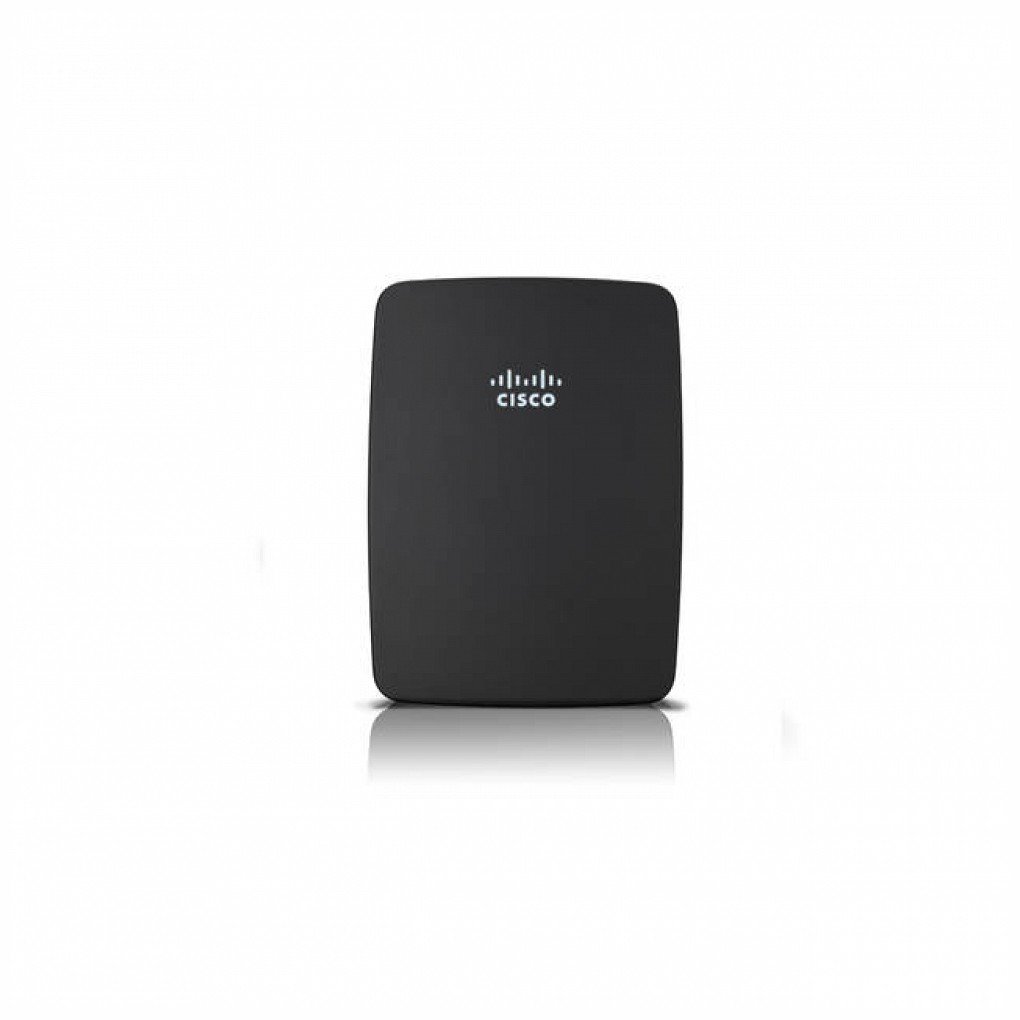
Image: The Linksys RE1000-NP Wireless-N Range Extender. This compact black rectangular device features the Cisco logo on its front surface.
4. Operating Instructions
Once successfully set up, the Linksys RE1000-NP operates by repeating the wireless signal from your main router. Devices within the extended range will automatically connect to the stronger signal provided by the extender.
- LED Indicator: The LED indicator on the device provides status information. Consult the device's specific documentation for a detailed explanation of LED patterns (e.g., solid green for good connection, blinking for connection issues).
- Network Name: The extended network may appear with a slightly modified name (e.g., "YourNetwork_EXT") or use the same name as your main network, depending on your configuration.
- Device Placement: For optimal performance, ensure the extender is placed where it receives a good signal from your main router and can effectively broadcast to the desired areas. Avoid placing it near large metal objects, concrete walls, or other devices that may cause interference.
5. Maintenance
Regular maintenance helps ensure the longevity and optimal performance of your range extender:
- Firmware Updates: Periodically check the Linksys support website for firmware updates. Updating the firmware can improve performance, add new features, and fix security vulnerabilities.
- Cleaning: Keep the device clean and free from dust. Use a soft, dry cloth to wipe the exterior. Do not use liquid cleaners or abrasive materials.
- Ventilation: Ensure the device has adequate ventilation to prevent overheating. Do not cover ventilation openings.
- Power Cycle: If you experience intermittent connectivity issues, try power cycling the device (unplug it from the power outlet, wait 10 seconds, then plug it back in).
6. Troubleshooting
If you encounter issues with your Linksys RE1000-NP, consider the following troubleshooting steps:
- No Power/Device Not Turning On:
- Ensure the power supply is securely connected to both the extender and a working electrical outlet.
- Test the outlet with another device to confirm it has power.
- Verify the power supply itself is functioning correctly.
- No Internet Connection/Weak Signal:
- Relocate the extender closer to your main router to ensure it receives a strong signal to extend.
- Check if your main router is functioning correctly and has an active internet connection.
- Perform a power cycle on both the extender and your main router.
- Ensure there are no major obstructions or sources of interference between the extender and your router, or between the extender and your client devices.
- Setup Failure:
- If 1-Tap Setup fails, attempt manual configuration via the web-based interface.
- Reset the extender to factory default settings (usually by pressing a small reset button for several seconds) and attempt setup again.
- Slow Speeds:
- Ensure the extender is placed optimally, not too far from the router and not too far from the devices needing coverage.
- Check for network congestion or interference.
- Verify your main internet connection speed.
For further assistance, refer to the Linksys support website or contact their customer service.
7. Specifications
| Brand | Linksys |
| Model Number | RE1000-NP |
| Wireless Standard | 2.4 GHz Radio Frequency (Wireless-N) |
| Special Features | LED Indicator, 1-Tap Setup |
| Color | Black |
| Compatible Devices | Wi-Fi enabled devices (routers, smartphones, tablets, laptops, computers, smart TVs, gaming consoles, printers, security cameras) |
| Item Weight | 1.15 pounds |
| Package Dimensions | 9.5 x 6.2 x 3.3 inches |
| Manufacturer | Cisco (for Linksys) |
| Date First Available | June 25, 2013 |
8. Warranty and Support
Specific warranty details for the Linksys RE1000-NP Wireless-N Range Extender may vary based on purchase location and condition (new or refurbished). Please refer to your purchase documentation for precise warranty information.
For technical support, product registration, or to access the latest drivers and firmware, please visit the official Linksys support website:
Note: Support for older or refurbished models may be limited.