
1. Introduction and Overview
The VENTS iFan is an intelligent extraction fan designed for efficient ventilation, particularly in bathrooms. It features advanced electronics, including a built-in timer, a humidistat (humidity sensor), and a speed controller, all manageable via a convenient remote control.
This fan delivers an airflow capacity of up to 133 m³/h while maintaining a low noise level, thanks to its vibration-damped motor. The iFan offers various operating modes to suit different ventilation needs, ensuring optimal air quality and humidity control in your space.
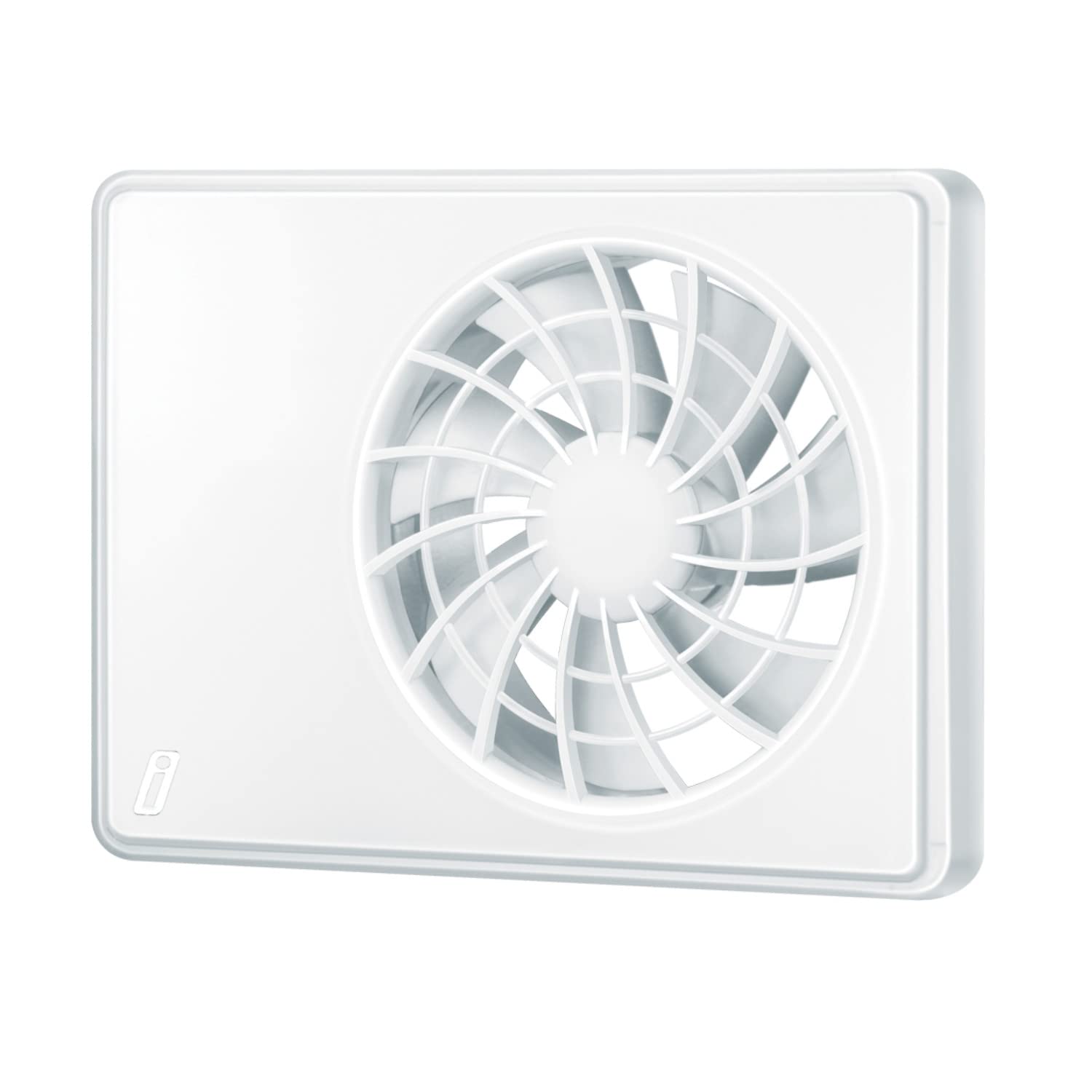
Image: The VENTS iFan Extraction Fan, showcasing its sleek design and accompanied by its remote control for easy operation.
2. Setup and Installation
Installation of the VENTS iFan should ideally be performed by a qualified electrician to ensure safety and proper functionality. Always ensure the main power supply is disconnected before commencing any installation work.
2.1 Key Installation Considerations
- Duct Diameter: The fan is designed for nominal duct diameters of 100 mm or approximately 125 mm. Ensure your existing ductwork matches these specifications.
- Power Connection: The fan operates on 100-240 V at 50 Hz or 60 Hz. Connect according to local electrical codes.
- Flexible Operation: The iFan can function with or without an external switch and start-up delay components, offering flexibility in wiring configurations.
- Mounting: Securely mount the fan to a flat surface, ensuring no obstructions to airflow.
3. Operating Modes
The VENTS iFan offers various operating modes, easily selectable via the included remote control. Each mode provides 10 adjustable speed levels for precise control.
3.1 Standard Operating Modes
- Silent Mode: This mode provides optimal airflow (up to 83 m³/h) with minimal noise, making it ideal for continuous, quiet operation to manage humidity in smaller bathrooms.
- Maximum Mode: Designed for rapid removal of excess humidity, this mode is recommended for larger bathrooms (6 m² and above) or situations requiring quick ventilation.
3.2 Optional Operating Modes
- 24-Hour Mode: In this mode, the fan operates continuously at its minimum speed. If the humidity level increases, it automatically switches to the previously selected standard mode (Maximum or Silent). Upon receiving a signal from an external switch, the fan will revert to Silent mode.
- Interval Ventilation: This feature ensures periodic air exchange. After 15 hours of inactivity, the fan will automatically run for 2 hours to refresh the air.
4. Maintenance
Regular maintenance ensures the longevity and efficient operation of your VENTS iFan. Always disconnect the power supply before performing any cleaning or maintenance tasks.
4.1 Cleaning Instructions
- Gently wipe the exterior surfaces of the fan with a soft, damp cloth.
- Do not use abrasive cleaners, solvents, or harsh chemicals, as these can damage the fan's plastic components.
- Periodically check the fan grille for dust accumulation and clean as necessary to maintain optimal airflow.
Spare Parts: Spare parts for the VENTS iFan are available for up to 5 years from the date of purchase. Contact your retailer or the manufacturer for assistance with spare parts.
5. Troubleshooting
If you encounter issues with your VENTS iFan, please refer to the following general troubleshooting steps. For complex problems, consult a qualified technician.
- Fan Not Operating:
- Check if the power supply to the fan is active.
- Ensure the fan is correctly wired according to the installation instructions.
- Verify that the remote control batteries are not depleted.
- Reduced Airflow:
- Inspect the fan grille and ductwork for any obstructions or excessive dust buildup.
- Ensure the fan is operating in an appropriate mode and speed setting for the room size.
- Unusual Noise:
- Check for any loose components or foreign objects within the fan housing.
- Ensure the fan is securely mounted and not vibrating against the wall or ductwork.
- Remote Control Issues:
- Replace the remote control batteries.
- Ensure there are no obstructions between the remote control and the fan's receiver.
6. Specifications
| Feature | Specification |
|---|---|
| Brand | VENTS |
| Model Number | 4824032055564 |
| Airflow Capacity | Maximum 133 m³/h |
| Power Consumption | Maximum 3.8 W |
| Voltage | 100-240 V, 50/60 Hz |
| Dimensions (L x W x H) | 155 x 209 x 28 mm (15.5 x 20.9 x 2.8 cm) |
| Sound Pressure Level | 22 dB(A) (Silent Mode) / 32 dB(A) (Maximum Mode) |
| Nominal Duct Diameter | 100 mm or approximately 125 mm |
| IP Rating | IP44 |
| Material | Plastic |
| Included Components | Remote Control |
7. Warranty and Support
For warranty information, please refer to the documentation provided at the time of purchase or contact your retailer. The manufacturer provides spare parts availability for up to 5 years from the date of purchase.
If you require technical support or have questions not covered in this manual, please contact the VENTS customer service or your product supplier.