
1. Introduction
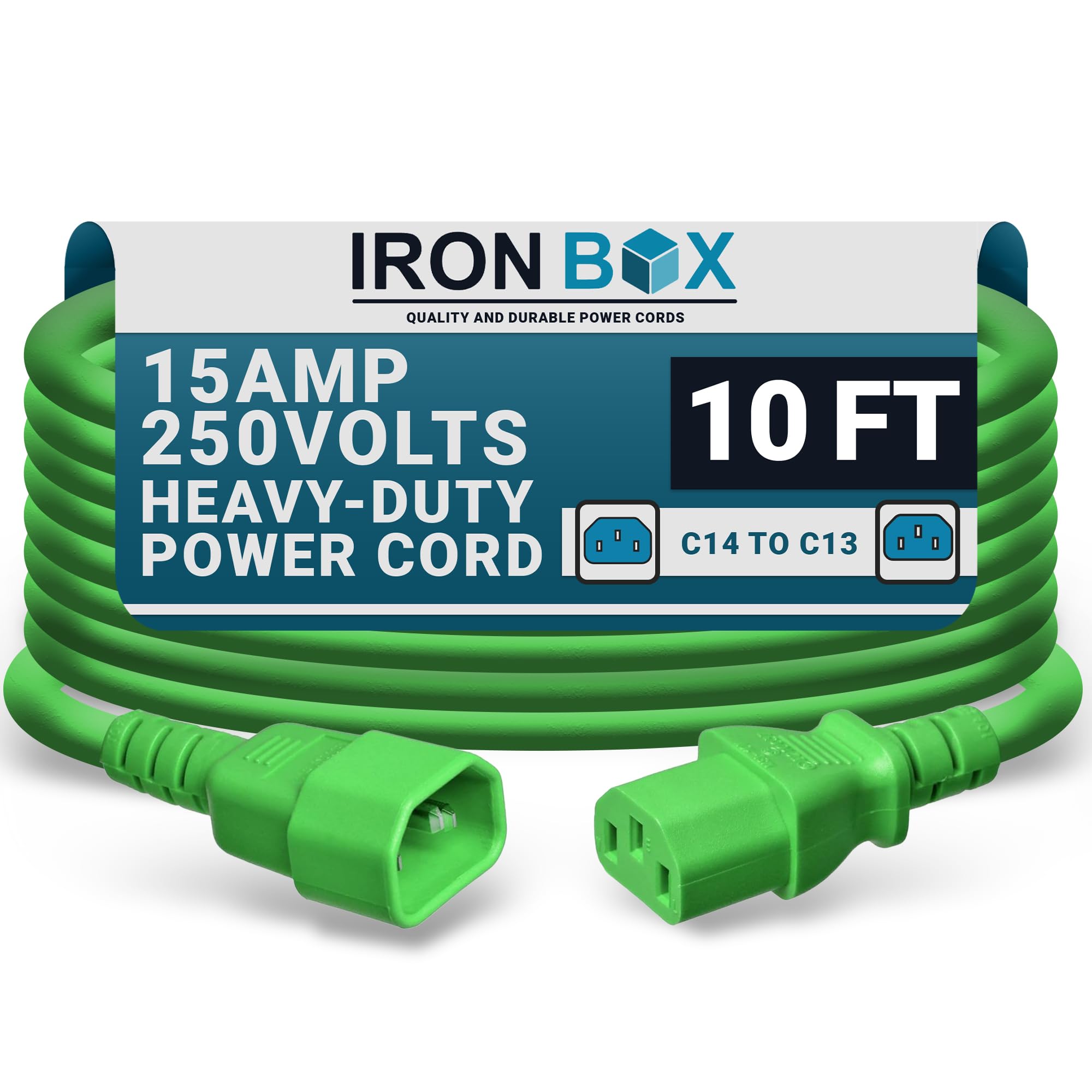
This manual provides comprehensive instructions for the safe and efficient use of your Iron Box C14 to C13 Power Cord, Model IBX-6010. This heavy-duty power cord is designed for reliable power connections in various demanding environments, including data centers, server racks, and computer setups. Please read this manual thoroughly before installation and operation to ensure optimal performance and safety.
2. Product Overview
2.1 Key Features
- Heavy-Duty Performance: Constructed with top-grade materials, this 14/3 AWG computer extension cable ensures a powerful and stable connection for demanding tasks.
- Versatile Power Solution: Ideal as a PDU Power Cable for PC adapters, server racks, and monitors, offering seamless extension to power sources.
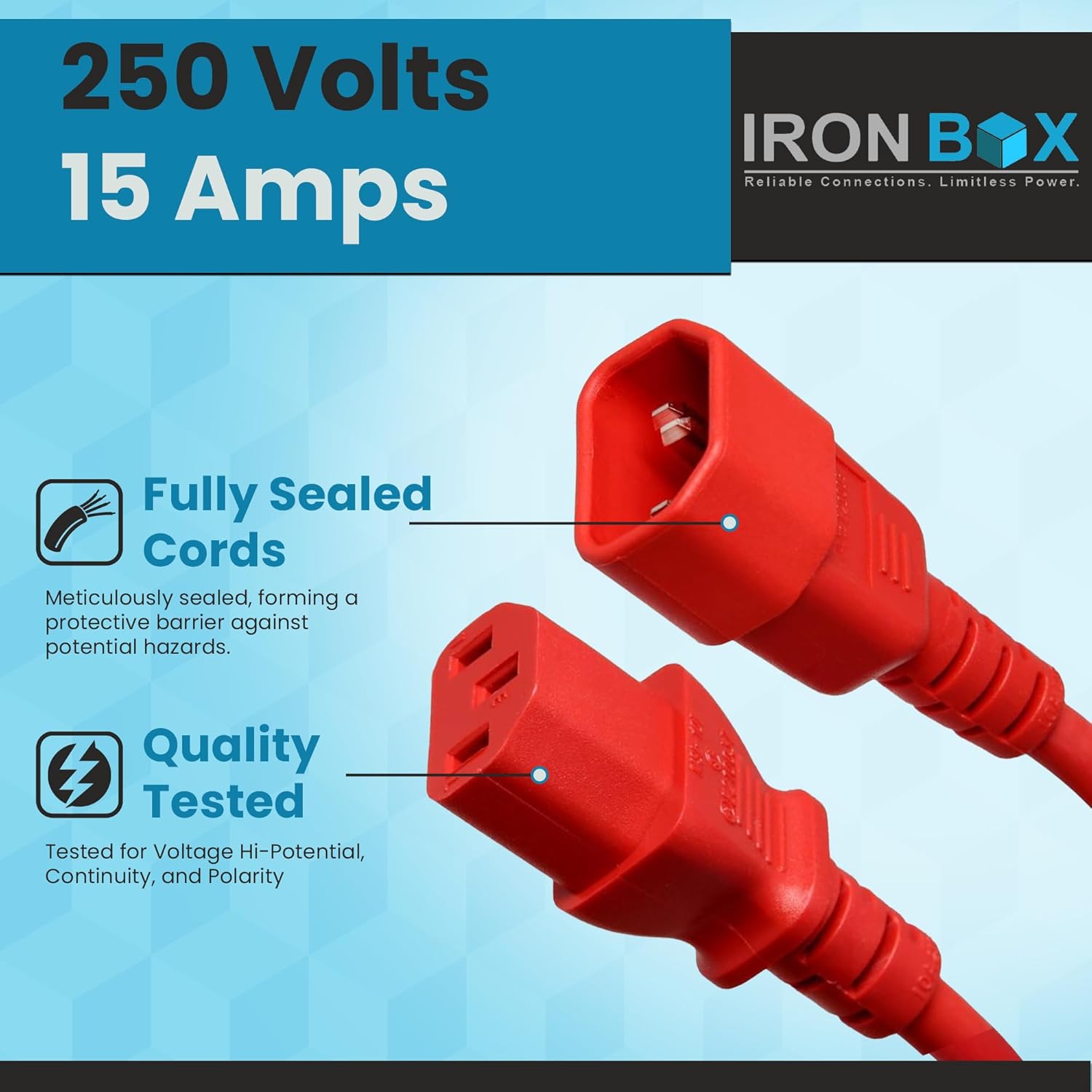
- High Power Capacity: Rated at 15A and 250V, providing substantial electrical capacity for optimal device performance.
- Durable and Flexible: Sturdy construction ensures reliability and flexibility for convenient device positioning.
- Efficient Power Management: Facilitates effective power management for organized power setups in various environments.
2.2 Specifications
| Specification | Detail |
|---|---|
| Model Number | IBX-6010 |
| Brand | Iron Box |
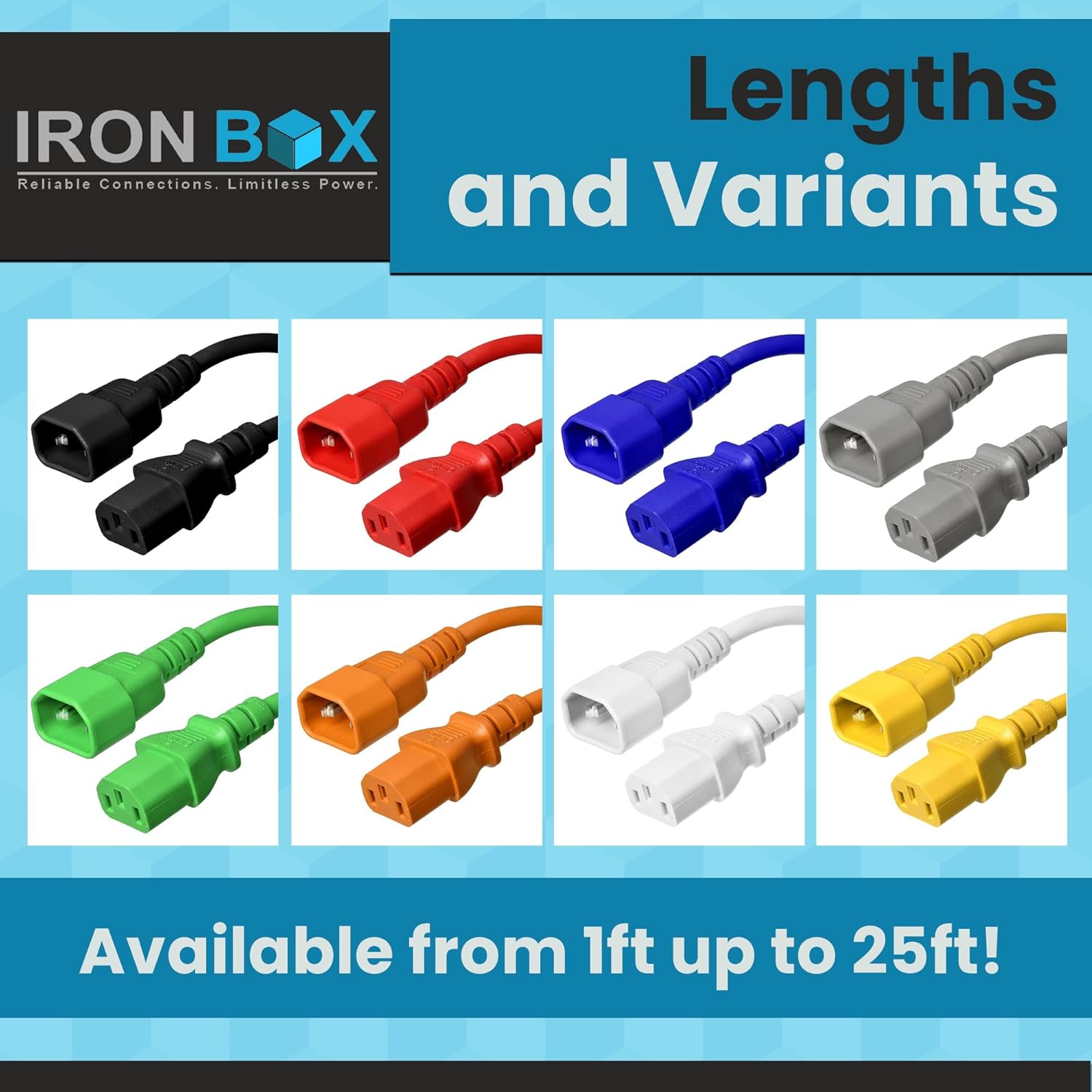
| Color | Green |
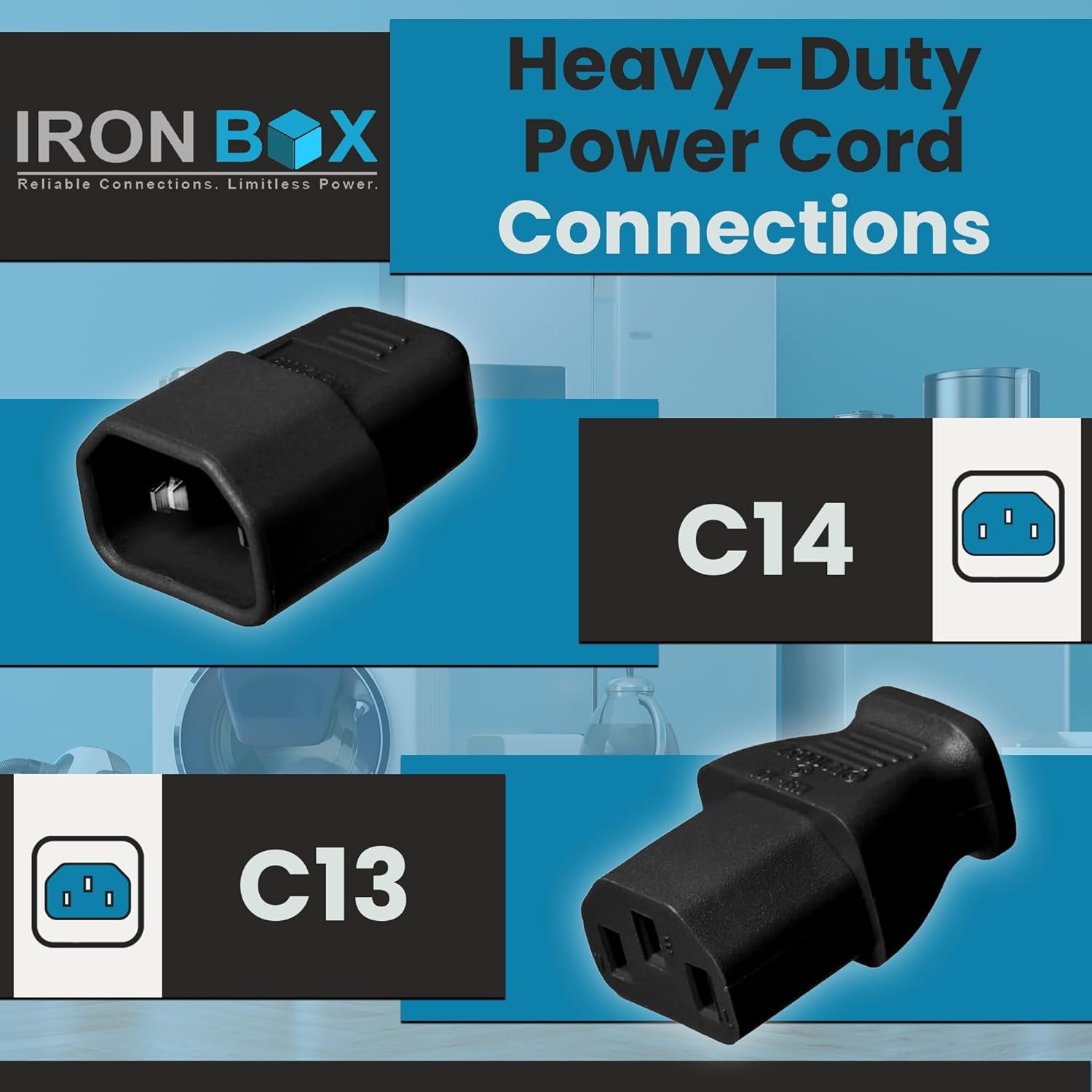
| Connector Gender | Male-to-Female (C14 to C13) |
| Voltage Rating | 250 Volts |
| Input Current | 15 Amps |
| Wire Gauge | 14 AWG (14/3 AWG) |
| Item Length | 10 Feet (120 Inches) |
| UL Listed | Yes |
| UPC | 700358298738 |
2.3 Product Images


3. Safety Information
Always adhere to the following safety guidelines when handling and using electrical power cords:
- Ensure the power cord's voltage and current ratings match or exceed the requirements of the connected equipment.
- Do not overload power outlets or extension cords.
- Inspect the cord for any damage (frays, cuts, exposed wires) before each use. Do not use damaged cords.
- Avoid bending or kinking the cord sharply, as this can damage internal wiring.
- Keep cords away from water, heat sources, and sharp objects.
- Always grasp the plug, not the cord, when disconnecting from an outlet.
- Ensure proper grounding for all connected equipment. This cord is designed for grounded applications.
4. Setup and Installation
The Iron Box C14 to C13 Power Cord is designed for straightforward installation:
- Identify Connectors: The C14 connector is male (with pins) and typically plugs into a power supply unit (PSU), PDU, or other equipment with a C13 inlet. The C13 connector is female (with slots) and typically plugs into a device requiring power, such as a computer, monitor, or server.
- Connect to Source: Insert the C14 (male) end of the power cord firmly into the C13 inlet of your power source (e.g., PDU, UPS, wall outlet adapter).
- Connect to Device: Insert the C13 (female) end of the power cord firmly into the C14 inlet of your device (e.g., computer, server, monitor).
- Secure Connections: Ensure both connections are snug to prevent accidental disconnections or intermittent power supply.
- Cable Management: Route the cable neatly to avoid tripping hazards and to promote good airflow around equipment, especially in server environments.
4.1 Installation Video
Official Iron Box video demonstrating the heavy-duty C14 to C13 power cord in use, highlighting its robust performance and reliability in demanding setups.
5. Operation
Once properly installed, the Iron Box C14 to C13 Power Cord operates as a direct power conduit. No specific user interaction is required beyond ensuring secure connections. The cord facilitates the transfer of electrical power from a source to a compatible device.
6. Maintenance
Minimal maintenance is required for your Iron Box power cord:
- Regular Inspection: Periodically check the entire length of the cord and both connectors for any signs of wear, damage, or overheating.
- Cleaning: If necessary, gently wipe the cord with a dry, soft cloth. Do not use liquid cleaners or immerse the cord in water. Ensure the cord is unplugged before cleaning.
- Storage: When not in use, store the cord in a cool, dry place, loosely coiled to prevent kinking.
7. Troubleshooting
If you experience issues with your power connection, consider the following troubleshooting steps:
- No Power to Device:
- Verify that both ends of the power cord are securely plugged into the power source and the device.
- Check if the power source (e.g., PDU, wall outlet) is active and supplying power. Test with another known working device if possible.
- Inspect the power cord for any visible damage. Replace if damaged.
- Intermittent Power:
- Ensure connections are tight and not loose.
- Check for any physical stress on the cable or connectors.
- Overheating:
- If the cord or connectors feel excessively hot, immediately disconnect power.
- Ensure the connected equipment does not exceed the cord's 15A/250V rating.
- Verify proper ventilation around the equipment and power connections.
If issues persist after following these steps, contact Iron Box customer support.
7.1 Product Overview Video
An overview of Iron Box Electric power cords, showcasing their quality and various applications.
8. Warranty and Support
Iron Box is committed to providing high-quality power solutions. For specific warranty details and customer support, please refer to the official Iron Box website or contact their customer service directly. Iron Box prides itself on delivering reliable products and ensuring customer satisfaction.
9. Contact Information
For further assistance or inquiries regarding your Iron Box C14 to C13 Power Cord, please visit the official Iron Box website or contact their customer support team.
Iron Box
Reliable Connections. Limitless Power.