
Introduction
This manual provides essential information for the safe and efficient operation of your new Frigidaire EMW733BLACKAMZ 0.7 Cu. Ft. Microwave. Please read all instructions carefully before using the appliance and retain this manual for future reference.

Image: The Frigidaire EMW733BLACKAMZ 0.7 Cu. Ft. Microwave in black, showcasing its sleek design and digital control panel.
Important Safety Instructions
When using electrical appliances, basic safety precautions should be followed, including the following:
- Read all instructions before using the appliance.
- Do not operate the microwave oven when empty.
- Do not attempt to tamper with or make any adjustments or repairs to the door, control panel, safety interlock switches, or any other part of the oven.
- Do not use corrosive chemicals or vapors in this appliance.
- Ensure proper ventilation around the unit. Do not block any ventilation openings.
- Do not heat liquids or other foods in sealed containers as they are liable to explode.
- Always supervise children when the microwave is in use, especially when the Child Safety Lock is not engaged.
- Do not use metal utensils or containers in the microwave, as this can cause arcing and damage the appliance.
Product Features
Your Frigidaire EMW733BLACKAMZ microwave is designed with convenience and safety in mind:
- DIGITAL PANEL: Features a Digital Control Panel for easy operation, offering choices for express cooking, power level adjustments, delayed start, time setting, and stop/cancel functions.
- CONVENIENT: Includes two different defrost timers for precise control over thawing. Allows for multi-stage cooking of personalized meals and snacks.
- SAFE: Equipped with a Child Safety Lock to prevent inadvertent usage or access, enhancing household safety. The large display provides clear viewing of cooking progress.
- DIFFERENT SETTINGS: Intuitive cooking settings with a smart sensor automatically adjust power and time. Offers six different auto cooking settings: popcorn, baked potato, pizza, frozen, reheat, and beverage.
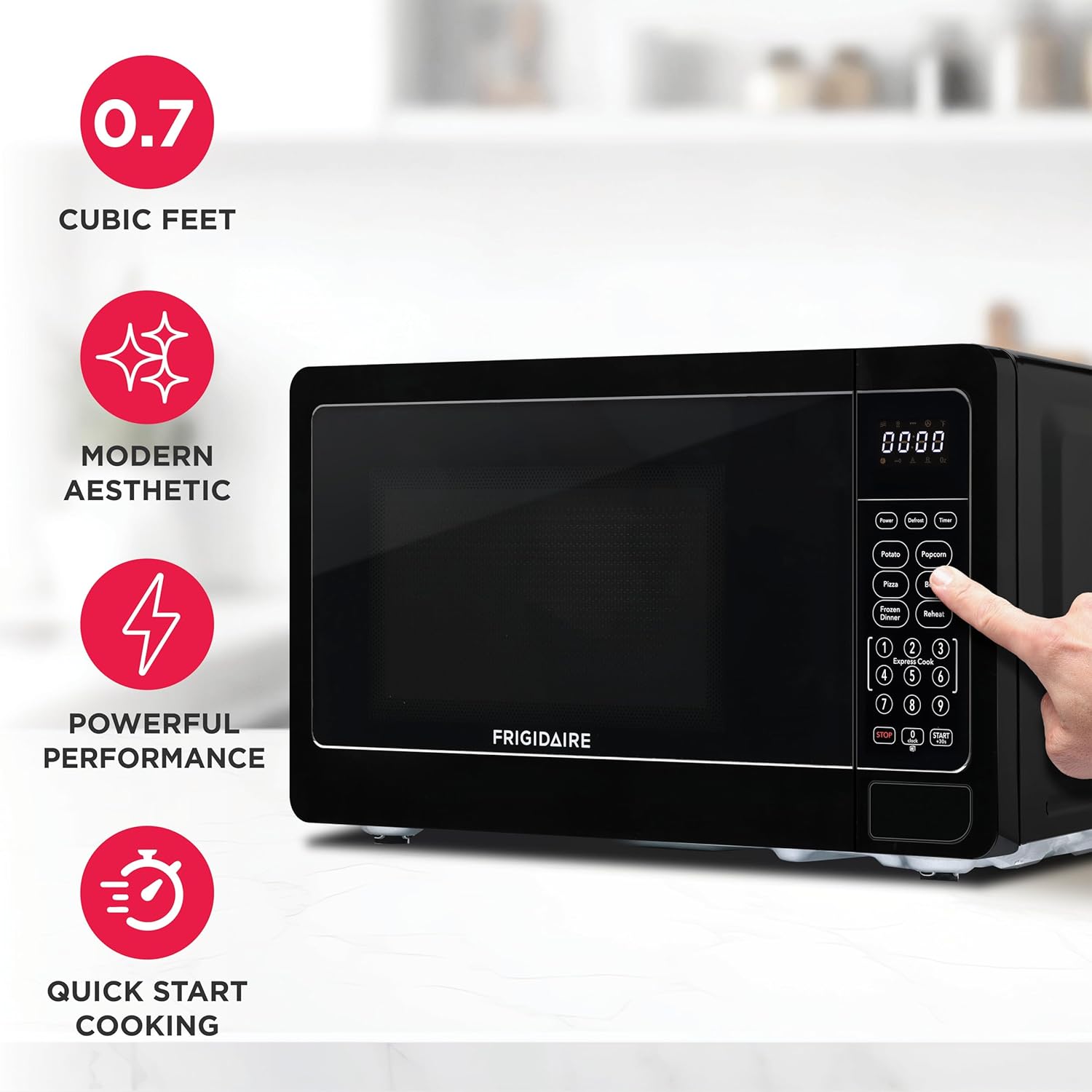
Image: Visual representation of key features including 0.7 cubic feet capacity, modern aesthetic, powerful performance, and quick start cooking.
Setup
Unpacking
Carefully remove the microwave oven from its carton. Remove all packing materials from inside the oven cavity and from the turntable. Check the oven for any damage, such as dents or a misaligned door. Do not operate the oven if it is damaged.
Placement
Place the microwave on a flat, stable surface that can support its weight. Ensure there is adequate space for ventilation: at least 4 inches (10 cm) of clearance on the top, sides, and back of the oven. Do not place the oven near heat sources like stoves or radiators, or in areas with high humidity.
Electrical Requirements
The microwave oven requires a standard 120V, 60Hz AC outlet with a grounded three-prong plug. Do not use an extension cord or adapter. Ensure the electrical circuit is capable of handling the microwave's 700 watts of power.
Operating Instructions
Control Panel Overview

Image: Detailed view of the user-friendly digital control panel, highlighting the Menu Action Screen, Cooking Power button, Auto Cook Menu buttons, and Express Cook buttons.
The digital control panel provides intuitive access to all functions:
- Menu Action Screen: Displays time, cooking settings, and indicators.
- Power Button: Adjusts cooking power levels.
- Defrost Button: Initiates defrosting functions.
- Timer Button: Sets the kitchen timer.
- Auto Cook Menu Buttons: Dedicated buttons for Popcorn, Potato, Pizza, Frozen Dinner, Reheat, and Beverage.
- Express Cook Buttons (1-6): One-touch cooking for 1 to 6 minutes.
- Number Pad (0-9): For setting time and quantities.
- STOP/CANCEL Button: Stops cooking or clears settings.
- START/+30 SEC. Button: Starts cooking or adds 30 seconds to cooking time.
Basic Operation (Time Cook)
- Place food in the microwave-safe container on the glass turntable.
- Close the door securely.
- Enter the desired cooking time using the number pad.
- Press the 'Power' button repeatedly to select the desired power level (e.g., P10 for 100% power, P5 for 50% power).
- Press the 'START/+30 SEC.' button to begin cooking.
Auto Cook Menus
The microwave features six convenient auto cook options:
- Popcorn: For various bag sizes.
- Baked Potato: For 1-3 potatoes.
- Pizza: For reheating slices or small pizzas.
- Frozen Dinner: For standard frozen meals.
- Reheat: For warming up leftovers.
- Beverage: For heating drinks.
To use, simply press the corresponding auto cook button. For some options, you may need to select the quantity (e.g., number of potatoes) using the number pad.
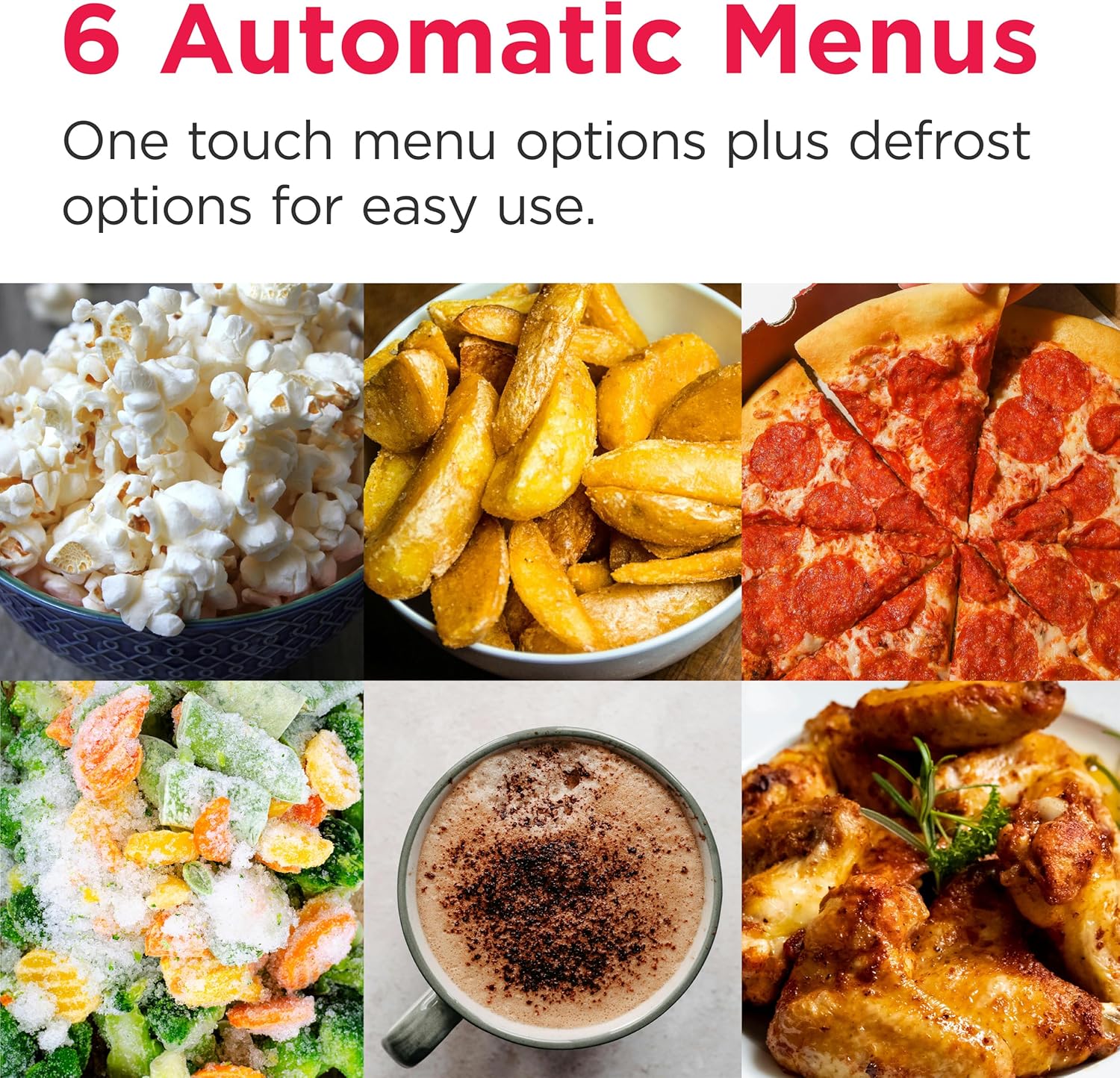
Image: Examples of foods that can be prepared using the 6 automatic menu options, including popcorn, potato wedges, pizza, frozen vegetables, hot beverage, and chicken.
Defrosting
The microwave offers two defrost timers for precise thawing. Press the 'Defrost' button and follow the prompts on the display to select the appropriate defrost mode (e.g., by weight or by time) and input the necessary values.
Child Safety Lock
To activate the Child Safety Lock, press and hold the 'STOP/CANCEL' button for 3 seconds. The display will show an indicator (e.g., 'LOCK' or a key symbol). To deactivate, press and hold the 'STOP/CANCEL' button again for 3 seconds.
Maintenance and Cleaning
General Cleaning
Always unplug the microwave before cleaning. Use a damp cloth with mild soap to clean the exterior and interior surfaces. Avoid abrasive cleaners or scouring pads, as they can scratch the surfaces.
Turntable Care
The glass turntable and roller ring can be removed for cleaning. Wash them in warm, soapy water or in the dishwasher. Ensure they are completely dry before placing them back in the oven.
Troubleshooting
If you encounter issues with your microwave, refer to the following common problems and solutions:
| Problem | Possible Cause | Solution |
|---|---|---|
| Oven will not start | Door not closed properly; Power cord unplugged; Fuse blown or circuit breaker tripped. | Ensure door is firmly closed; Check power cord connection; Check household fuse/circuit breaker. |
| Food not heating | Incorrect cooking time/power level set; Door not closed properly. | Adjust cooking time/power level; Ensure door is firmly closed. |
| Turntable not rotating | Turntable or roller ring not positioned correctly; Debris under turntable. | Reposition turntable and roller ring; Clean under the turntable. |
| Display shows error code | Internal malfunction. | Unplug the microwave for 1 minute, then plug it back in. If the error persists, contact customer support. |
Specifications
| Specification | Value |
|---|---|
| Brand Name | Frigidaire |
| Model Info | EMW733BLACKAMZ |
| Item Weight | 23.37 Pounds |
| Product Dimensions | 12.3 x 17.8 x 10.2 inches (D x W x H) |
| Capacity | 0.7 Cubic Feet |
| Installation Type | Countertop |
| Wattage | 700 Watts |
| Color | Black |
| Inner Material Type | Glass |
| Included Components | Unit |
| Date First Available | April 18, 2013 |
Warranty and Support
For warranty information or technical support, please refer to the warranty card included with your product or visit the official Frigidaire website. You may also contact Frigidaire customer service directly for assistance with your EMW733BLACKAMZ microwave.
For more information, visit the Frigidaire Store on Amazon.