1. Introduction
Thank you for choosing the Beurer GS 206 Squares Glass Scale. This manual provides important information regarding the setup, operation, maintenance, and troubleshooting of your new personal scale. Please read these instructions carefully before first use and keep them for future reference.
The Beurer GS 206 is designed for accurate body weight measurement. It features a modern design with a mosaic-look motif print and a clear LCD display with blue backlighting.
2. Safety Information
- Always place the scale on a firm, level surface. Uneven surfaces can affect accuracy.
- Do not use the scale in areas with high humidity, such as directly next to a shower or bathtub.
- The scale is for personal use only and not for commercial or medical purposes.
- Do not jump on the scale. Step on and off carefully to avoid injury or damage to the scale.
- Keep the scale away from strong electromagnetic fields.
- This device is not intended for use by persons (including children) with restricted physical, sensory, or mental capabilities or a lack of experience and/or knowledge, unless they are supervised by a person who is responsible for their safety or have received instructions from such a person on how to use the device.
3. Setup
3.1 Battery Installation
Your Beurer GS 206 scale comes with 2 x 3V CR 2032 lithium metal batteries included. Before first use, ensure these batteries are correctly installed.
- Turn the scale over to access the battery compartment on the underside.
- Open the battery compartment cover.
- Insert the 2 x CR 2032 batteries, ensuring the correct polarity (+/-) as indicated inside the compartment.
- Close the battery compartment cover securely.
3.2 Initial Placement
Place the scale on a hard, flat surface. Avoid carpets or soft flooring, as this can affect measurement accuracy.

Image 1: Close-up of the Beurer GS 206 scale display showing a weight measurement.
4. Operating the Scale
4.1 Taking a Measurement (Quick Start)
The Beurer GS 206 features a "Quick Start" function for immediate use.
- Gently tap the center of the scale with your foot to activate it. The display will show "0.0 kg" (or the last selected unit).
- Once "0.0 kg" is displayed, step onto the scale barefoot, standing still and distributing your weight evenly.
- Your weight will be displayed. The scale will hold the reading for a few seconds before automatically switching off to conserve battery life.
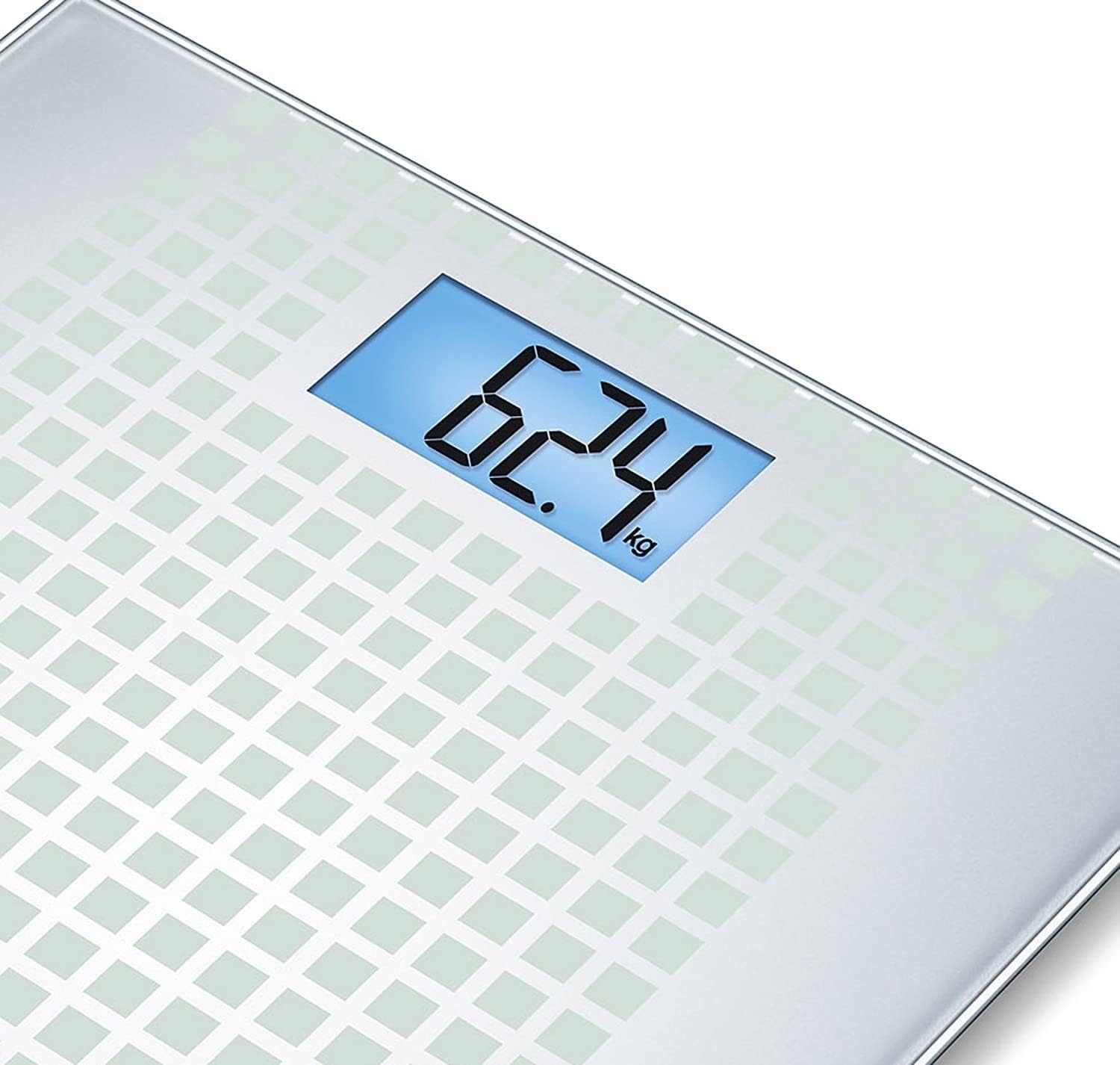
Image 2: The Beurer GS 206 scale with its illuminated blue LCD display.
4.2 Changing Weight Units (kg/lb/st)
The scale allows you to switch between kilograms (kg), pounds (lb), and stones (st).
- Locate the unit switch button on the underside of the scale, usually near the battery compartment.
- Press this button to cycle through the available units (kg, lb, st).
- The selected unit will be indicated on the display during measurement.

Image 3: Corner view of the Beurer GS 206 scale, highlighting the brand logo.
5. Maintenance and Care
- Cleaning: Clean the scale regularly with a damp cloth and a mild detergent. Do not use abrasive cleaning agents or immerse the scale in water.
- Storage: Store the scale in a dry place, away from direct sunlight and extreme temperatures.
- Battery Replacement: When the battery indicator appears on the display, replace both CR 2032 batteries as described in the "Battery Installation" section.
- Disposal: Dispose of batteries and the device in accordance with local regulations. Do not dispose of batteries with household waste.

Image 4: Top view of the Beurer GS 206 scale, showcasing its square pattern design.
6. Troubleshooting
| Problem | Possible Cause | Solution |
|---|---|---|
| "Lo" or "Err" on display | Low battery or measurement error. | Replace batteries. Step off the scale, wait for it to turn off, then step on again. |
| Inaccurate readings | Scale on uneven surface, moved during measurement, or overloaded. | Place on a hard, flat surface. Stand still during measurement. Ensure weight is within capacity (150 kg). |
| No display | Batteries incorrectly installed or completely drained. | Check battery polarity. Replace batteries if necessary. |
| "O-Ld" on display | Overload indicator. Weight exceeds maximum capacity. | The scale's maximum capacity is 150 kg (330 lb / 23 st 8 lb). Do not exceed this limit. |
7. Technical Specifications
- Model: GS 206
- Item Model Number: 756.63
- Capacity: 150 kg (330 lb / 23 st 8 lb)
- Graduation/Increments: 100 g (0.2 lb / 0.2 st)
- Display: Large LCD with blue backlighting (83 x 43 mm)
- Number Size: 40 mm
- Dimensions: 30 x 30 x 1.9 cm (11.8 x 11.8 x 0.75 inches)
- Tread Surface: Safety glass, 30 x 30 cm
- Product Weight: Approximately 1.56 kg (3.44 lbs)
- Batteries: 2 x 3V CR 2032 Lithium Metal (included)
- Switch-on Technology: Quick Start
- Automatic Switch-off: Yes
- Overload Indicator: Yes

Image 5: Underside of the Beurer GS 206 scale, showing the battery compartment.
8. Warranty and Support
Beurer GmbH provides a warranty for this product. For specific warranty terms and conditions, please refer to the warranty card included with your product or visit the official Beurer website. In case of technical issues or questions, please contact Beurer customer support.
Manufacturer: Beurer GmbH
Website: www.beurer.com