
Introduction
Thank you for choosing the PlanToys My First Wooden Toy Camera. This Montessori-inspired toy is designed to spark your child's imagination and encourage pretend play. Featuring a unique kaleidoscope lens and a clickable shutter, it offers a fun and educational way for toddlers aged 18 months and up to explore their world. Crafted from sustainable PlanWood and finished with organic, water-based dyes, this camera is a safe and eco-conscious choice for your little one.
Safety Information
- Age Recommendation: Suitable for children 18 months and older.
- Materials: Made from PlanWood, a sustainable composite material from reclaimed rubberwood sawdust, and finished with organic pigments and water-based dyes.
- Non-Toxic: This toy is free from BPA, phthalates, and harmful chemicals.
- Supervision: Always supervise young children during play.
- Inspection: Regularly inspect the toy for any signs of damage or wear. Discontinue use if damaged.
Product Overview
The PlanToys My First Wooden Toy Camera is designed for small hands, promoting fine motor skills and imaginative play. It features a durable wooden body, a kaleidoscope lens, a clickable shutter button, and a soft wrist strap for easy carrying.

Image: The PlanToys My First Wooden Toy Camera, showcasing its compact red body, green kaleidoscope lens, and beige wrist strap.
Video: An overview of the PlanToys My First Camera (5633), demonstrating its features and how children interact with it.
Setup
The PlanToys My First Wooden Toy Camera requires no assembly and no batteries. Simply remove it from its packaging, and it's ready for play!
Operating Instructions
Using the Kaleidoscope Lens
Encourage your child to look through the kaleidoscope lens. The lens creates colorful, fractured patterns of whatever they are viewing, stimulating visual perception and curiosity. Children can rotate the lens to change the patterns.
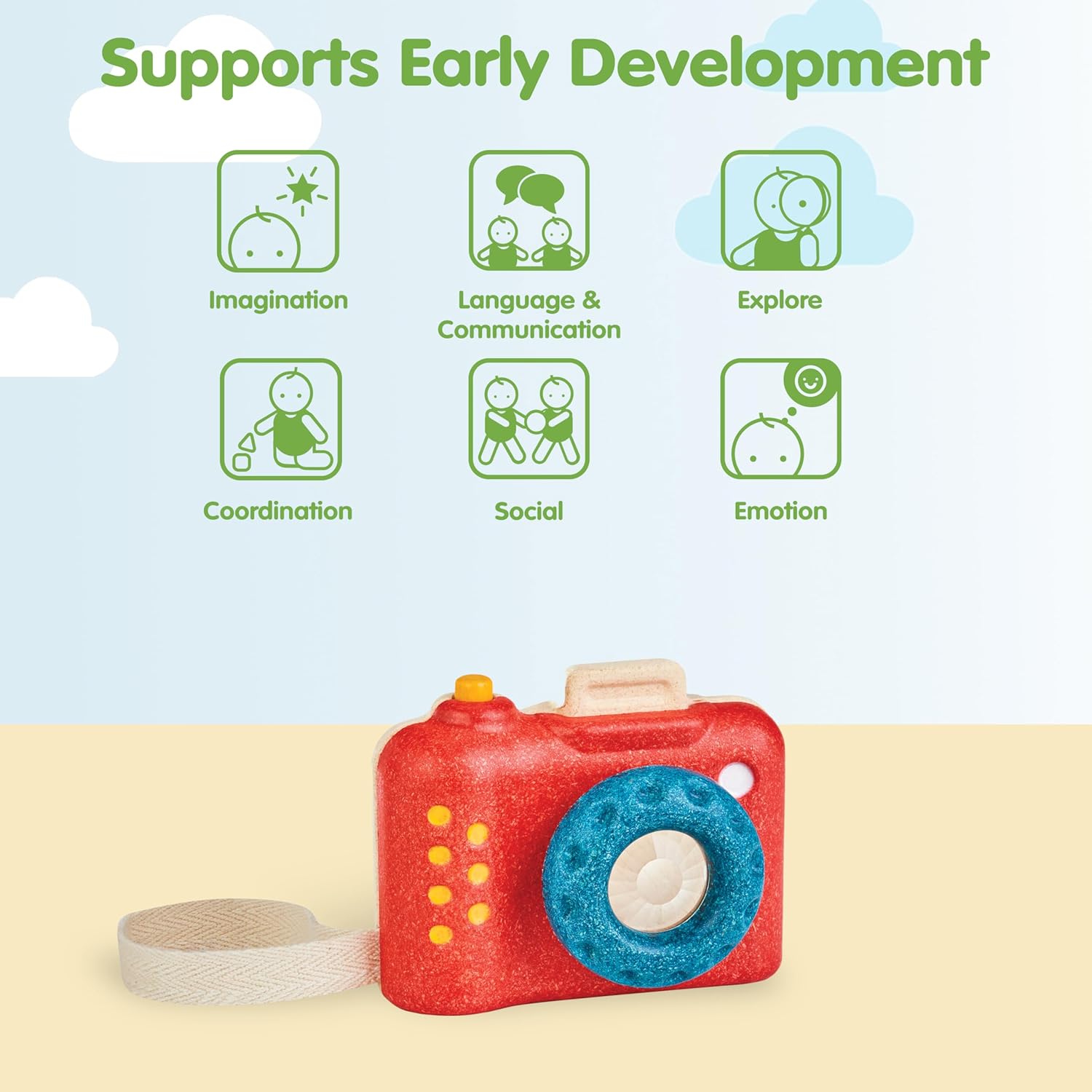
Image: A child holding the PlanToys camera up to their eye, looking through the kaleidoscope lens.
Using the Clickable Shutter
The camera features a clickable shutter button on top. Your child can press this button to mimic taking a photograph, enhancing realistic pretend play and storytelling.

Image: A child smiling and holding the PlanToys camera, demonstrating the use of the clickable shutter for pretend play.
Maintenance
- Cleaning: Wipe the toy with a damp cloth and mild soap if necessary. Avoid harsh cleaning agents.
- Drying: Ensure the toy is completely dry before storing to prevent moisture damage.
- Storage: Store in a dry place away from direct sunlight to preserve the wood and colors.
Troubleshooting
- Stiff Shutter Button: If the clickable shutter feels stiff, gently check for any small debris obstructing its movement.
- Loose Wrist Strap: If the wrist strap becomes loose or detached, carefully re-thread it through the designated slot on the camera body.
Specifications
| Brand Name | PlanToys |
| Model Number | PL5633 |
| Age Range Description | Kid (18 months to 60 months) |
| Material Type | Wood (PlanWood) |
| Color | My First Camera (Red) |
| Item Dimensions | 3.1 x 8.5 x 3.1 inches |
| Item Weight | 0.21 Kilograms |
| Power Source | Unpowered (No batteries required) |
| Assembly Required | No |
Warranty
PlanToys offers a 30-day warranty against manufacturer defects. Please retain your proof of purchase for any warranty claims.
Support
For further assistance, questions, or to report any issues with your PlanToys My First Wooden Toy Camera, please visit the official PlanToys website or contact their customer service directly. You can find more information at the PlanToys Store on Amazon.