
Introduction
The Remington F5 Power Series Foil Shaver is designed to provide a close and comfortable shave for men. It features Intercept Shaving Technology, a 3-stage cutting system, and flexible foils to adapt to facial contours. This cordless, rechargeable electric shaver offers convenience and performance for daily grooming.
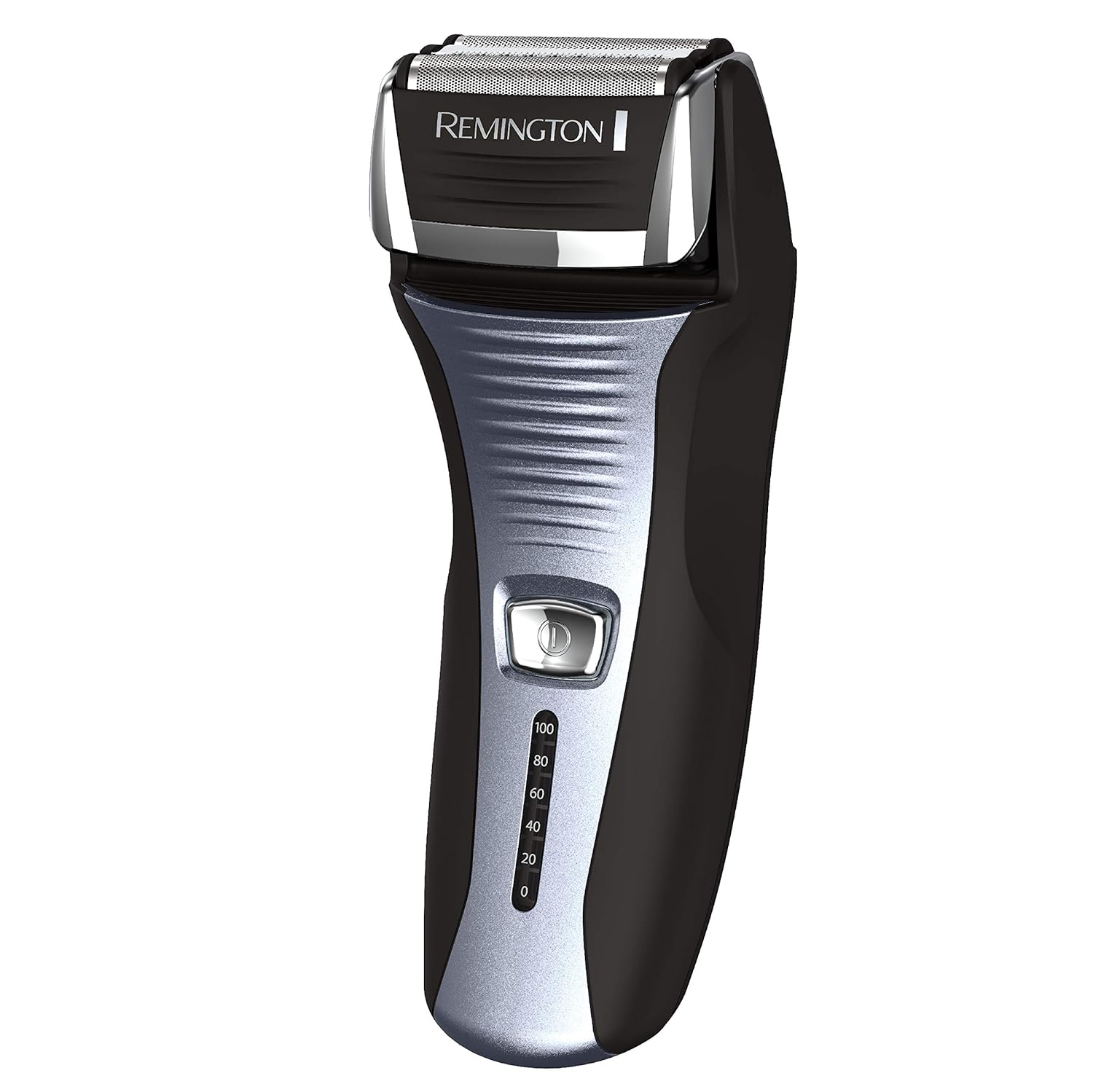
Image: Front view of the Remington F5 Power Series Foil Shaver, showcasing its black and silver design with the Remington logo and battery indicator.
Safety Information
For safe use of your Remington F5 Power Series Foil Shaver, please adhere to the following guidelines:
- Always follow the battery charging guidelines to prevent overcharging or damage to the battery.
- Use the pop-up trimmer carefully to avoid injury.
- Ensure the shaver is unplugged and completely dry before washing under running water.
- Regularly clean the shaver to maintain hygiene and prevent skin irritation.
- This appliance is not intended for use by persons (including children) with reduced physical, sensory or mental capabilities, or lack of experience and knowledge, unless they have been given supervision or instruction concerning use of the appliance by a person responsible for their safety.
- Children should be supervised to ensure that they do not play with the appliance.
Setup
Charging the Shaver
The Remington F5 Power Series Foil Shaver is equipped with a rechargeable battery, providing up to 60 minutes of cordless use.
- Before the first use, charge the shaver for 24 hours to maximize battery life.
- For regular charging, a full charge typically takes 2 hours.
- To maintain battery health, fully drain the battery and recharge for 24 hours every 6 months.
- The shaver is compatible with worldwide voltage.
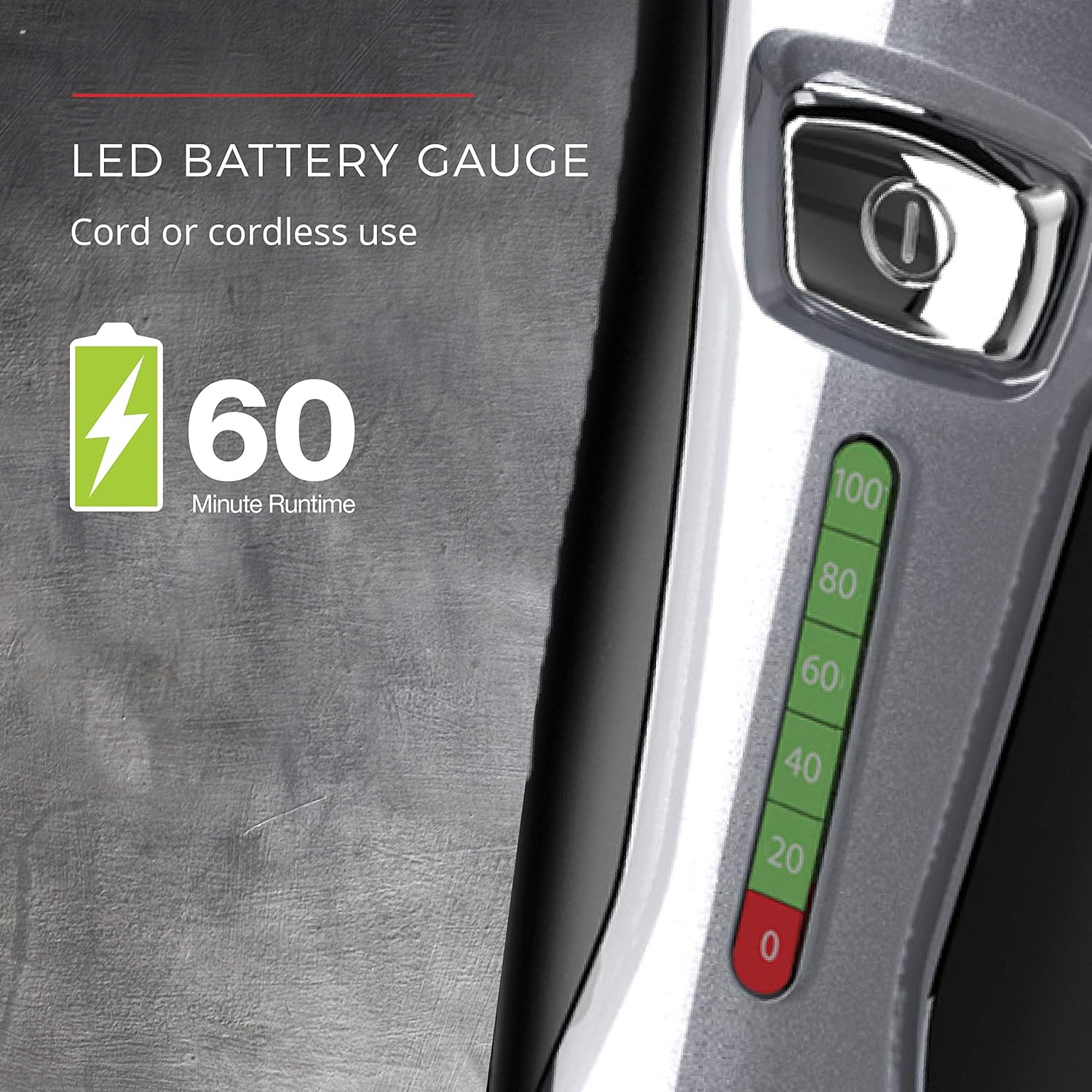
Image: Close-up of the shaver's LED battery gauge, indicating charge levels from 0 to 100, and highlighting 60 minutes of runtime.

Image: The Remington F5 shaver connected to its charging cable, with the LED battery indicator illuminated.
Operating Instructions
General Shaving
The F5 shaver utilizes Pivot & Flex Foil Technology and Intercept Shaving Technology for an effective shave.
- Ensure your skin is dry and free of oils before shaving.
- Hold the shaver at a right angle to your skin.
- Apply even pressure and stretch your skin, especially on the neck and chin, to achieve a closer shave.
- Use short, circular strokes for optimal results.

Image: Close-up of the shaver head demonstrating the pivot and flex movement, indicating its ability to adjust to facial contours.

Image: Close-up of the shaver's foils and the intercept trimmer, illustrating the Intercept Shaving Technology designed to pre-trim longer hairs.
Using the Pop-Up Detail Trimmer
The integrated pop-up trimmer is ideal for precise grooming of facial hair, such as sideburns and mustache lines.
- To activate the trimmer, press the trimmer release button.
- Use the trimmer for quick, clean finishing touches.
- After use, press the trimmer down to close it securely.
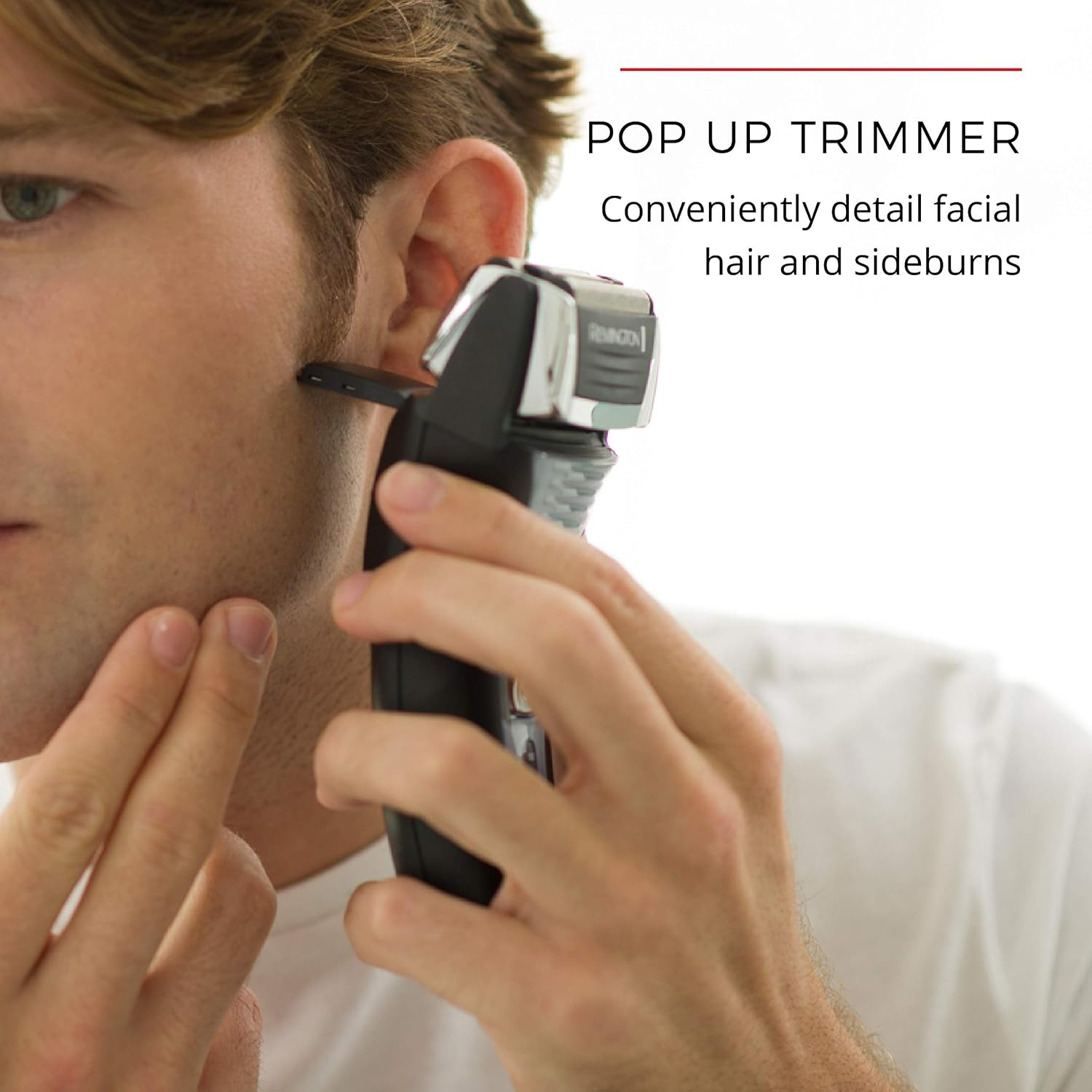
Image: A man using the pop-up trimmer on the Remington F5 shaver to detail his sideburns.
Maintenance
Cleaning the Shaver
Regular cleaning ensures optimal performance and hygiene of your shaver.
- The shaver is designed for easy cleaning under running water.
- Rinse the shaver head under the faucet to remove hair clippings and debris.
- Wipe external surfaces of the shaver with a damp cloth.
- Avoid using strong detergents or harsh chemicals, as these can damage the shaver.

Image: A hand holding the Remington F5 shaver under a running faucet, demonstrating its washable design for easy cleaning.
Troubleshooting
This section provides general guidance for common issues. For detailed troubleshooting or issues not listed here, please refer to the complete user manual available for download or contact Remington customer support.
- Shaver not turning on: Ensure the shaver is fully charged. If it's a new unit, remember the initial 24-hour charge.
- Reduced shaving performance: Clean the shaver head thoroughly. Hair buildup can affect cutting efficiency. Consider replacing the foils and cutters if they are worn (typically recommended every 12 months).
- Battery not holding charge: Ensure you are following the recommended charging cycles, including the 24-hour recharge every 6 months. If the issue persists, the battery may need servicing.
- Skin irritation after shaving: Ensure your skin is clean and dry before shaving. Apply even, gentle pressure. If irritation continues, consult a dermatologist.
Specifications
| Feature | Detail |
|---|---|
| Model Number | F5-5800B-AT1 |
| Product Dimensions | 3.38 x 5 x 9.13 inches |
| Item Weight | 14.64 ounces |
| Power Source | Battery Powered |
| Battery Type | 1 Lithium Metal battery (included) |
| Runtime | Up to 60 minutes cordless |
| Special Features | Cordless, Pop Up Trimmer, Fast Charging, Lightweight, Portable, Rechargeable |
| Recommended Uses | Beard, Face |
| UPC | 074590518665 |
| GTIN | 074590518665 |

Image: The Remington F5 shaver standing on a surface, with overlaid measurements indicating its height (6.1 inches) and width (2.4 inches).


