
1. Introduction
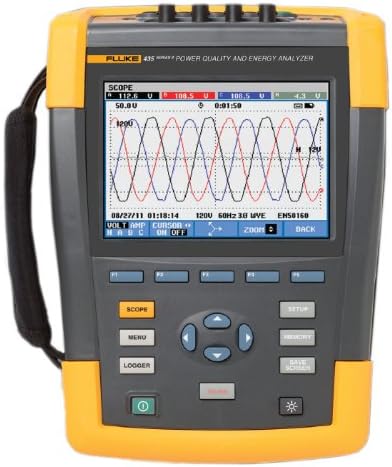
The Fluke 435-II/BASIC Power Quality and Energy Analyzer is a sophisticated instrument designed to help locate, predict, prevent, and troubleshoot power quality problems in three-phase and single-phase power distribution systems. This device is equipped with advanced power quality functions and energy monetization capabilities, making it an essential tool for electrical analysis.
Key capabilities include:
- Locates, predicts, prevents, and troubleshoots power quality problems in single-phase and three-phase power distribution systems.
- Measures voltage, current, dips, swells, interruptions, harmonics, power, energy, frequency, inrush, power inverter efficiency, flicker, mains signaling, and transients.
- Calculates the fiscal cost of energy loss due to harmonics and unbalance issues within a system.
- Downloads trend and waveform data to a PC for analysis in Power Log software (included).
- Complies with IEC 61000-4-30 Edition 2 Class-A standard for consistent power quality measurements and with IEC/ EN 61010-1-2001, CSA CAN/CSA C22.2 No. 61010-1-04 and UL 61010-1.
2. Setup and Initial Use
Before using your Fluke 435-II/BASIC, ensure it is fully charged. Connect the appropriate power adapter to the device and a power outlet. The battery indicator on the screen will show charging status.
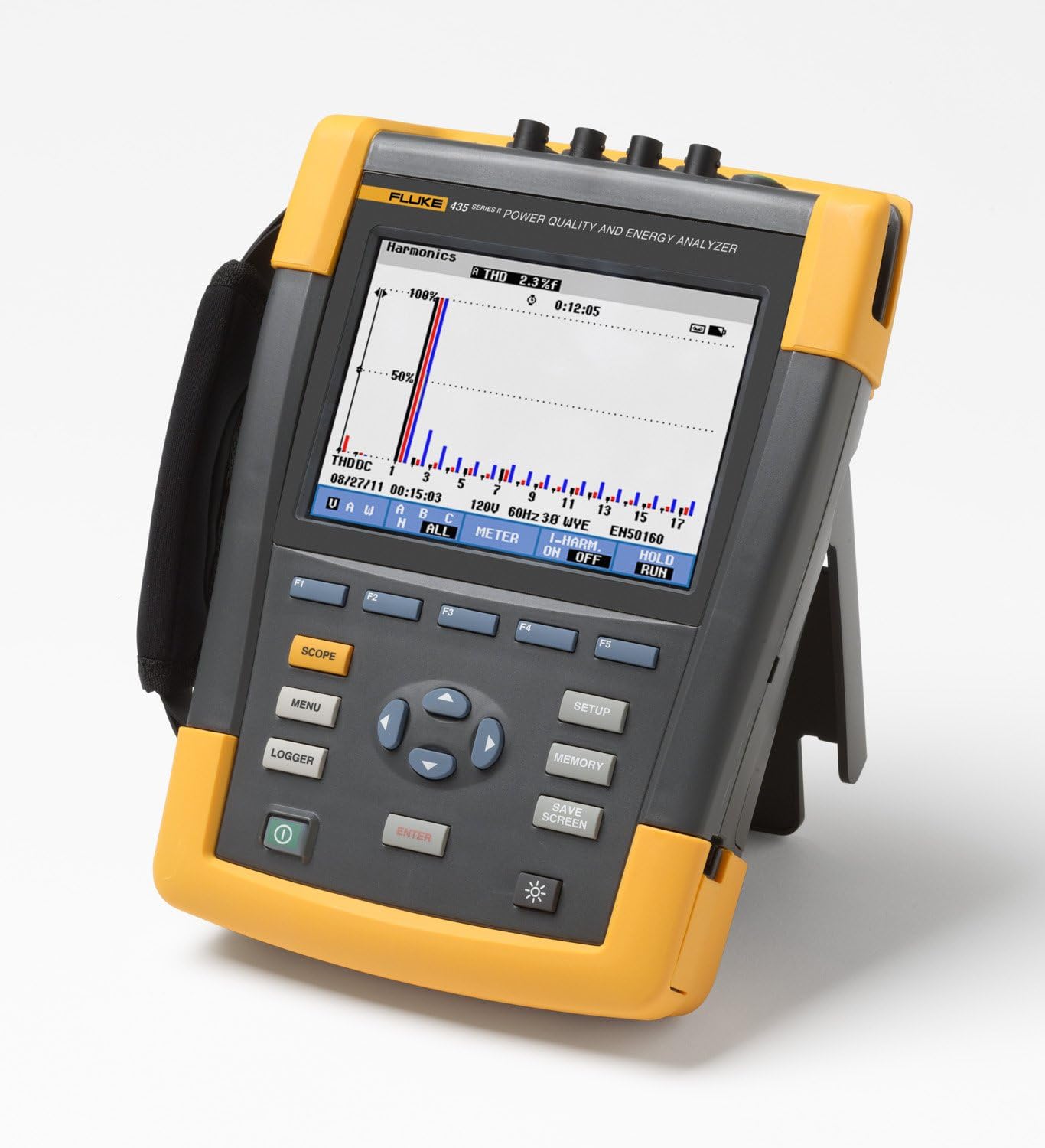
To begin measurements, connect the necessary voltage and current probes to the corresponding input terminals on the top of the analyzer. Ensure all connections are secure and follow safety guidelines for electrical measurements.
3. Operating Instructions
The Fluke 435-II/BASIC offers various measurement modes accessible via the front panel buttons and on-screen menu. Navigate using the directional pad and 'Enter' button.
3.1 PowerWave Function
The PowerWave function captures fast RMS values, allowing you to visualize waveforms and understand the interaction of voltage, current, and frequency. Select 'Scope' from the main menu to access this feature.
3.2 Power Inverter Efficiency
This function measures both AC and DC power, in and out, to monitor the efficiency of your inverters. Refer to the on-screen prompts for connecting the appropriate inputs for this measurement.
3.3 Energy Loss Calculator
The Energy Loss Calculator monetizes energy waste caused by poor power quality, helping identify areas for cost savings. This feature utilizes Fluke's patented Unified Power Measurement system (UPM) to measure and quantify energy losses due to harmonics and unbalance issues.

3.4 Product Overview Video
4. Maintenance
To ensure the longevity and accuracy of your Fluke 435-II/BASIC, follow these maintenance guidelines:
- Cleaning: Use a soft, damp cloth with mild soap to clean the exterior. Do not use abrasive cleaners or solvents.
- Storage: Store the device in a cool, dry place, away from direct sunlight and extreme temperatures.
- Calibration: Regular calibration by authorized service centers is recommended to maintain measurement accuracy. Refer to the official Fluke documentation for recommended calibration intervals.
- Battery Care: For optimal battery life, avoid fully discharging the battery frequently. Charge the device regularly, even when not in active use for extended periods.
5. Troubleshooting
If you encounter issues with your Fluke 435-II/BASIC, try the following common troubleshooting steps:
- Device not powering on: Ensure the battery is charged or the device is connected to a power source. Check the power button for proper engagement.
- Inaccurate readings: Verify that all probes are correctly connected and undamaged. Ensure the correct measurement settings are selected for the application. Consider if calibration is due.
- Display issues: If the screen is blank or frozen, try performing a soft reset (refer to the full user manual for specific reset procedures).
- Software connectivity problems: Ensure the Power Log software is installed correctly on your PC and that the connection cable is securely attached. Check for updated drivers or software versions.
For more detailed troubleshooting or issues not listed here, please refer to the comprehensive user guide or contact Fluke customer support.
6. Specifications
| Feature | Detail |
|---|---|
| Manufacturer | Fluke Corporation |
| Part Number | 4116689 |
| Item Weight | 11 pounds |
| Package Dimensions | 14.9 x 12.8 x 12.6 inches |
| Item Model Number | FLUKE-435-II/BASIC |
| Measurement Accuracy | 0.1% |
| Included Components | ADVANCED PQ AND ENERGY ANALYZER (W/O CLAMPS) |
| Batteries Required? | No |
| Date First Available | February 1, 2012 |
7. Warranty and Support
For detailed warranty information and customer support, please refer to the official Fluke website or the comprehensive user guide provided with your product. You can also download the full user guide in PDF format:
For technical assistance or service inquiries, contact Fluke customer support directly.


