
Laserliner 080.965A
LASERLINER MultiFinder Plus - Universal Detector User Manual
Model: 080.965A
Brand: Laserliner
1. Introduction
The LASERLINER MultiFinder Plus is a highly versatile and reliable locating device designed for detecting various materials within walls, ceilings, and floors. Equipped with multiple integrated sensors, it provides precise detection of wood, metal (including copper, steel, and iron), and live electrical wires. Its user-friendly LCD screen and automatic calibration feature ensure easy and safe operation for both professionals and DIY enthusiasts.
This manual provides comprehensive instructions for the safe and effective use, maintenance, and troubleshooting of your MultiFinder Plus. Please read it thoroughly before operating the device.
2. Safety Information
WARNING: Always exercise extreme caution when detecting near electrical installations. The device indicates live wires, but it is crucial to verify findings with other methods if there is any doubt. Disconnect power before drilling or cutting into walls.
- Read all instructions before use.
- Do not expose the device to extreme temperatures, humidity, or direct sunlight.
- Use only the specified battery type (9V alkaline battery, Type 6LR 61).
- Keep the device clean and dry.
- Do not attempt to open or modify the device. Repairs should only be performed by authorized personnel.
- Be aware of potential hazards such as gas pipes, water pipes, and electrical cables.
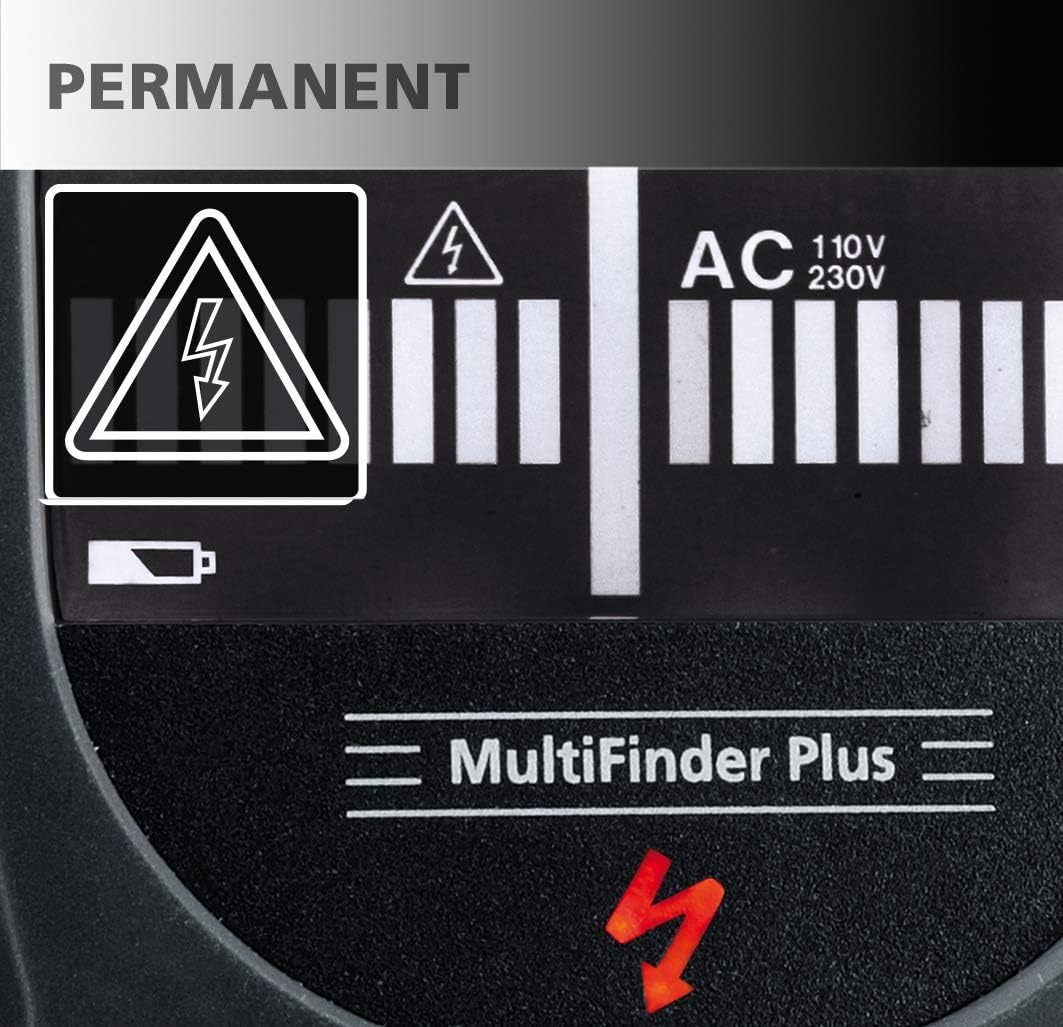
Image: The display shows a permanent electrical warning symbol (lightning bolt in triangle) when live wires are detected, indicating a potential hazard.

Image: A red warning light illuminates on the top of the device, accompanied by a lightning bolt symbol on the display, to alert the user to the presence of live electrical current.
3. Package Contents
- LASERLINER MultiFinder Plus device
- 1 x 9V alkaline battery (Type 6LR 61)
- User Manual (this document)
4. Product Overview
Familiarize yourself with the components of your MultiFinder Plus:

Image: Front view of the MultiFinder Plus, showing the LCD display, Mode button, and CAL button.
- LCD Display: Shows detection mode, signal strength, battery status, and warning indicators.
- Mode Button: Used to switch between detection modes (Wood/Stud, Metal, AC).
- CAL Button: Used for automatic calibration.
- Detection Sensor Area: Located on the back of the device, this area must be placed flat against the surface for accurate readings.
- Battery Compartment: Located on the back for battery installation.
- Warning Light: A red LED on the top of the device illuminates when live electrical wires are detected.

Image: Close-up view of the orange 'Mode' button and the black 'CAL' (Calibration) button, indicating simple, one-touch operation.

Image: The LCD display provides clear information, including 'MOVE' arrows to guide the user during scanning, indicating the direction to move for optimal detection.
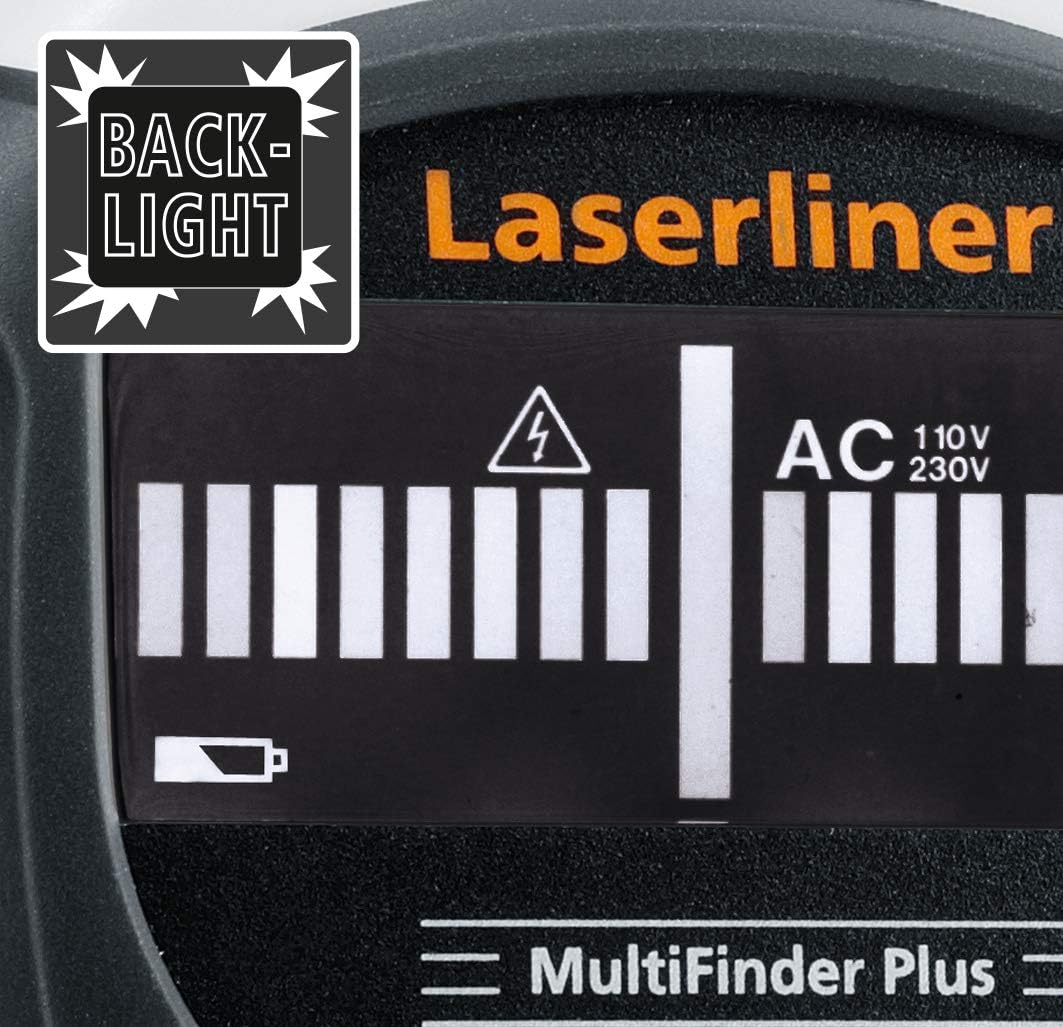
Image: The MultiFinder Plus features a backlight on its display, ensuring readability in low-light conditions.
5. Setup
5.1. Battery Installation
The MultiFinder Plus requires one 9V alkaline battery (Type 6LR 61).
- Locate the battery compartment cover on the back of the device.
- Slide the cover open.
- Insert the 9V battery, ensuring correct polarity (+ and -).
- Close the battery compartment cover securely.
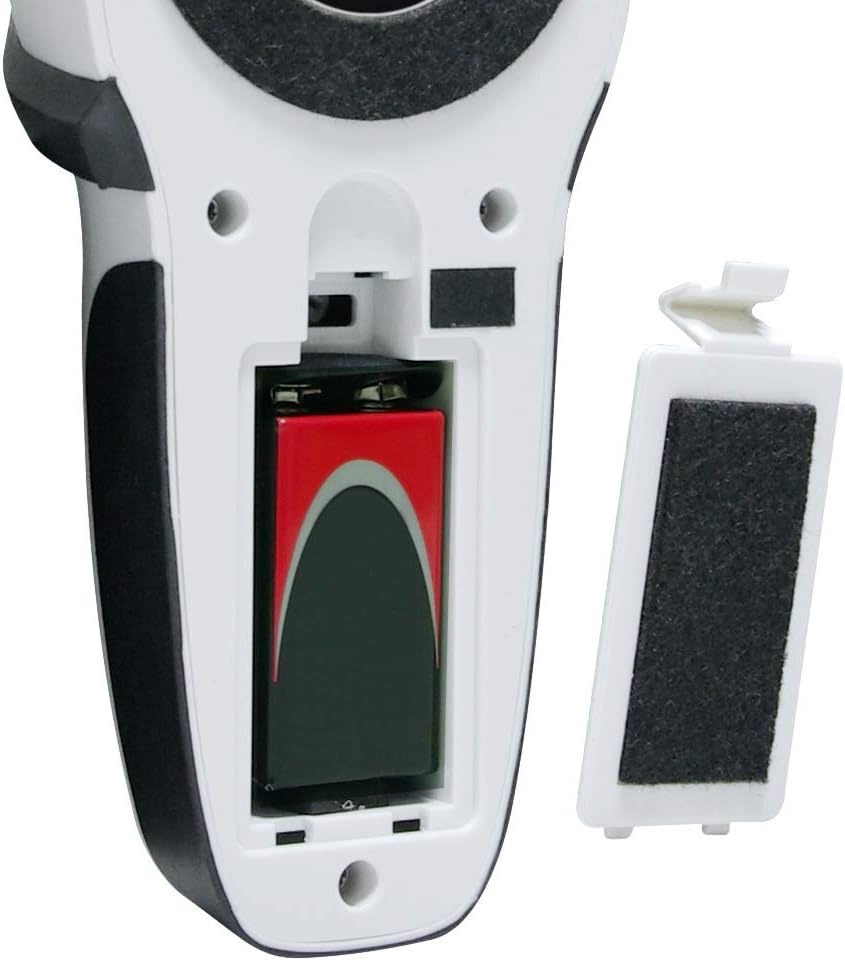
Image: The open battery compartment of the MultiFinder Plus, showing the correct placement of a 9V battery. The battery cover is shown detached.

Image: The MultiFinder Plus device displayed alongside a 9V battery, illustrating the required power source.
5.2. Initial Calibration
Before each use, or when switching detection modes, it is recommended to perform an automatic calibration.
- Place the device flat against the surface you intend to scan, ensuring no objects are directly beneath it.
- Press and hold the CAL button until the calibration process is complete (indicated on the LCD).
- The device is now ready for use in the selected mode.
6. Operating Instructions
6.1. Powering On/Off and Mode Selection
To power on the device, press the Mode button. To switch between detection modes (Wood/Stud, Metal, AC), press the Mode button repeatedly until the desired mode is displayed on the LCD.
6.2. Detection Modes and Depths
The MultiFinder Plus offers three primary detection modes:
- Stud-Scan (Wood): Detects wooden studs and beams.
- Detection Depth: Approximately 2 cm to 4 cm.
- Metal-Scan: Detects ferrous and non-ferrous metals, including copper, steel, and iron. This mode can also detect non-live cables under plaster.
- Detection Depth: Up to 10 cm.
- AC-Scan: Detects live electrical wires (110V-230V).
- Detection Depth: Approximately 4 cm to 5 cm.

Image: A visual diagram illustrating the approximate detection depths for different scan modes: Stud-Scan (2-4 cm), AC-Scan (4-5 cm for 110-230 Volt wires), and Metal-Scan (up to 10 cm).
6.3. Scanning Procedure
- Select the appropriate detection mode using the Mode button.
- Perform automatic calibration by pressing the CAL button while the device is flat against the surface.
- Slowly move the device horizontally across the surface. Maintain constant contact and pressure.
- Observe the LCD display for signal strength indicators and the 'MOVE' arrows, which guide you towards the center of the detected object.
- When an object is detected, the device will emit an acoustic signal, and the optical display will show a strong signal. For live wires, the red warning light will also illuminate.
- Mark the location of the detected object. For precise localization, scan the area from multiple directions.
6.4. Acoustic and Optical Signals
The MultiFinder Plus provides clear feedback:
- Acoustic Signal: A beeping sound indicates the presence of a detected object. The frequency or intensity may change as you get closer to the object.
- Optical Display: The LCD screen shows a bar graph indicating signal strength. The higher the bars, the closer you are to the object.
- Red Warning Light: Illuminates when live electrical wires are detected, providing an immediate visual alert.
7. Maintenance and Care
- Cleaning: Wipe the device with a soft, damp cloth. Do not use abrasive cleaners or solvents.
- Storage: Store the device in a dry, dust-free environment, away from direct sunlight and extreme temperatures (-20 °C to 70 °C).
- Battery: Remove the battery if the device will not be used for an extended period to prevent leakage.
- Calibration: Regular calibration ensures optimal performance.
8. Troubleshooting
| Problem | Possible Cause | Solution |
|---|---|---|
| Inaccurate readings / False positives | Improper calibration; high humidity; presence of other electronic devices nearby; user error (e.g., not holding flat). | Re-calibrate the device on a clear section of the wall. Ensure the device is held flat against the surface. Move away from other electronics. |
| Device does not power on | Dead or incorrectly installed battery. | Check battery polarity. Replace with a new 9V alkaline battery. |
| Weak or no signal detection | Object too deep; incorrect mode selected; battery low. | Ensure the correct mode is selected for the target material. Check battery level. Note maximum detection depths for each mode. |
| Constant beeping | Device is picking up ambient interference or needs re-calibration. | Move to a different area and re-calibrate. Ensure no hands or other objects are near the sensor area during calibration. |
9. Specifications
| Feature | Detail |
|---|---|
| Model Number | 080.965A |
| Manufacturer | Laserliner |
| Detection Modes | Wood/Stud, Metal (ferrous & non-ferrous, non-live wires), AC (live wires) |
| Max. Detection Depth (Wood/Stud) | Approx. 2 cm - 4 cm |
| Max. Detection Depth (Metal) | Up to 10 cm |
| Max. Detection Depth (AC) | Approx. 4 cm - 5 cm (110V-230V) |
| Power Supply | 1 x 9V Alkaline Battery (Type 6LR 61) |
| Operating Temperature | 0 °C to 40 °C (32 °F to 104 °F) |
| Storage Temperature | -20 °C to 70 °C (-4 °F to 158 °F) |
| Dimensions (W x H x D) | 80 x 186 x 40 mm (approx. 3.15 x 7.32 x 1.57 inches) |
| Weight | 420 grams (approx. 0.93 lbs) |
10. Warranty and Support
Laserliner products are manufactured with high quality standards and undergo strict quality control. This product comes with a standard manufacturer's warranty against defects in materials and workmanship. Please refer to the warranty card included with your purchase or visit the official Laserliner website for detailed warranty terms and conditions.
For technical support, service, or spare parts, please contact your local Laserliner distributor or the customer service department. Contact information can typically be found on the Laserliner website or on your product packaging.
Please retain your proof of purchase for warranty claims.
Ask a question about this manual
Ask about setup, troubleshooting, compatibility, parts, safety, or missing instructions. Manuals+ will review the question and use this page’s manual context to help answer it.