
LiftMaster 882lm
Contents
LiftMaster 882LMW Wi-Fi Multi-Function Control Panel User Manual
Model: 882LMW | Brand: LiftMaster
Introduction
The LiftMaster 882LMW Wi-Fi Multi-Function Control Panel provides convenient and secure operation for compatible LiftMaster garage door openers. This manual outlines the features, installation, operation, and maintenance of your control panel.

Figure 1: Front view of the LiftMaster 882LMW Control Panel.
Compatibility
The LiftMaster 882LMW control panel is ONLY compatible with the following garage door openers:
- LiftMaster Security+ 2.0 garage door openers.
- Openers enabled by myQ technology.
- Openers featuring a round yellow learn button and two yellow antennas.
Important: This product is not battery-powered and requires a wired connection for operation.
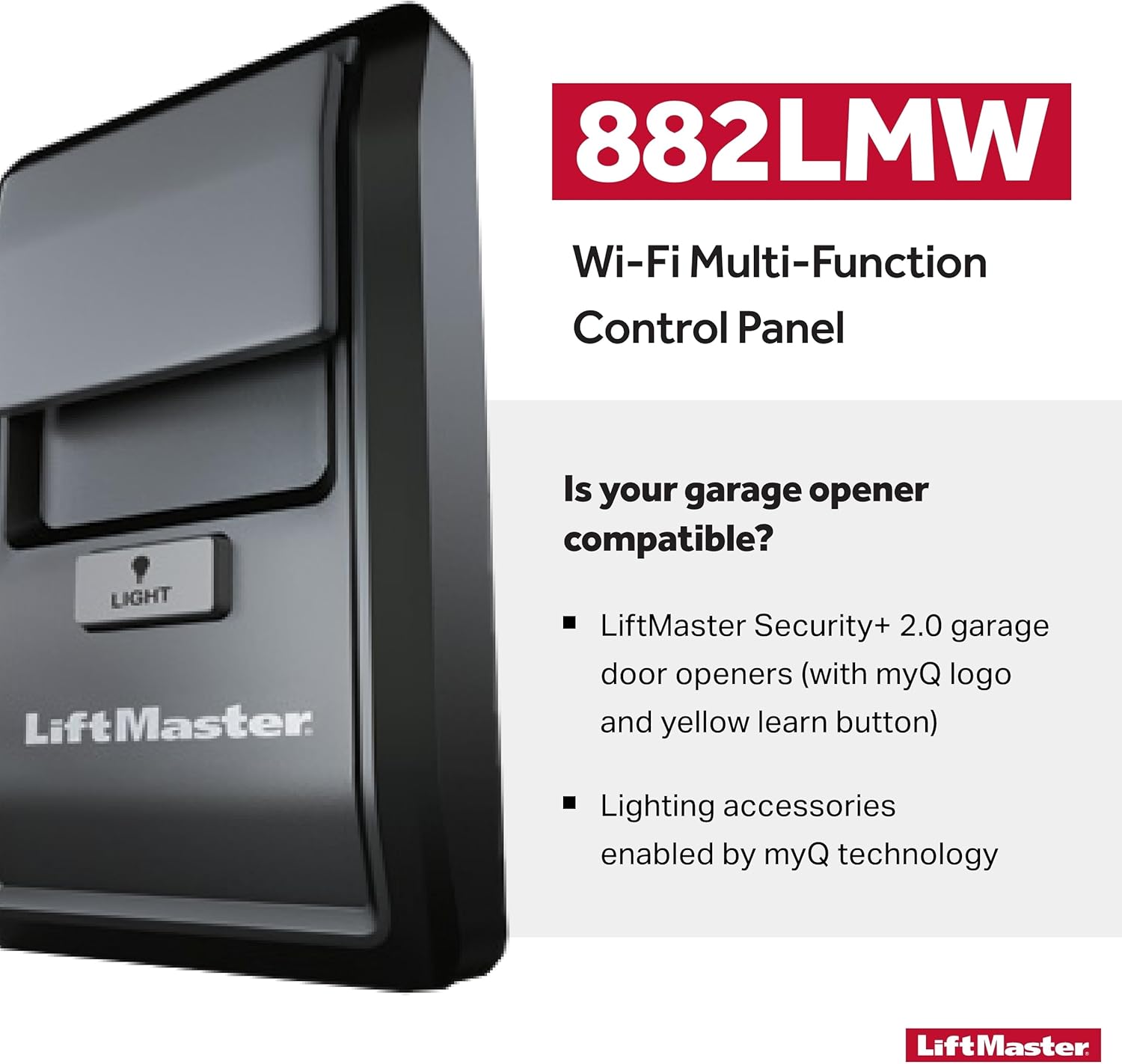
Figure 2: Image illustrating compatibility requirements for the 882LMW control panel.
Features
- Ultimate Security: Equipped with Security+ 2.0 technology, ensuring a unique, encrypted code with every press for enhanced security.
- Seamless Device Sync: Facilitates immediate and effortless programming of Wi-Fi and myQ-enabled devices directly from the control panel.
- Unified Access Control: Efficiently operates a single garage door and integrates lighting control for a comprehensive garage access experience.
- Wired Connection: Requires a wired connection to the garage door opener for power, ensuring reliable operation.
- Amber Indicator Light: An amber light on the panel provides visibility in dark environments, making it easy to locate and operate.

Figure 3: The control panel offers fast, easy programming for your home security system.
Setup and Installation
Follow these steps for proper installation of your LiftMaster 882LMW control panel:
- Preparation: Ensure your garage door opener is compatible (Security+ 2.0, myQ enabled, yellow learn button).
- Mounting Location: Choose a convenient location inside your garage, at least 5 feet (1.5 meters) above the floor, away from moving parts of the garage door.
- Wiring: Connect the wires from your garage door opener to the terminals on the back of the 882LMW control panel. Ensure connections are secure. This unit requires a wired power source and is not battery operated.
- Mounting: Secure the control panel to the wall using appropriate screws.
- Power On: Restore power to your garage door opener. The control panel should illuminate.
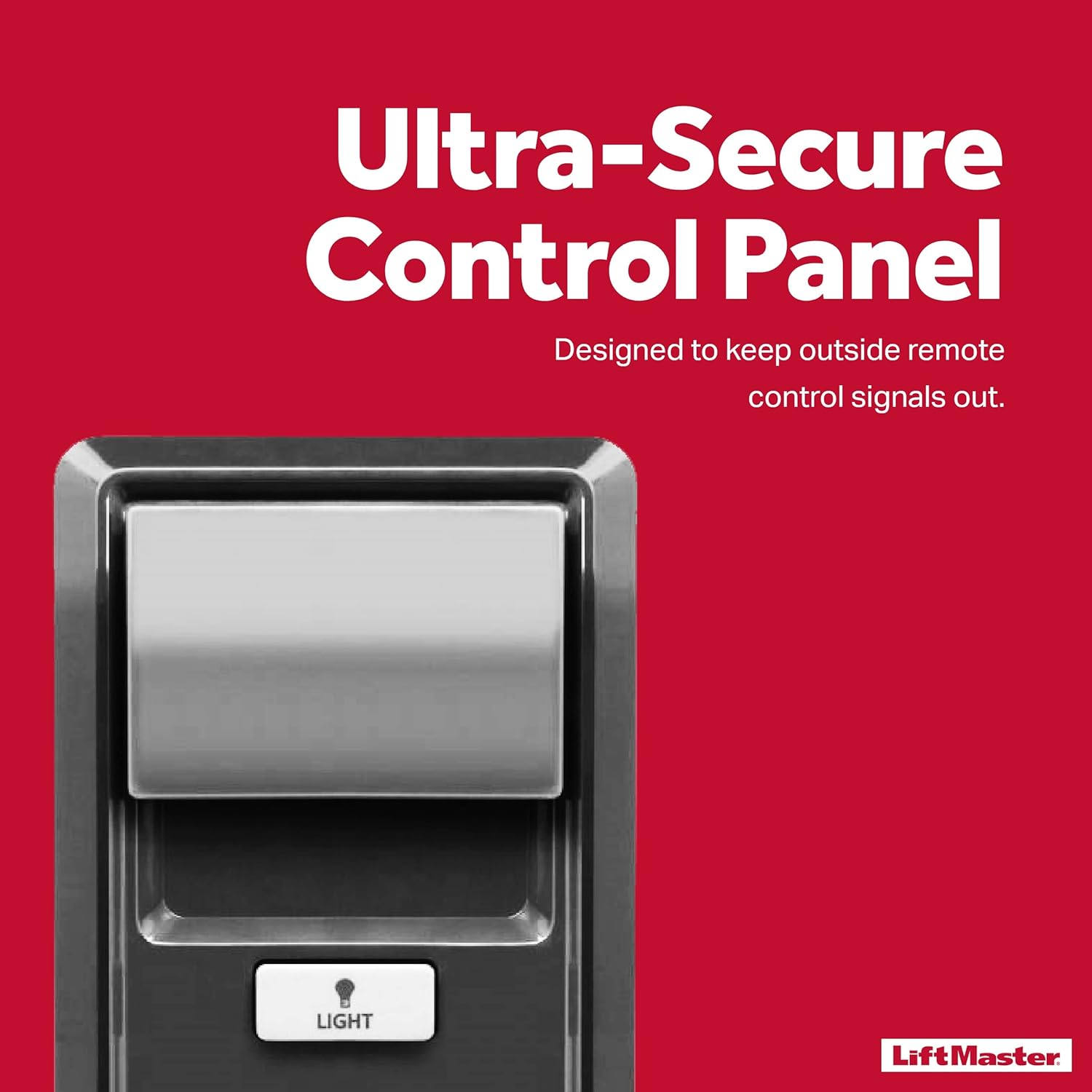
Figure 4: The control panel is designed for ultra-secure operation.
Operating Instructions
The LiftMaster 882LMW control panel offers straightforward operation:
- Opening/Closing the Door: Press the large main button on the front of the control panel to open or close the garage door. Pressing it again during operation will stop the door.
- Controlling Lights: Press the "LIGHT" button (with the light bulb icon) to manually turn the garage door opener lights on or off.
- Programming Devices: Lift the cover on the control panel to access the "LEARN" and "LOCK" buttons.
- Press the "LEARN" button to program new remote controls or myQ-enabled accessories to your garage door opener. Refer to your garage door opener's manual for specific programming steps.
- Press the "LOCK" button to disable the main door button for added security, preventing unauthorized operation from the wall panel. Press again to unlock.

Figure 5: The main button controls the garage door opener.
Maintenance
The LiftMaster 882LMW control panel requires minimal maintenance:
- Keep the control panel clean by wiping it with a soft, dry cloth.
- Ensure the wiring connections remain secure and free from damage.
- Regularly test the operation of the main door button and light button to ensure proper functionality.
Troubleshooting
If you experience issues with your LiftMaster 882LMW control panel, consider the following common solutions:
| Problem | Possible Cause | Solution |
|---|---|---|
| Control panel is not responding. | No power to the unit or loose wiring. | Check power supply to the garage door opener. Verify all wired connections are secure. |
| Door does not open/close from the panel. | Panel is in "LOCK" mode or opener is not compatible. | Press the "LOCK" button to disable lock mode. Confirm your garage door opener is a Security+ 2.0 myQ enabled model with a yellow learn button. |
| Lights do not turn on/off. | Light bulb is faulty or not installed. | Check and replace the light bulb in your garage door opener. |
For further assistance, please refer to your garage door opener's main instruction manual or contact LiftMaster customer support.
Specifications
| Attribute | Detail |
|---|---|
| Model Number | 882LMW |
| Brand | LiftMaster |
| Installation Type | Screw-In |
| Recommended Uses | Controlling and managing access to garages and gates |
| UPC | 012381118823 |
| Product Dimensions | 5.75 x 3.88 x 1.88 inches |
| Item Weight | 1.76 ounces (0.11 Pounds) |
| Material | Plastic |
| Color | Brushed Nickel |
| Exterior Finish | Stainless Steel |
Warranty Information
The LiftMaster 882LMW Wi-Fi Multi-Function Control Panel comes with a 1 Year Warranty from the date of purchase. Please retain your proof of purchase for warranty claims. For detailed warranty terms and conditions, refer to the official LiftMaster website or contact customer support.
Figure 6: The product is covered by a 1-year warranty.
Customer Support
For technical support, troubleshooting, or warranty inquiries, please visit the official LiftMaster website or contact their customer service department. You can find contact information on the LiftMaster website or in the documentation provided with your garage door opener.
Visit the Official LiftMaster Store on Amazon

Figure 7: LiftMaster Official Logo.
Documents and downloads
Ask a question about this manual
Ask about setup, troubleshooting, compatibility, parts, safety, or missing instructions. Manuals+ will review the question and use this page’s manual context to help answer it.