
Introduction
Welcome to the 1990 Eagle Summit Owner's Manual. This manual contains important information regarding the operation, maintenance, and safety of your vehicle. Please read it thoroughly to ensure a complete understanding of your vehicle's features and capabilities. Keeping this manual in your vehicle will provide a convenient reference for you and any future owners.
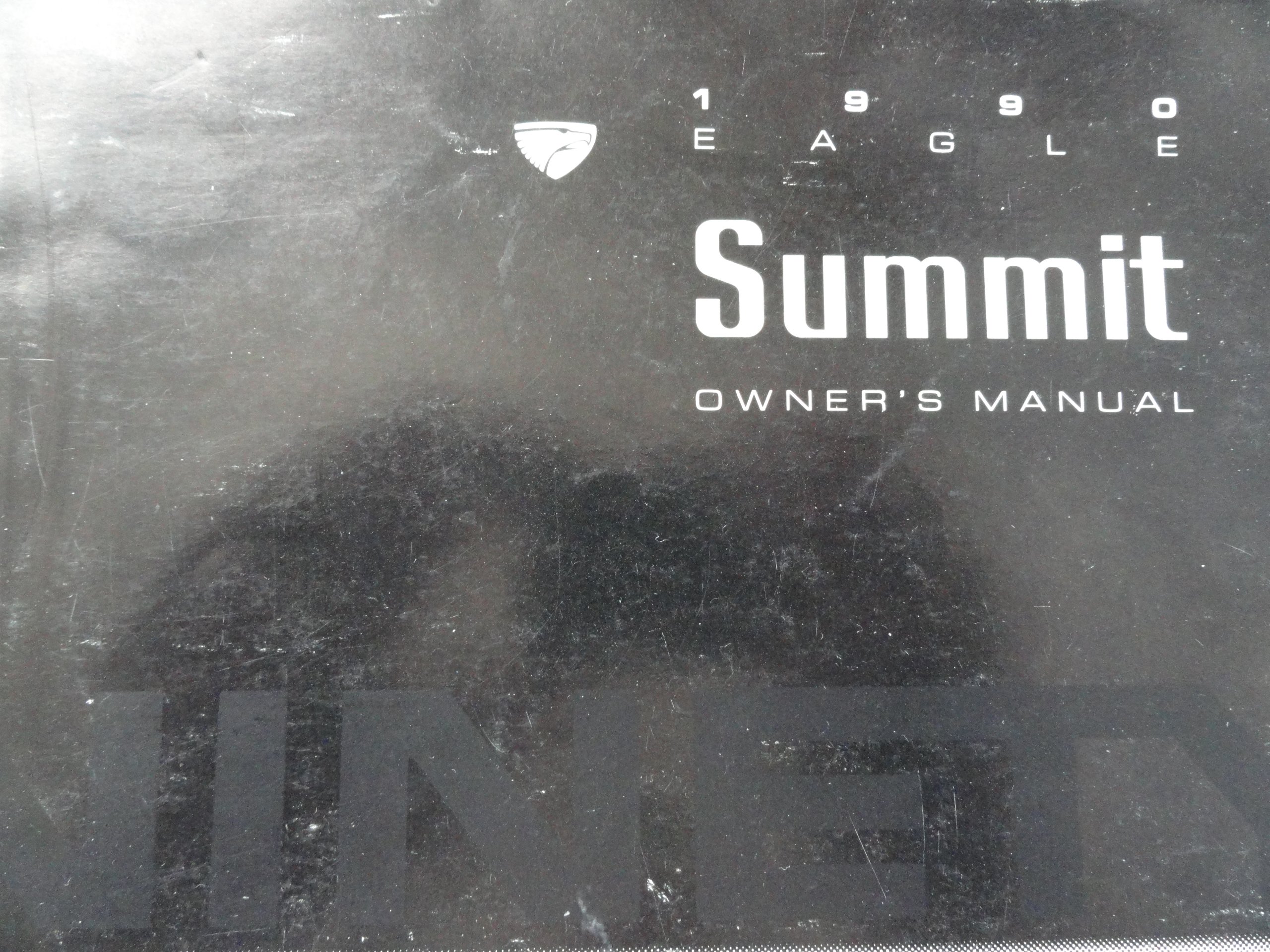
Image: Cover of the 1990 Eagle Summit Owner's Manual. This image displays the front cover of the official owner's manual for the 1990 Eagle Summit vehicle.
For your safety and to prevent damage to your vehicle, always follow the instructions and warnings provided in this manual. If you have any questions, please consult an authorized Eagle service center.
Safety Information
Your safety and the safety of your passengers are paramount. This section outlines critical safety precautions and features of your 1990 Eagle Summit.
Seat Belts and Airbags
- Always wear your seat belt and ensure all passengers are properly restrained.
- The Eagle Summit is equipped with a driver's side airbag. Refer to the specific section on airbag system operation and precautions.
- Children should always be secured in appropriate child restraint systems in the rear seats.
Driving Safety
- Never drive under the influence of alcohol or drugs.
- Always adjust your speed to road and weather conditions.
- Maintain a safe following distance from other vehicles.
Vehicle Controls and Features
Familiarize yourself with the location and function of all controls before driving your vehicle.
Dashboard Layout
The dashboard contains the instrument cluster, warning lights, and various controls for vehicle operation. Consult the detailed diagrams in the manual for specific locations.
Starting and Stopping the Engine
- Insert the key into the ignition switch.
- For automatic transmission, ensure the shift lever is in 'P' (Park) or 'N' (Neutral). For manual transmission, depress the clutch pedal.
- Turn the key to the 'START' position and release it once the engine starts.
- To stop the engine, turn the key to the 'OFF' position.
Lighting Controls
The headlight switch is located on the left side of the steering column. It controls the headlights, parking lights, and instrument panel illumination. Pull the lever towards you for high beams.
Driving Your Eagle Summit
This section provides guidance on operating your vehicle safely and efficiently.
Automatic Transmission Operation
- P (Park): Locks the transmission and prevents the wheels from turning. Use when parking.
- R (Reverse): For backing up.
- N (Neutral): Allows the wheels to turn freely. Use when stopped for extended periods.
- D (Drive): For normal forward driving.
- 2 (Second Gear): For driving in hilly terrain or for engine braking.
- L (Low Gear): For steep grades or heavy loads.
Braking System
Your vehicle is equipped with a hydraulic braking system. Apply steady pressure to the brake pedal to slow down or stop. The parking brake should be engaged when parking on inclines or for extended periods.
Maintenance and Care
Regular maintenance is crucial for the longevity and performance of your Eagle Summit. Follow the recommended service schedule.
Scheduled Maintenance
| Service Interval | Items to Check/Replace |
|---|---|
| Every 5,000 km (3,000 miles) | Engine oil and filter, tire rotation, fluid levels (brake, power steering, coolant) |
| Every 20,000 km (12,000 miles) | Air filter, spark plugs, fuel filter, inspect brake pads |
| Every 50,000 km (30,000 miles) | Transmission fluid, drive belts, coolant flush |
Note: This table provides a general overview. Refer to the full maintenance schedule in your manual for detailed intervals and procedures.
Tire Care
Maintain correct tire pressure as specified on the tire placard located on the driver's side door jamb. Regularly inspect tires for wear and damage.
Troubleshooting Common Issues
This section addresses common problems you might encounter and provides basic troubleshooting steps.
Engine Will Not Start
- Battery: Check battery terminals for corrosion and ensure they are tight. If the starter motor cranks slowly or not at all, the battery may be discharged.
- Fuel: Ensure there is sufficient fuel in the tank.
- Ignition: Verify the ignition key is fully inserted and turned to the 'START' position.
Overheating Engine
- Pull over safely and turn off the engine immediately.
- Do not open the radiator cap while the engine is hot.
- Check coolant level once the engine has cooled. Look for leaks.
For more complex issues, it is recommended to consult a qualified mechanic or an authorized Eagle service center.
Specifications
Key technical specifications for the 1990 Eagle Summit.
| Category | Specification |
|---|---|
| Engine Type | Inline 4-cylinder (various displacements available) |
| Fuel Type | Unleaded Gasoline |
| Fuel Tank Capacity | Approximately 45-50 liters (12-13 gallons) |
| Tire Size | Refer to tire placard on vehicle |
| Oil Capacity | Refer to engine section for specific volume |
Note: Specifications may vary based on specific model trim and regional variations. Always consult your vehicle's specific documentation.
Warranty and Support
This section provides general information regarding your vehicle's warranty and how to obtain support.
Vehicle Warranty
Details regarding the original manufacturer's warranty, including coverage periods and terms, are provided in a separate warranty booklet that accompanied your vehicle at the time of purchase. Please refer to that document for complete information.
Customer Support
For technical assistance, service appointments, or genuine Eagle parts, please contact your nearest authorized Eagle dealership. You can find a list of authorized service centers on the official Eagle website or by contacting customer service.
No relevant official product videos were found for embedding based on the provided input.