
Introduction
Welcome to the world of imaginative play with your new Barbie BBCR2 Cash Register! This manual provides essential information for setting up, operating, and maintaining your toy to ensure a fun and educational experience. Please read these instructions carefully before use.
Safety Information
Always observe the following safety guidelines to prevent injury or damage to the product:
- This toy is recommended for children aged 5 years and older.
- Keep small parts away from younger children to avoid choking hazards.
- Do not mix old and new batteries. Do not mix alkaline, standard (carbon-zinc), or rechargeable (nickel-cadmium) batteries.
- Always insert batteries with correct polarity (+ and -).
- Remove batteries if the toy will not be used for an extended period.
- Do not attempt to disassemble or modify the cash register.
Package Contents
Your Barbie BBCR2 Cash Register package should contain the following items:
- Barbie BBCR2 Cash Register unit
- Play banknotes
- Play coins
- Play credit cards
- Receipt paper roll
- Headset with microphone
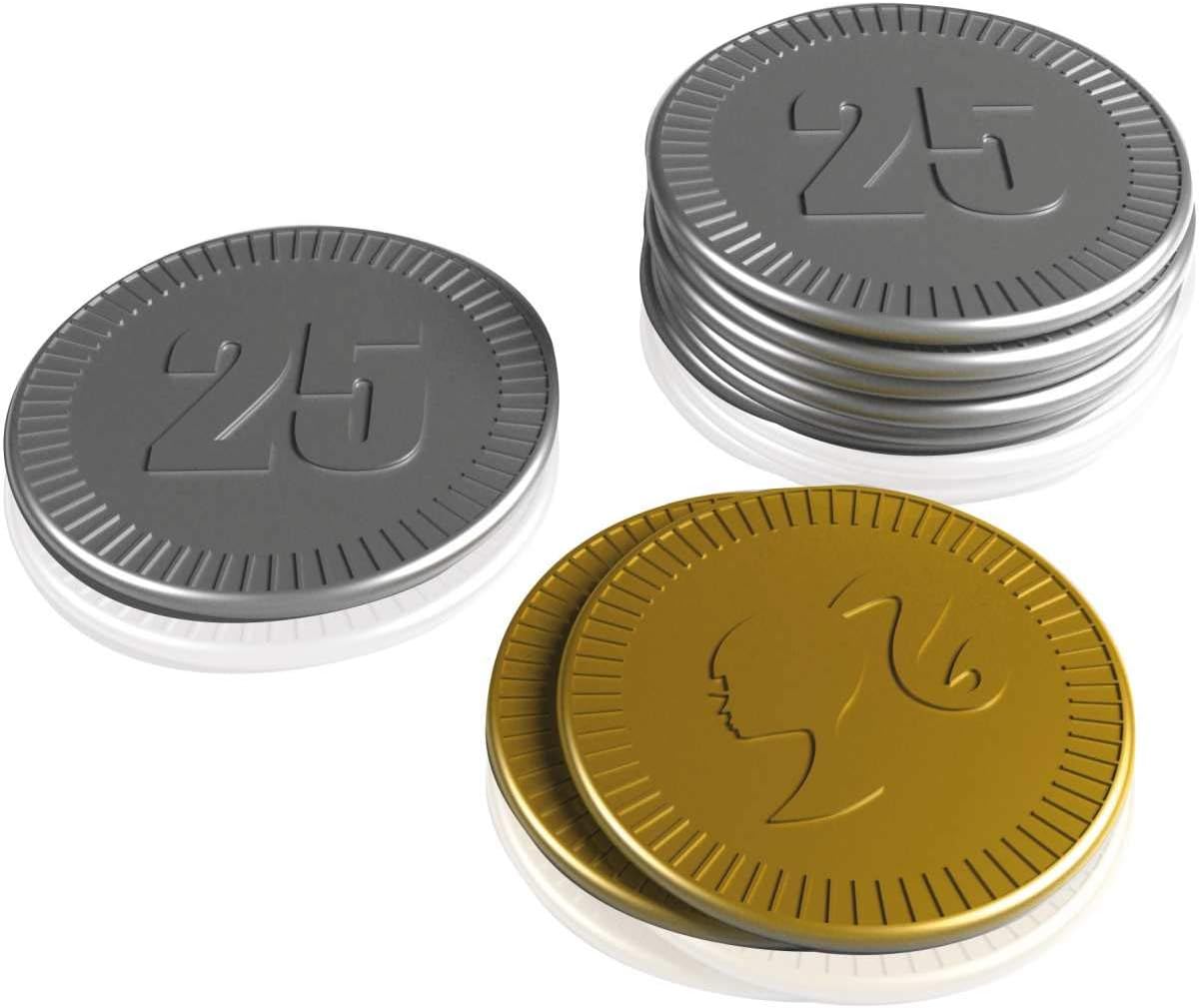
Image: Barbie BBCR2 Cash Register in its retail packaging, showing the main unit and various accessories.
Setup
Battery Installation
The Barbie BBCR2 Cash Register requires 3 AAA batteries and 3 AA batteries (included). Follow these steps to install them:
- Locate the battery compartment on the underside of the cash register.
- Using a screwdriver, open the battery compartment cover.
- Insert 3 AAA batteries and 3 AA batteries, ensuring correct polarity (+/-).
- Replace the battery compartment cover and secure it with the screw.
Initial Assembly
No complex assembly is required for the Barbie BBCR2 Cash Register. Simply place the play money, credit cards, and receipt roll into their designated slots. Connect the headset to the appropriate port if desired.
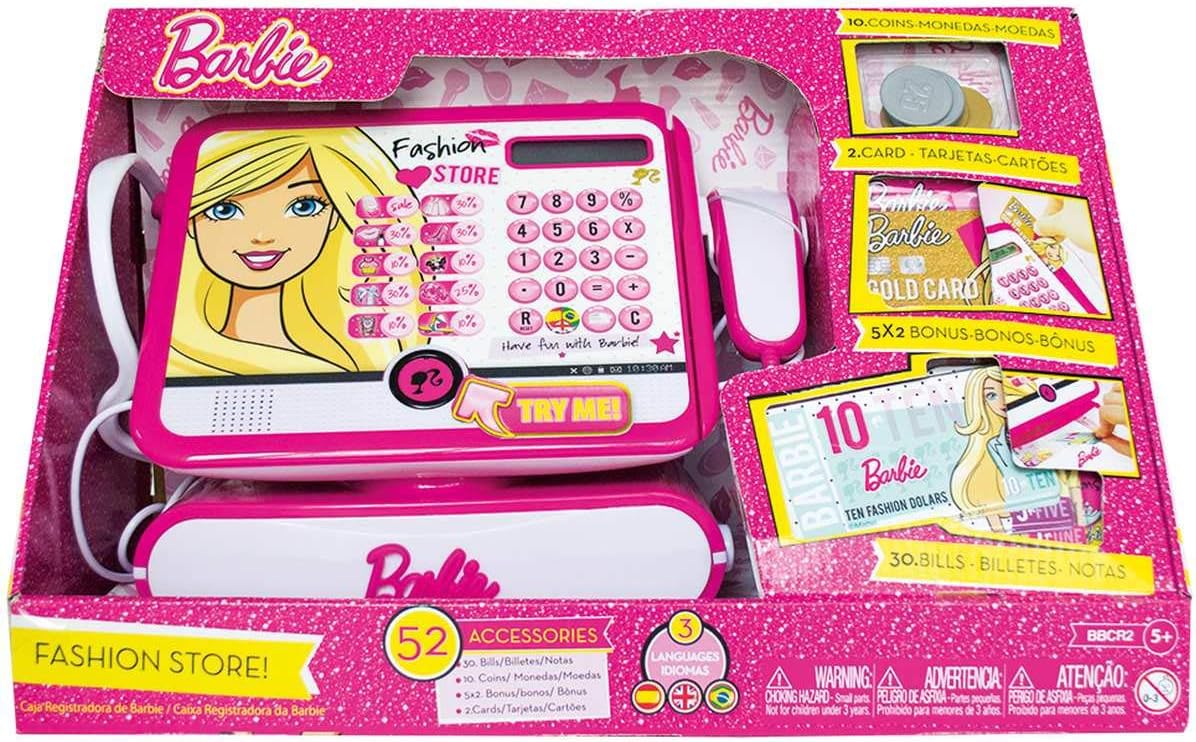
Image: The Barbie BBCR2 Cash Register displayed with its play money, credit cards, and headset accessories.
Operating Instructions
The Barbie BBCR2 Cash Register offers various interactive features for realistic play:
- Power On/Off: Locate the power button, usually on the side or front panel, to turn the unit on or off.
- Calculator Function: Use the numeric keypad to input prices. The display will show the entered numbers and calculations.
- Scanner: The integrated scanner can be used to 'scan' items. It typically produces a sound effect.
- Credit Card Reader: Insert a play credit card into the designated slot to simulate a transaction.
- Microphone: Use the headset microphone to make announcements. Press and hold the microphone button to speak.
- Cash Drawer: Press the 'Open' button to release the cash drawer for handling play money.
- Language Selection: The cash register supports French, English, and Italian. Refer to the unit's settings or a dedicated button to switch languages.

Image: A close-up view of the Barbie BBCR2 Cash Register, highlighting the keypad, display, and credit card reader.
Maintenance
Cleaning
To clean your cash register, wipe it with a soft, damp cloth. Do not use harsh chemicals or abrasive cleaners. Ensure no water enters the electronic components.
Storage
When not in use, store the cash register in a cool, dry place away from direct sunlight. Remove batteries if storing for extended periods to prevent leakage.
Troubleshooting
| Problem | Possible Cause | Solution |
|---|---|---|
| Cash register does not turn on. | Batteries are dead or incorrectly installed. | Check battery polarity and replace with fresh batteries. |
| Sounds are distorted or too low. | Low battery power. | Replace batteries. |
| Microphone not working. | Microphone not properly connected or button not pressed. | Ensure headset is fully plugged in. Press and hold the microphone button while speaking. |
| Cash drawer does not open. | Mechanism jammed or 'Open' button not pressed firmly. | Clear any obstructions. Press the 'Open' button firmly. |
Specifications
| Feature | Detail |
|---|---|
| Model Number | BBCR2 |
| Product Dimensions | 39 x 18 x 25 cm |
| Item Weight | 0.55 g |
| Recommended Age | 5 years and up |
| Batteries Required | Yes (3 AAA, 3 AA) |
| Batteries Included | Yes |
| Material Type | Plastic |
| Color | Pink |
| Languages Supported | French, English, Italian |
Warranty and Support
This product is covered by a standard manufacturer's warranty against defects in materials and workmanship. For specific warranty details, please refer to the packaging or contact the retailer where the product was purchased.
For technical support or further assistance, please contact the customer service department of the product manufacturer or your retailer. Keep your proof of purchase for warranty claims.