
Introduction
The Calculated Industries ConversionCalc Plus is a professional-grade conversion calculator designed for a wide range of users including scientists, lab technicians, healthcare professionals, engineers, and anyone requiring precise unit conversions. This device offers over 500 conversion combinations across more than 70 built-in standard, metric, and other units of measure. It simplifies complex conversions, eliminating the need for manual look-ups or complicated formulas.
Key Features
- Extensive Unit Conversion: Convert between over 70 U.S. Imperial, metric, and other units of measure, providing more than 500 conversion combinations.
- Intuitive Data Entry: Enter measurements in various formats, including feet, inches, fractions, or decimal inches, and other units as whole or decimal numbers.
- Dedicated Conversion Keys: Easily switch between measurement formats with dedicated conversion keys for quick and accurate results.
- Comprehensive Measurement Types: Supports linear, area, volume, weight, temperature, velocity, flow rate, pressure, torque, energy, and power conversions.
- Reese's Law Compliant Battery Design: Features a button-cell battery compartment secured with a tool-required fastener to prevent unintended access, aligning with U.S. federal safety requirements (16 CFR Part 1263).
- Portability and Protection: Includes a protective slide cover, a quick reference guide, and a pocket reference guide for convenience and durability.
Setup
Battery Installation
The ConversionCalc Plus comes with one long-life CR2016 button-cell battery pre-installed. If replacement is necessary, ensure the calculator is powered off. The battery compartment is located on the back of the unit and requires a small Phillips head screwdriver to open, in compliance with Reese's Law for button-cell battery safety. Carefully remove the screw, open the compartment, replace the battery with a new CR2016, and secure the compartment cover and screw.
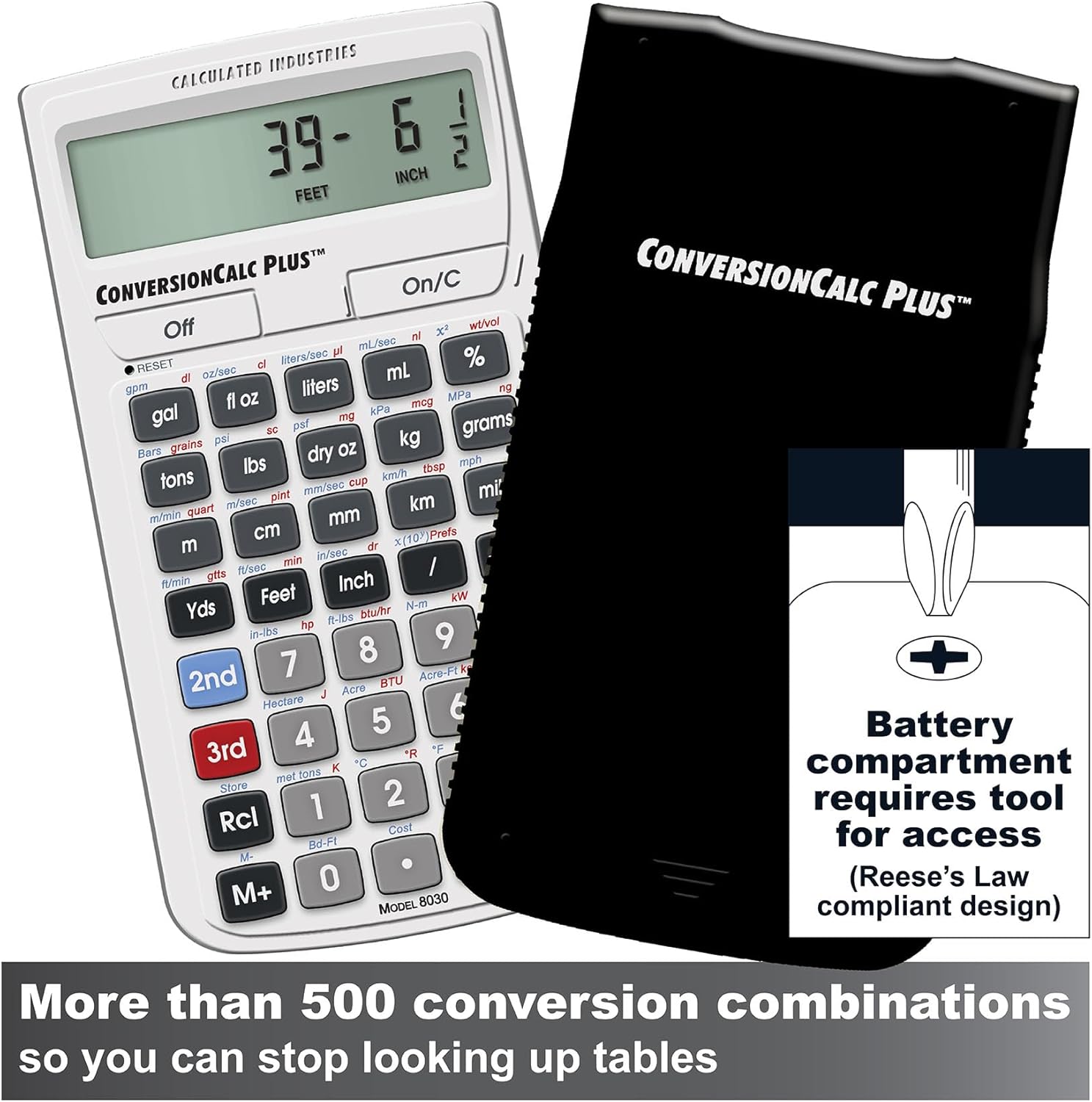
Image: The ConversionCalc Plus calculator with its protective slide cover. Note the battery compartment on the back, designed for tool-required access to enhance safety.
Initial Power On
Press the On/C button to power on the calculator. The display will activate, ready for input. To turn off the calculator, press the Off button.
Reference Guides
The calculator includes a protective slide cover with a quick reference guide printed inside, and a separate pocket reference guide. These guides provide essential information on functions and conversions for quick access.

Image: The ConversionCalc Plus calculator shown with its protective slide cover and the included pocket reference guide, which stores conveniently in the cover.
Operating Instructions
Basic Conversions
To perform a conversion, first enter the numerical value you wish to convert. Then, press the key corresponding to the unit of the entered value. Finally, press the Convert key (often labeled 'Conv' or similar, or implied by a unit key) followed by the key for the desired output unit. The calculator will display the converted value.

Image: A detailed view of the calculator's keypad, illustrating the dedicated unit keys for various measurements, simplifying the conversion process.
Using Color-Coded Functions
The calculator features color-coded function labels (e.g., 2nd, 3rd) to access secondary and tertiary functions printed above or below the keys. Press the corresponding color-coded shift key (e.g., 2nd or 3rd) before pressing the desired function key.
Example: Converting Fluid Ounces to Milliliters
- Enter the numerical value, for example, 8.
- Press the fl oz key. The display will show '8 fl oz'.
- Press the ml key. The display will instantly show the converted value in milliliters.

Image: The ConversionCalc Plus in a laboratory environment, demonstrating its use for converting fluid ounces (F-OZ) to other units, showing a precise numerical result.
Official Product Video Overview
Video: An official overview of the Calculated Industries ConversionCalc Plus, demonstrating its features and ease of use for various unit conversions.
Maintenance
Cleaning
To clean the calculator, use a soft, dry cloth. For stubborn dirt, a slightly damp cloth with mild soap can be used, ensuring no liquid enters the device. Avoid abrasive cleaners or solvents.
Storage
Always store the ConversionCalc Plus with its protective slide cover in place to prevent dust, scratches, and accidental damage to the keys and screen. Store in a cool, dry environment away from direct sunlight and extreme temperatures.

Image: The durable hard cover for the ConversionCalc Plus, designed to protect the calculator from dust and physical damage during storage and transport.
Troubleshooting
Display Issues
- Blank Display: If the display is blank, ensure the calculator is powered on. If it remains blank, the battery may need replacement. Refer to the Battery Installation section.
- Faint Display: A faint display can indicate a low battery. Replace the battery as described in the Setup section.
Incorrect Conversions
- Review Input: Double-check the entered value and the selected input unit.
- Verify Output Unit: Ensure the correct output unit was selected for the conversion.
- Consult Reference Guide: Refer to the quick reference guide or the full user guide for specific conversion procedures and unit definitions.
Calculator Unresponsive
If the calculator becomes unresponsive, try pressing the On/C button to clear any current operation. If the issue persists, remove and reinsert the battery to perform a hard reset.
Specifications
| Feature | Detail |
|---|---|
| Brand | Calculated Industries |
| Model Number | 8030 |
| Calculator Type | Engineering/Scientific Conversion |
| Power Source | Battery Powered (1 Lithium Metal CR2016, included) |
| Item Weight | 118 g |
| Display Type | LCD |
| Enclosure Material | Plastic |
| Item Dimensions (L x W) | 5.5" x 3" |
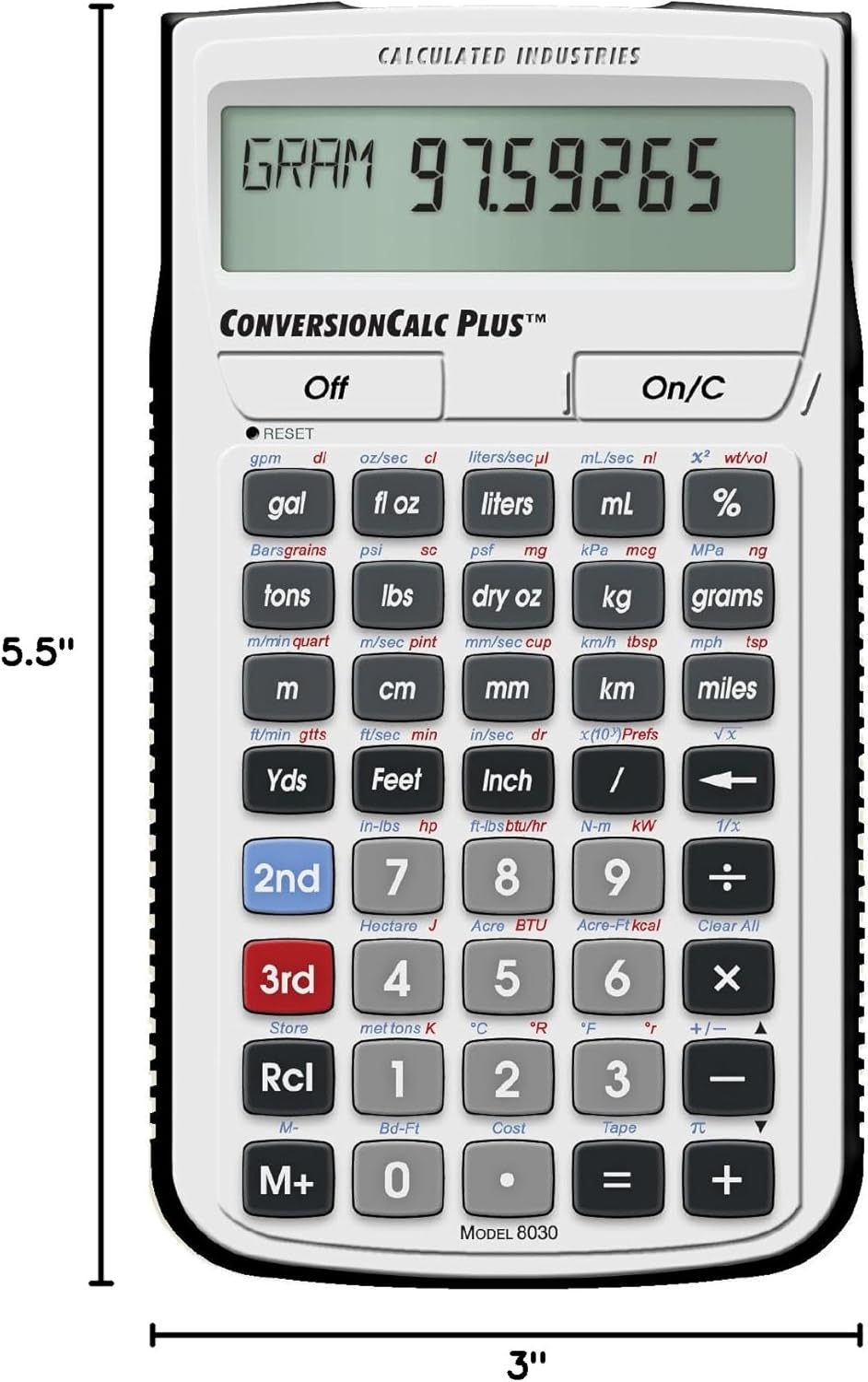
Image: The ConversionCalc Plus calculator displaying its physical dimensions for reference.
Warranty and Support
Warranty Information
The Calculated Industries ConversionCalc Plus comes with a Full One-Year Limited Warranty. For details regarding warranty claims or service, please refer to the documentation included with your product or contact Calculated Industries customer support.
Additional Resources
For a more detailed user guide and further support, please refer to the official PDF document:
For further assistance, please visit the Calculated Industries Store on Amazon.

