
Introduction and Overview
This manual provides detailed instructions and important information for the safe and efficient operation, maintenance, and care of your 2011 Chevrolet Aveo. Familiarize yourself with its contents to ensure a thorough understanding of your vehicle's features and capabilities. Keep this manual in your vehicle for quick reference.
The information contained herein covers the standard features and options available for the 2011 Chevrolet Aveo. Specific features may vary based on your vehicle's trim level and optional equipment.
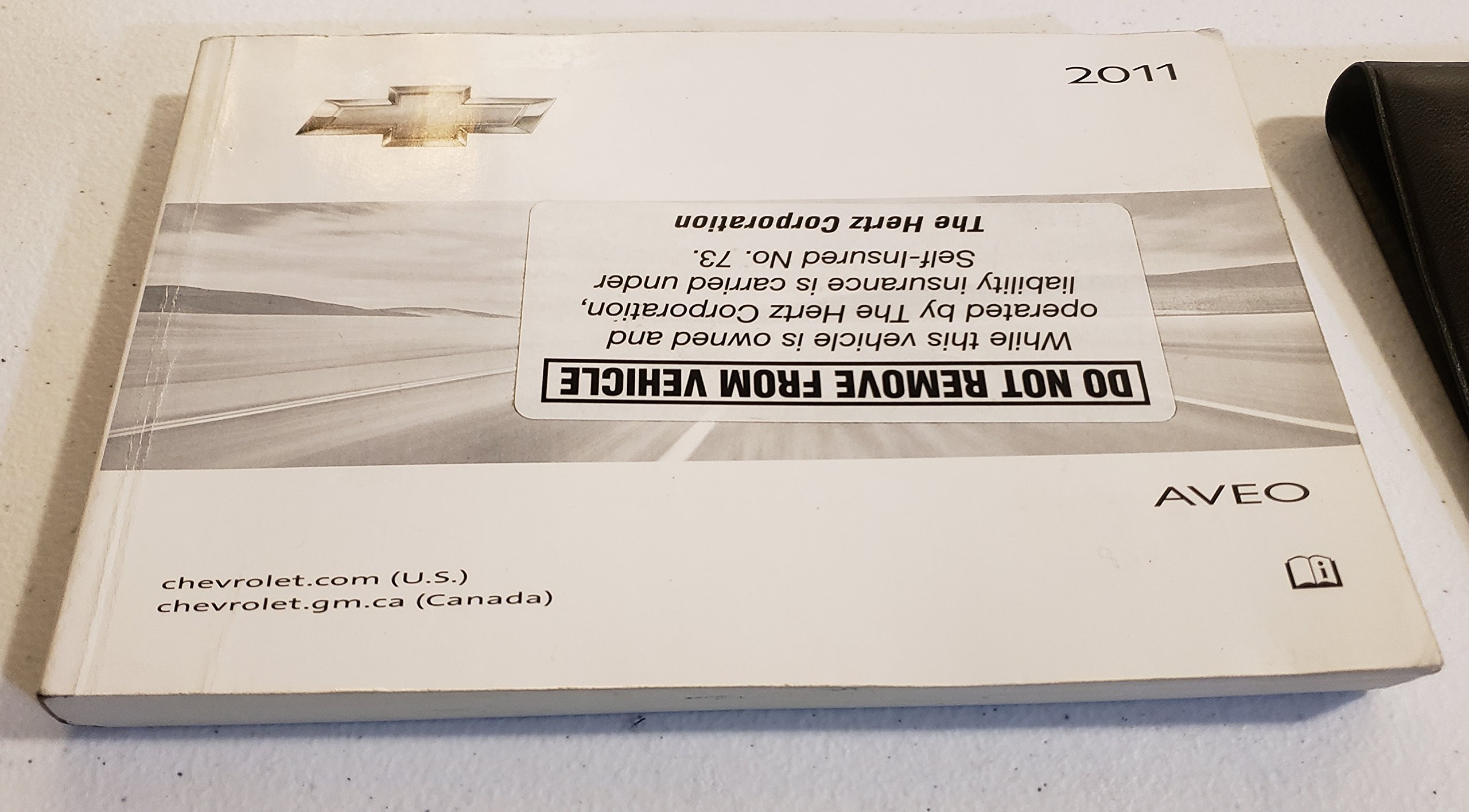
Figure 1: Front cover of the 2011 Chevrolet Aveo Owner's Manual. The manual displays the year "2011" and the model "AVEO". A prominent label states "DO NOT REMOVE FROM VEHICLE", indicating it might have been part of a rental fleet, specifically mentioning "The Hertz Corporation". Contact information for "chevrolet.com (U.S.)" and "chevrolet.gm.ca (Canada)" is also visible. Below the manual is a black leather-like folder with an embossed Chevrolet logo.
Getting Started: Initial Setup and Controls
Before driving your 2011 Chevrolet Aveo, it is essential to familiarize yourself with the basic controls and safety features. This section covers initial adjustments and key components.
Vehicle Entry and Seating
- Door Locks: Use the remote keyless entry or the key to unlock the doors. Ensure all doors are securely closed before driving.
- Seat Adjustment: Adjust the driver's seat for optimal comfort and control. Locate the lever or knob for forward/backward, height, and recline adjustments.
- Seat Belts: Always wear your seat belt and ensure all passengers are properly restrained. Adjust the shoulder belt height if available.
- Mirror Adjustment: Adjust the rearview mirror and side mirrors for clear visibility of the areas behind and to the sides of your vehicle.
Dashboard Controls Overview
The instrument panel provides critical information about your vehicle's status. Key indicators include the speedometer, tachometer, fuel gauge, and various warning lights.
- Ignition Switch: Insert the key and turn to the "ON" position to power the electrical systems, and to "START" to crank the engine.
- Headlights and Turn Signals: Operate the light stalk for headlights, high beams, and turn signals.
- Wipers and Washers: Use the wiper stalk to control windshield wipers and activate the washer fluid.
- Climate Control: Adjust temperature, fan speed, and air distribution using the controls on the center console.
Vehicle Operation
This section details the procedures for starting, driving, and parking your Chevrolet Aveo, along with information on various operational features.
Starting the Engine
- Ensure the transmission is in Park (P) for automatic or Neutral (N) for manual.
- Press the brake pedal firmly.
- Insert the key into the ignition and turn it to the "START" position. Release the key once the engine starts.
- Allow the engine to idle briefly before driving, especially in cold weather.
Driving Your Aveo
- Automatic Transmission: Shift into Drive (D) for normal driving. Use Low (L) or other gear selections for specific driving conditions like hills or towing.
- Manual Transmission: Use the clutch pedal and gear shifter to select appropriate gears. Start in first gear and shift up as speed increases.
- Braking: Apply steady pressure to the brake pedal to slow down or stop. Avoid sudden braking unless necessary.
- Parking Brake: Engage the parking brake when parking the vehicle, especially on inclines. Disengage it before driving.
Infotainment and Comfort Features
- Radio/CD Player: Refer to the specific instructions for your audio system to operate the radio, CD player, and auxiliary inputs.
- Power Windows: Use the switches on the door panels to raise and lower the windows.
- Central Locking: Use the central locking button on the door or dashboard to lock/unlock all doors simultaneously.
Maintenance and Care
Regular maintenance is crucial for the longevity and optimal performance of your 2011 Chevrolet Aveo. Follow the recommended service schedule and perform routine checks.
Routine Checks
- Engine Oil: Check the engine oil level regularly using the dipstick. Add oil if necessary, ensuring it meets the specified grade.
- Coolant Level: Verify the engine coolant level in the reservoir when the engine is cool.
- Brake Fluid: Check the brake fluid level. Low levels may indicate a leak or worn brake pads.
- Tire Pressure: Maintain correct tire pressure as specified on the tire placard (usually inside the driver's door jamb).
- Wiper Blades: Inspect wiper blades for wear and replace them if they streak or chatter.
- Lights: Periodically check all exterior and interior lights for proper operation.
Scheduled Maintenance
Refer to the maintenance schedule section in your physical owner's manual for detailed intervals for services such as oil changes, tire rotations, filter replacements, and fluid flushes. Adhering to this schedule helps prevent major issues and maintains your warranty.
Troubleshooting Common Issues
This section provides guidance on addressing common operational issues you might encounter with your 2011 Chevrolet Aveo. For more complex problems, consult a certified service technician.
Engine Not Starting
- Battery: Check for a dead or weak battery. Look for corrosion on terminals.
- Fuel: Ensure there is sufficient fuel in the tank.
- Ignition: Confirm the key is fully inserted and turned correctly.
- Immobilizer: If equipped, ensure the security system is not preventing the start.
Warning Lights Illuminated
- Check Engine Light: Indicates an issue with the engine or emissions system. Have the vehicle inspected promptly.
- Oil Pressure Light: Stop the vehicle immediately and check engine oil level. Do not drive with low oil pressure.
- Brake Warning Light: May indicate low brake fluid or a problem with the braking system. Have it checked by a professional.
Unusual Noises or Vibrations
- Squealing Brakes: Often indicates worn brake pads.
- Grinding Noise: Could be a wheel bearing, brake issue, or transmission problem.
- Vibrations: May be caused by unbalanced tires, alignment issues, or suspension components.
Technical Specifications
This section provides general technical specifications for the 2011 Chevrolet Aveo. For precise details pertaining to your specific vehicle configuration, please consult the physical owner's manual or your dealership.
| Category | Specification |
|---|---|
| Engine Type | Typically 1.6L DOHC 4-cylinder |
| Horsepower | Approximately 108 hp |
| Transmission | 5-speed manual or 4-speed automatic |
| Fuel Tank Capacity | Approximately 11.9 gallons (45 liters) |
| Seating Capacity | 5 passengers |
| Tire Size | Varies by trim (e.g., P185/60R14, P195/55R15) |
Note: These specifications are general and may vary. Always refer to your vehicle's specific documentation.
Limited Warranty Information
Your 2011 Chevrolet Aveo is covered by a Limited Warranty. This section provides a general overview; for complete terms, conditions, and exclusions, please refer to the separate "Limited Warranty and Owner Assistance Information Guide" that accompanies your owner's manual.
- Bumper-to-Bumper Limited Warranty: Covers most components for a specified period or mileage, whichever comes first.
- Powertrain Limited Warranty: Covers engine, transmission, and drive systems for a longer period or mileage.
- Corrosion Protection: Specific coverage for rust-through.
- Roadside Assistance: Details on services available during the warranty period.
It is important to adhere to the recommended maintenance schedule to keep your warranty valid. Any modifications or improper maintenance may void certain warranty coverages.
Customer Support and Resources
For further assistance, questions, or to locate a certified service center, please utilize the following resources:
- Official Chevrolet Website (U.S.): For general information, service schedules, and dealer locators, visit www.chevrolet.com.
- Official Chevrolet Website (Canada): For Canadian customers, visit www.chevrolet.ca.
- Authorized Dealerships: Your local Chevrolet dealership is equipped to provide expert service, genuine parts, and detailed information specific to your vehicle.
- Owner Assistance Information Guide: Refer to the guide included with your owner's manual for specific contact numbers and additional support details.
When contacting support, please have your Vehicle Identification Number (VIN) and current mileage available.


