
Introduction
This manual provides detailed information regarding the operation, maintenance, and safety features of your 2011 Jeep Patriot. Familiarizing yourself with its contents will ensure safe and efficient use of your vehicle and help maintain its optimal performance and resale value.
Please keep this manual in your vehicle for quick reference.
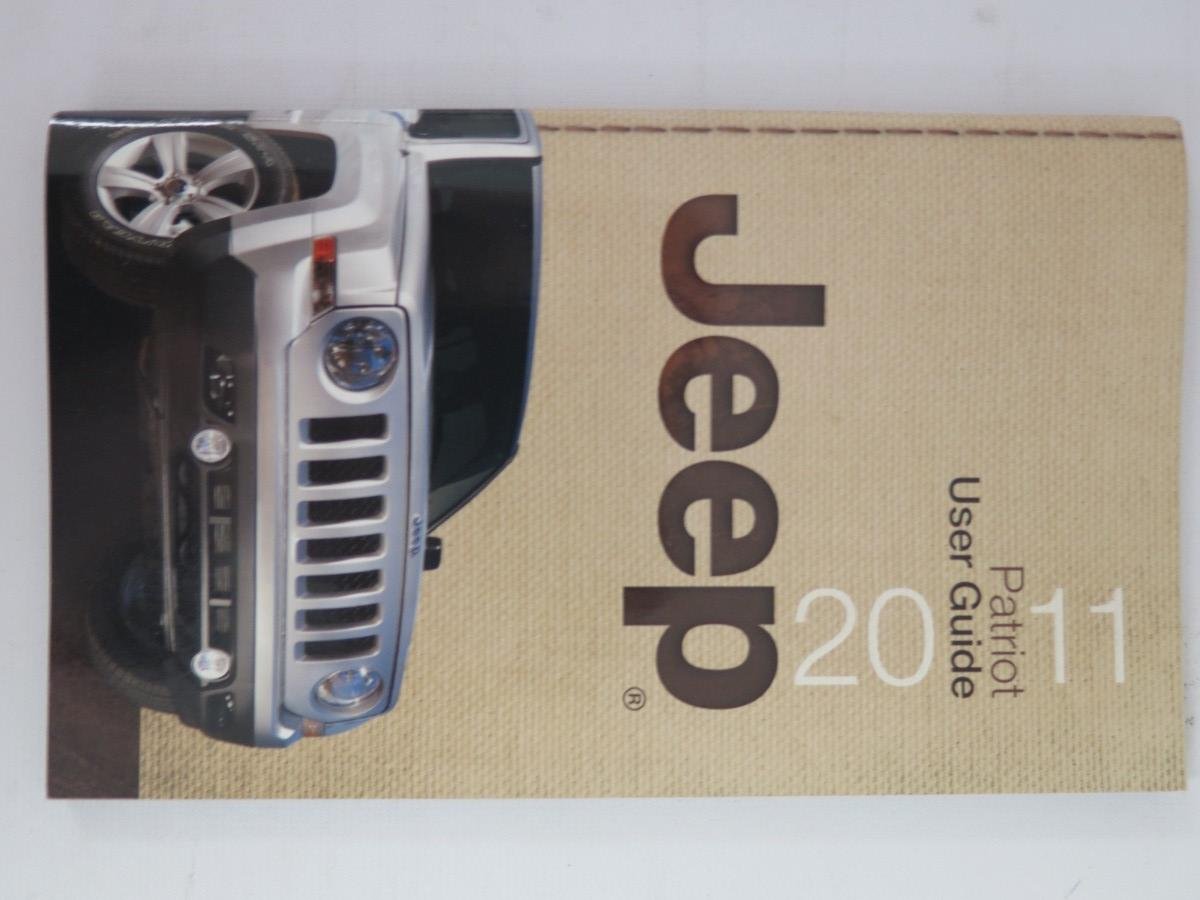
Image: Front cover of the 2011 Jeep Patriot User Guide, displaying the Jeep logo and a silver Jeep Patriot vehicle.
Setup and Initial Information
Owner's Rights and Lemon Laws
This supplement provides important information regarding your rights as a vehicle owner under state lemon laws. It also includes details on special adjustment program notices.
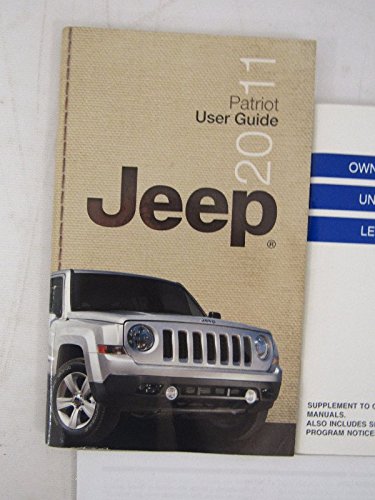
Image: A white supplement cover titled "OWNER'S RIGHTS UNDER STATE LEMON LAWS" in blue bands, indicating additional legal information for owners.
Tire Information
Refer to the Tire Information Supplement for critical details on tire pressure, maintenance, rotation schedules, and safety guidelines specific to your 2011 Jeep Patriot. Proper tire care is essential for vehicle safety and performance.
Image: A white supplement cover with the bold text "TIRE INFORMATION SUPPLEMENT", indicating a dedicated section for tire care and safety.
Operating Your Vehicle
Custom Points of Interest (POIs)
This addendum updates information about custom POIs and ecoRoute™ in Section 8 Navigation of your media center user's manual.
Custom POIs (Points of Interest)
You can manually load custom points of interest (POI) databases, available from various companies on the Internet. Some custom POI databases contain alert information for points such as safety cameras and school zones. The navigation system can notify you when you approach one of these points.
NOTE: Garmin and Chrysler Group LLC are not responsible for the consequences of using a custom POI database, or for the accuracy of the safety camera or other custom POI databases.
After downloading a POI database to your computer, use the Garmin POI Loader to install the POIs onto a DVD or USB memory stick. The POI Loader is available at www.garmin.com/products/poiloader. The DVD or USB memory stick will be used to load the POIs to your navigation system.
NOTE: Each time you load custom POIs to the navigation system, any other custom POIs already saved in the system will be overwritten.
Loading Custom POIs
- Using the POI Loader, create and save a POI.gpi file to your computer.
- Create a folder on a blank DVD or USB memory stick titled Garmin. For example, if your DVD or USB memory stick is listed as drive D on your computer, the folder would be D:\Garmin.
- Create a folder within the Garmin folder named POI (D:\Garmin\POI).
- Copy the POI.gpi file to the Garmin\POI folder on the DVD or USB Stick (D:\Garmin\Poi\POI.gpi).
- Insert the DVD or USB stick into the radio. The navigation application will display a message that custom POIs are ready to be copied.
- Touch Yes.

Image: A page from the owner's manual addendum, providing step-by-step instructions for loading custom Points of Interest (POIs) into the vehicle's navigation system.
General Operation
This section covers the basic operation of your vehicle, including starting and stopping the engine, using the transmission, operating the lighting system, climate controls, and infotainment system. Refer to specific subsections for detailed instructions on each feature.
- Ignition and Starting: Procedures for starting the engine, including key positions and safety precautions.
- Transmission: How to operate the automatic or manual transmission, including parking, reverse, neutral, and drive gears.
- Lighting: Operation of headlights, high beams, turn signals, fog lights, and interior lights.
- Climate Control: Instructions for using the heating, ventilation, and air conditioning (HVAC) system to maintain cabin comfort.
- Infotainment System: Details on radio, CD player, auxiliary inputs, and navigation (if equipped).
Maintenance
Regular maintenance is crucial for the longevity and safe operation of your Jeep Patriot. This section outlines recommended service schedules and procedures.
Scheduled Maintenance
- Oil and Filter Change: Recommended intervals for engine oil and filter replacement.
- Tire Rotation: Guidelines for rotating tires to ensure even wear and extend tire life.
- Fluid Checks: How to check and replenish engine coolant, brake fluid, power steering fluid, and windshield washer fluid.
- Brake System: Inspection and maintenance of brake pads, rotors, and fluid levels.
- Battery Care: Tips for maintaining your vehicle's battery, including cleaning terminals and checking charge.
Owner Maintenance
Certain maintenance tasks can be performed by the owner. Always refer to the detailed instructions in this manual before attempting any maintenance procedures.
- Checking tire pressure.
- Inspecting wiper blades.
- Checking fluid levels.
- Replacing exterior light bulbs.
Troubleshooting
This section provides solutions to common issues you might encounter with your 2011 Jeep Patriot. For more complex problems, consult an authorized Jeep service center.
Common Issues and Solutions
- Engine Won't Start: Check battery terminals, fuel level, and ensure the vehicle is in Park or Neutral.
- Warning Lights On: Identify the specific warning light and refer to the dashboard indicator section for its meaning and recommended action.
- Overheating: Safely pull over, turn off the engine, and check coolant levels after the engine has cooled. Do not open the radiator cap when hot.
- Flat Tire: Instructions for safely changing a flat tire using the spare tire and tools provided.
Specifications
This section provides technical specifications for your 2011 Jeep Patriot.
| Category | Specification |
|---|---|
| Engine Type | (e.g., 2.0L I4 DOHC, 2.4L I4 DOHC) |
| Fuel Tank Capacity | (e.g., 13.6 gallons) |
| Tire Size | (e.g., P215/60R17) |
| Oil Capacity | (e.g., 4.5 quarts with filter) |
| Coolant Capacity | (e.g., 6.5 quarts) |
| Dimensions (L x W x H) | (e.g., 173.6 x 69.2 x 65.6 inches) |
Note: Specific values may vary based on trim level and optional equipment. Refer to your vehicle's specific documentation for exact figures.
Warranty Information
Your 2011 Jeep Patriot is covered by a limited warranty. Details regarding coverage periods, terms, and conditions are provided in a separate Warranty Information Booklet. Please consult that document for comprehensive warranty details, including powertrain, basic, and corrosion perforation coverage.
For warranty service, please contact an authorized Jeep dealership.
Customer Support
For further assistance, questions, or to locate an authorized service center, please refer to the contact information provided in your vehicle's documentation or visit the official Jeep website.
Official Jeep Website: www.jeep.com
Customer Service Phone: Refer to your warranty booklet or the Jeep website for the most current contact numbers.

Image: A green canvas pouch with a brown leather patch featuring the Jeep logo, typically used to store vehicle documents like the owner's manual.


