
Introduction
This manual provides instructions for the PWR+ Auto DC Adapter, designed to power compatible portable DVD players from 12V DC outlets found in vehicles, aircraft, or boats. Please read this manual carefully before use to ensure proper operation and safety.
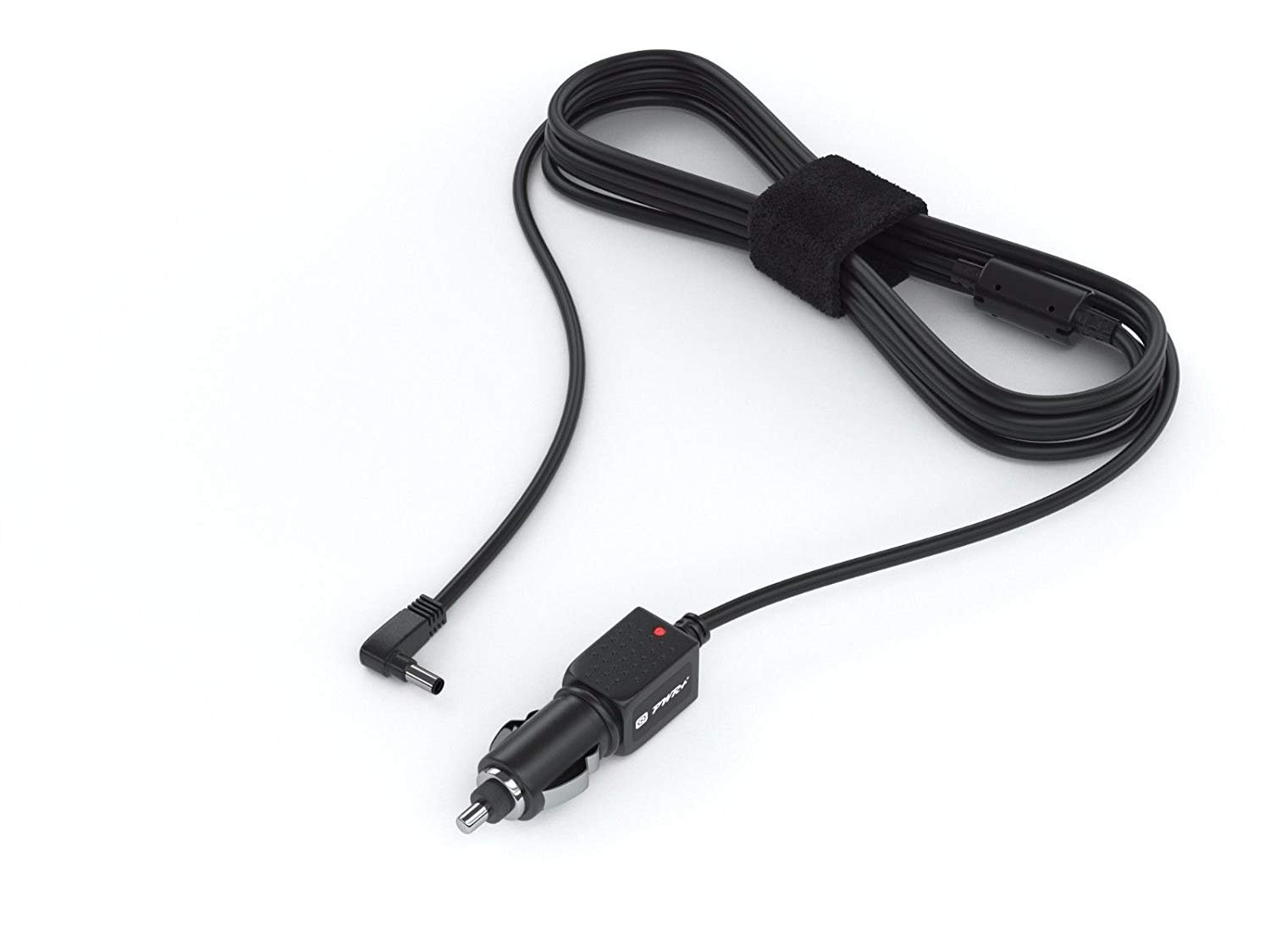
Image: The PWR+ Auto DC Adapter, featuring a car cigarette lighter plug and a right-angle barrel connector for the portable DVD player.
Safety Information
- UL Listed: This product has been tested, approved, and certified by UL, ensuring it meets recognized safety standards. UL testing is authorized by OSHA (Occupational Safety and Health Administration), a US Federal Agency.
- Do not expose the adapter to moisture or extreme temperatures.
- Do not attempt to disassemble or modify the adapter.
- Ensure the adapter is compatible with your device's power requirements before connecting.
Setup
- Verify Compatibility: Confirm that your portable DVD player's power input specifications match the output of this PWR+ Auto DC Adapter. Refer to your DVD player's manual for power requirements.
- Connect to DVD Player: Insert the barrel connector end of the adapter into the DC input port of your portable DVD player. Ensure a secure fit.
- Connect to 12V DC Outlet: Insert the car plug end of the adapter firmly into a 12V DC outlet (cigarette lighter socket) in your vehicle, aircraft, or boat.
The adapter is designed for immediate use upon connection. No additional setup is typically required.
Operating Instructions
Once properly connected, the PWR+ Auto DC Adapter will begin supplying power to your portable DVD player. A small indicator light on the adapter's car plug may illuminate to confirm power is being received from the 12V DC outlet.
- Ensure the vehicle's ignition is on or the 12V DC outlet is active for power supply.
- The adapter provides continuous power to your device. If your DVD player has a rechargeable battery, the adapter will charge it while simultaneously powering the device.
- Disconnect the adapter from the 12V DC outlet when not in use to prevent draining the vehicle's battery, especially if the outlet remains active when the ignition is off.
Maintenance
- Cleaning: Wipe the adapter with a dry, soft cloth. Do not use liquid cleaners.
- Storage: Store the adapter in a cool, dry place when not in use. Avoid wrapping the cord too tightly to prevent damage.
- Cord Care: Avoid bending or crimping the power cord excessively. Do not place heavy objects on the cord.
Troubleshooting
No Power to DVD Player:
- Check Connections: Ensure both ends of the adapter are securely plugged into the DVD player and the 12V DC outlet.
- Verify 12V DC Outlet: Confirm the 12V DC outlet in your vehicle is functional. Test with another device if possible. Some outlets only work when the vehicle's ignition is on.
- Check Compatibility: Double-check that your portable DVD player is listed as compatible with this PWR+ adapter. Incorrect voltage or connector size will prevent operation.
- Inspect Adapter: Look for any visible damage to the adapter or its cord. If damaged, discontinue use.
Adapter Overheating:
- Disconnect the adapter immediately. Overheating can indicate a fault or an incompatible device drawing too much power.
- Ensure adequate ventilation around the adapter during use.
Specifications
- Input: 12V DC (from car/air/boat outlets)
- Output: Specific voltage and amperage compatible with listed portable DVD players.
- Cord Length: Approximately 5.5 feet (1.67 meters)
- Safety Certification: UL Listed
- Manufacturing Origin: Made in Taiwan
- Compatibility: Designed for a wide range of portable DVD players, including models from Sylvania, Craig, DBPOWER, Ematic, Insignia, Coby, APEMAN, FUNAVO, eXu, IK9, Milanix, NaviSkauto, Pyle, Sykik, Synagy, TENKER, THZY, UEME, WONNIE, ZESTYI, and APESIN. For a comprehensive list of compatible models, please refer to the product's official listing.
Warranty and Support
PWR+ offers the following warranty for this product:
- Refund Policy: 30 Days Refund
- Exchange Policy: 24 Months Exchange
PWR+ is a WA, USA-based company with dedicated customer support experts available to assist you. For warranty claims or technical support, please contact PWR+ directly through their official channels.

Image: A detailed view of the PWR+ Auto DC Adapter, illustrating its components.

