
1. Introduction
This manual provides instructions for the safe and efficient use of your Samsung Type C to C Cable, Model EP-DA705BWEGIN. This cable is designed for universal compatibility with USB Type-C devices, offering high-speed data transfer and charging capabilities.
Key features include a 1-meter length, a reversible design for easy connection, and support for USB 2.0 data transfer speeds.

Image 1: Samsung Type C to C Cable packaging.
2. Setup
The Samsung Type C to C Cable is designed for simple plug-and-play functionality. No special software or drivers are required for basic operation.
2.1 Connecting the Cable
- Identify the USB Type-C port on your device (e.g., smartphone, tablet, laptop).
- Insert one end of the USB Type-C connector into your device's port. The reversible design allows for connection in either orientation.
- Insert the other end of the USB Type-C connector into a compatible power adapter for charging, or into another device for data transfer.

Image 2: Samsung Type C to C Cable showing both connectors.
3. Operating Instructions
3.1 Charging Your Device
To charge your device, connect one end of the cable to your USB Type-C device and the other end to a compatible USB Type-C power adapter. Ensure the power adapter provides sufficient wattage for your device's charging requirements. The cable supports a maximum current of 3 Amps.
3.2 Data Transfer
For transferring data between two devices, connect the cable between their respective USB Type-C ports. Once connected, your devices should recognize each other, allowing you to initiate data transfer. The cable supports data transfer rates up to 480 Megabits Per Second (USB 2.0 standard).
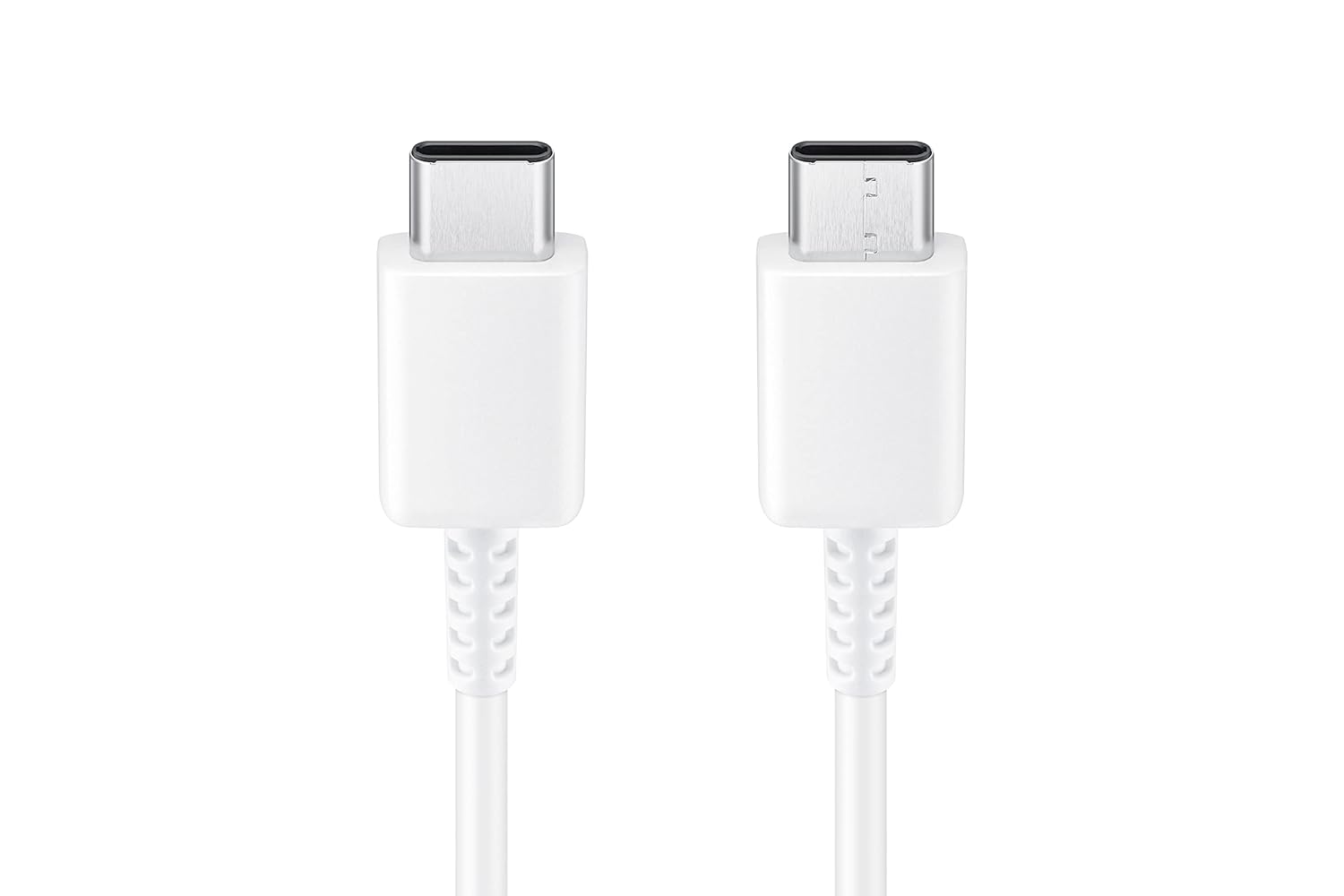
Image 3: Detailed view of the reversible USB Type-C connectors.
4. Maintenance
Proper care and maintenance will extend the life of your Samsung Type C to C Cable.
- Avoid Sharp Bends: Do not bend the cable sharply, especially near the connectors, as this can damage internal wires.
- Storage: Store the cable in a clean, dry environment away from direct sunlight and extreme temperatures.
- Cleaning: If the connectors become dirty, gently wipe them with a dry, soft, lint-free cloth. Do not use liquids or abrasive cleaners.
- Handling: Always grasp the connector head when plugging or unplugging the cable, rather than pulling on the cable itself.
5. Troubleshooting
If you encounter issues with your cable, refer to the following common troubleshooting steps:
- Device Not Charging:
- Ensure both ends of the cable are securely connected to your device and the power adapter.
- Verify that the power adapter is functioning correctly and is compatible with your device.
- Check the cable and connectors for any visible damage, such as fraying or bent pins.
- Try using a different power outlet or power adapter.
- Slow Charging:
- Confirm that your power adapter supports fast charging if your device is capable of it.
- Ensure the cable is not damaged. A damaged cable can reduce charging efficiency.
- Some devices may limit charging speed based on battery level, device temperature, or background activity.
- Data Transfer Issues:
- Ensure both connected devices support data transfer via USB Type-C.
- Check the device settings for data transfer mode (e.g., "File Transfer," "PTP," or "USB Debugging").
- Try reconnecting the cable or restarting both devices.
- Ensure the cable is not connected to a charging-only port.
6. Specifications
| Brand | Samsung |
| Model Number | EP-DA705BWEGIN |
| Connector Type | USB Type C |
| Cable Type | USB |
| Connector Gender | Male-to-Male |
| Length | 1 Meter (3.28 Feet) |
| Compatible Devices | Smartphones, Tablets, Laptops with USB Type-C ports |
| Special Features | Data Transfer, Durable, Reversible Design |
| Data Transfer Rate | 480 Megabits Per Second (USB 2.0) |
| Maximum Current | 3 Amps |
| Color | White |
| Item Weight | 22.2 Grams |
7. Warranty Information
This Samsung Type C to C Cable (Model EP-DA705BWEGIN) is covered by a 6 Months Manufacturer Warranty from the date of purchase. This warranty covers manufacturing defects under normal use conditions.
To make a warranty claim, please retain your original proof of purchase (receipt or invoice). The warranty does not cover damage caused by misuse, accident, unauthorized modification, or external causes.
8. Customer Support
For technical assistance, product inquiries, or warranty support, please contact Samsung customer service:
- Email: support.india@samsung.com
- Toll-Free Number: 1800 40 7267864
- Manufacturer Address: Samsung India Electronics Pvt ltd, 6th Floor, DLF Centre, Sansad Marg, New Delhi - 110001, India.
Please have your product model number (EP-DA705BWEGIN) and proof of purchase ready when contacting support.