1. Introduction
This manual provides essential information for the Pitsco Education TETRIX MAX 416 mm Aluminum C-Channel, Model BG39069. This component is designed as a fundamental structural element for TETRIX robotics projects, suitable for students and educators in STEM fields.
The 416 mm Aluminum C-Channel serves as a robust base for constructing various robotic platforms and superstructures. Its design facilitates versatile connections and custom modifications, making it an integral part of the TETRIX building system.
2. Key Features
- Structural Foundation: Acts as the primary structural base for the TETRIX MAX robotic building system, supporting platforms and superstructures.
- Durable Material: Constructed from sturdy 7005 aircraft-grade aluminum, offering resistance to corrosion and tarnishing while maintaining a lightweight profile.
- Versatile Connectivity: Features a repeating 16 mm hole pattern that allows for secure connections at various angles, both horizontally and vertically, with other TETRIX components.
- Customizable: Can be cut to specific lengths, drilled for additional holes, or bent to create custom designs, providing flexibility for diverse project requirements.
- Dimensions: Measures 32 mm x 32 mm x 416 mm (Height x Width x Length).
- Weight: Approximately 162.1 grams.
3. Package Contents
The package for Model BG39069 contains the following item:
- One (1) Pitsco Education TETRIX MAX 416 mm Aluminum C-Channel
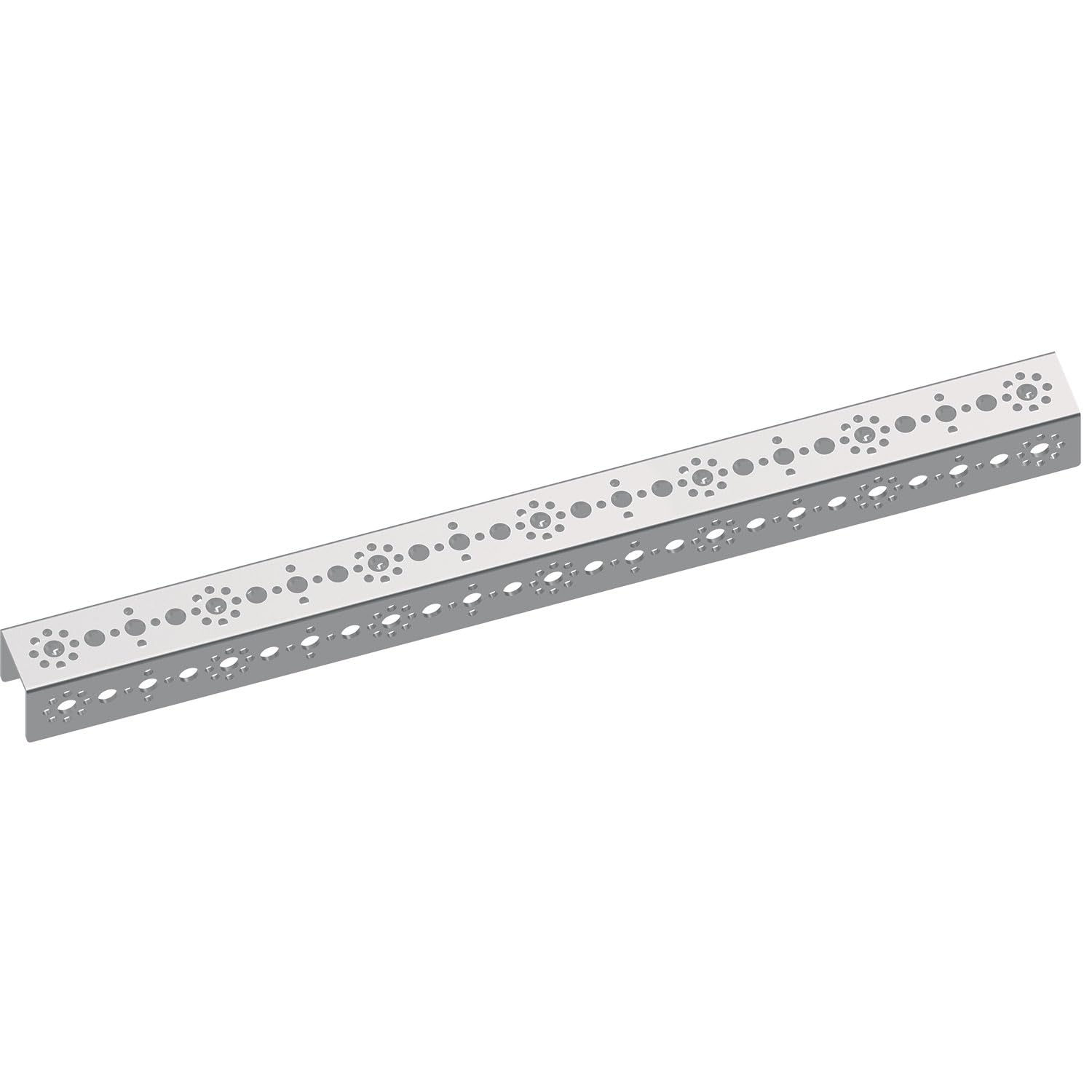
Image 3.1: The Pitsco Education TETRIX MAX 416 mm Aluminum C-Channel.
4. Setup and Assembly
The TETRIX MAX 416 mm Aluminum C-Channel is designed for integration into larger robotic structures. Its repeating hole pattern is compatible with other TETRIX components, allowing for secure and precise connections.
- Planning: Before assembly, plan the structural layout of your robot. The C-channel forms the primary framework.
- Connection Points: Utilize the 16 mm repeating hole pattern to attach other TETRIX components such as brackets, motors, and sensors. Ensure all connections are secure using appropriate fasteners (not included).
- Customization: If custom lengths or shapes are required, the aluminum channel can be cut using a metal-cutting blade or bent. Drilling additional holes is also possible for specialized applications.
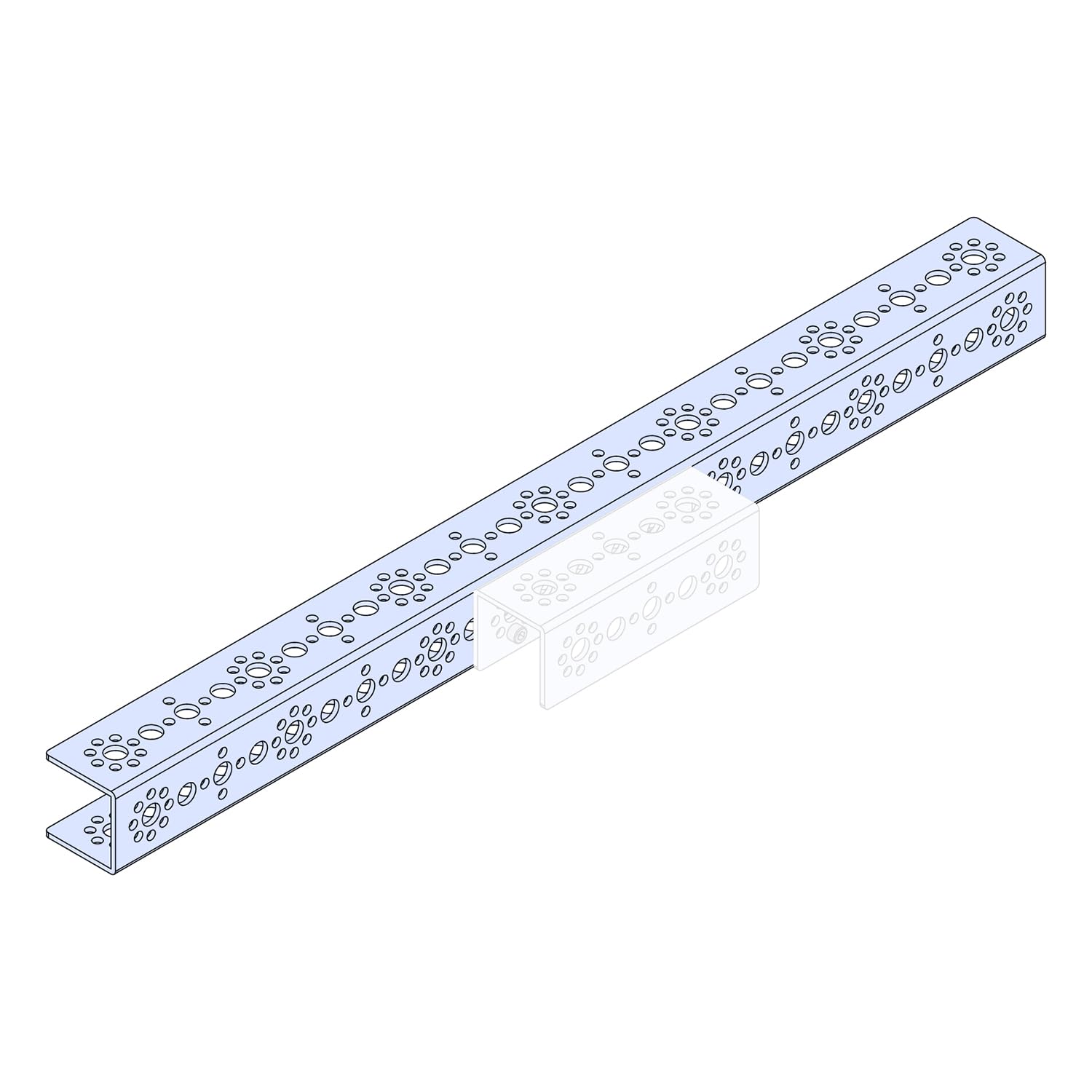
Image 4.1: Example of connecting two TETRIX MAX C-Channels.

Image 4.2: C-Channels integrated into a structural frame for a robotics project.
5. Usage in Robotics Projects
The TETRIX MAX C-Channel is a versatile component for various robotics and engineering projects. It provides the necessary rigidity and mounting points for complex designs.
- Chassis Construction: Forms the primary chassis or frame for mobile robots, providing a stable base for wheels, tracks, and other drive components.
- Arm and Manipulator Structures: Can be used to build robust robotic arms, grippers, and other manipulators due to its strength and ability to be cut and bent.
- Sensor and Actuator Mounting: The hole pattern allows for easy and secure mounting of various sensors, motors, and other electronic components.
- Educational Applications: Ideal for demonstrating STEM concepts, including engineering principles, simple machines, force, and Newton's laws of motion through hands-on robot building.

Image 5.1: A complex robot assembly demonstrating the use of TETRIX MAX C-Channels as structural elements.
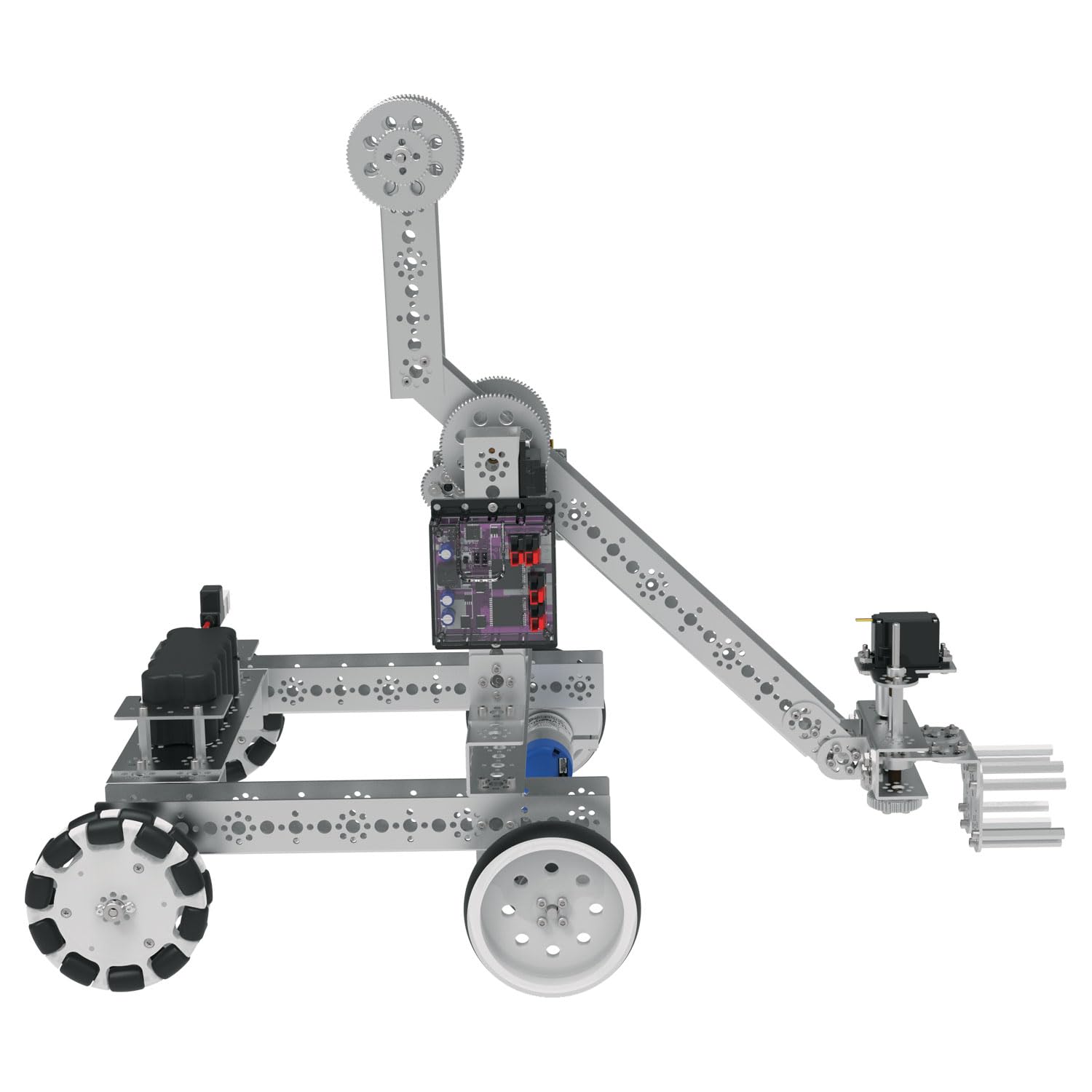
Image 5.2: A robot chassis and arm structure constructed using TETRIX MAX C-Channels.

Image 5.3: Students engaged in assembling a robot, utilizing TETRIX MAX C-Channels for the frame.
6. Maintenance
The aluminum C-channel requires minimal maintenance due to its durable construction and corrosion-resistant properties.
- Cleaning: Wipe the channel with a dry or slightly damp cloth to remove dust and debris. Avoid abrasive cleaners that could scratch the surface.
- Inspection: Periodically inspect the channel for any signs of damage, such as bends, cracks, or excessive wear, especially if it has been subjected to stress or impact.
- Storage: Store the channel in a dry environment to prevent any potential long-term degradation, although aluminum is highly resistant to environmental factors.
7. Troubleshooting
While the C-channel is a passive structural component, issues can arise from improper use or assembly.
- Loose Connections: If a structure feels unstable, check all fasteners connecting the C-channel to other components. Tighten any loose screws or bolts.
- Misalignment: Ensure that the hole patterns align correctly when connecting multiple channels or components. Forcing misaligned parts can cause damage.
- Structural Integrity: If the channel appears bent or damaged, it may compromise the overall integrity of the robot. Replace severely damaged channels to maintain structural stability.
8. Specifications
| Model Number | BG39069 |
| Material | 7005 Aircraft-Grade Aluminum |
| Dimensions (L x W x H) | 416 mm x 32 mm x 32 mm (16.4 x 1.26 x 1.26 inches) |
| Weight | 162.1 grams (5.72 ounces) |
| Hole Pattern | 16 mm repeating pattern |
| Thickness | 2 mm |
| Recommended Age | 8 years and up (for educational use) |

Image 8.1: Detailed dimensional drawing of the 416 mm C-Channel, showing measurements and hole pattern.
9. Support and Warranty
For technical support, product inquiries, or information regarding warranty terms, please contact Pitsco Education directly.
Visit the official Pitsco Education website for contact details and additional resources: www.pitsco.com


