Introduction
The Crayola Marker Airbrush Set provides an innovative way to create spray art using markers. This kid-powered device allows users to transform ordinary markers into a versatile airbrush tool for various creative projects. Designed for ages 6 and older, it offers a unique artistic experience without the need for batteries or complex equipment.
This manual provides essential information for setting up, operating, and maintaining your Crayola Marker Airbrush Set to ensure optimal performance and enjoyment.
What's in the Box
Your Crayola Marker Airbrush Set includes the following components:
- 1 Marker Airbrush Unit (sprayer and pump)
- 4 Bright Fabric Markers
- 8 Ultra-Clean Washable Markers
- 20 Sheets of Paper
- 4 Stencil Sheets
- Instruction Manual

Image: All components of the Crayola Marker Airbrush Set, including the airbrush unit, various markers, paper, and stencils.
Setup
- Assemble the Airbrush Unit: Connect the sprayer nozzle to the pump unit via the clear tube. Ensure a secure connection to prevent air leakage.
- Insert a Marker: Select a Crayola broad-line marker. Remove the cap. Insert the marker firmly into the designated slot on the sprayer nozzle. Ensure the marker tip is facing outwards and is securely seated.
- Build Pressure: Hold the pump unit by its handle. Pump the handle up and down repeatedly to build air pressure inside the unit. Continue pumping until resistance is felt, indicating sufficient pressure for spraying.

Image: A hand inserting a marker into the sprayer component of the airbrush unit.

Image: Hands operating the pump mechanism of the airbrush unit to build pressure.
Operating Instructions
- Spraying: Once pressure is built, aim the sprayer nozzle at your desired surface (paper, fabric, or window). Press the trigger on the sprayer to release a fine mist of marker ink.
- Adjusting Spray: The distance between the nozzle and the surface affects the spray pattern. Spray closer for a more concentrated, defined line, and further away for a broader, softer spray.
- Using Stencils: Place a stencil firmly on your surface. Hold the sprayer over the stencil and press the trigger to apply color. Experiment with different colors and overlapping sprays for unique effects.
- Fabric Art: Use the included Bright Fabric Markers for decorating fabrics like t-shirts. After spraying your design, adult supervision is required to heat-set the design. This can be done by ironing the fabric or drying it in a clothes dryer for 30 minutes to make the colors permanent.
- Window Art: For decorating glass surfaces, use Crayola Window Markers (sold separately). These markers are designed to spray cool decorations on glass and are easily washable.
- Marker Compatibility: The Marker Airbrush works with any broad-line Crayola Marker, including Classic, Ultra-Clean Washable, Pip-Squeaks, Crystal Effects Window, Window, and Bright Fabric markers.

Image: The airbrush sprayer in action, creating a red spray pattern on paper.

Image: Various designs sprayed onto paper using the airbrush and stencils.
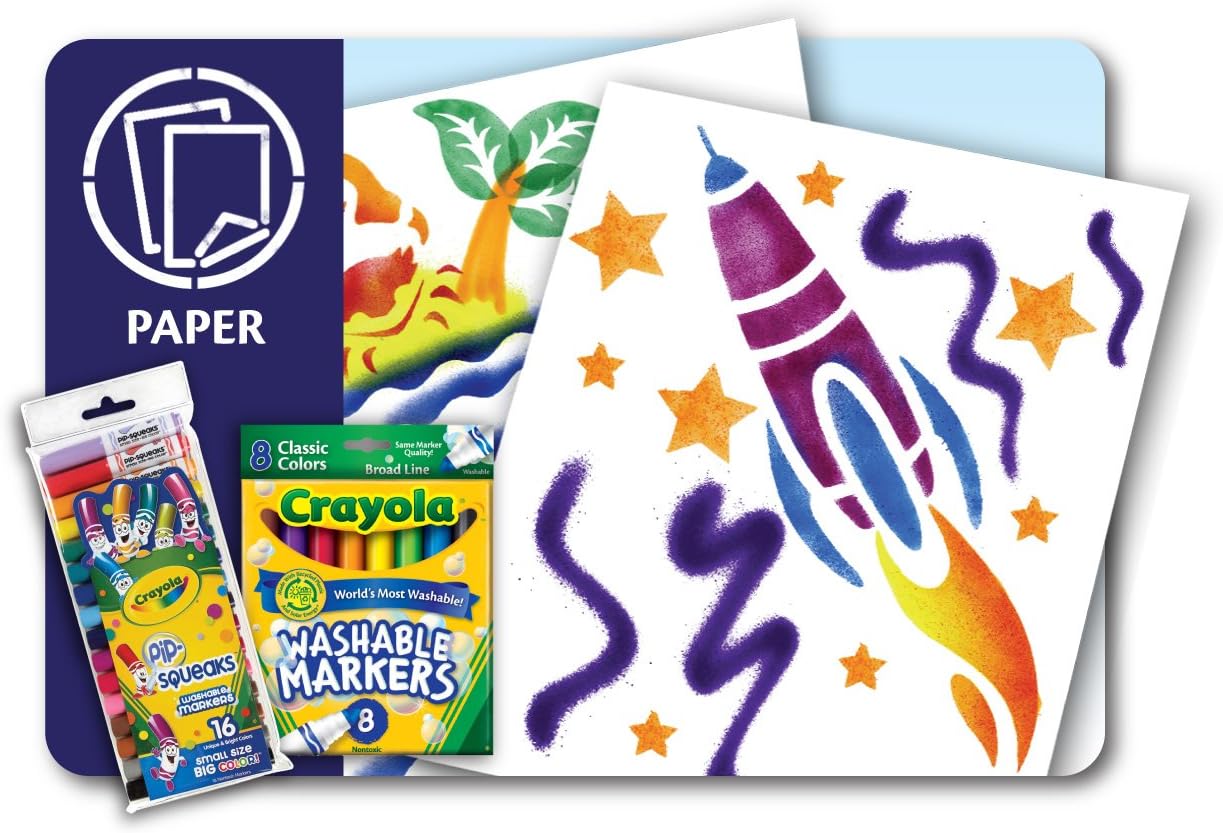
Image: Fabric items like jeans and a t-shirt decorated with spray art designs.

Image: Window panes adorned with colorful spray art designs.
Maintenance
- Cleaning the Nozzle: After each use, remove the marker from the sprayer. Rinse the sprayer nozzle under running water or wipe it clean with a paper towel to prevent ink buildup.
- Washable Markers: The non-fabric markers included are washable. Any accidental marks on skin or washable clothing can typically be removed with soap and water.
- Storage: Store all components in their original packaging or a designated art supply container to keep them organized and protected. Ensure marker caps are securely placed to prevent drying.
Troubleshooting
- No Spray or Weak Spray:
- Ensure the marker is fully inserted into the sprayer nozzle.
- Pump the unit more to build sufficient air pressure.
- Check if the marker is dry. Replace with a new marker if necessary.
- Verify that the air tube connections are secure.
- Ink Bleeding or Uneven Spray:
- Try holding the sprayer further away from the surface.
- Ensure the marker tip is clean and free of debris.
- For stencils, hold them firmly against the surface to prevent ink from seeping underneath.
Official Product Video
Video: An official demonstration of the Crayola Marker Airbrush Set, showcasing its features and how to create various spray art designs on paper and fabric.
Specifications
- Product Dimensions: 5.75 x 9 x 11.5 inches
- Item Weight: 2.23 pounds
- Item Model Number: 04-8727
- Manufacturer Recommended Age: 6 - 15 years
- Manufacturer: Binney & Smith (Crayola)
Warranty and Support
Information regarding product warranty and specific support contacts is not provided in the available product details. Please refer to the official Crayola website or contact their customer service for further assistance regarding warranty claims or product support.


