
Introduction
Thank you for choosing the ExpertPower 12V 1650mAh NiMh Replacement Battery. This high-capacity battery is designed to provide reliable power for your Alinco two-way radios, serving as a direct replacement for Alinco EBP-22, EBP-22N, EBP-28, EBP-28N, and EBP-28H models. It is fully compatible with Alinco DJ-180, DJ-280, DJ-480, DJ-580, and DJ-582 series radios. This manual provides essential information for the safe and effective use of your new battery.
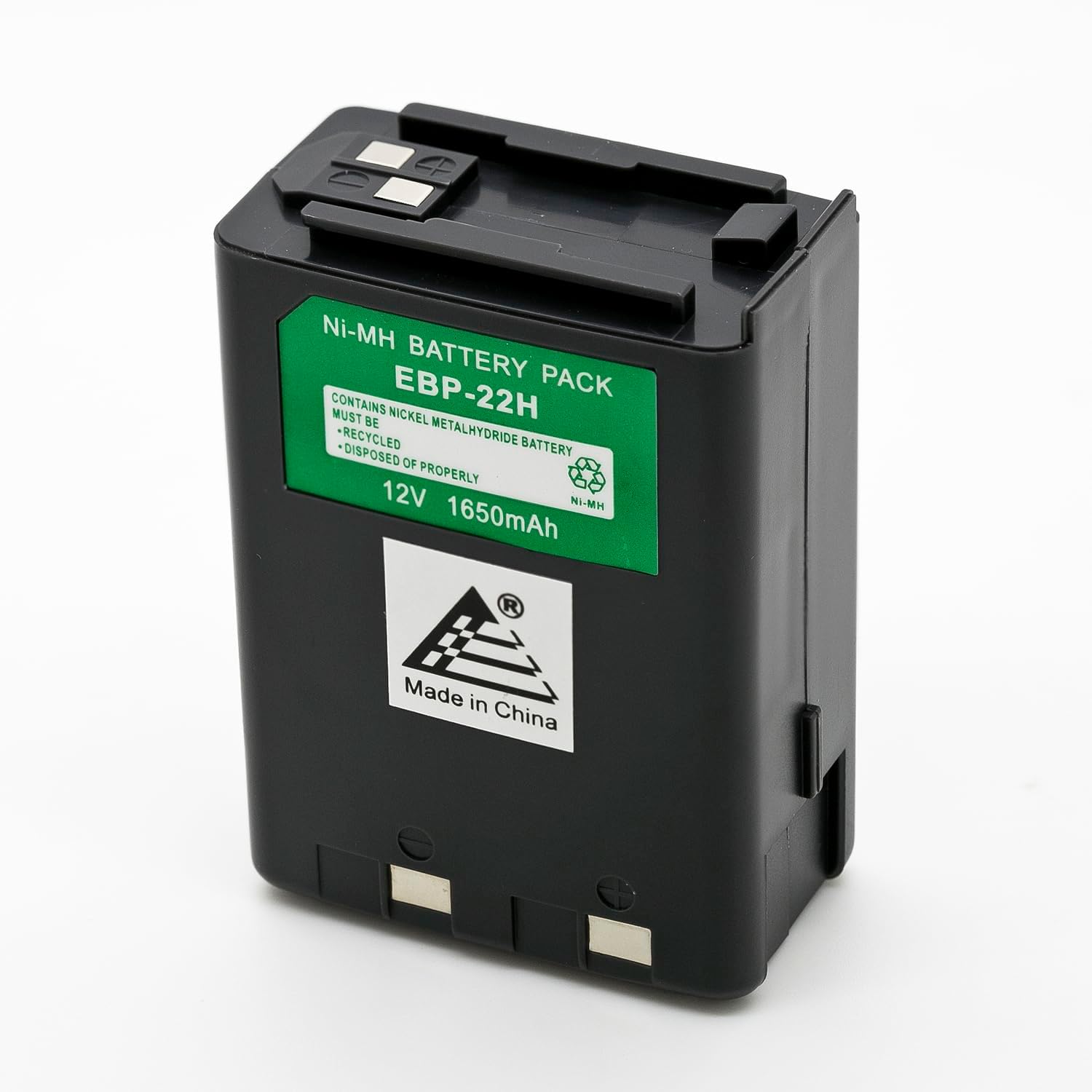
Image: ExpertPower 12V 1650mAh NiMh Replacement Battery, showing the product with its green label indicating specifications.
Setup and Installation
Before first use, it is recommended to fully charge the battery.
Charging the Battery
- Ensure your charger is compatible with NiMh batteries and specifically designed for Alinco EBP series batteries or equivalent. This battery is compatible with OEM NiMh chargers.
- Connect the battery to the charger according to the charger's instructions.
- Allow the battery to charge until the charger indicates a full charge. Charging times may vary depending on the charger and the battery's initial charge level.
Installing the Battery into Your Radio
- Turn off your Alinco radio.
- Locate the battery compartment on the back of your radio.
- Align the ExpertPower battery with the battery compartment, ensuring the contacts on the battery match the terminals in the radio.
- Slide the battery into place until it clicks securely. Ensure it is firmly seated to prevent accidental disconnection.
- Turn on your radio to confirm proper installation and power.

Image: Bottom view of the ExpertPower battery, highlighting the contact points for connection to the radio.
Operating Instructions
Once installed and charged, the ExpertPower battery operates seamlessly with your compatible Alinco radio.
- Power On/Off: Use your radio's standard power button to turn the device on or off.
- Battery Life: The 1650mAh capacity provides extended talk time and standby time. Monitor your radio's battery indicator to determine remaining power.
- Recharging: Recharge the battery when the radio's low battery indicator appears or when performance diminishes. Regular recharging helps maintain battery health.
Maintenance and Care
Proper maintenance extends the lifespan and performance of your NiMh battery.
- Regular Charging: For optimal performance, fully charge the battery before first use and after each significant discharge.
- Storage: If storing the battery for an extended period, charge it to about 50% capacity and store it in a cool, dry place away from direct sunlight and extreme temperatures. Recharge every 3-6 months to prevent deep discharge.
- Cleaning: Keep the battery contacts clean using a dry, soft cloth. Avoid using abrasive cleaners or solvents.
- Temperature: Avoid exposing the battery to extreme heat or cold, as this can degrade performance and lifespan.
- Disposal: NiMh batteries contain recyclable materials. Do not dispose of them in household waste. Follow local regulations for proper battery recycling. The battery label indicates it must be recycled and disposed of properly.
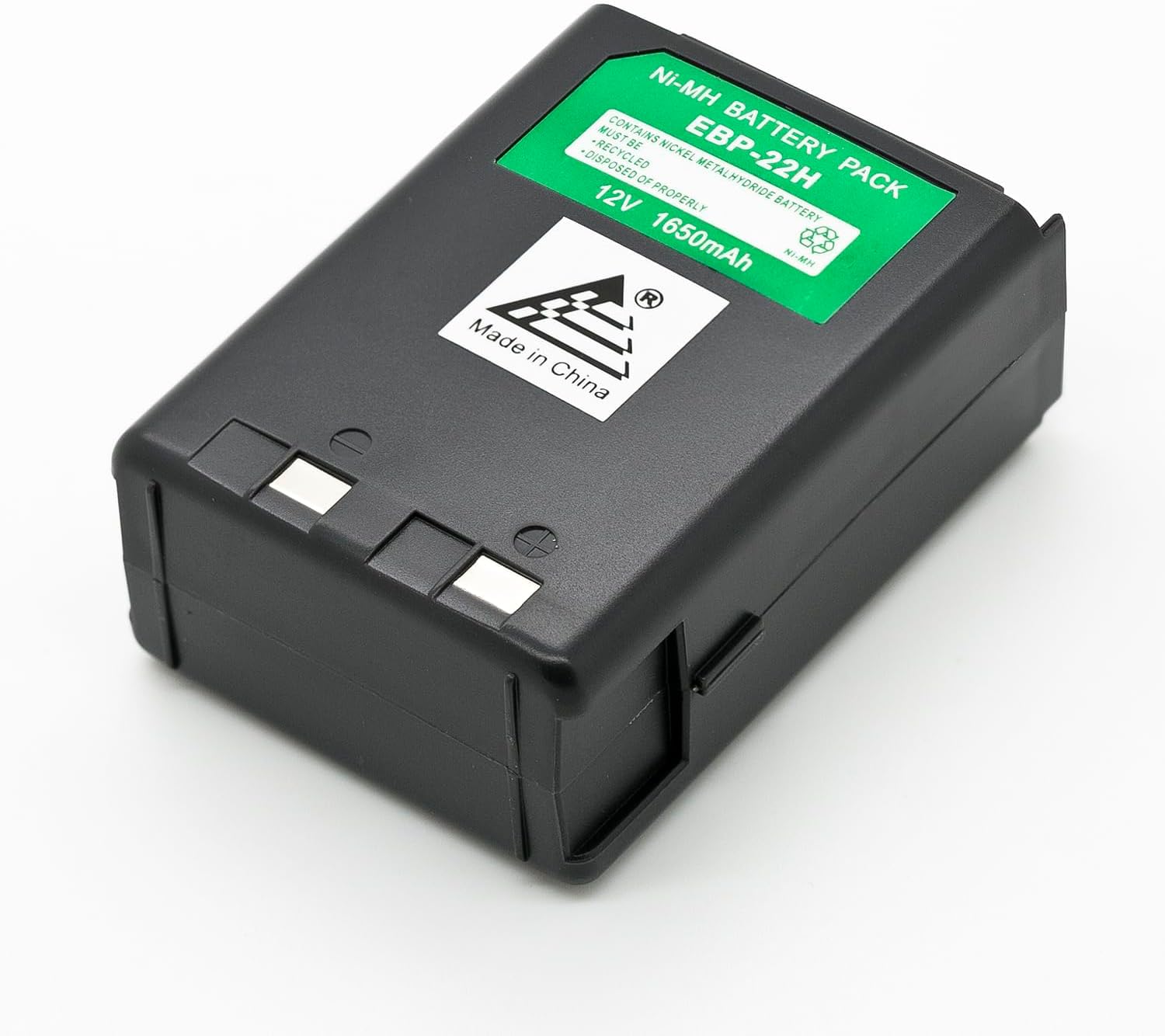
Image: Top view of the ExpertPower battery, showing the Ni-MH battery pack label and recycling symbol, emphasizing proper disposal.
Troubleshooting
If you encounter issues with your ExpertPower battery, refer to the following common problems and solutions:
| Problem | Possible Cause | Solution |
|---|---|---|
| Battery not charging |
|
|
| Short battery life |
|
|
| Radio not powering on with battery |
|
|
Specifications
| Feature | Detail |
|---|---|
| Model Number | TW-BAAALEBP22 |
| Battery Type | NiMH (Nickel-Metal Hydride) |
| Voltage | 12V |
| Capacity | 1650mAh (Milliamp Hours) |
| Compatibility | Alinco EBP-22, EBP-22N, EBP-28, EBP-28N, EBP-28H; DJ-180, DJ-280, DJ-480, DJ-580, DJ-582 Series Radios |
| Color | Black |
| Item Weight | 12 ounces |
| Package Dimensions | 3.19 x 2.27 x 1.31 inches |
| Special Features | Eco-friendly alternative to disposables, OEM-compatible fit, Rechargeable NiMH chemistry, Rugged ABS housing, Works with Alinco OEM NiMH chargers |
Warranty and Support
Warranty Information
The ExpertPower 12V 1650mAh NiMh Replacement Battery is backed by ExpertPower's trusted one-year warranty. This warranty covers defects in materials and workmanship under normal use. Please retain your proof of purchase for warranty claims.
Customer Support
For any questions, technical assistance, or warranty inquiries, please contact ExpertPower customer support.
- Brand: ExpertPower
- Website: Visit the ExpertPower Store on Amazon
- Please refer to the ExpertPower website or product packaging for the most current contact information.