
Product Overview
The Georgia-Pacific Pacific Blue Select Facial Tissues (Model 48100) offer a soft and absorbent 2-ply tissue designed for various environments. Each box contains 100 sheets, and this product is supplied in a bulk case of 30 flat boxes. These tissues are suitable for high-traffic areas and are manufactured with responsible practices, including at least 10% post-consumer recycled fiber.
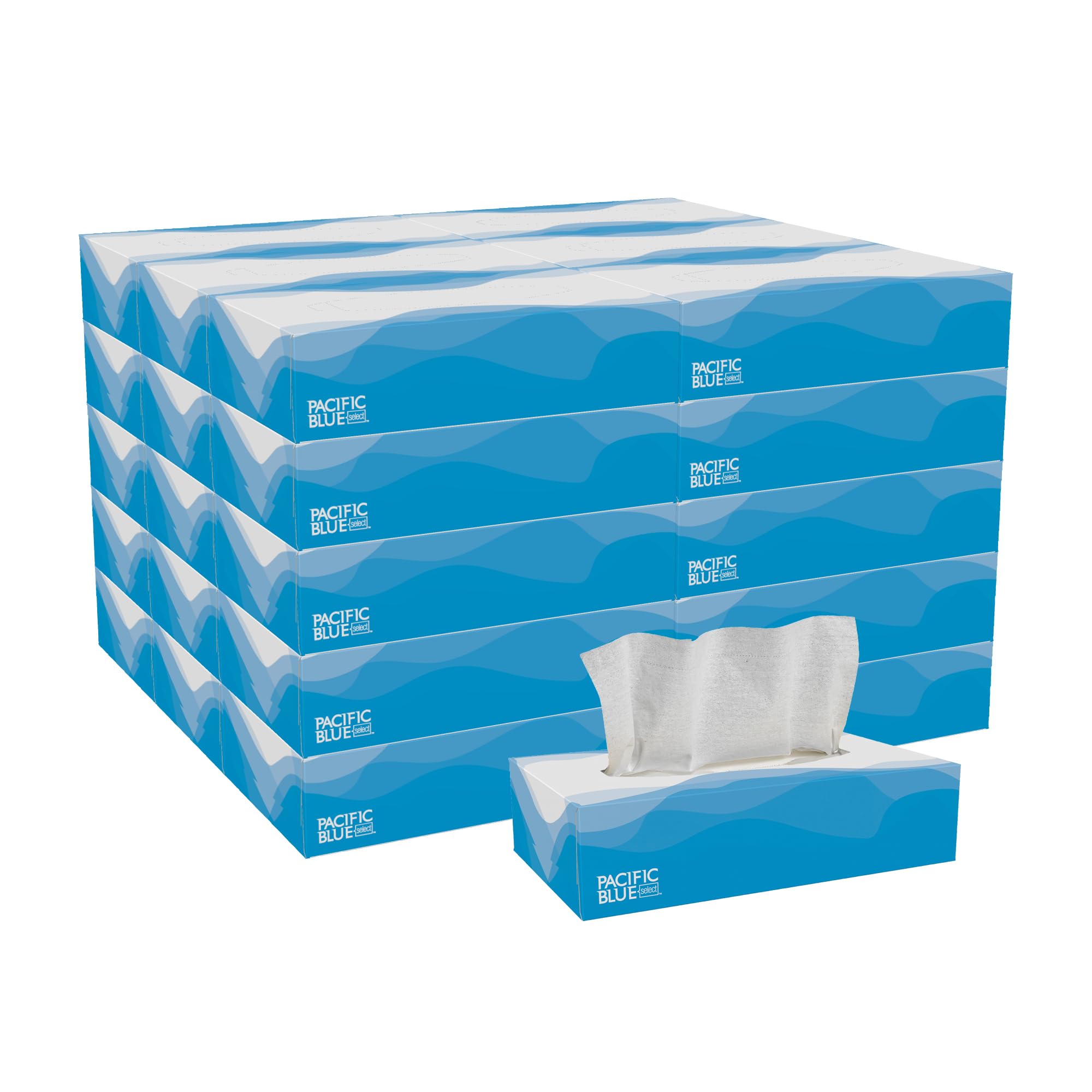
This image displays a bulk case containing 30 boxes of Georgia-Pacific Pacific Blue Select 2-Ply Facial Tissues, with one individual box shown in front.
Setup
Unpacking the Bulk Case
Carefully open the outer packaging of the bulk case to access the individual tissue boxes. Ensure the case is placed on a stable, flat surface during unpacking.
Preparing a Tissue Box for Use
Select an individual tissue box. Locate the perforated opening on the top of the box. Gently press and tear along the perforations to create the dispenser opening. Remove any plastic film covering the opening to allow for smooth tissue dispensing.

A close-up view of an individual box of Pacific Blue Select facial tissues, illustrating the design and how tissues are presented for easy access.
Operating Instructions
Dispensing Tissues
Once the box is prepared, gently pull a single tissue upwards from the dispenser opening. The design ensures that the next tissue will partially emerge, ready for the next use.

This image emphasizes the soft and absorbent nature of the 2-ply facial tissues, shown in their distinctive blue and white box.
End-of-Box Indicator
Some boxes may include colored tissues (e.g., yellow or blue) near the bottom of the stack. These serve as an indicator that the tissue supply is running low, prompting you to prepare a replacement box.
Maintenance and Storage
Storage
Store tissue boxes in a cool, dry environment, away from direct sunlight and excessive moisture. Proper storage helps maintain the quality and integrity of the tissues.
Disposal
Dispose of used tissues in a waste receptacle. The cardboard tissue boxes are recyclable in many municipal recycling programs. Please check local recycling guidelines.
Troubleshooting
Tissues Not Dispensing Smoothly
- Check Opening: Ensure the plastic film or perforated cardboard over the dispenser opening is fully removed and clear of obstructions.
- Tissue Alignment: If tissues appear jammed, gently tap the box on a flat surface to help settle the stack. Avoid forcing tissues, as this can tear them.
- Low Supply: As the box nears empty, tissues may not pop up as easily. This is normal due to reduced tension in the stack.
Specifications
| Feature | Detail |
|---|---|
| Model Number | 48100 |
| Ply | 2-Ply |
| Sheets Per Box | 100 |
| Boxes Per Case | 30 |
| Total Sheets Per Case | 3000 |
| Tissue Dimensions | 8.4 in x 7.5 in (213 mm x 190 mm) |
| Color | White |
| Recycled Content | At least 10% Post-Consumer Recycled Fiber |
| Certifications | Sustainable Forestry Initiative (SFI) |
| UPC | 641438429249, 804993449989 |

This diagram provides the length, width, and height measurements of a single Pacific Blue Select facial tissue box for reference.
Environmental Responsibility
Georgia-Pacific is dedicated to the sustainable sourcing of materials. These Pacific Blue Select Facial Tissues contain at least 10% post-consumer recycled fiber, meeting or exceeding EPA Comprehensive Procurement Guidelines. The product also carries the Sustainable Forestry Initiative (SFI) certification, ensuring that the fiber used is sourced responsibly and sustainably. Utilizing these tissues can contribute to earning LEED credits for your facility.

An icon symbolizing environmental sustainability, indicating that the product can help earn LEED credits due to its responsible manufacturing practices.
Support and Contact Information
For any questions, technical support, or assistance regarding your Georgia-Pacific Pacific Blue Select Facial Tissues, please contact our customer support team:
- Phone: 1-866-435-5647
- Email: gpxpress@gapac.com
- Website: GPPRO.com
The GPXpress® Platform Team is available to answer questions or troubleshoot any issues you may encounter.

This graphic provides essential contact details for customer support, including a phone number, email address, and the GPPRO website for further assistance.
