1. Product Overview
The LG 32CS560 is a 32-inch LCD HDTV designed to deliver a Full HD 1080p viewing experience. This television features a 60Hz refresh rate and incorporates LG's Picture Wizard II for optimized picture quality, along with Smart Energy Saving features.
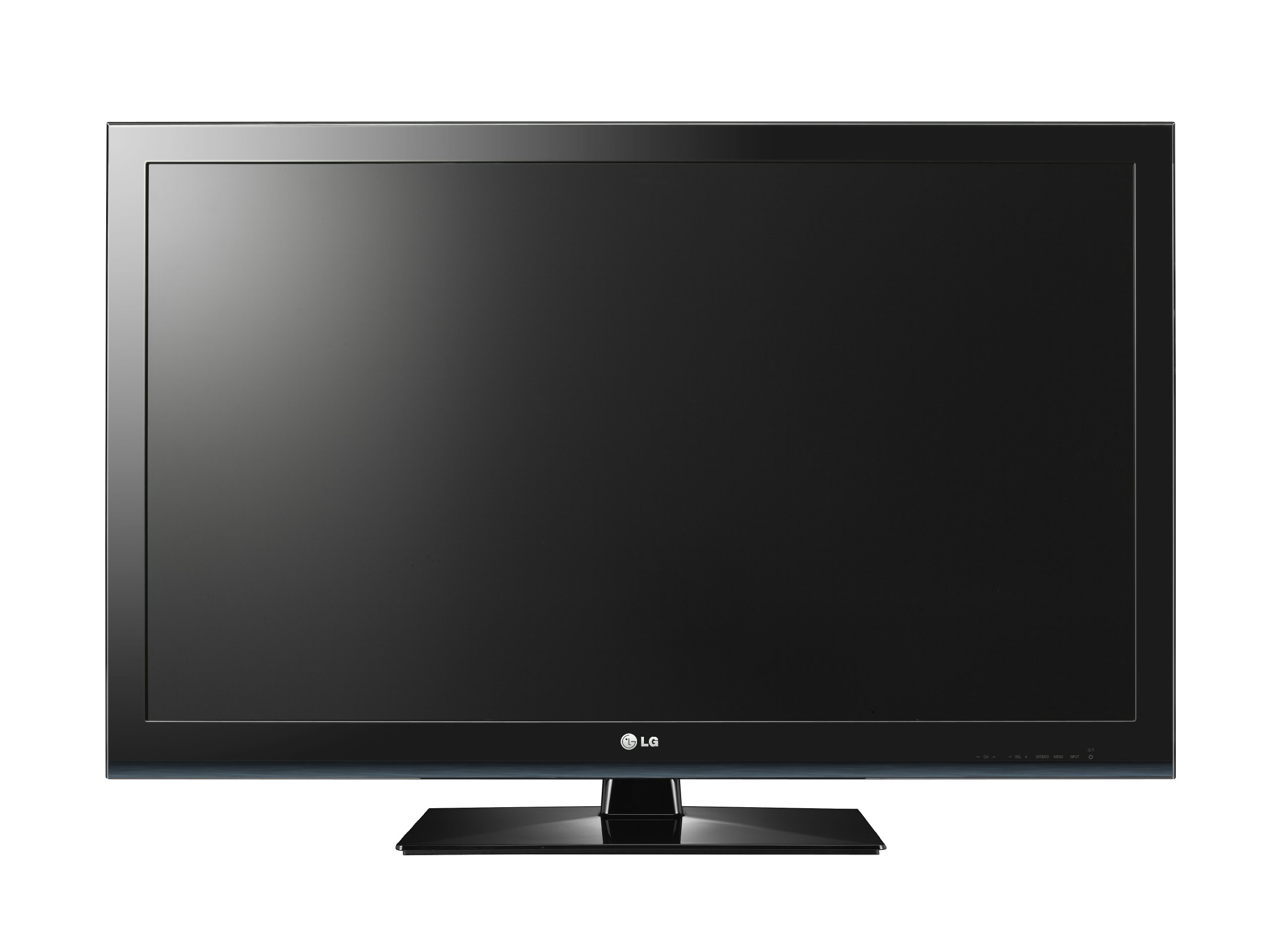
Figure 1: Front view of the LG 32CS560 32-Inch LCD HDTV.
Key Features:
- 32-inch LCD display with Full HD 1080p resolution.
- 60Hz refresh rate for smooth motion.
- Picture Wizard II for easy self-calibration of picture quality elements such as black level, color, tint, sharpness, and backlight levels.
- Smart Energy Saving features to conserve energy.
- Connectivity options include HDMI and USB.
- Wall mountable with VESA 200 x 100 mm standard.
2. Safety Information
Please read all safety and operating instructions carefully before using this product. Keep these instructions for future reference.
- Power Source: Connect the TV only to the type of power source indicated on the marking label.
- Ventilation: Do not block ventilation openings. Ensure adequate space around the TV for proper airflow.
- Water and Moisture: Do not expose the TV to rain or moisture. Do not use near water.
- Cleaning: Unplug the TV from the wall outlet before cleaning. Use a soft, dry cloth. Do not use liquid cleaners or aerosol cleaners.
- Placement: Place the TV on a stable, level surface. Avoid placing it in direct sunlight or near heat sources.
- Children: Supervise children to prevent them from climbing on or playing with the TV. Secure the TV to prevent tipping if necessary.
3. Setup
3.1 Unpacking
Carefully remove the TV and all accessories from the packaging. Retain the packaging materials for future transport or service needs.
3.2 Stand Assembly (Optional)
If you intend to place the TV on a tabletop, assemble the included stand. Follow the instructions provided in the separate stand assembly guide. Ensure all screws are securely fastened. For added stability, a screw is provided to secure the TV to the desktop, preventing accidental tipping.
3.3 Wall Mounting (Optional)
The LG 32CS560 supports VESA 200 x 100 mm wall mounts. Purchase a compatible wall mount kit separately. Follow the instructions provided with your wall mount kit for safe and secure installation. Professional installation is recommended for wall mounting.
3.4 Connecting Devices
Connect your external devices to the TV using the appropriate ports. Ensure the TV is powered off before making any connections.
- HDMI: For high-definition video and audio from Blu-ray players, game consoles, or set-top boxes.
- USB: For connecting USB storage devices to view photos or play media files.
- Component Video: For connecting older devices that use component (YPbPr) video and stereo audio cables.
- Coaxial (Antenna/Cable): For connecting an antenna or cable TV signal.
3.5 Initial Power On
After connecting all desired devices, plug the TV's power cord into a wall outlet. Press the Power button on the TV or the remote control to turn on the TV. Follow the on-screen prompts for initial setup, including language selection and channel scanning.
4. Operating Instructions
4.1 Remote Control
The TV comes with a remote control for convenient operation. Insert two AAA batteries (not included) into the remote control, observing the correct polarity.
4.2 Basic Functions
- Power: Turns the TV on or off.
- Volume (+/-): Adjusts the sound level.
- Channel (Up/Down): Changes TV channels.
- Input: Selects the input source (HDMI, USB, Component, TV).
- Menu: Accesses the TV's main menu for settings adjustments.
4.3 Picture Settings (Picture Wizard II)
LG's Picture Wizard II provides an easy way to calibrate your TV's picture settings. Access this feature through the TV's menu. On-screen reference points will guide you through adjusting key picture quality elements:
- Black Level: Adjusts the depth of black colors.
- Color: Controls the intensity of colors.
- Tint: Adjusts the balance between red and green colors.
- Sharpness: Enhances the clarity of image edges.
- Backlight Levels: Controls the brightness of the screen's backlight.
4.4 Sound Settings
Adjust audio settings through the TV's menu. The TV includes features to enhance dialogue clarity, which can be particularly useful for movies and TV shows where background noise might otherwise obscure speech.
4.5 Smart Energy Saving
Activate the Smart Energy Saving features in the TV's menu to reduce power consumption. This can help lower electricity costs and contribute to environmental conservation.
5. Maintenance
5.1 Cleaning the Screen
Gently wipe the screen with a soft, dry, lint-free cloth. For stubborn marks, slightly dampen the cloth with water or a specialized screen cleaner designed for LCD displays. Do not spray liquid directly onto the screen.
5.2 Cleaning the Exterior
Wipe the TV's exterior casing with a soft, dry cloth. Avoid using abrasive cleaners, waxes, or solvents as they can damage the finish.
5.3 General Care
- Unplug the TV during lightning storms or when it will be left unattended for long periods.
- Do not insert any objects into the TV's openings.
- Avoid placing heavy objects on top of the TV.
6. Troubleshooting
If you encounter issues with your TV, refer to the following common troubleshooting steps before contacting service personnel.
| Problem | Possible Cause / Solution |
|---|---|
| No power | Ensure the power cord is securely plugged into both the TV and a working wall outlet. Check if the outlet has power. |
| No picture, but sound is present | Check the input source selection. Ensure the connected device is powered on and sending a signal. Adjust brightness/backlight settings. |
| No sound, but picture is present | Check the volume level and ensure the TV is not muted. Verify audio cable connections. Check external audio system settings if applicable. |
| Remote control not working | Replace batteries. Ensure there are no obstructions between the remote and the TV's IR sensor. |
| Poor picture quality | Check antenna/cable connections. Adjust picture settings using Picture Wizard II. Ensure the input source is providing a high-quality signal. |
7. Specifications
| Feature | Detail |
|---|---|
| Brand | LG |
| Model Number | 32CS560 |
| Screen Size | 32 Inches |
| Display Technology | LCD |
| Resolution | 1080p (Full HD) |
| Refresh Rate | 60Hz |
| Connectivity Technology | HDMI, USB |
| Total USB Ports | 1 |
| Product Dimensions (D x W x H) | 10.4"D x 40.2"W x 27.5"H |
| Item Weight | 20.3 Pounds |
| Mounting Type | Wall Mount (VESA 200 x 100 mm) |
| Color | Black |
| Model Year | 2012 |
| Tuner Type | ATSC |
8. Warranty Information
This LG 32CS560 LCD HDTV comes with a 1-Year Parts & Labor Warranty. For detailed terms and conditions, please refer to the warranty card included with your product or visit the official LG website.
9. Customer Support
If you require further assistance or have questions not covered in this manual, please contact LG Customer Support. You can find contact information on the official LG website or in the documentation provided with your product.
For online resources, visit the LG Store on Amazon.