
Introduction
This manual provides instructions for the safe and effective use of your Safety 1st Crystal Clear Audio Monitor. This audio monitor is designed to help you hear your baby from another room, offering peace of mind with its reliable audio transmission. It features a 49 MHz analog frequency, two channels to minimize interference, and a range of over 600 feet.
Package Contents
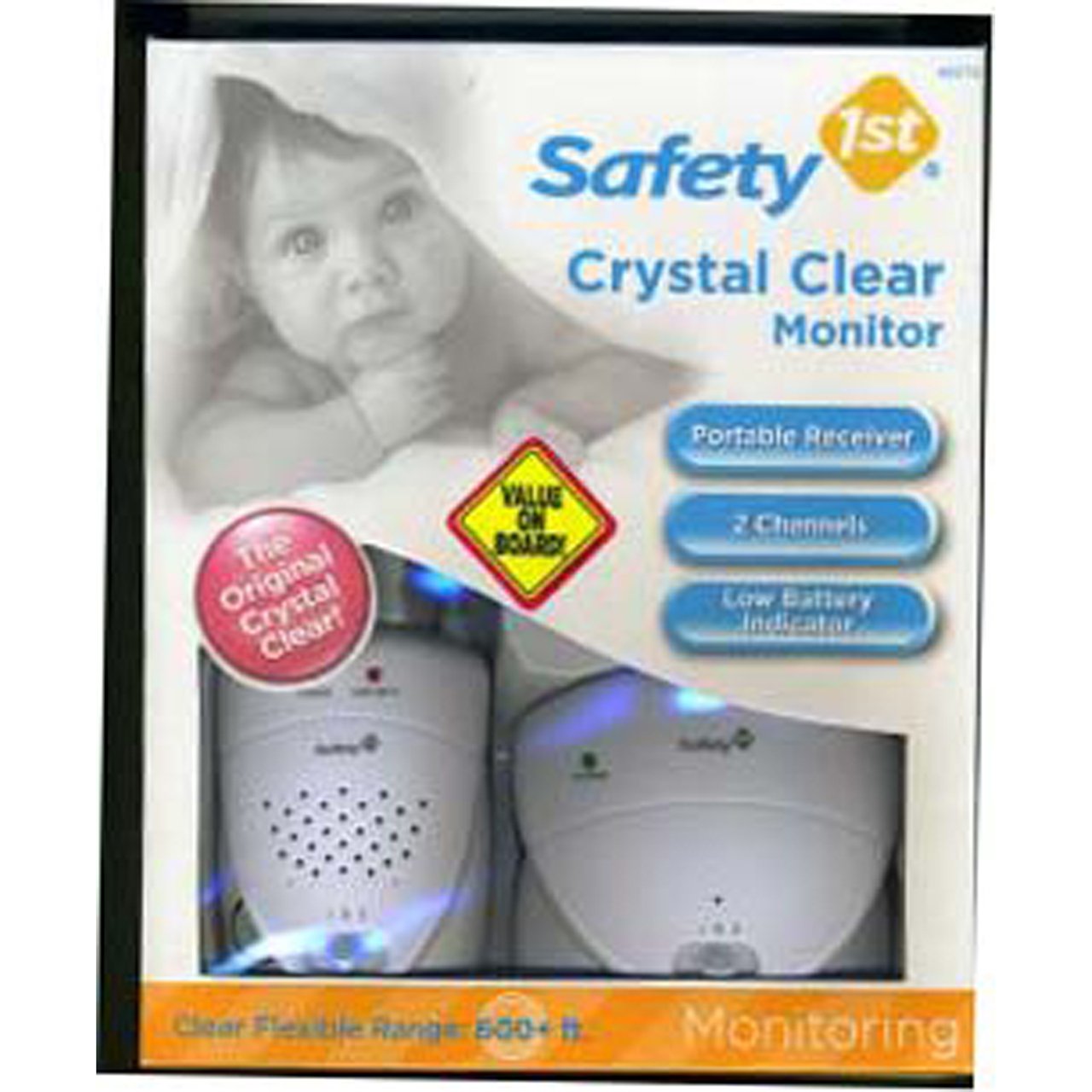
Image: The product packaging displaying the Safety 1st Crystal Clear Audio Monitor units.
Please check the package contents to ensure all items are present:
- 1 x Baby Unit (Transmitter)
- 1 x Parent Unit (Receiver) with convertible belt clip / carry loop
- 2 x AC Power Adapters
- User Manual (this document)
Setup
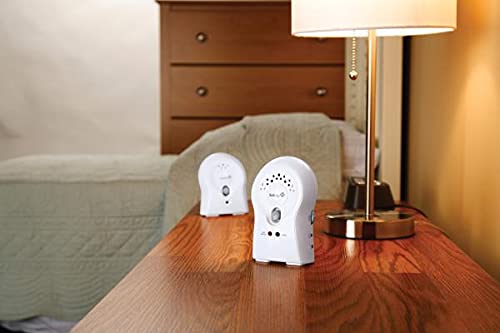
Image: The baby and parent units of the monitor set up on a table.
- Powering the Units:
- AC Power: For continuous use, plug one AC power adapter into the Baby Unit and the other into the Parent Unit. Connect the adapters to standard electrical outlets.
- Battery Power (Optional): For portability, both units can operate on batteries (not included). Open the battery compartment on the back of each unit and insert the required batteries, observing polarity.
- Placing the Baby Unit:
Place the Baby Unit in your baby's room, within 6 to 10 feet (1.8 to 3 meters) of the crib. Ensure it is out of reach of the baby and any cords are secured to prevent entanglement. Avoid placing it near other electronic devices that may cause interference.
- Placing the Parent Unit:
Place the Parent Unit in the room where you will be listening. This unit is portable and can be carried with you using the belt clip/carry loop.
- Selecting a Channel:
Both the Baby Unit and Parent Unit have a channel selector switch (Channel 1 or Channel 2). Set both units to the same channel to establish a connection. If you experience interference, try switching both units to the other channel.
- Initial Test:
After setup, perform a test. Have someone speak softly near the Baby Unit while you listen through the Parent Unit. Adjust the volume on the Parent Unit to a comfortable level. Ensure clear audio transmission.
Operating Instructions
- Turning On/Off:
Use the power switch on each unit to turn it ON or OFF. Ensure both units are turned on and set to the same channel for monitoring.
- Adjusting Volume:
The Parent Unit features a volume control dial. Rotate the dial to increase or decrease the listening volume to your preference.
- Using the Audio Jack:
The Parent Unit includes an audio jack. You can plug in earphones (not included) for private listening, which can be useful in noisy environments or to avoid disturbing others.
- Using the Belt Clip / Carry Loop:
The Parent Unit is equipped with a convertible belt clip/carry loop for easy portability. Attach it to your belt or use it as a loop to carry the unit around your home.
- Low Battery Indicator:
If operating on batteries, a low battery indicator light (if present on your model) will illuminate when batteries are running low. Replace batteries promptly or switch to AC power.
Maintenance
- Cleaning:
Wipe the units with a soft, damp cloth. Do not use abrasive cleaners or solvents. Ensure units are completely dry before use.
- Battery Replacement:
When replacing batteries, always use the recommended type and size. Do not mix old and new batteries, or different types of batteries. Dispose of used batteries responsibly.
- Storage:
If storing the monitor for an extended period, remove all batteries from both units to prevent leakage and damage. Store in a cool, dry place.
Troubleshooting
| Problem | Possible Cause | Solution |
|---|---|---|
| No sound or weak sound |
|
|
| Static or interference |
|
|
| Limited range |
|
|
Specifications
- Model Number: MO065
- Frequency Range: 49 MHz (Analog)
- Number of Channels: 2
- Talking Range Maximum: 600+ Feet (open field)
- Tuner Type: Analog
- Connectivity Protocol: Analog FM
- Additional Features: Audio only, Audio jack for earphones, Convertible belt clip / carry loop
- Item Weight: 8 ounces (approximate)
- Color: White
- Manufacturer: Dorel Juvenile Group-CA
Warranty Information
For specific warranty details, please refer to the warranty card included with your product packaging or visit the official Safety 1st website. Keep your purchase receipt as proof of purchase for any warranty claims.
Support
If you require further assistance or have questions not covered in this manual, please contact Safety 1st customer support. Contact information can typically be found on the product packaging or on the official Safety 1st website.


