
1. Introduction
The Honeywell Home C7189R1004 Wireless Indoor Temperature Sensor is designed to enhance the accuracy of your home's temperature control. This sensor allows your compatible thermostat to read temperatures from a location other than its primary installation point. This is particularly useful when the main thermostat is in an area that does not accurately reflect the temperature of your living space, such as a hallway or a less frequently used room.
By providing additional temperature data, the C7189R1004 sensor helps your HVAC system maintain a more consistent and comfortable environment throughout your home, especially in multi-level residences or homes with varying temperature zones. The sensor is wireless, factory calibrated, and designed to blend seamlessly with most room decors.
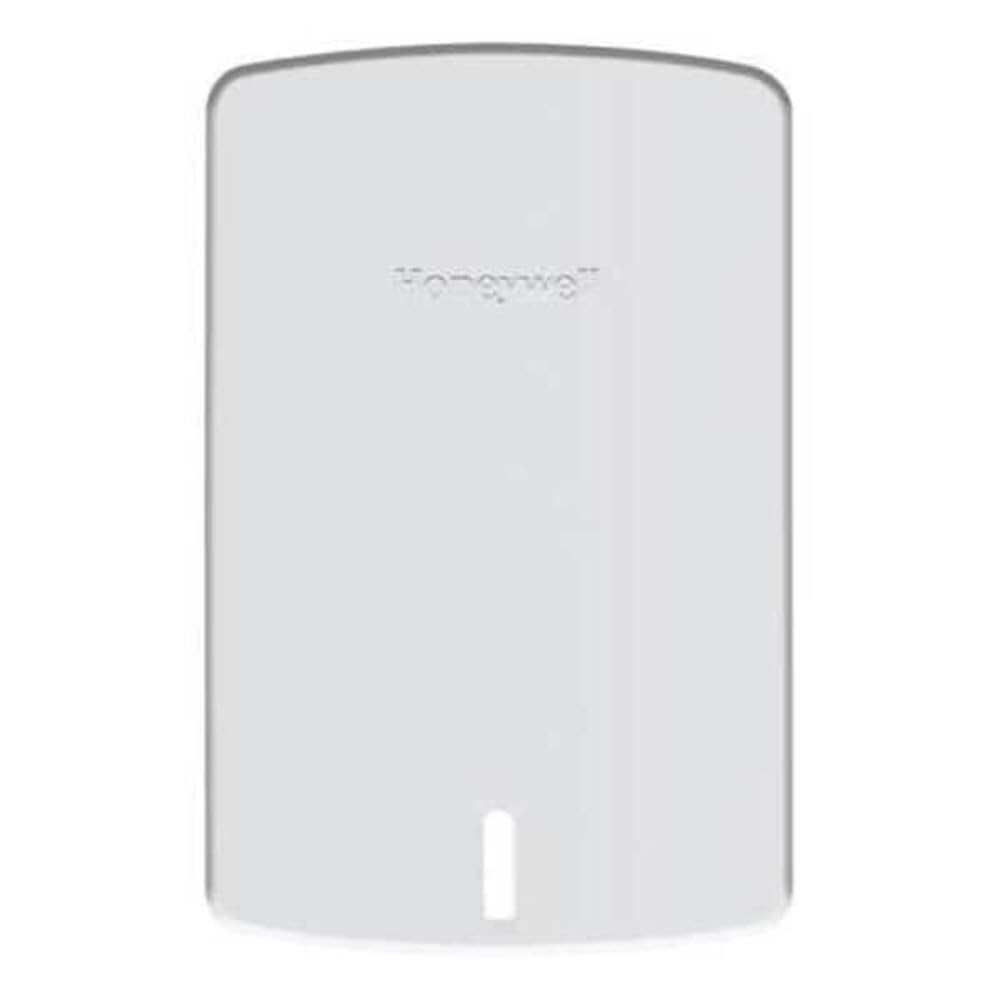
Figure 1.1: Front view of the Honeywell Home C7189R1004 Wireless Indoor Temperature Sensor.
2. Safety Information
Please read and understand all safety information before installing or operating this device. Failure to follow these instructions may result in property damage, injury, or death.
- Battery Safety: This device uses AAA alkaline batteries. Ensure correct polarity when inserting batteries. Do not mix old and new batteries, or different types of batteries. Dispose of used batteries according to local regulations. Do not expose batteries to excessive heat or open flame.
- Electrical Safety: Installation should only be performed by a qualified individual if it involves interaction with your HVAC system's wiring. Always turn off power to the HVAC system at the circuit breaker before performing any installation or maintenance.
- Placement: Do not install the sensor in locations where it will be exposed to direct sunlight, drafts, or near heat-generating appliances, as this can lead to inaccurate temperature readings.
- Cleaning: Use a soft, dry cloth for cleaning. Do not use liquid cleaners or aerosol sprays directly on the sensor.
3. Package Contents
Verify that all items are present in your package:
- Honeywell Home C7189R1004 Wireless Indoor Temperature Sensor
- 2 AAA Alkaline Batteries
- Mounting Hardware (screws and wall anchors)
4. Setup
The C7189R1004 sensor is designed for quick and simple installation. It is factory calibrated, requiring no field adjustments.
4.1. Battery Installation
- Gently open the sensor casing to access the battery compartment.
- Insert the two AAA alkaline batteries, ensuring the correct positive (+) and negative (-) orientation.
- Close the sensor casing securely.

Figure 4.1: Side view of the sensor, showing the battery compartment area.
4.2. Sensor Placement
Optimal placement is crucial for accurate temperature readings. Consider the following:
- Choose a central location in the room or area you wish to monitor.
- Avoid direct sunlight, heat sources (lamps, appliances), and drafts (windows, vents).
- Mount the sensor on an interior wall, away from exterior walls that may be colder or warmer.
- The sensor is small and designed to blend with decor, allowing for discreet placement.

Figure 4.2: Back view of the sensor, illustrating mounting points for wall installation.
4.3. Mounting the Sensor
- Select a suitable location based on the guidelines above.
- Use the provided mounting hardware (screws and wall anchors) to secure the sensor to the wall.
- Ensure the sensor is level for optimal performance.
4.4. Pairing with Your Thermostat
The C7189R1004 sensor is compatible with various Honeywell thermostats, including the VisionPRO 8000 series. The pairing process is typically straightforward:
- Refer to your specific Honeywell thermostat's instruction manual for detailed pairing instructions.
- Generally, you will need to access the installer or setup menu on your thermostat.
- Follow the on-screen prompts to add a new wireless indoor sensor. The thermostat will typically search for available sensors.
- Once detected, confirm the pairing on your thermostat.
Video 4.1: Product Overview Video. This video demonstrates the physical aspects and general use of the Honeywell Home C7189R1004 Wireless Indoor Temperature Sensor, including its wall-mountable design and durable plastic construction. It also highlights its operating temperature range.
5. Operating Instructions
Once successfully paired, the Honeywell Home C7189R1004 sensor operates automatically. It wirelessly communicates temperature data to your compatible Honeywell thermostat.
- Temperature Averaging: The primary function of this sensor is to provide an additional temperature reading to your thermostat. Your thermostat will then average the temperature from its internal sensor with the reading(s) from the wireless sensor(s) to determine the overall temperature of your home. This averaging helps to balance heating and cooling across different areas.
- Enhanced Comfort: By using the averaged temperature, your HVAC system will work to achieve a more uniform temperature, reducing hot or cold spots in your home.
- Operating Range: The sensor is designed to operate within a temperature range of 35°F to 114°F (1.7°C to 45.6°C).
Consult your thermostat's manual for options on how it utilizes external sensor data, such as setting priorities for different sensors or viewing individual sensor readings.
6. Maintenance
The Honeywell Home C7189R1004 Wireless Indoor Temperature Sensor requires minimal maintenance.
- Battery Replacement: The sensor is powered by two AAA alkaline batteries. When the batteries are low, your compatible thermostat may display a low battery indicator for the sensor. Replace both batteries promptly to ensure continuous operation. Refer to Section 4.1 for battery installation steps.
- Cleaning: Periodically wipe the sensor's exterior with a soft, dry cloth to remove dust. Do not use abrasive cleaners, solvents, or spray liquids directly onto the sensor.
7. Troubleshooting
If you experience issues with your wireless indoor temperature sensor, refer to the following common solutions:
| Problem | Possible Cause | Solution |
|---|---|---|
| Sensor not communicating with thermostat. | Low or dead batteries. Sensor out of range. Pairing issue. | Replace batteries (2 AAA alkaline). Move sensor closer to the thermostat. Re-attempt pairing process as per your thermostat's manual. |
| Inaccurate temperature readings. | Improper sensor placement. Obstruction. | Relocate sensor away from direct sunlight, drafts, or heat sources. Ensure no objects are blocking the sensor. |
| Thermostat not displaying sensor data. | Sensor not correctly paired. Thermostat settings. | Verify successful pairing. Check your thermostat's settings to ensure it is configured to use external sensors. |
If the problem persists after attempting these solutions, please contact Honeywell customer support.
8. Specifications
| Model Number: | C7189R1004 |
| Brand: | Honeywell Home |
| Color: | Premier White |
| Power Source: | 2 AAA Alkaline Batteries (included) |
| Operating Temperature Range: | 35°F to 114°F (1.7°C to 45.6°C) |
| Connectivity Protocol: | ZigBee (Wireless) |
| Mounting Type: | Wall Mount |
| Material: | Plastic |
| Item Weight: | 82 g |
| Dimensions: | (Dimensions not provided in source data, please refer to product packaging) |
| Included Components: | Wireless Indoor Sensor, 2 AAA Batteries, Mounting Hardware |
9. Warranty Information
According to the manufacturer's specifications, this product is sold without an explicit warranty. Please refer to your retailer's return policy for details regarding returns or exchanges within a specified period after purchase.
10. Customer Support
For further assistance, technical support, or inquiries regarding your Honeywell Home C7189R1004 Wireless Indoor Temperature Sensor, please visit the official Honeywell website or contact their customer service department.
- Honeywell Official Website: www.honeywellhome.com
- Refer to the contact section on the website for phone numbers or email support.


