
1. Introduction
This manual provides comprehensive instructions for the installation, operation, and maintenance of your Lutron CTCL-153P-AL Contour CFL/LED Dimmer Switch. This dimmer is designed to control compatible dimmable compact fluorescent (CFL) and LED light sources, offering enhanced lighting control and energy efficiency. Please read this manual thoroughly before installation and use to ensure proper function and safety.
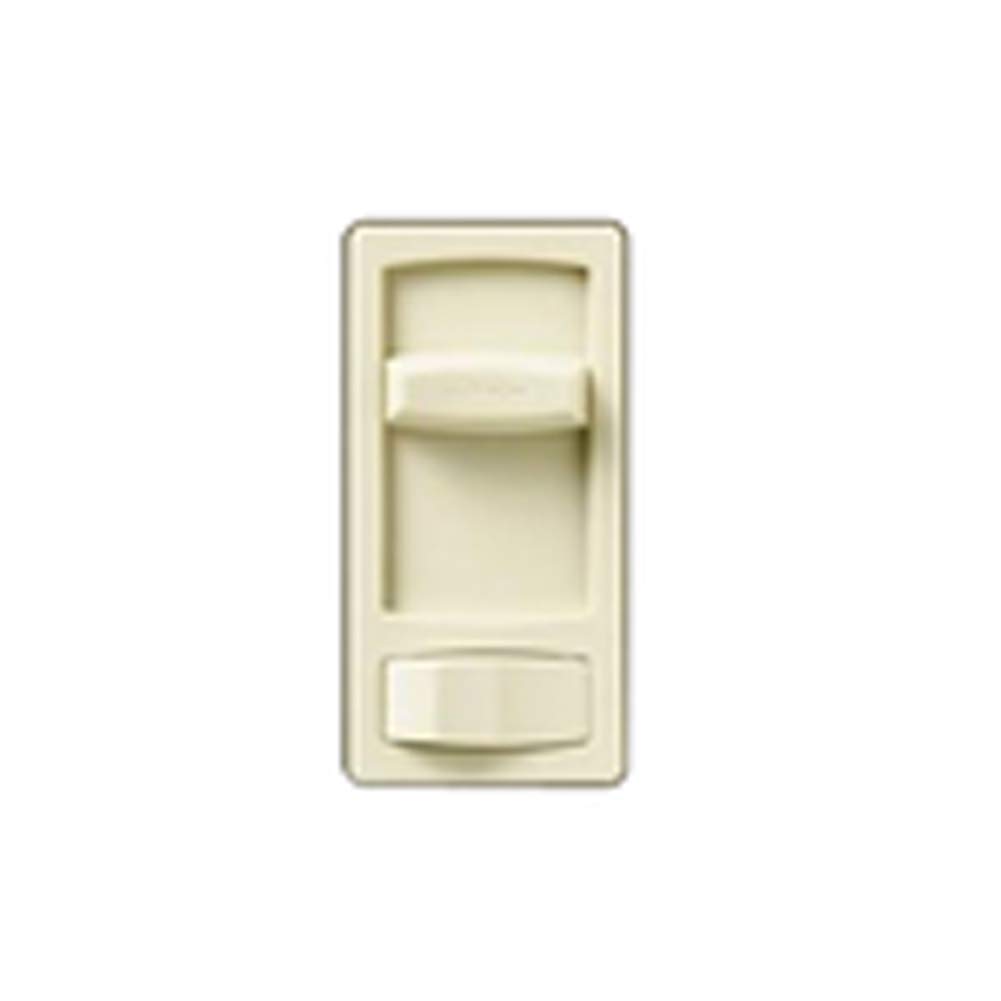
Figure 1: Lutron CTCL-153P-AL Contour CFL/LED Dimmer Switch. This image displays the Lutron CTCL-153P-AL Contour CFL/LED Dimmer Switch, featuring its almond finish and rocker-style control with a small slider for dimming adjustment.
2. Safety Information
WARNING: Risk of Electric Shock. Improper installation can lead to serious injury or death. Always turn off power at the circuit breaker or fuse box before installing or servicing this device. This product must be installed in accordance with all national and local electrical codes.
- Do not use with non-dimmable light sources.
- Do not use with motor-driven appliances or transformers.
- Install indoors only.
- Ensure all wire connections are secure.
- If you are unsure about any part of these instructions, consult a qualified electrician.
3. Package Contents
Verify that your package contains the following item:
- 1x Lutron CTCL-153P-AL Contour CFL/LED Dimmer Switch
Note: Wallplate is sold separately and is not included with this dimmer switch.
4. Setup and Installation
- Turn Off Power: Before beginning installation, turn off the power at the circuit breaker or fuse box for the light fixture you are working on.
- Remove Existing Switch: Carefully remove the existing wallplate and switch from the wall box. Disconnect the wires from the old switch.
- Identify Wires: Identify the Line (hot), Load (to light fixture), and Ground wires. If installing in a 3-way application, identify the Traveler wires.
- Wire the Dimmer: Connect the wires to the Lutron CTCL-153P-AL dimmer switch according to the wiring diagram provided with the product packaging. Typically, this involves connecting:
- Green wire from dimmer to Ground wire in wall box.
- Black wire from dimmer to Line (hot) wire in wall box.
- Red wire from dimmer to Load wire (to light fixture).
- For 3-way applications, connect the remaining red/white stripe wire to one Traveler wire, and the other Traveler wire to the other red/white stripe wire (if applicable).
- Mount the Dimmer: Gently push the wired dimmer switch into the wall box. Secure it with the provided screws.
- Install Wallplate: Attach the wallplate (sold separately) over the dimmer switch.
- Restore Power: Turn the power back on at the circuit breaker.
- Adjust Dimming Range: The dimmer features a small slider located behind the wallplate or on the side of the dimmer itself. This slider allows for adjustment of the dimming range to match the specific requirements of your CFL or LED fixtures, preventing flicker or poor performance at low light levels. Adjust this slider as needed for optimal performance with your connected lights.
5. Operating Instructions
The Lutron CTCL-153P-AL dimmer switch provides intuitive control over your lighting.
- Turn On/Off: Press the large rocker switch to turn the lights on or off.
- Dim/Brighten: Use the small slider control located next to the rocker switch to adjust the light level. Move the slider up to brighten the lights and down to dim them.
- Preset Light Level: When you turn the lights off and then back on, they will return to the previously set dimming level.
6. Maintenance
The Lutron CTCL-153P-AL dimmer switch requires minimal maintenance.
- Cleaning: To clean the dimmer switch and wallplate, wipe with a soft, damp cloth. Do not use abrasive cleaners, solvents, or spray directly onto the device.
- No User-Serviceable Parts: There are no user-serviceable parts inside the dimmer. Do not attempt to open or repair the unit.
7. Troubleshooting
| Problem | Possible Cause | Solution |
|---|---|---|
| Lights do not turn on. |
|
|
| Lights flicker or do not dim smoothly. |
|
|
| Dimmer is warm to the touch. | Normal operation. | It is normal for dimmers to feel warm during operation. If it feels excessively hot, ensure the load does not exceed the dimmer's wattage rating (600W). |
8. Specifications
- Model Number:
- CTCL-153P-AL
- Brand:
- Lutron
- Wattage:
- 600 watts
- Color:
- Almond
- Operation Mode:
- Manual
- Switch Type:
- Rocker
- Control Method:
- Touch
- Circuit Type:
- 1-way (can be wired for 3-way applications)
- Product Dimensions (L x W x H):
- 3 x 1 x 2 inches
- Item Weight:
- 1.44 ounces
- Material:
- Plastic (housing), Copper (contact material)
- Connectivity Protocol:
- X-10 (Note: This might refer to compatibility or internal component, but the primary control is manual/touch)
9. Warranty and Support
Lutron products are known for their quality and reliability. While specific warranty details are typically provided with the product packaging, Lutron generally offers a limited warranty on its dimmer switches. For detailed warranty information, please refer to the documentation included with your purchase or visit the official Lutron website.
Lutron is also recognized for its excellent customer service. If you encounter any issues or have questions regarding your CTCL-153P-AL dimmer switch, you can contact Lutron customer support directly. They are equipped to provide assistance with installation, troubleshooting, and product inquiries.
For further assistance, please visit the Lutron Store on Amazon or the official Lutron website.


