1. Introduction
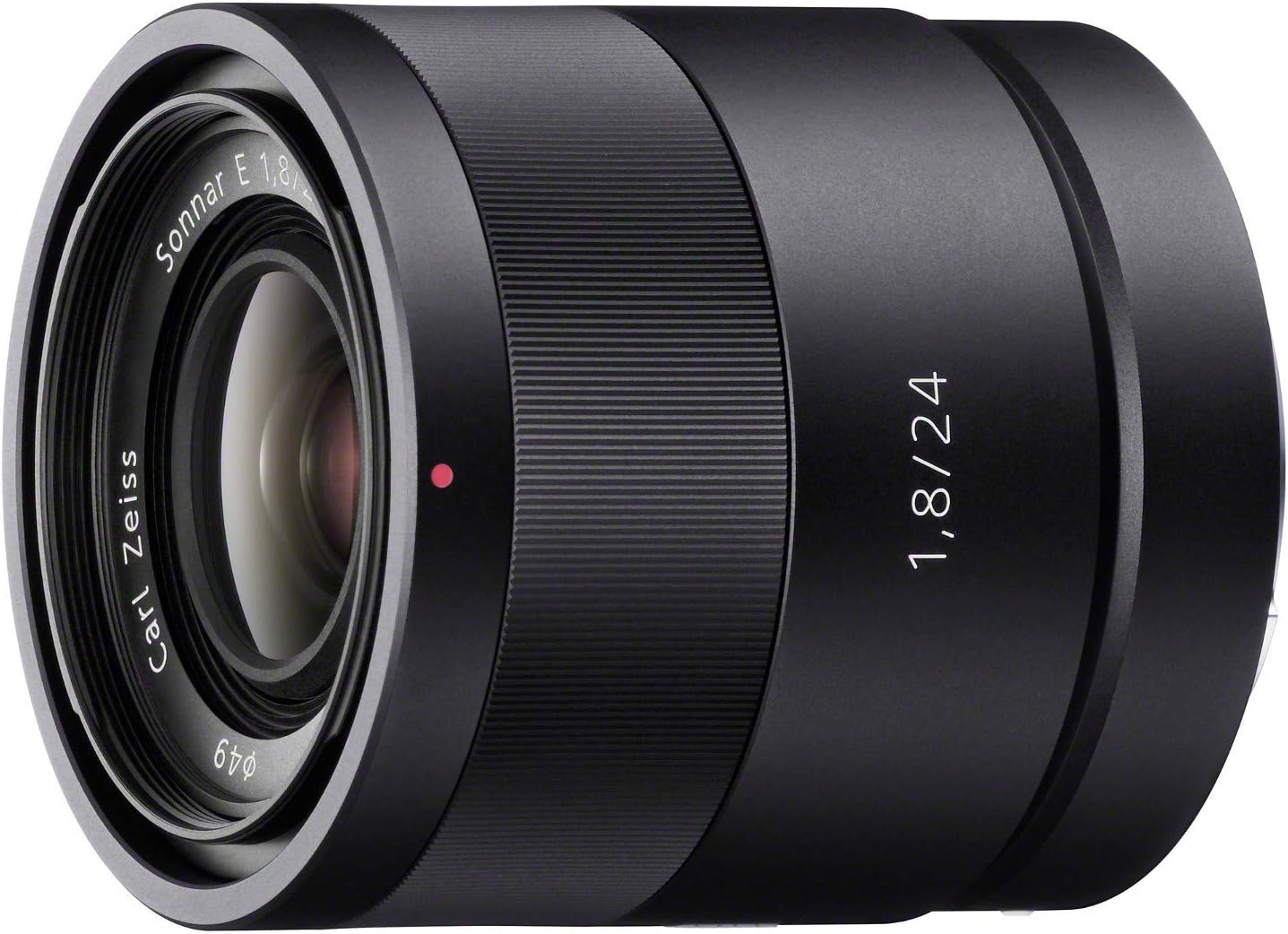
This manual provides essential information for the proper use and care of your Sony Carl ZEISS Sonnar T E 24mm F1.8 ZA E-Mount Prime Lens. This high-performance wide-angle prime lens is designed for Sony E-mount cameras, offering exceptional image quality and versatility.
Key features of this lens include:
- Employs the legendary "Sonnar" optical design for standout image dimensionality and presence.
- Seven aperture blades form a near circle, resulting in a pleasing defocused background effect (bokeh) when the aperture is set wide open.
- Allows for 1/4 macro shooting with accurate focus as close as 6.2 inches (16cm).
- Direct Manual Focus (DMF) enables manual focusing after autofocus lock-on without switching modes.
- Lens operation is fast, smooth, and quiet, minimizing noise and image jitter during movie recording.
2. Product Overview
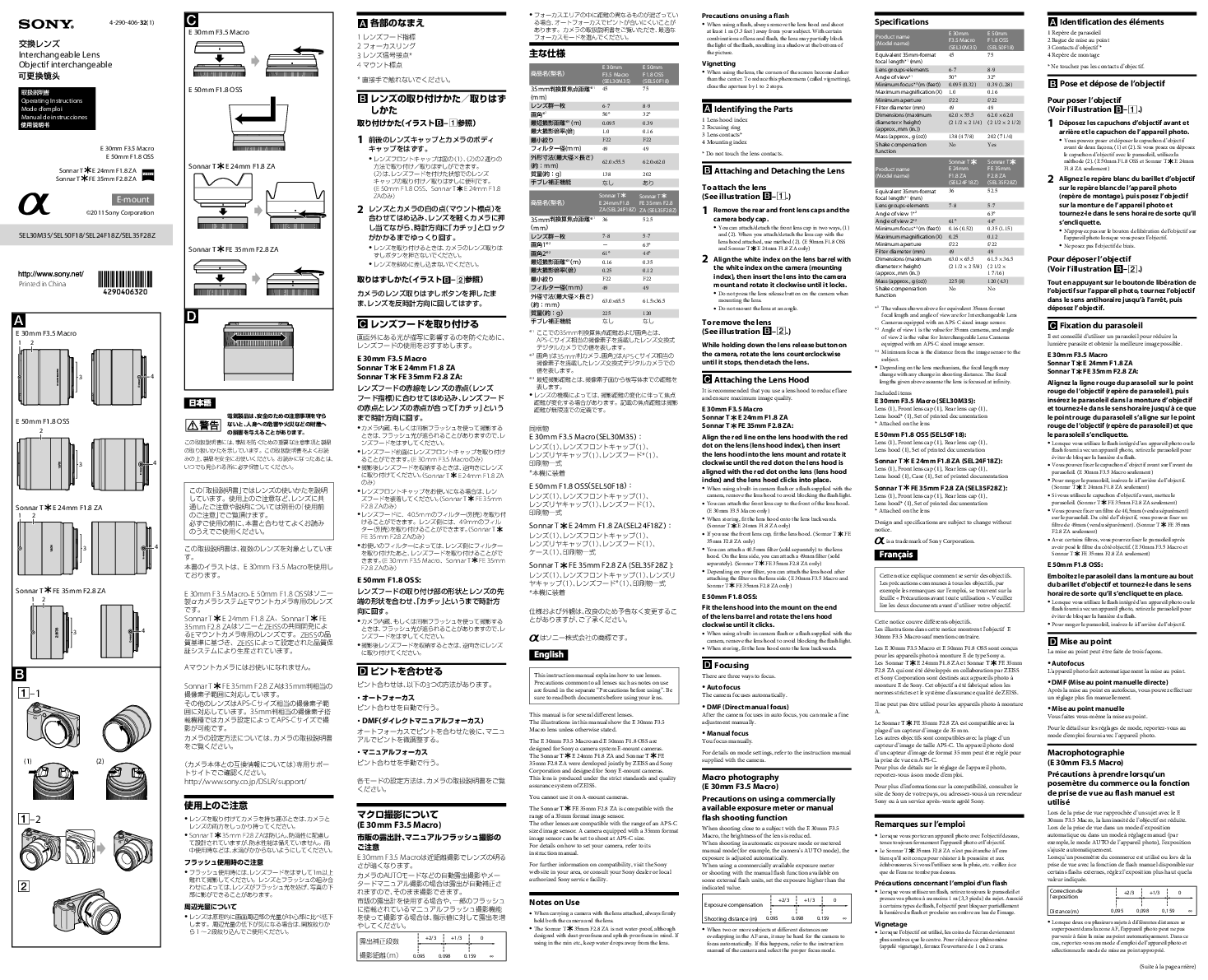
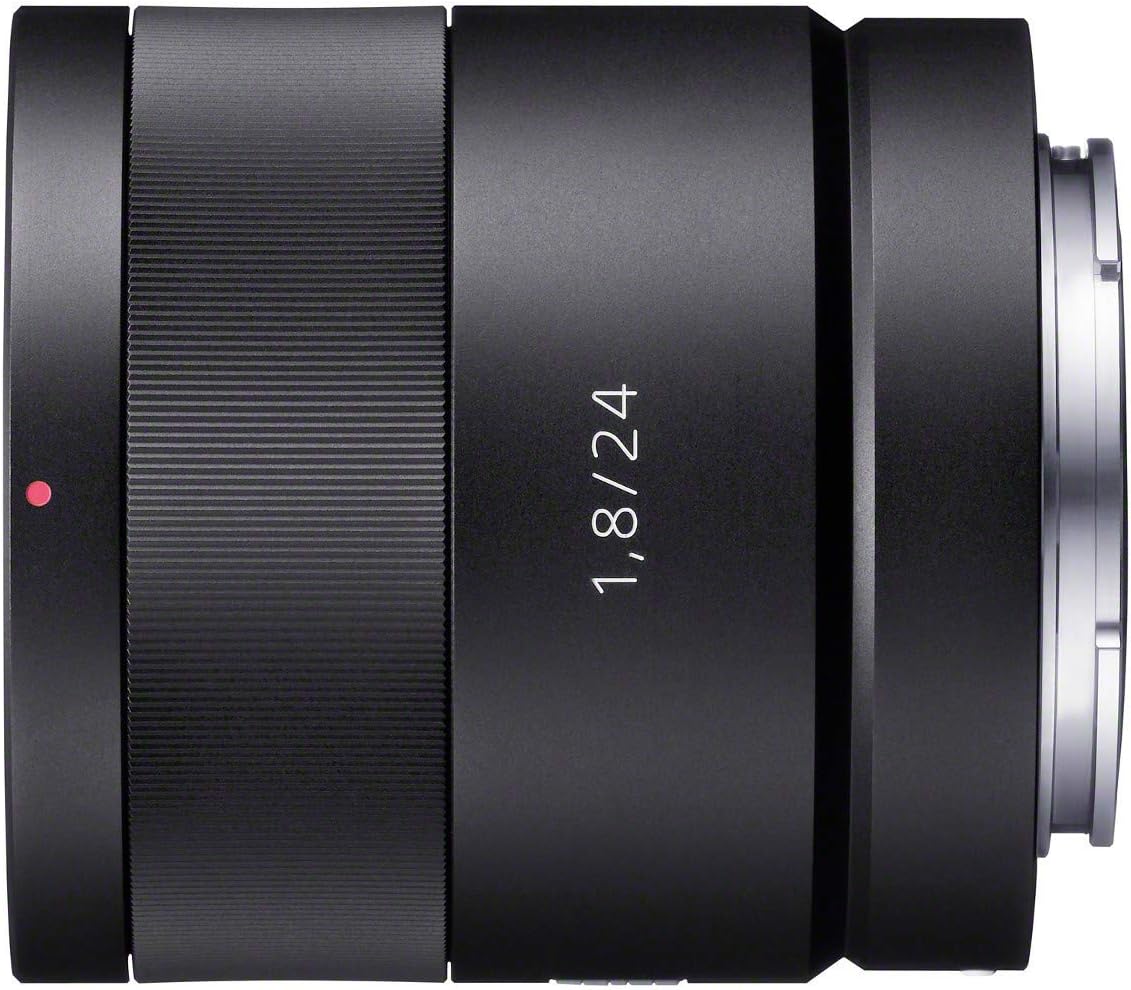
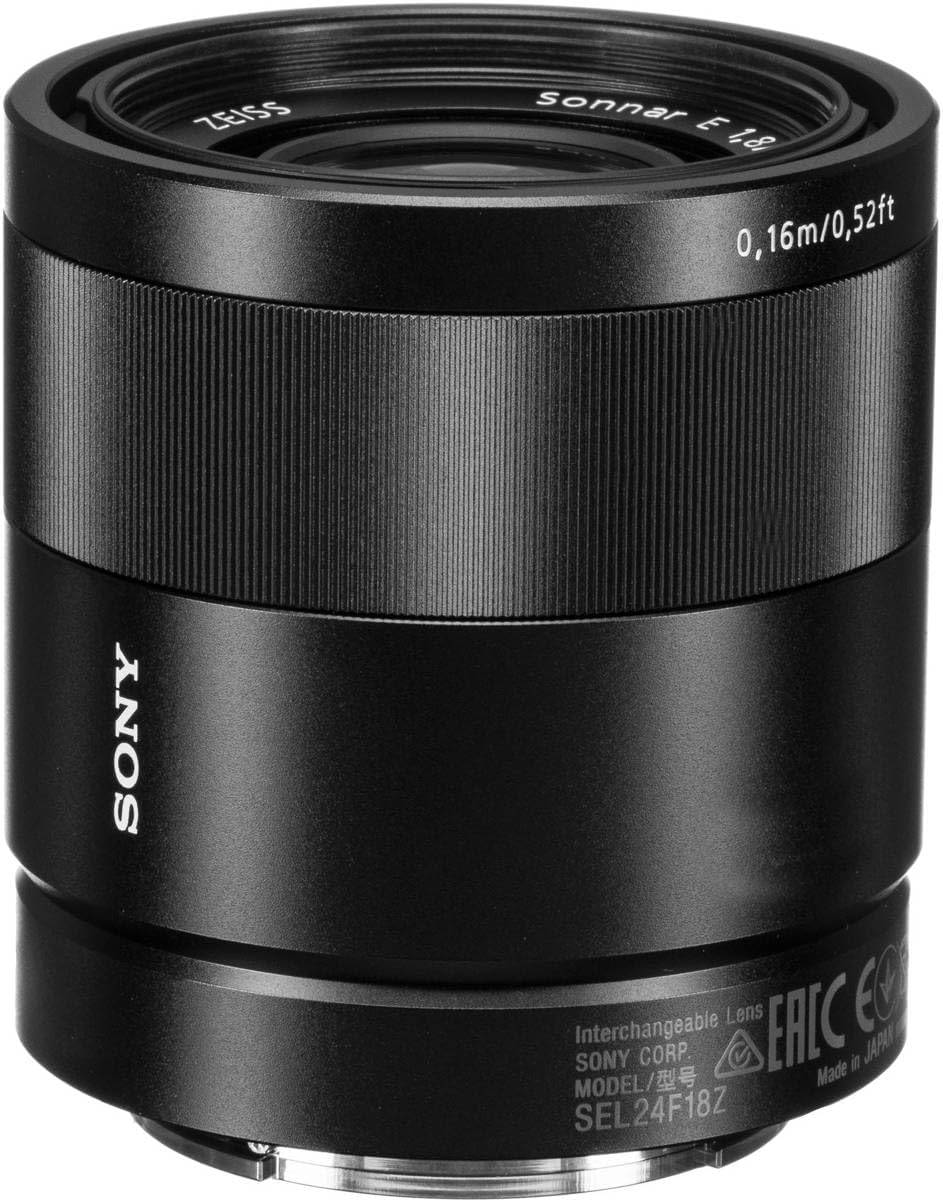
Familiarize yourself with the various parts of your lens.


3. Setup
3.1 Attaching the Lens
- Ensure your camera is powered off before attaching or detaching the lens.
- Remove the rear lens cap and the camera body cap.
- Align the white index mark on the lens barrel with the white index mark on your camera's E-mount.
- Insert the lens into the camera mount and rotate it clockwise until it clicks into place. Do not force the lens.
3.2 Attaching the Lens Hood
The lens hood helps to block unwanted light, reducing flare and ghosting, and provides some protection to the front element.
- Align the red dot on the lens hood with the red dot on the front of the lens.
- Insert the lens hood and rotate it clockwise until it locks securely.
4. Operating the Lens
4.1 Focusing
This lens supports both autofocus (AF) and manual focus (MF) modes, as well as Direct Manual Focus (DMF).
- Autofocus (AF): When your camera is set to AF mode, the lens will automatically focus on your subject. The internal focusing mechanism ensures fast and quiet operation.
- Manual Focus (MF): In MF mode, rotate the focus ring on the lens to adjust focus manually.
- Direct Manual Focus (DMF): This feature allows you to fine-tune focus manually after the camera has achieved autofocus. This is useful for precise control over the focal point.
4.2 Aperture Control
The lens features a maximum aperture of F1.8, allowing for excellent low-light performance and shallow depth of field. The circular aperture design contributes to smooth and natural background blur (bokeh).
- Adjust the aperture through your camera's settings.
- Wider apertures (e.g., F1.8) create a shallower depth of field, blurring the background.
- Narrower apertures (e.g., F11, F16) increase the depth of field, keeping more of the scene in focus.
4.3 Close-Up Photography
The lens can focus as close as 6.2 inches (16cm), enabling 1/4 macro shooting. This allows for detailed close-up images of small subjects.
5. Maintenance and Care
5.1 Cleaning the Lens
- Use a blower brush to remove dust from the lens surface.
- For smudges or fingerprints, use a clean, soft microfiber cloth specifically designed for optics. Apply a small amount of lens cleaning solution to the cloth, not directly to the lens.
- Never use abrasive materials or harsh chemicals.
5.2 Storage
- Always attach the front and rear lens caps when the lens is not in use.
- Store the lens in a cool, dry place, away from direct sunlight and extreme temperatures.
- Avoid storing the lens in areas with high humidity to prevent mold growth.
6. Troubleshooting
If you encounter issues with your lens, consider the following general troubleshooting steps:
- Lens not recognized by camera: Ensure the lens is securely mounted and clicked into place. Clean the lens and camera contacts with a dry, soft cloth.
- Autofocus issues: Check your camera's focus mode settings. Ensure there is sufficient light and contrast for the autofocus system to work effectively.
- Image quality concerns: Verify that the lens elements are clean and free from dust or smudges. Ensure proper camera settings (e.g., aperture, shutter speed, ISO) are used for the shooting conditions.
For persistent issues or technical support, please contact Sony customer service.
7. Specifications
| Feature | Detail |
|---|---|
| Brand | Sony |
| Model Number | SEL24F18Z |
| Focal Length | 24 millimeters |
| Maximum Aperture | F1.8 |
| Lens Type | Prime Lens |
| Compatible Mountings | Sony E-Mount |
| Minimum Focus Distance | 0.16 meters (6.2 inches) |
| Product Dimensions | 2.58 x 2.48 x 2.48 inches |
| Item Weight | 7.9 ounces |
| Manufacturer | Sony |
| Date First Available | August 23, 2011 |
8. Warranty and Support Information
Please note the following regarding warranty and returns:
- Warranty: No Warranty.
- Refunds: No Refunds.
For further assistance, product inquiries, or service, please visit the official Sony support website or contact their customer service department.