
Emerson EM229
Emerson EM229 Wireless Bluetooth Headset User Manual
Model: EM229
Introduction
The Emerson EM229 Wireless Bluetooth Headset provides wireless communication capabilities through Bluetooth technology. It features a multi-link function, allowing simultaneous pairing with two Bluetooth-enabled devices, enhancing connectivity and convenience for users.
Package Contents
Please verify that all items listed below are included in your package:
- Emerson Bluetooth wireless headset
- AC charger
- Car charger
- USB charging cable
- Earhook
- User guide
- Three silicone earbud cushions (S, M, L)

Image showing all components included in the Emerson EM229 Wireless Bluetooth Headset package: the headset, AC charger, car charger, USB charging cable, earhook, and various sized earbud cushions, alongside the owner's manual.
Product Overview
The Emerson EM229 is a compact, single-ear Bluetooth headset designed for hands-free communication. It features intuitive controls for power, volume, and call management.
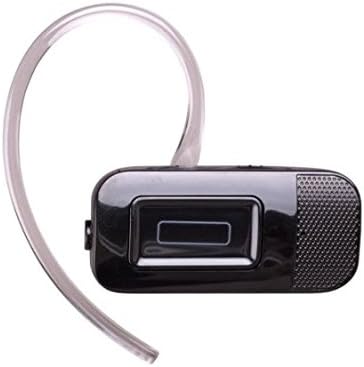
Close-up image of the Emerson EM229 Wireless Bluetooth Headset, highlighting its sleek black design and main control button.
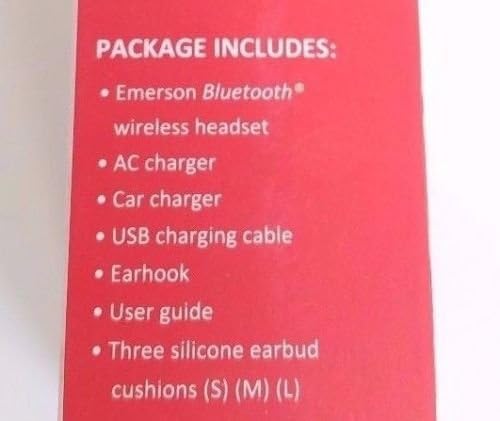
Image of the Emerson EM229 Wireless Bluetooth Headset with the clear ear hook attached, demonstrating how it fits around the ear for secure wearing.
Setup
Charging the Headset
Before first use, fully charge the headset. The headset offers three convenient charging options: AC outlet, car charger, and USB via PC.
- Connect the USB charging cable to the headset's charging port.
- Connect the other end of the USB cable to either the AC adapter, car adapter, or a USB port on your computer.
- The charging indicator light will illuminate during charging and turn off when fully charged.
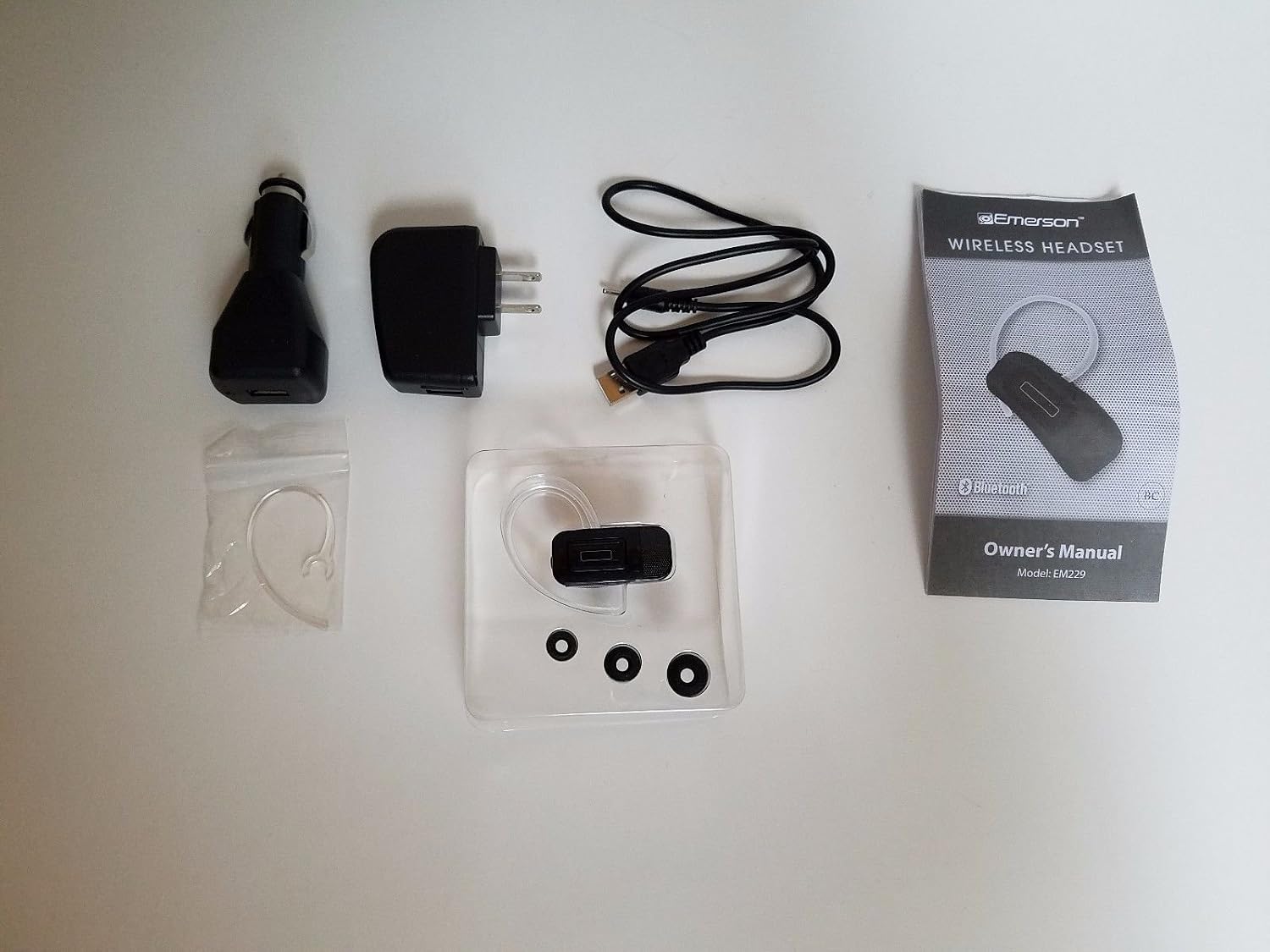
Diagram illustrating the three charging options for the Emerson EM229 headset: charging via an AC wall outlet, a car charger, or a computer's USB port.
Pairing with a Bluetooth Device
To use the headset, it must be paired with your Bluetooth-enabled device (e.g., smartphone, tablet).
- Ensure the headset is turned off.
- Press and hold the Multi-function button on the headset until the indicator light flashes blue and red alternately, indicating pairing mode.
- On your device, enable Bluetooth and search for new devices.
- Select "EM229" from the list of available devices.
- If prompted for a passcode, enter "0000".
- Once paired, the indicator light will flash blue periodically.
The EM229 supports multi-link functionality, allowing it to be paired with two Bluetooth devices simultaneously. To do this, pair with the first device, then disable Bluetooth on the first device. Pair with the second device. Re-enable Bluetooth on the first device; the headset should automatically connect to both.
Operating the Headset
Power On/Off
- To Power On: Press and hold the Power button until the indicator light flashes blue.
- To Power Off: Press and hold the Power button until the indicator light turns off.
Call Functions
- Answer Call: Press the Multi-function button once.
- End Call: Press the Multi-function button once during a call.
- Reject Call: Press and hold the Multi-function button for 2 seconds when a call comes in.
- Redial Last Number: Double-press the Multi-function button.
Volume Control
Use the Volume Up (+) and Volume Down (-) buttons on the headset to adjust the call volume.
Maintenance
- Clean the headset regularly with a soft, dry cloth.
- Avoid exposing the headset to extreme temperatures, moisture, or direct sunlight.
- Do not use abrasive cleaners or solvents.
- Store the headset in a cool, dry place when not in use.
Troubleshooting
| Problem | Solution |
|---|---|
| Headset does not power on | Ensure the headset is fully charged. |
| Cannot pair the headset | Ensure the headset is in pairing mode (flashing blue/red). Make sure Bluetooth is enabled on your device and it's within range. Try restarting both devices. |
| No audio during calls | Check the volume levels on both the headset and your connected device. Ensure the headset is properly connected. |
| Poor audio quality/static | Move closer to your connected device. Avoid obstacles between the headset and device. Ensure the headset is fully charged. |
Specifications
- Model Name: EM229
- Connectivity Technology: Wireless
- Wireless Communication Technology: Bluetooth
- Included Components: Wireless Headset
- Material: Plastic
- Compatible Devices: Bluetooth-enabled Devices
- Control Type: Media Control
- Control Method: Touch
- Item Weight: 0.8 ounces
- Product Dimensions: 8.5 x 4 x 1.5 inches
- Manufacturer: Emerson
- UPC: 680079522902
Warranty and Support
For customer support, please refer to the contact information provided in your original packaging or visit the Emerson website.
UPC: 680079522902

Image of the back of the product packaging, displaying customer support contact information including a toll-free number (1-877-768-8481), website (www.southerntelecom.com), and the product's UPC (680079522902) and model number (EM229).
Related documentsEM229


Ask a question about this manual
Ask about setup, troubleshooting, compatibility, parts, safety, or missing instructions. Manuals+ will review the question and use this page’s manual context to help answer it.