
Introduction
This manual provides instructions for the setup, operation, and maintenance of your LiftMaster 893LM 3-Button Garage Door Opener Remote Control. This powerful multi-door control is designed to operate up to three garage doors, gates, or MyQ®-enabled lighting accessories. It features multi-frequency Security+ 2.0™ technology, which virtually eliminates interference and enhances security.
Important Safety Information
- Always keep remote controls out of reach of children.
- Operate the garage door or gate only when it is in full view, free of obstructions, and properly adjusted.
- No one should enter or leave the garage while the door is in motion.
- Do not allow children to play with the remote control or the garage door opener.
- Ensure the remote control is compatible with your garage door opener. This remote is compatible only with LiftMaster / Chamberlain / Craftsman Security+ 2.0 Garage Door Openers and Gate Operators that have a YELLOW programming button.
Package Contents
- LiftMaster 893LM 3-Button Remote Control
- Visor Clip
- CR2 Lithium Battery (pre-installed or included separately)
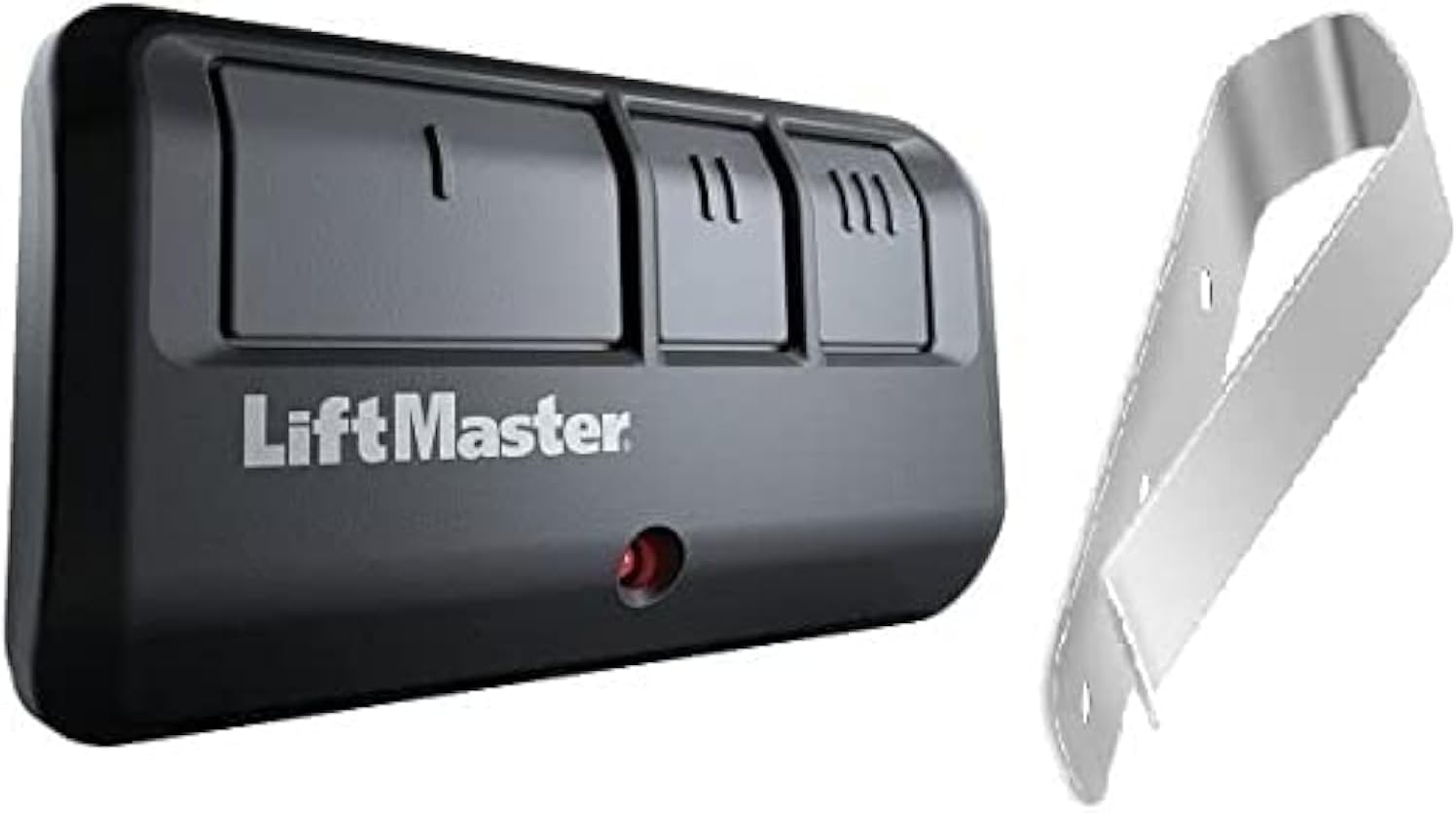
Image: The LiftMaster 893LM 3-Button Remote Control in dark gray, shown alongside its metal visor clip. The remote has three distinct buttons labeled I, II, and III, and a small red LED indicator light.
Setup and Programming
Before using your new remote control, it must be programmed to your garage door opener or gate operator. Ensure your opener has a YELLOW programming button for compatibility.
Programming Steps:
- Locate the "Learn" button on your garage door opener. This button is typically yellow and located on the back or side panel of the motor unit.
- Press and immediately release the "Learn" button. The learn indicator light will glow steadily for 30 seconds.
- Within 30 seconds, press and hold the button on your 893LM remote control that you wish to use to operate your garage door.
- Release the remote control button when the garage door opener lights flash or two clicks are heard. This indicates that the remote control has been successfully programmed.
- Test the remote control by pressing the programmed button. The garage door should activate.
If you are programming to a gate operator or MyQ®-enabled lighting accessory, refer to their specific manuals for programming instructions, as the process may vary slightly.
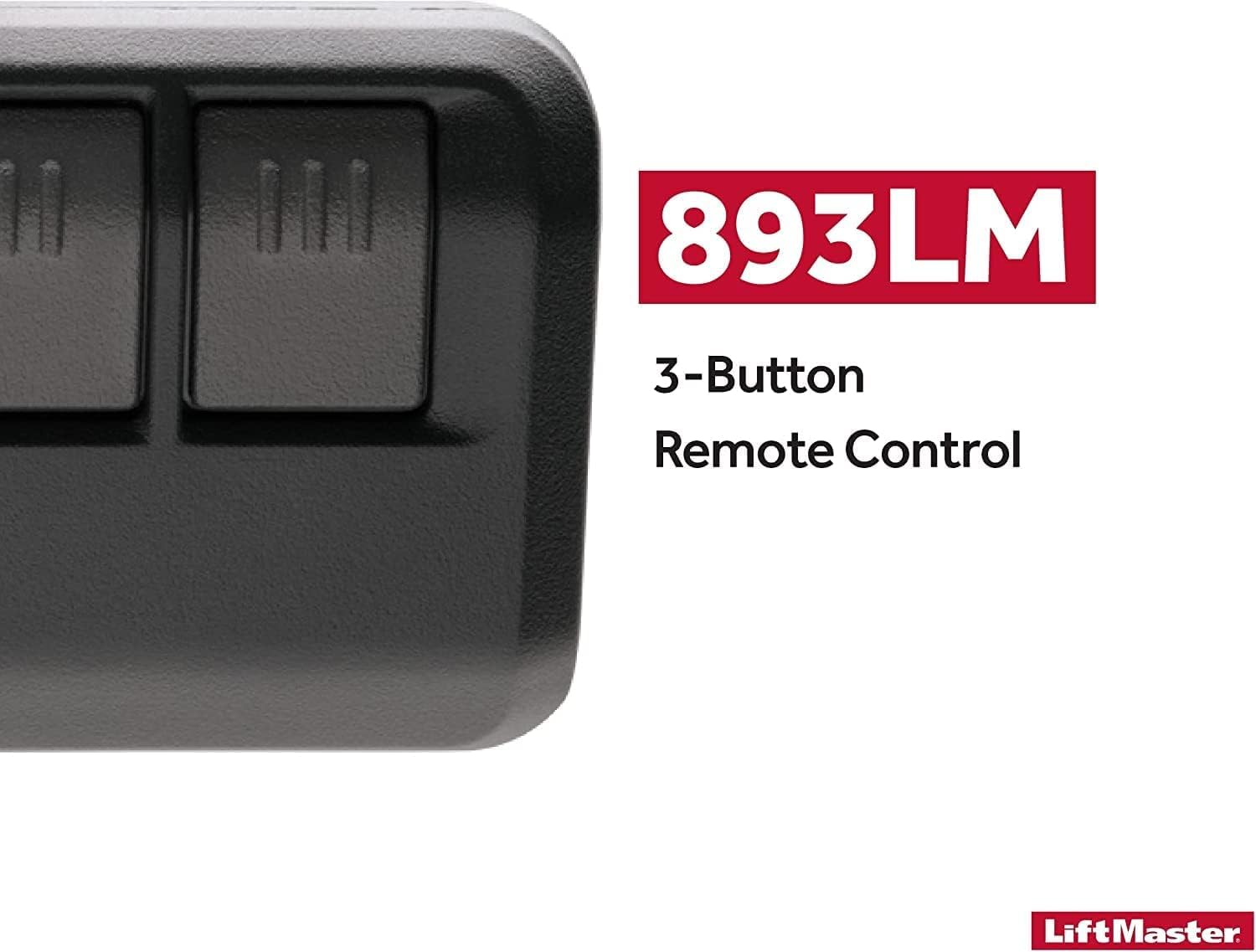
Image: Close-up of the LiftMaster 893LM remote control, highlighting its programmable nature and compatibility with LiftMaster, Chamberlain, and Craftsman Security+ 2.0 operators.
Operating the Remote Control
The LiftMaster 893LM remote control features a three-button design, allowing you to control up to three different devices.
- Each button (I, II, III) can be programmed independently to operate a garage door, gate, or MyQ®-enabled light.
- To operate a programmed device, simply press the corresponding button on the remote control. The red LED indicator will illuminate briefly when a button is pressed.
- The remote utilizes Security+ 2.0™ technology, which sends a new, unique code with every click, enhancing the security of your property by preventing code duplication.

Image: A close-up view of the LiftMaster 893LM remote control, emphasizing its three distinct buttons and stating its ability to control up to 3 devices or MyQ light accessories.

Image: The LiftMaster 893LM remote control with a graphic overlay highlighting "Security+ 2.0" and explaining that it safeguards your house by sending a new, unique code with every click.
Maintenance
Battery Replacement:
The remote control uses one CR2 Lithium battery. When the battery is low, the red LED indicator may dim or the remote's range may decrease. To replace the battery:
- Open the remote control casing. This usually involves removing a small screw or prying open a seam with a small flathead screwdriver.
- Remove the old CR2 battery.
- Insert a new CR2 Lithium battery, ensuring correct polarity (+/-).
- Close the remote control casing securely.
Cleaning:
Wipe the remote control with a soft, dry cloth. Do not use abrasive cleaners or solvents.
Visor Clip Attachment:
The included visor clip allows for convenient storage and access in your vehicle. Simply slide the remote control onto the clip until it snaps into place.
Troubleshooting
| Problem | Possible Cause / Solution |
|---|---|
| Remote control does not work. |
|
| Reduced operating range. |
|
| Remote control LED does not light up. |
|
Specifications
- Brand: LiftMaster
- Model Number: 893LM
- Item Weight: 1.76 ounces
- Product Dimensions: 2.79 x 7.11 x 13.97 inches
- Color: Dark Gray
- Battery: 1 CR2 Lithium battery (required)
- Compatibility: LiftMaster / Chamberlain / Craftsman Security+ 2.0 Garage Door Openers and Gate Operators with a YELLOW programming button.
- Max Number of Supported Devices: 3
- Special Feature: Ergonomic design, Security+ 2.0 technology
Warranty and Support
For specific warranty information and technical support, please refer to the official LiftMaster website or contact LiftMaster customer service directly. Keep your proof of purchase for warranty claims.
Website: www.liftmaster.com


