
1. Introduction
This manual provides essential information for the proper installation, operation, and maintenance of your Salsbury Industries 4350BLK Mail Chest. Designed to meet USPS-STD-7B Specifications, this mail chest is constructed from durable aluminum with a powder-coated finish, ensuring longevity and security for your mail. Please read these instructions thoroughly before proceeding with installation or use.
2. Key Features
- Includes an outgoing mail tray for convenient mail dispatch.
- Features an adjustable red signal flag to indicate outgoing mail.
- Equipped with front and rear access locking doors, each supplied with two keys (keyed alike) for secure mail retrieval.
- Mail is deposited through a non-locking access panel located on the front, ensuring easy delivery by mail carriers.
- Constructed entirely of aluminum for durability and resistance to corrosion.
3. Product Overview and Components
Familiarize yourself with the various parts of your Salsbury Industries 4350BLK Mail Chest.

Figure 3.1: Front View - Mail Deposit Area
This image highlights the upper section of the mail chest, detailing the magnetic door catch, the outgoing mail tray, the slot for incoming mail deposit, and the non-locking door designed for mail carrier access.

Figure 3.2: Front View - Owner Access Area
This image displays the lower front section of the mail chest, indicating the secure mail compartment where delivered mail is stored and the locking front door used by the owner for mail retrieval.

Figure 3.3: Rear View
This image illustrates the rear of the mail chest, showing the outgoing mail tray, the main mail compartment, and the rear opening door equipped with a secure lock for alternative owner access.
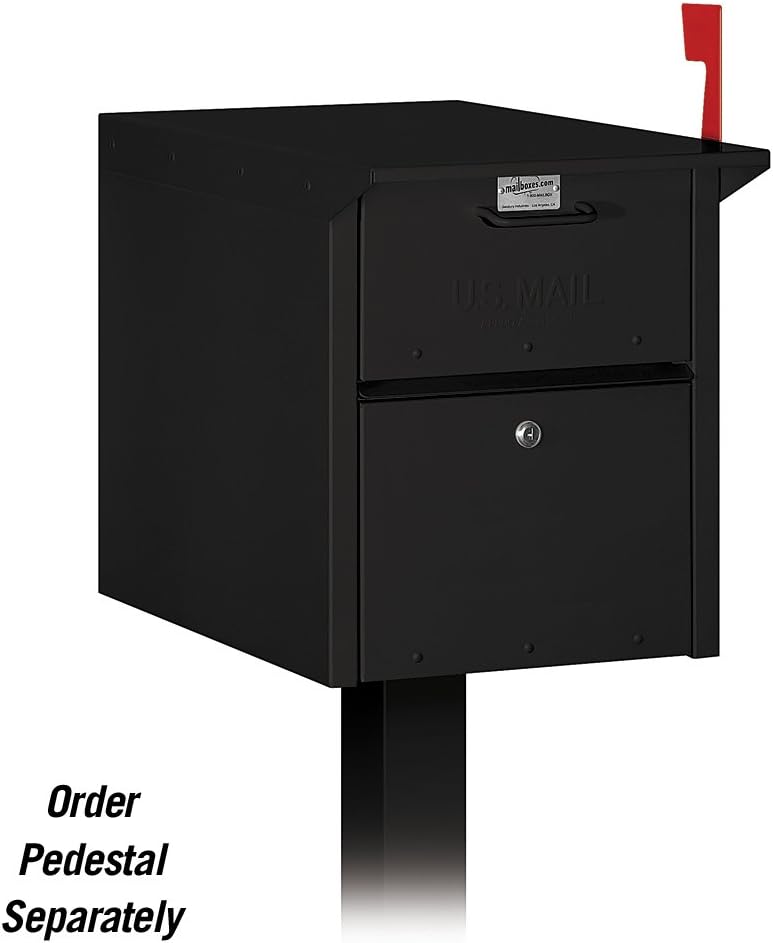
Figure 3.4: Side View Diagram with Dimensions
This diagram provides a side profile of the mail chest, detailing the dimensions of the outgoing mail tray (11" W x 2-3/4" H) and the mail deposit slot (11" W x 2" H), along with the user access locking compartment.
4. Setup and Installation
The Salsbury 4350BLK Mail Chest is designed for pedestal mounting. A pedestal is required for installation and is sold separately. Ensure the chosen location for your mail chest complies with local postal regulations and provides stable support.
4.1 Pedestal Mounting
- Acquire a compatible pedestal designed for this mail chest model.
- Follow the specific installation instructions provided with your pedestal for secure mounting to the ground.
- Carefully align the mail chest with the pre-drilled holes on the pedestal.
- Secure the mail chest to the pedestal using appropriate hardware (typically included with the pedestal or mail chest). Ensure all fasteners are tightened to prevent movement.
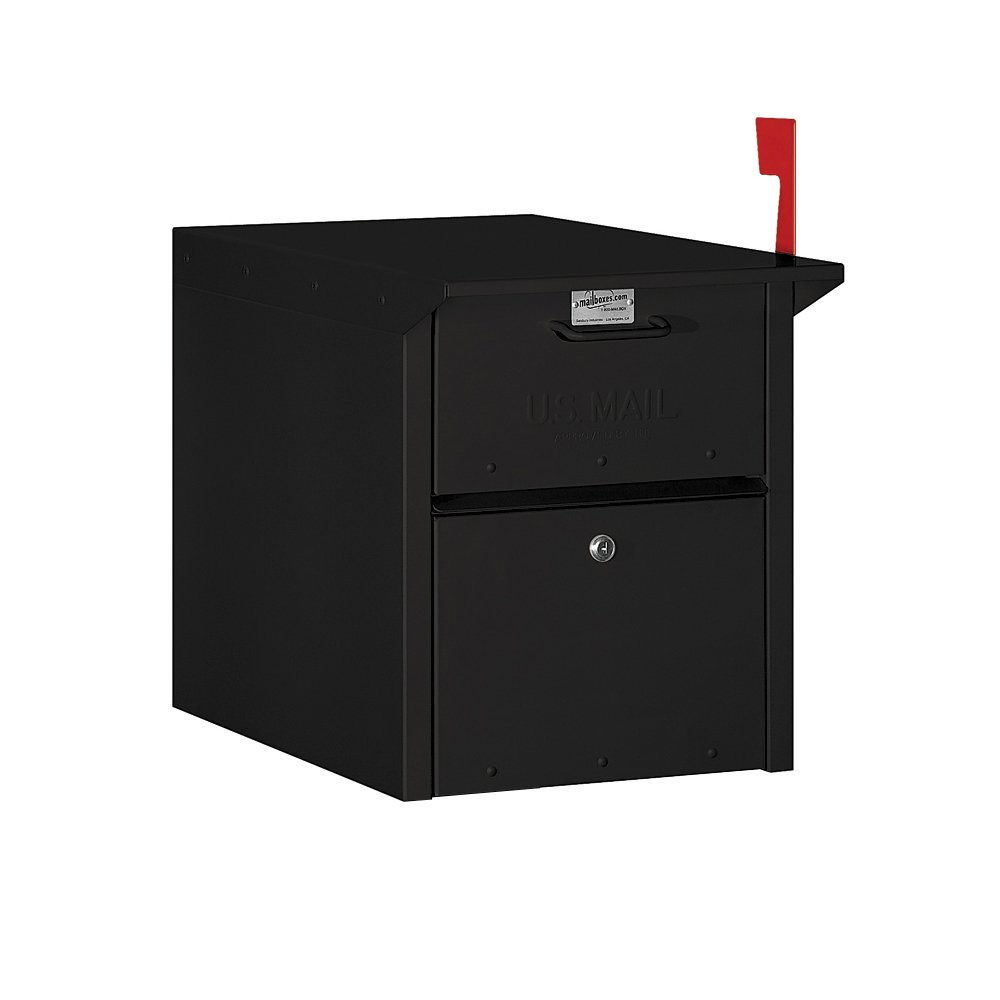
Figure 4.1: Mail Chest on Pedestal
This image shows the Salsbury 4350BLK Mail Chest installed on a pedestal. Please note that the pedestal is a separate purchase and is not included with the mail chest.
4.2 Key Management
The mail chest comes with two keys for the locking doors. It is recommended to keep one key in a secure location as a spare.
5. Operation
5.1 Receiving Incoming Mail
Mail carriers will deposit incoming mail through the non-locking access panel on the front of the mail chest. The mail will drop into the secure mail compartment, accessible only with a key.
5.2 Sending Outgoing Mail
- Place your outgoing mail in the designated outgoing mail tray.
- Raise the red signal flag to alert the mail carrier of outgoing mail.
5.3 Retrieving Mail
To retrieve your mail, use one of the provided keys to unlock either the front or rear access door. Open the door, collect your mail from the secure compartment, and then securely close and lock the door.
6. Maintenance
Regular maintenance will ensure the longevity and proper functioning of your mail chest.
- Cleaning: Clean the exterior surfaces periodically with a soft cloth and mild soap and water. Avoid abrasive cleaners or solvents that could damage the powder-coated finish.
- Lubrication: Apply a small amount of graphite lubricant to the lock mechanisms annually to ensure smooth operation.
- Inspection: Periodically check all hinges, latches, and mounting hardware for tightness and signs of wear. Tighten any loose fasteners.
7. Troubleshooting
7.1 Key Not Turning in Lock
- Ensure the key is fully inserted into the lock.
- Apply a small amount of graphite lubricant into the keyhole and try again.
- Check if the key is bent or damaged. Use the spare key if available.
7.2 Mail Not Fitting in Deposit Slot
- The incoming mail deposit slot has specific dimensions (11" W x 2" H). Larger packages or oversized mail may not fit.
- Contact your mail carrier for alternative delivery arrangements for oversized items.
8. Specifications
| Feature | Detail |
|---|---|
| Model Number | 4350BLK |
| Material | Aluminum |
| Color | Black |
| Product Dimensions (D x W x H) | 30" x 8" x 6" |
| Item Weight | 23 Pounds |
| Mounting Type | Pedestal Mount (pedestal sold separately) |
| Access Location | Front, Rear |
| Included Components | Lock, (2) Keys |
| USPS Approval | USPS-STD-7B Specifications (master postal lock not required) |
9. Warranty and Support
For specific warranty information and customer support regarding your Salsbury Industries 4350BLK Mail Chest, please refer to the official Salsbury Industries website or contact their customer service directly. Keep your purchase receipt for warranty claims.
