
Introduction
The LiftMaster 877LM wireless keypad garage door opener provides a secure and convenient keyless entry system for your garage. It allows access using a private 4-digit code and features a temporary password option for visitors or service personnel. Designed for durability, it includes a weatherproof, flip protective cover and utilizes Security+ 2.0 rolling code technology for enhanced security. This keypad is powered by a 9-volt battery and is compatible with LiftMaster and Chamberlain garage door openers with Security+ 2.0 and Assure Link Sears Craftsman models that have a round yellow learn button and yellow antenna wire.
Key Features
- Compatibility: Works exclusively with LiftMaster and Chamberlain garage door openers featuring Security+ 2.0 and Assure Link Sears Craftsman models with a round yellow learn button and yellow antenna wire.
- Wireless Design: Eliminates the need for additional wiring, offering a clean and simple installation.
- Keyless Access: Provides convenient entry to your garage without requiring a remote control or key.
- Security+ 2.0: Ensures a unique, secure code is transmitted with every use, enhancing protection against unauthorized access.
- Weatherproof: Equipped with a durable, flip protective cover to withstand various weather conditions.
- Backlit Keypad: Numbers are illuminated for easy visibility in low-light conditions.
- Temporary Password Option: Allows programming of a temporary PIN for guests or service personnel (requires compatible garage door opener).
- One-Button-to-Close Feature: For garage door openers manufactured since 2006 with built-in radio receivers, allowing single-button closing (can be enabled/disabled).
Setup and Installation
Before beginning installation, ensure your garage door opener is compatible with the LiftMaster 877LM keypad (Security+ 2.0 with a round yellow learn button and yellow antenna wire).
- Mounting Location: Choose a convenient location outside your garage door, ensuring it is within range of your garage door opener. The keypad is designed for wall-mounting.
- Battery Installation: The keypad is powered by one 9-volt battery. Ensure the battery is correctly installed. The battery compartment is typically located at the bottom of the unit, accessible by sliding a cover.
- Programming the Keypad:
- Locate the "Learn" button on your garage door opener. This is typically a yellow button.
- Press and release the "Learn" button. The learn indicator light will glow steadily for 30 seconds.
- Within 30 seconds, enter your desired 4-digit Personal Identification Number (PIN) on the keypad.
- Press and hold the "ENTER" button on the keypad.
- Release the "ENTER" button when the garage door opener lights flash or two clicks are heard. This indicates successful programming.
- Test the keypad by entering your PIN and pressing "ENTER". The garage door should activate.

Figure 1: The LiftMaster 877LM keypad with its protective cover closed, showing its compact and weatherproof design.
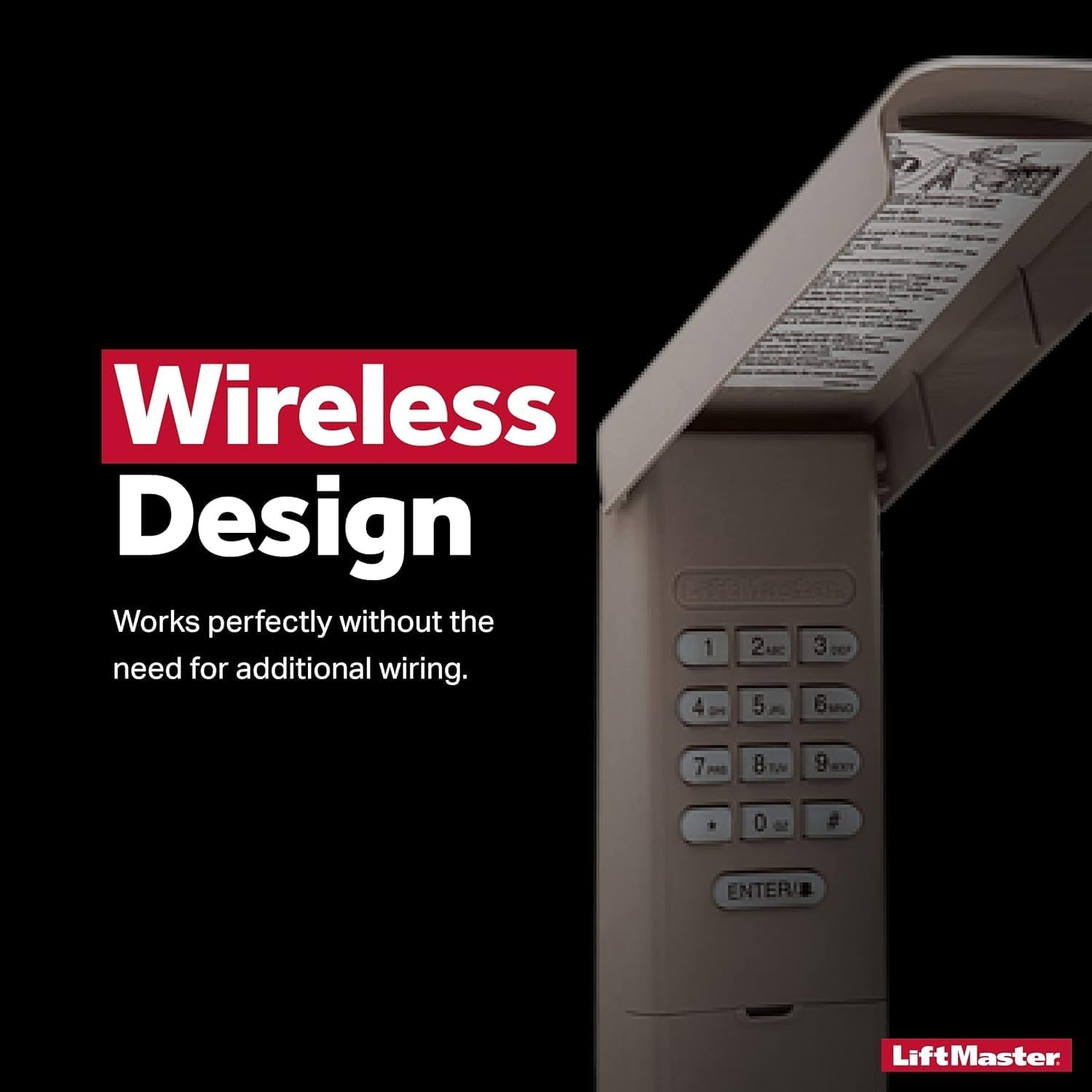
Figure 2: The keypad with its cover open, revealing the numeric buttons and the 'ENTER' key. The cover protects the keypad from elements.
Operating Instructions
Using your LiftMaster 877LM keypad is straightforward once programmed.
- Opening the Garage Door:
- Flip open the protective cover.
- Enter your 4-digit PIN.
- Press the "ENTER" button. The garage door will begin to open or close.
- Closing the Garage Door (One-Button-to-Close Feature):
- If your garage door opener supports this feature (manufactured since 2006 with built-in radio receiver), you can simply press the "ENTER" button without entering a PIN to close the door.
- This feature can be enabled or disabled through the keypad's programming.
- Temporary Password:
- To set a temporary password, refer to the detailed programming instructions provided with your garage door opener or on the inside of the keypad cover. This feature allows temporary access without revealing your main PIN.

Figure 3: The keypad highlighting its model number and function as a wireless keyless entry system.
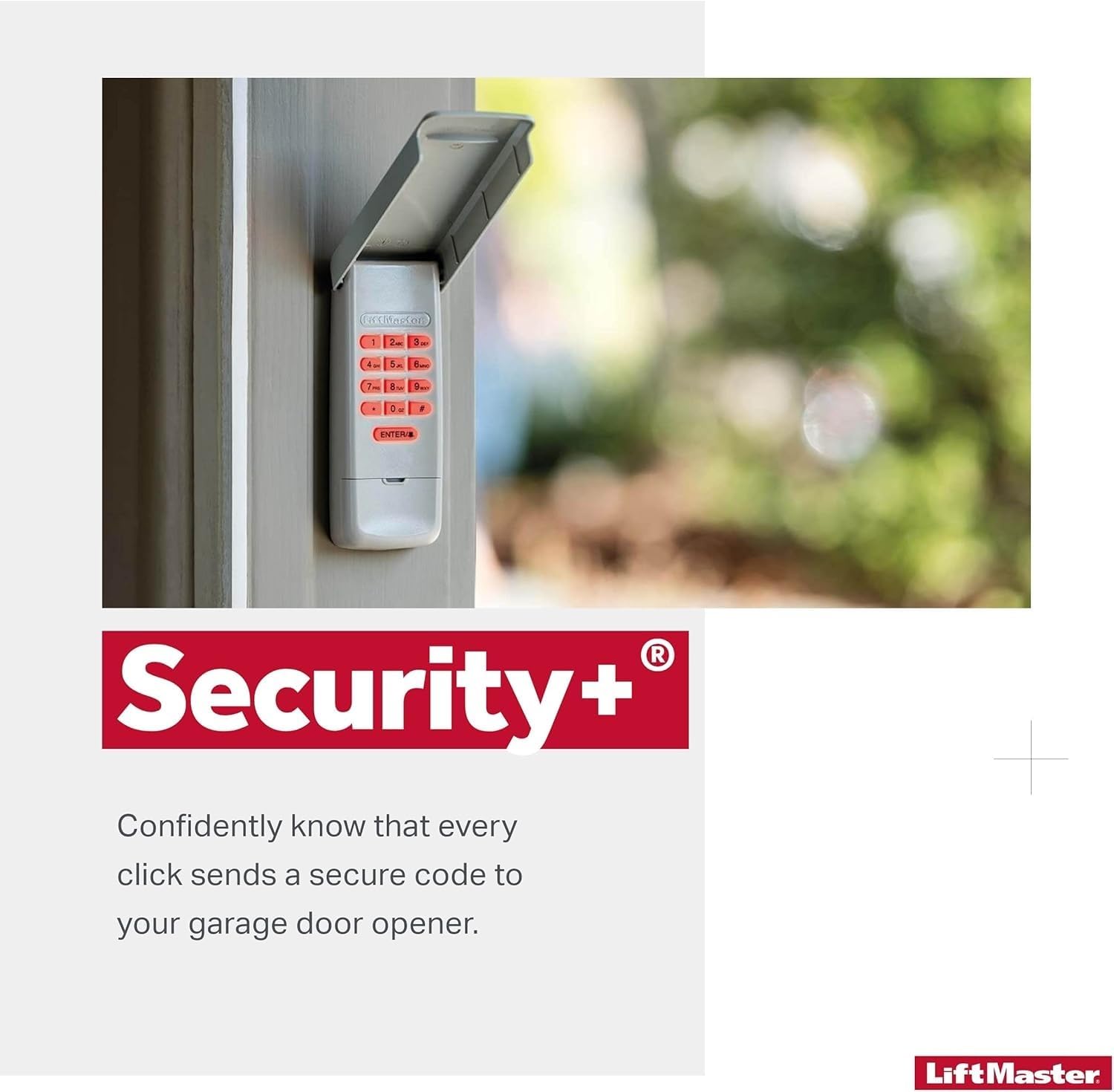
Figure 4: This image emphasizes the Security+ 2.0 technology, ensuring secure code transmission with each use.
Maintenance
Regular maintenance ensures the longevity and reliable operation of your keypad.
- Battery Replacement: The keypad is powered by a 9-volt battery. When the battery is low, the keypad's backlight may dim or it may become unresponsive. To replace the battery, slide open the battery compartment cover, typically located at the bottom of the unit. Replace with a new 9-volt alkaline battery.
- Cleaning: Periodically wipe the keypad and its cover with a soft, damp cloth to remove dirt and debris. Avoid using abrasive cleaners or solvents.
- Cover Functionality: Ensure the protective flip cover opens and closes smoothly to maintain its weatherproof seal.
Troubleshooting
If you encounter issues with your LiftMaster 877LM keypad, consider the following common solutions:
- Keypad Not Responding:
- Check the battery. A low or dead battery is a common cause. Replace the 9-volt battery if necessary.
- Ensure the keypad is within range of your garage door opener.
- Difficulty Programming:
- Verify that your garage door opener has a round yellow learn button and yellow antenna wire, indicating Security+ 2.0 compatibility.
- Ensure you are pressing and releasing the "Learn" button on the opener correctly, and then entering your PIN and holding "ENTER" on the keypad within the 30-second window.
- If repeated attempts fail, try clearing all previous codes from your garage door opener and reprogramming the keypad. Consult your garage door opener's manual for instructions on clearing codes.
- Garage Door Not Opening/Closing After Programming:
- Confirm the PIN entered is correct.
- Ensure the "ENTER" button is pressed firmly after entering the PIN.
- Check for any obstructions in the path of the garage door sensors.
Specifications
| Feature | Detail |
|---|---|
| Manufacturer | Liftmaster |
| Part Number | 877LM |
| Item Weight | 6.7 ounces |
| Product Dimensions | 6.2 x 2.8 x 1.3 inches |
| Item Model Number | 877LM |
| Batteries Required | 1 A batteries (9-volt) |
| Color | Gray |
| Material | Plastic |
| Power Source | Battery Powered |
| Special Features | Weatherproof |
| Compatible Devices | LiftMaster, Chamberlain, Assure Link Sears Craftsman garage door openers with Security+ 2.0 (yellow learn button) |
Warranty and Support
For specific warranty information, technical support, or to purchase replacement parts, please contact LiftMaster customer service directly or visit their official website. Keep your purchase receipt as proof of purchase for warranty claims.
You can find more information and support resources on the LiftMaster Store on Amazon.


