1. Introduction
The WATCHMARK Smartwatch WT1 is a versatile wearable device designed to assist with health monitoring and activity tracking. It features a comfortable silicone strap and offers various functions including body and ambient temperature measurement, heart rate monitoring, blood oxygenation analysis, and activity tracking. This manual provides essential instructions for setting up, operating, and maintaining your WT1 smartwatch.
2. Safety Information
- Do not attempt to disassemble or modify the device. Unauthorized modifications can void the warranty and pose safety risks.
- Keep the device away from extreme temperatures, direct sunlight, and moisture.
- Avoid exposing the device to strong impacts or drops.
- Consult a medical professional before starting any new exercise regimen or if you have concerns about health data provided by the device. The WT1 is not a medical device and should not be used for diagnostic purposes.
- Use only the provided charging cable or a certified USB charger to prevent damage.
3. Package Contents
Please check the package for the following items:
- WATCHMARK Smartwatch WT1 (with silicone strap)
- USB Charging Cable
- User Manual (this document)
4. Setup
4.1. Charging the Device
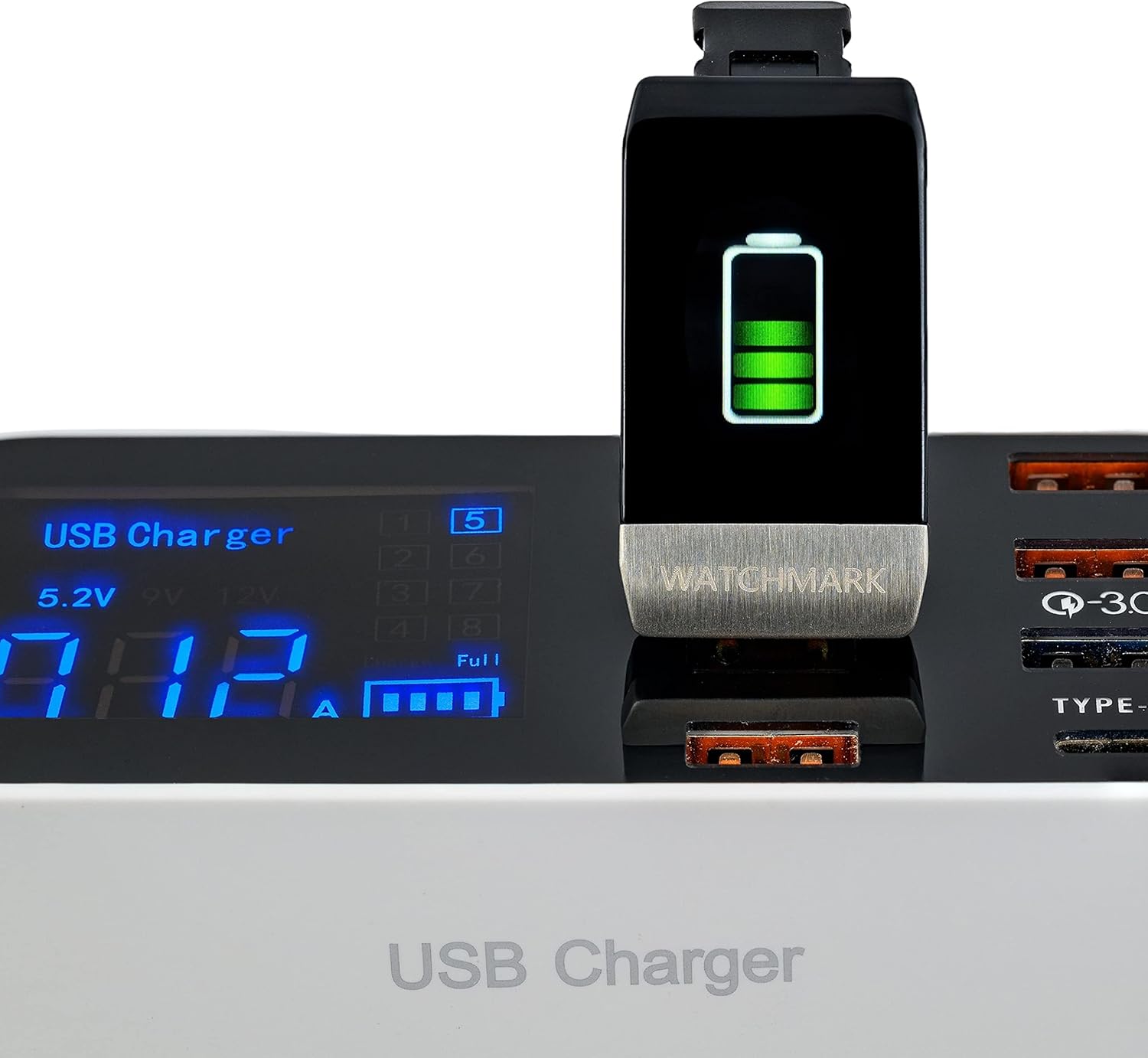
Before initial use, fully charge your WATCHMARK WT1 smartwatch. Connect the USB charging cable to the charging port on the smartwatch and plug the other end into a standard USB power adapter (not included) or a computer's USB port. The screen will display a charging indicator.
4.2. App Installation and Pairing
- Download the App: Search for and download the 'Wearfit 2.0' application from your smartphone's app store (compatible with iOS 8.2+ and Android 4.4+).
- Enable Bluetooth: Ensure Bluetooth is enabled on your smartphone.
- Open the App: Launch the Wearfit 2.0 app and follow the on-screen instructions to create an account or log in.
- Pair the Device: Within the app, navigate to the device management section and select 'Add Device'. The app will search for available smartwatches. Select 'WT1' from the list to initiate pairing.
- Confirm Pairing: A pairing request may appear on your smartwatch. Confirm the pairing on both your smartwatch and smartphone.
4.3. Initial Configuration
After successful pairing, the app will guide you through setting up personal information such as age, height, weight, and gender. This information helps improve the accuracy of health and activity tracking data.
5. Operating Instructions
5.1. Basic Navigation
The WT1 smartwatch features a touch-sensitive screen for navigation. Swipe left/right or up/down to browse through different functions and menus. Tap to select an option or confirm an action.
5.2. Health Monitoring
The WT1 smartwatch offers several health monitoring features:
- Heart Rate Monitoring: The device can continuously monitor your heart rate. Access this function from the main menu to view your current heart rate in beats per minute (BPM).
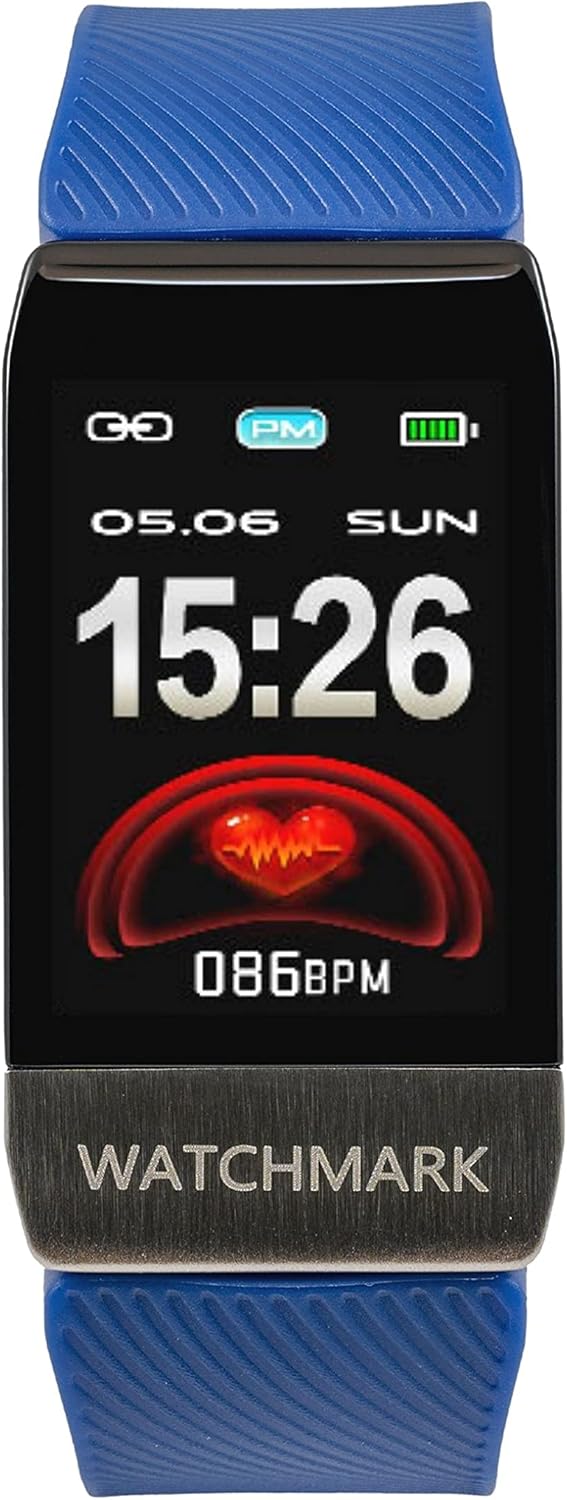
- Blood Oxygenation (SpO2): Measure your blood oxygen saturation levels. Navigate to the SpO2 function and remain still for an accurate reading.

- Temperature Measurement: The WT1 can measure both body and ambient temperature. Select the temperature function to view the current reading.

- Immune Reference: This feature provides an estimated immune reference percentage.

- Blood Pressure Measurement: The smartwatch includes a blood pressure measurement function. Follow the on-screen instructions for accurate readings.
- ECG Screening Test: Perform an ECG screening test directly from your wrist. Refer to the app for detailed results and interpretation.
5.3. Activity Tracking
The WT1 tracks various aspects of your physical activity:
- Pedometer: Counts your daily steps.
- Distance Tracker: Estimates the distance covered based on your steps.
- Calorie Tracker: Calculates calories burned during activities.
- Multiple Sports Modes: Select specific sports modes (e.g., running, walking) for more accurate tracking during workouts.
- Sleep Monitor: Monitors your sleep patterns and quality.
5.4. Notifications
Once paired with your smartphone, the WT1 can display notifications for incoming calls and SMS messages directly on your wrist.
5.5. Watch Faces
The smartwatch offers multiple watch faces to customize its appearance. You can change the watch face through the device settings or via the Wearfit 2.0 app.

6. Maintenance
6.1. Cleaning
Regularly clean your smartwatch and strap to prevent skin irritation and maintain device functionality. Use a soft, damp cloth to wipe the screen and strap. Avoid using harsh chemicals or abrasive materials.
6.2. Battery Care
To prolong battery life, avoid fully discharging the battery frequently. Charge the device when the battery level is low. Store the device in a cool, dry place if not in use for extended periods.
7. Troubleshooting
- Device not turning on: Ensure the device is fully charged. Connect it to the charger and wait a few minutes before attempting to power it on.
- Cannot pair with smartphone: Make sure Bluetooth is enabled on your phone and the smartwatch is within range. Restart both the smartwatch and your phone, then try pairing again through the Wearfit 2.0 app.
- Inaccurate health readings: Ensure the smartwatch is worn snugly on your wrist, but not too tight. Clean the sensors on the back of the device. Environmental factors and movement can affect accuracy.
- Notifications not appearing: Check the notification settings within the Wearfit 2.0 app and your smartphone's system settings to ensure permissions are granted for the app to display notifications.
8. Specifications
| Feature | Detail |
|---|---|
| Brand | WATCHMARK |
| Model Number | WT1 |
| Color | Blue |
| Operating System | Android Wear 2.9 |
| Screen Size | 4 Centimeters |
| Connectivity | USB, Bluetooth |
| Special Features | Calorie Tracker, Distance Tracker, Heart Rate Monitor, Sleep Monitor, Activity Tracker |
| Compatible Devices | Smartphone (iOS 8.2+, Android 4.4+) |
| Rechargeable Battery | Yes |
| Spare Parts Availability | 2 Years |
| Manufacturer | Watchmark |
| Country of Origin | China |
9. Warranty and Support
For warranty information and technical support, please refer to the documentation included with your purchase or visit the official WATCHMARK website. Keep your proof of purchase for warranty claims.


