
NU BRILLIANCE 30212
NU BRILLIANCE Microdermabrasion Skin Care System Model 30212 User Manual
Rejuvenate. Restore. Renew.
1. Product Overview
The NU BRILLIANCE Microdermabrasion Skin Care System is a non-invasive aesthetic treatment designed to exfoliate dead and flaking cells from the skin's surface and rejuvenate the underlying layers. This system combines exfoliation and suction to promote a healthy skin appearance.
Benefits: Visibly improves skin texture, tone, and elasticity. Reduces the appearance of fine lines and wrinkles.

Image 1.1: The NU BRILLIANCE Microdermabrasion Skin Care System, showcasing the device and its retail packaging.
2. Package Contents
Verify that all components are present in your package:
- NU BRILLIANCE Microdermabrasion Device
- 3 Diamond Tips (Normal, Fine, Precision)
- 30 Disposable Hygienic Filters
- AC Adapter Power Supply

Image 2.1: The microdermabrasion system displayed with its various components, including the main unit, wand, and different tips.

Image 2.2: A detailed view of the three interchangeable diamond tips: Normal for less sensitive areas, Fine for sensitive areas, and Precision for hard-to-reach areas.
3. Initial Setup
- Unpack: Carefully remove all components from the packaging.
- Connect Power: Plug the AC adapter into the device and then into a standard electrical outlet.
- Insert Filter: Open the filter compartment and insert a new hygienic filter. Ensure it is seated correctly.
- Attach Tip: Select the desired diamond tip (Normal, Fine, or Precision) and securely attach it to the treatment wand.
4. Operating Instructions
Follow these steps for effective use of your microdermabrasion system:
- Cleanse Skin: Ensure your skin is clean and dry before treatment. Remove all makeup, lotions, and oils.
- Power On: Press the 'Start/Stop' button to turn on the device.
- Adjust Intensity: Use the intensity controls to select a comfortable suction level. Start with the lowest setting and gradually increase as your skin tolerates.
- Perform Treatment: Gently glide the diamond tip across your skin in short, even strokes. Avoid lingering in one area to prevent excessive exfoliation. Keep the skin taut with your free hand to ensure good contact.
- Post-Treatment: After treatment, apply a soothing moisturizer.
- Power Off: Press the 'Start/Stop' button to turn off the device.
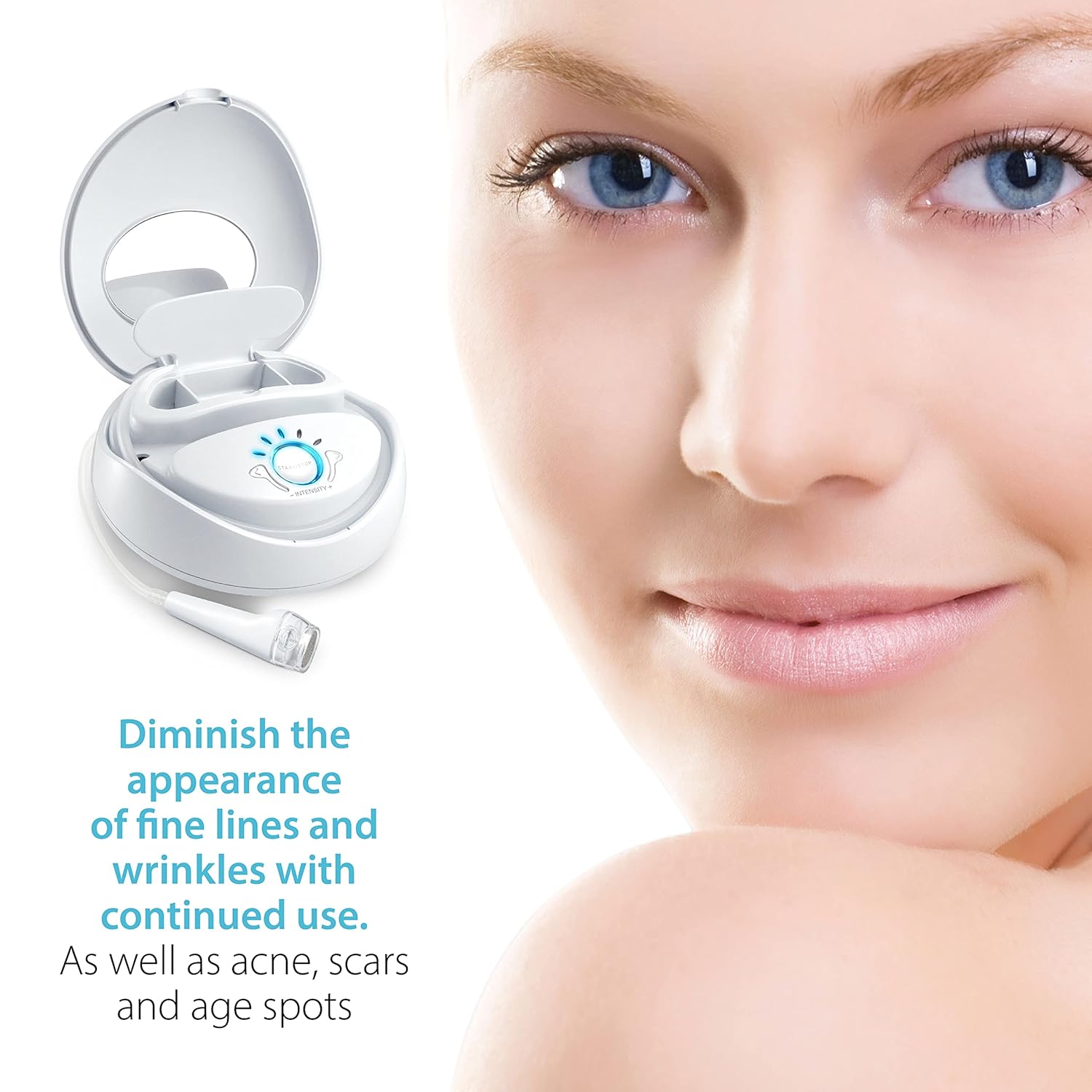
Image 4.1: A user demonstrating the application of the microdermabrasion wand to the facial area.

Image 4.2: A visual representation of how the diamond tip gently removes surface skin cells for smoother skin.
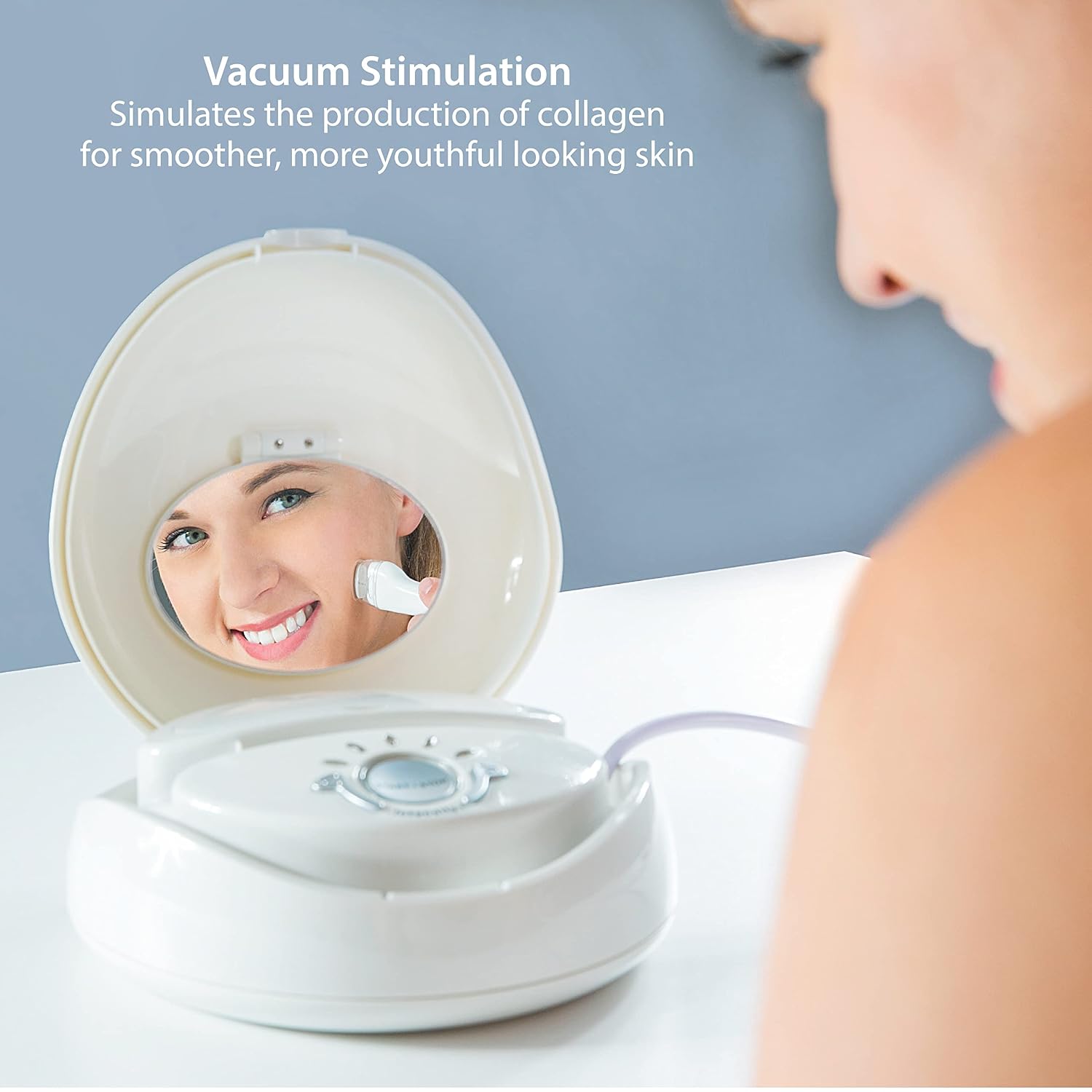
Image 4.3: A diagram showing the vacuum stimulation process, which helps simulate collagen production for improved skin texture.
5. Care and Maintenance
Proper maintenance ensures the longevity and effectiveness of your device:
- Tip Replacement: Replace diamond tips after every 10-20 treatments, or sooner if you notice reduced effectiveness.
- Filter Replacement: Replace the hygienic filter after every two uses to maintain optimal suction and prevent debris from entering the system.
- Cleaning Tips: After each use, remove the diamond tip and clean it thoroughly. Ensure no skin cell debris remains, especially where the tip contacts the sealing ring.
- Device Cleaning: Wipe the main unit with a soft, damp cloth. Do not immerse the device in water.
6. Troubleshooting Guide
If you encounter issues with your NU BRILLIANCE Microdermabrasion System, refer to the following common solutions:
| Problem | Possible Cause | Solution |
|---|---|---|
| Loss of suction |
|
|
| Device does not turn on |
|
|
7. Product Specifications
| Feature | Detail |
|---|---|
| Brand | NU BRILLIANCE |
| Model Number | 30212 |
| Product Dimensions | 12 x 12 x 6 inches |
| Item Weight | 0.32 ounces |
| UPC | 633235302122 |
| GTIN | 633235302122 |
| Manufacturer | Nubrilliance |
| Skin Type Recommendation | Sensitive |
| Material Feature | Natural |
| Number of Items | 1 |
8. Warranty and Customer Support
For warranty information or customer support inquiries, please refer to the documentation included with your purchase or contact the retailer from whom the product was purchased. For direct manufacturer support, please visit the official Nubrilliance website or contact their customer service department.
Related documents30212

Ask a question about this manual
Ask about setup, troubleshooting, compatibility, parts, safety, or missing instructions. Manuals+ will review the question and use this page’s manual context to help answer it.