
Makita GA9050R
Makita Angle Grinder GA9050R Instruction Manual
Model: GA9050R
Introduction
This manual provides essential instructions for the safe and effective operation, maintenance, and troubleshooting of your Makita GA9050R Angle Grinder. Please read this manual thoroughly before using the tool to ensure proper handling and to prevent injury or damage.
General Safety Instructions
WARNING: Read all safety warnings, instructions, illustrations, and specifications provided with this power tool. Failure to follow all instructions listed below may result in electric shock, fire, and/or serious injury.
Work Area Safety
- Keep work area clean and well lit. Cluttered or dark areas invite accidents.
- Do not operate power tools in explosive atmospheres, such as in the presence of flammable liquids, gases, or dust.
- Keep children and bystanders away while operating a power tool.
Electrical Safety
- Power tool plugs must match the outlet. Never modify the plug in any way.
- Avoid body contact with earthed or grounded surfaces, such as pipes, radiators, ranges, and refrigerators.
- Do not expose power tools to rain or wet conditions.
Personal Safety
- Always wear eye protection. Use safety glasses or goggles.
- Wear hearing protection when operating the tool for extended periods.
- Dress properly. Do not wear loose clothing or jewelry. Keep your hair and clothing away from moving parts.
- Stay alert, watch what you are doing, and use common sense when operating a power tool.
Angle Grinder Specific Safety Warnings
- This power tool is intended to function as a grinder, sander, wire brush, or cut-off tool. Observe all safety warnings, instructions, illustrations, and specifications provided with this power tool.
- Do not use accessories that are not specifically designed and recommended by the manufacturer for this tool.
- Always ensure the guard is properly installed and adjusted for maximum safety.
- Hold the tool firmly with both hands.
- Keep hands away from the rotating accessory.
- Do not use the tool for applications for which it was not designed.
Components and Features
Familiarize yourself with the main parts of your Makita GA9050R Angle Grinder.

Image: Overall view of the Makita GA9050R Angle Grinder, showing the main body, side handle, and wheel guard.
- Spindle Lock Button: Used to lock the spindle for easy accessory changes.
- Side Handle: Provides additional grip and control during operation.
- Wheel Guard: Protects the user from sparks and debris.
- On/Off Switch: Controls the power to the tool.
- Power Cord: Connects the tool to an electrical outlet.
- Grinding Wheel (Accessory): The abrasive disc used for grinding or cutting.

Image: Front view of the angle grinder, highlighting the wheel guard and spindle area.

Image: Side view of the angle grinder, showing the Makita branding and ventilation slots.
Setup and Assembly
Before connecting the tool to a power source, ensure all components are correctly assembled.
1. Attaching the Side Handle
- The side handle can be screwed into either the left or right side of the gear housing, depending on user preference and application.
- Thread the side handle clockwise until it is securely tightened.

Image: Close-up view of the angle grinder's gear housing, showing the threaded hole for the side handle.
2. Installing the Wheel Guard
- Loosen the screw on the wheel guard.
- Position the guard over the spindle so that it covers the grinding wheel.
- Adjust the guard to protect against sparks and debris in the direction of operation.
- Tighten the screw firmly to secure the guard in place.

Image: View of the angle grinder with the wheel guard and side handle attached, ready for wheel installation.
3. Attaching the Grinding Wheel
- Ensure the tool is unplugged from the power source.
- Press the spindle lock button to prevent the spindle from rotating.
- Place the inner flange onto the spindle.
- Place the grinding wheel onto the inner flange, ensuring it sits flush.
- Thread the lock nut onto the spindle and tighten it securely using the provided wrench.
- Release the spindle lock button.
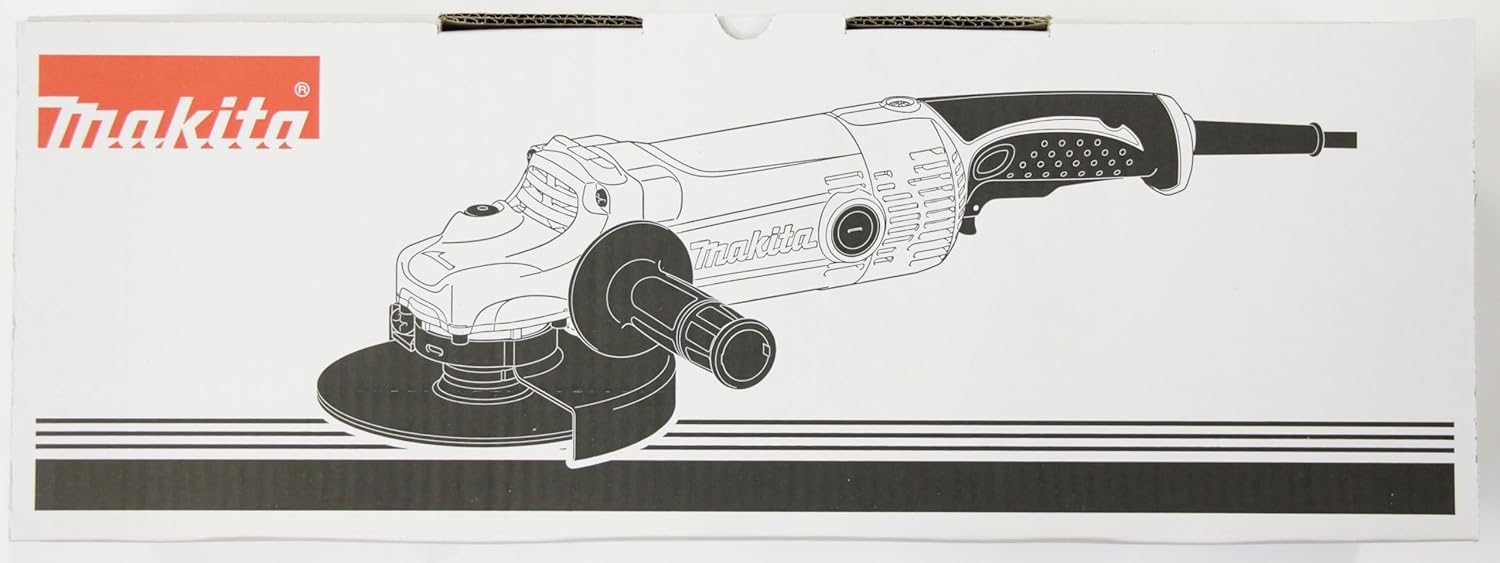
Image: The Makita GA9050R Angle Grinder with a grinding wheel properly installed and the guard in position.
Operating Instructions
Follow these steps for safe and effective operation of your angle grinder.
1. Powering On and Off
- To turn on: Push the switch lever forward.
- To turn off: Pull the switch lever back.
- For continuous operation, push the switch lever forward and then press the front part of the switch lever to lock it.
- To release the locked switch, press the rear part of the switch lever.
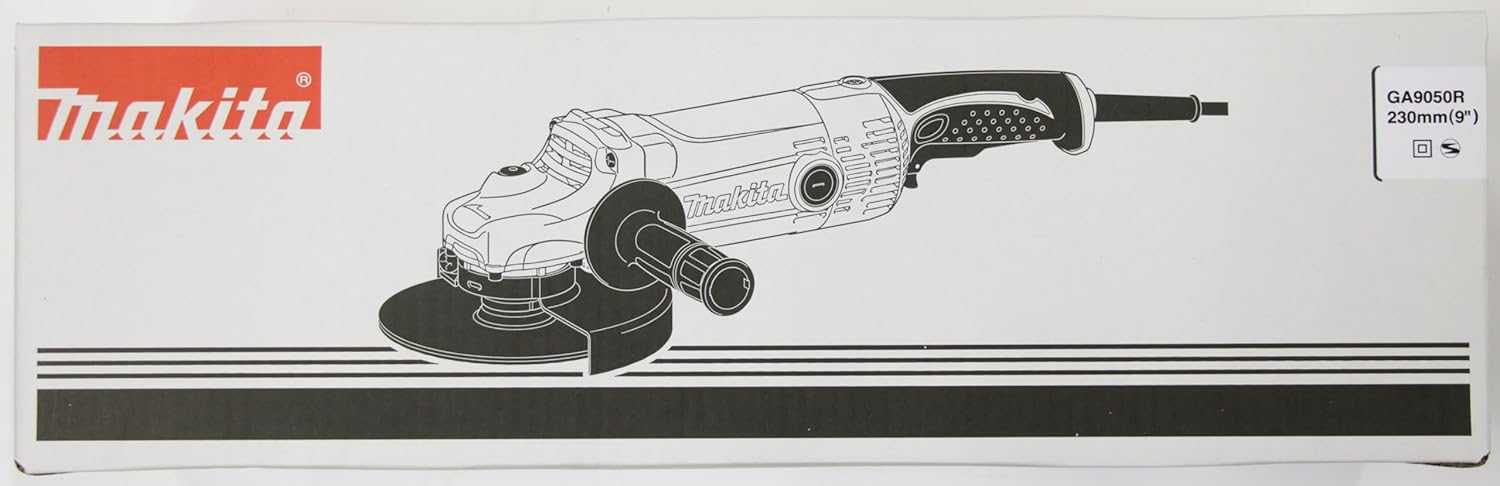
Image: Detailed view of the power switch and handle area of the angle grinder.
2. Grinding Techniques
- Always hold the tool firmly with both hands.
- Position the workpiece securely.
- Allow the wheel to reach full speed before contacting the workpiece.
- Apply light, even pressure. Do not force the tool.
- Maintain a consistent angle between the grinding wheel and the workpiece.
- Move the tool smoothly across the surface to achieve an even finish.

Image: A worker using the Makita GA9050R Angle Grinder to grind a metal pipe, demonstrating proper handling and safety gear.

Image: The angle grinder in operation, showing sparks generated during metal grinding, emphasizing the need for protective gear.
Maintenance
Regular maintenance ensures optimal performance and extends the life of your tool.
- Cleaning: Regularly clean the tool's ventilation openings to prevent overheating. Use a soft cloth to wipe down the exterior.
- Carbon Brushes: The motor employs carbon brushes. When they wear out, the motor will stop automatically. Replace both carbon brushes at the same time. To replace, remove the brush holder caps and pull out the worn carbon brushes. Insert new carbon brushes and secure the caps.
- Wheel Inspection: Before each use, inspect the grinding wheel for cracks, chips, or excessive wear. Replace damaged wheels immediately.
- Power Cord: Check the power cord for damage. Do not use the tool if the cord is frayed or cut.
- Storage: Store the tool in a dry, secure location out of reach of children.
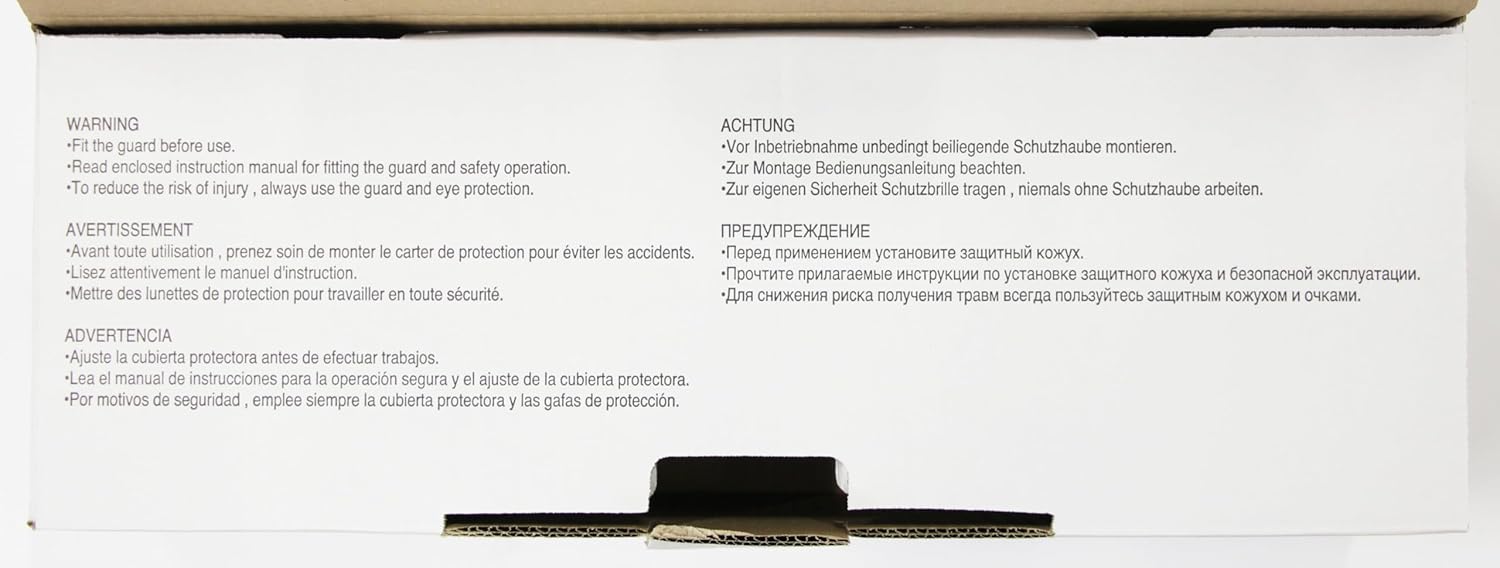
Image: Close-up of the angle grinder's motor housing, indicating the location of the carbon brush access caps for maintenance.
Troubleshooting
Refer to this section for common issues and their solutions.
| Problem | Possible Cause | Solution |
|---|---|---|
| Tool does not start | No power supply; faulty switch; worn carbon brushes. | Check power connection. Ensure switch is fully engaged. Replace carbon brushes. |
| Excessive vibration | Damaged or improperly mounted grinding wheel; loose components. | Inspect and replace grinding wheel if damaged. Ensure wheel and guard are securely fastened. |
| Reduced performance/overheating | Blocked ventilation slots; worn carbon brushes; excessive load. | Clean ventilation slots. Replace carbon brushes. Reduce pressure on the tool. |
Specifications
| Feature | Detail |
|---|---|
| Brand | Makita |
| Model Number | GA9050R |
| Power Source | Corded Electric |
| Voltage | 230V |
| Wattage | 2000 watts |
| Maximum Rotational Speed | 11000 RPM |
| Item Weight | 11.44 pounds (5.2 Kilograms) |
| Product Dimensions | 17.91 x 9.84 x 5.2 inches |
| Material | Silica gel |
| UPC | 088381606141, 088381092630 |
Warranty and Support
Makita power tools are engineered for durability and performance. For specific warranty details, please refer to the warranty card included with your product or visit the official Makita website. For technical support, service, or replacement parts, contact Makita customer service or an authorized service center.
You can find more information and support on the official Makita website: www.makitatools.com
Related documentsGA9050R


Ask a question about this manual
Ask about setup, troubleshooting, compatibility, parts, safety, or missing instructions. Manuals+ will review the question and use this page’s manual context to help answer it.