
1. Introduction
The Minolta Auto Meter IIIF is a precision instrument designed for accurate measurement of both ambient and flash illumination. It supports incident and reflected light measurement modes, providing comprehensive exposure data in both digital and analog formats on an easy-to-read LCD panel. This manual provides detailed instructions for the proper use and care of your Auto Meter IIIF.

Figure 1: Front view of the Minolta Auto Meter IIIF, showing the LCD display and control buttons.
2. Product Features
- Measures ambient and flash illumination.
- Supports incident and reflected light modes.
- Exposure data displayed in digital and analog form on LCD panel.
- Convenient averaging capability.
- Cinematographer 1/50 sec. setting.
- Features Averaging Key and Measure Lock.
- Includes Memory Key and Recall Key.
- ASA/Exposure-Time Selector Key for precise control.
- Equipped with Spherical Diffuser and Receptor Bayonet Index.
3. Components Overview
The Minolta Auto Meter IIIF is designed for ease of use and durability. Familiarize yourself with its key components:
- LCD Analog Scale: Provides a visual representation of exposure.
- LCD Digital Readout: Displays precise numerical exposure values.
- Spherical Diffuser: Used for incident light measurements.
- Receptor Bayonet Index: Allows for attachment of accessories and mode selection.
- Control Buttons: Including Measure/Lock, Average, M-CLR, ASA/Time, Recall, and FNo./EV.
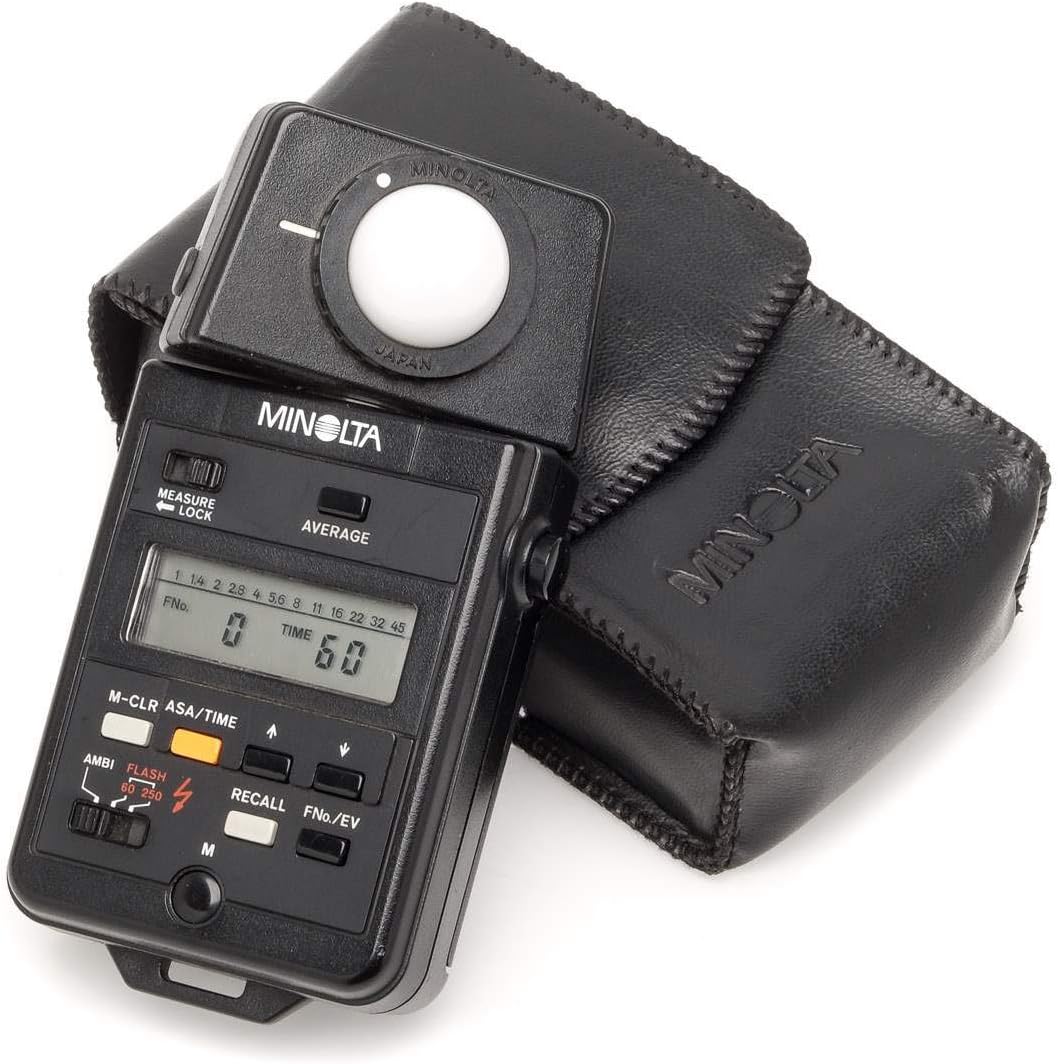
Figure 2: The Minolta Auto Meter IIIF shown with its protective leather case.
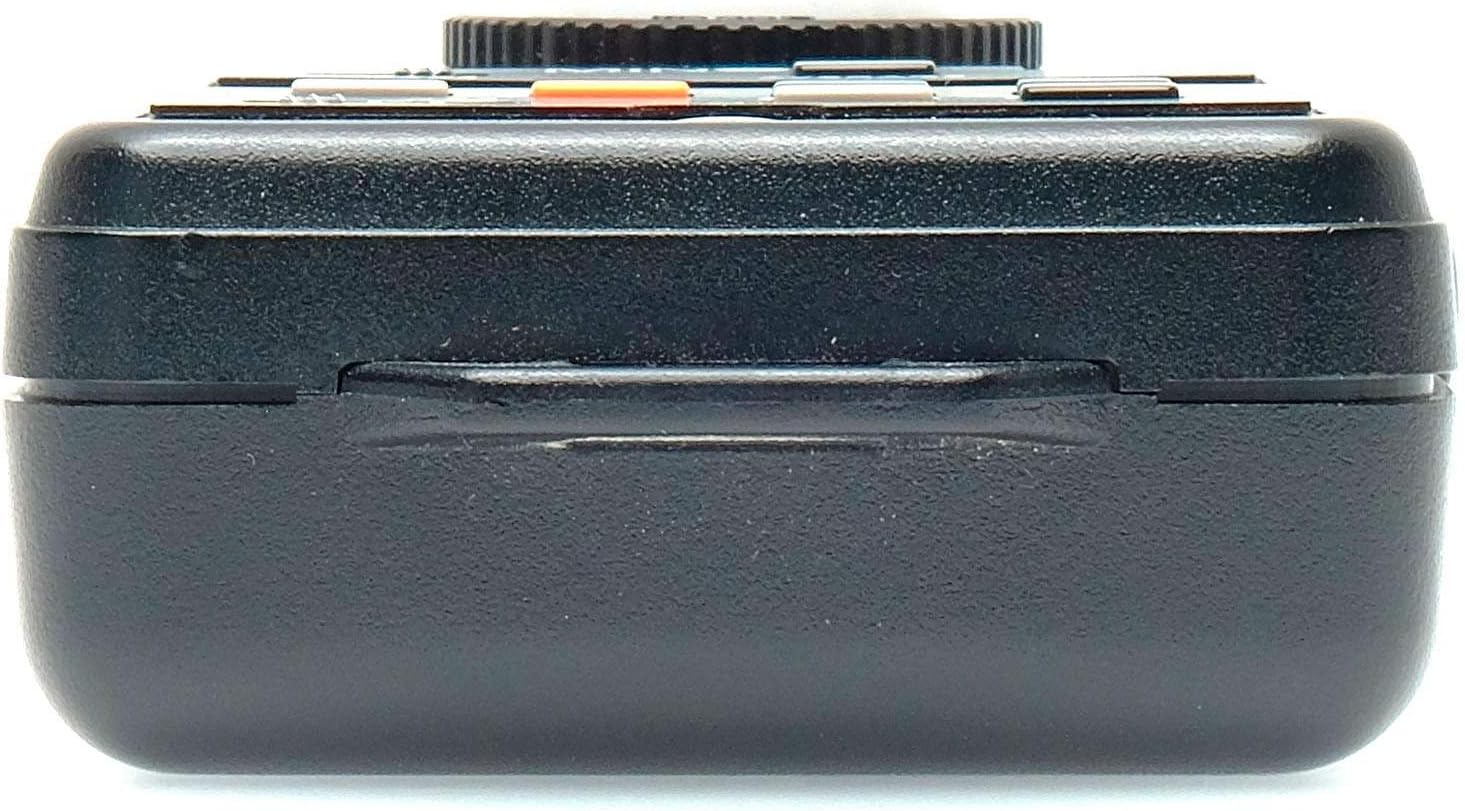
Figure 3: Side view of the Minolta Auto Meter IIIF, highlighting its compact design.
4. Getting Started
4.1. Battery Installation
The Minolta Auto Meter IIIF requires a single AA battery for operation. To install or replace the battery:
- Locate the battery compartment cover on the back of the meter.
- Slide the cover open.
- Insert one fresh AA battery, ensuring correct polarity (+/-).
- Close the battery compartment cover securely.
4.2. Powering On/Off
To power on the meter, press and hold the power button (usually marked with a circle and a vertical line) for a few seconds until the LCD display illuminates. To power off, press and hold the power button again until the display turns off.
5. Operating Modes
5.1. Ambient Light Measurement
For continuous light sources, the meter measures the overall light intensity in the scene.
- Incident Mode: Extend the spherical diffuser and point it towards the camera position. This measures the light falling on the subject.
- Reflected Mode: Retract the spherical diffuser and point the receptor directly at the subject. This measures the light reflected from the subject.
5.2. Flash Light Measurement
The Auto Meter IIIF can measure flash output for accurate exposure with strobes.
- Select the flash measurement mode using the appropriate button (often indicated by a lightning bolt symbol).
- Position the meter (incident or reflected mode) and trigger your flash. The meter will capture the flash output.
5.3. Special Functions
- Averaging Key: Allows for multiple readings to be averaged, useful for scenes with varied lighting.
- Measure Lock: Locks the current reading on the display.
- Memory Key & Recall Key: Store and retrieve previous measurements.
- ASA/Exposure-Time Selector Key: Adjust ISO sensitivity and shutter speed settings.
- Cinematographer 1/50 sec. Setting: A specialized setting for video production.
Demonstration of Light Meter Use
Video 1: This video demonstrates the basic operation of a digital light meter, showing how to take readings and switch between Lux and Foot-Candle measurements. While not the exact Minolta model, the principles of light measurement are similar.
Video 2: This video illustrates the functionality of a light color meter, including its ability to measure exposure and color temperature, and how it connects to a smartphone app. This provides a general understanding of advanced light metering concepts.
6. Care and Maintenance
- Keep the meter clean using a soft, dry cloth. Avoid abrasive cleaners.
- Protect the spherical diffuser and receptor from scratches or damage.
- Store the meter in its protective case when not in use to prevent dust and impact damage.
- Remove the battery if the meter will not be used for an extended period to prevent leakage.
7. Troubleshooting
- No Display/Power Issues: Check battery installation and ensure the battery is fresh.
- Inaccurate Readings: Ensure the spherical diffuser is correctly positioned for incident light or retracted for reflected light. Verify ISO and shutter speed settings.
- Display Freezes: Try powering off and on the device. If the issue persists, replace the battery.
8. Technical Specifications
| Specification | Value |
|---|---|
| Model Number | AutoMeter III |
| Package Dimensions | 6.8 x 4.1 x 2 inches |
| Item Weight | 7.2 ounces |
| Manufacturer | Minolta |
| Date First Available | April 17, 2011 |
9. Warranty and Support
This product is in good condition and works very well. For specific warranty information or technical support, please refer to the official Minolta website or contact their customer service directly. Keep your purchase receipt for any warranty claims.