
Introduction
The Tefal Optiss BC5000V1 is an electronic kitchen scale designed for precise measurement of ingredients. Its user-friendly features, including a Tare function and liquid measurement capability, make it suitable for various cooking and baking needs. This manual provides essential information for the safe and effective use of your scale.

Image: Tefal Optiss BC5000V1 Digital Kitchen Scale, front view.
Safety Information
- Do not immerse the scale in water or any other liquid.
- Clean the scale surface with a damp cloth. Do not use abrasive cleaners.
- This scale is not dishwasher safe. Hand wash only.
- Avoid dropping the scale or subjecting it to strong impacts, as this may damage the internal components.
- Keep the scale away from extreme temperatures and direct heat sources.
- Ensure the scale is placed on a flat, stable surface for accurate measurements.
Package Contents
Upon unpacking, please ensure all items are present:
- Tefal Optiss BC5000V1 Digital Kitchen Scale
- Batteries (2 x AAA, typically included, please check packaging)
Setup
- Unpack the Scale: Carefully remove the scale from its packaging.
- Install Batteries: Locate the battery compartment on the underside of the scale. Open the compartment cover and insert 2 AAA batteries, ensuring correct polarity (+/-). Close the cover securely.
- Placement: Place the scale on a hard, flat, and stable surface to ensure accurate readings. Avoid soft or uneven surfaces.
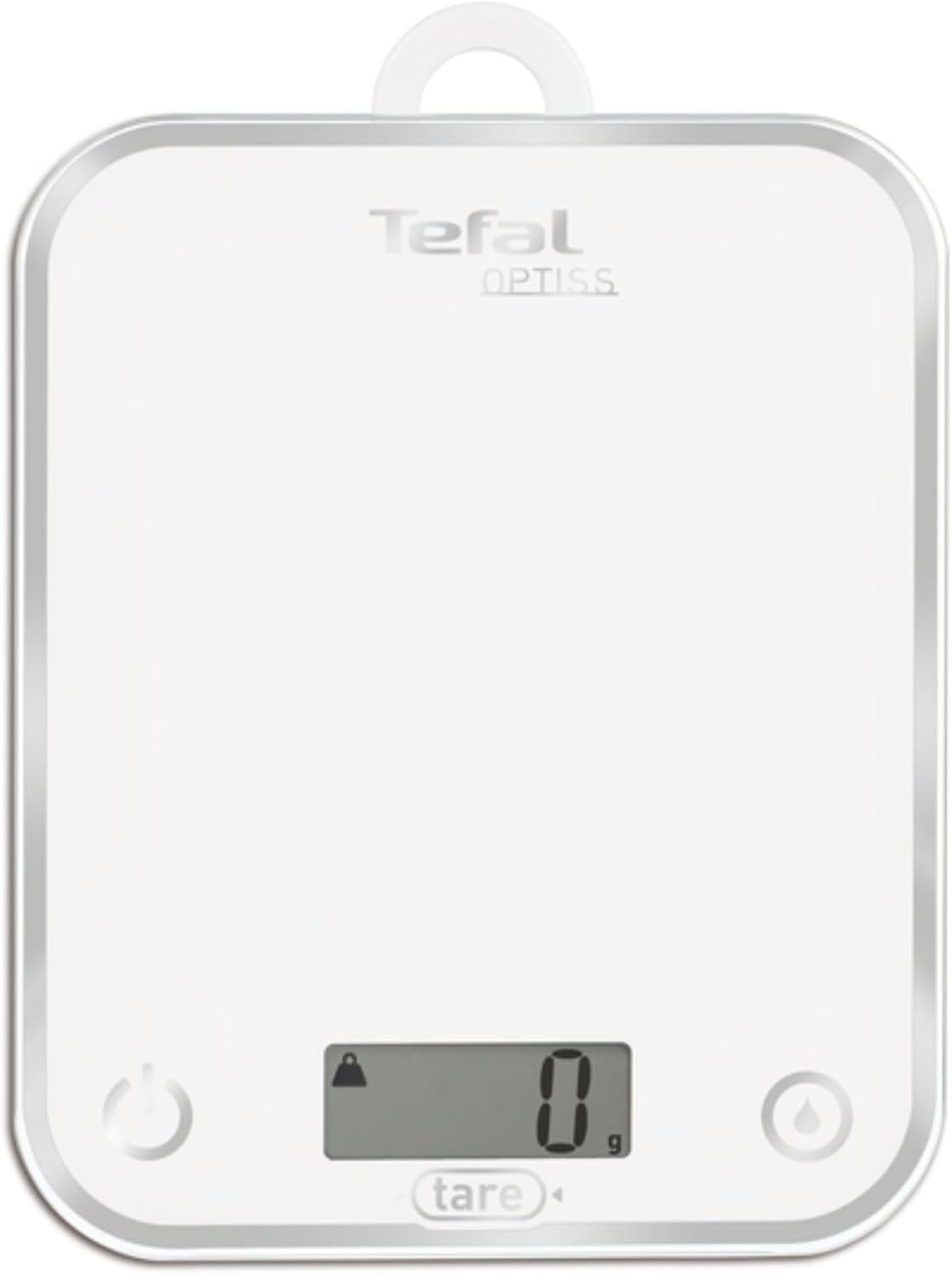
Image: Underside of the scale showing the battery compartment.
Operating Instructions
1. Power On/Off
- To turn on the scale, press the ON/OFF button (usually marked with a power symbol or 'Off'). The display will show '0 g' when ready.
- The scale features an automatic shut-off function to conserve battery power after a period of inactivity.
- To manually turn off the scale, press and hold the ON/OFF button.
2. Weighing Ingredients
- Turn on the scale. Ensure the display shows '0 g'.
- Place the item to be weighed directly onto the weighing platform.
- The weight will be displayed on the LCD screen.

Image: The scale in use, displaying a weight of 200g for flour and an egg.
3. Tare Function (Zeroing)
The Tare function allows you to weigh multiple ingredients consecutively in the same container or to subtract the weight of a container.
- Place an empty container on the scale. The display will show its weight.
- Press the TARE button (often labeled 'Tare' or 'Z/T'). The display will reset to '0 g'.
- Add your first ingredient to the container. The display will show the weight of only the ingredient.
- To add another ingredient, press the TARE button again. The display will reset to '0 g'.
- Continue adding ingredients and pressing TARE as needed.
4. Liquid Measurement (Unit Conversion)
The scale can measure liquids in centiliters (cl) or deciliters (dl).
- After turning on the scale and ensuring it reads '0', press the UNIT button (often marked with a drop symbol or 'cl/dl').
- The display will switch between grams (g) and liquid units (cl/dl).
- Place the liquid in a container on the scale. The volume will be displayed in the selected liquid unit.

Image: Close-up of the scale's display, highlighting the liquid measurement function button.
Maintenance and Cleaning
- Cleaning: Wipe the glass surface and body of the scale with a soft, damp cloth. Do not use harsh chemicals, abrasive cleaners, or scouring pads.
- Dishwasher Safety: The scale is NOT dishwasher safe.
- Storage: Store the scale in a dry place at room temperature. Its slim design and integrated hanging hook allow for convenient storage, such as hanging on a kitchen rack.
- Battery Replacement: If the display shows a low battery indicator or becomes dim, replace both AAA batteries.

Image: The scale hanging on a wall hook, demonstrating its storage capability.
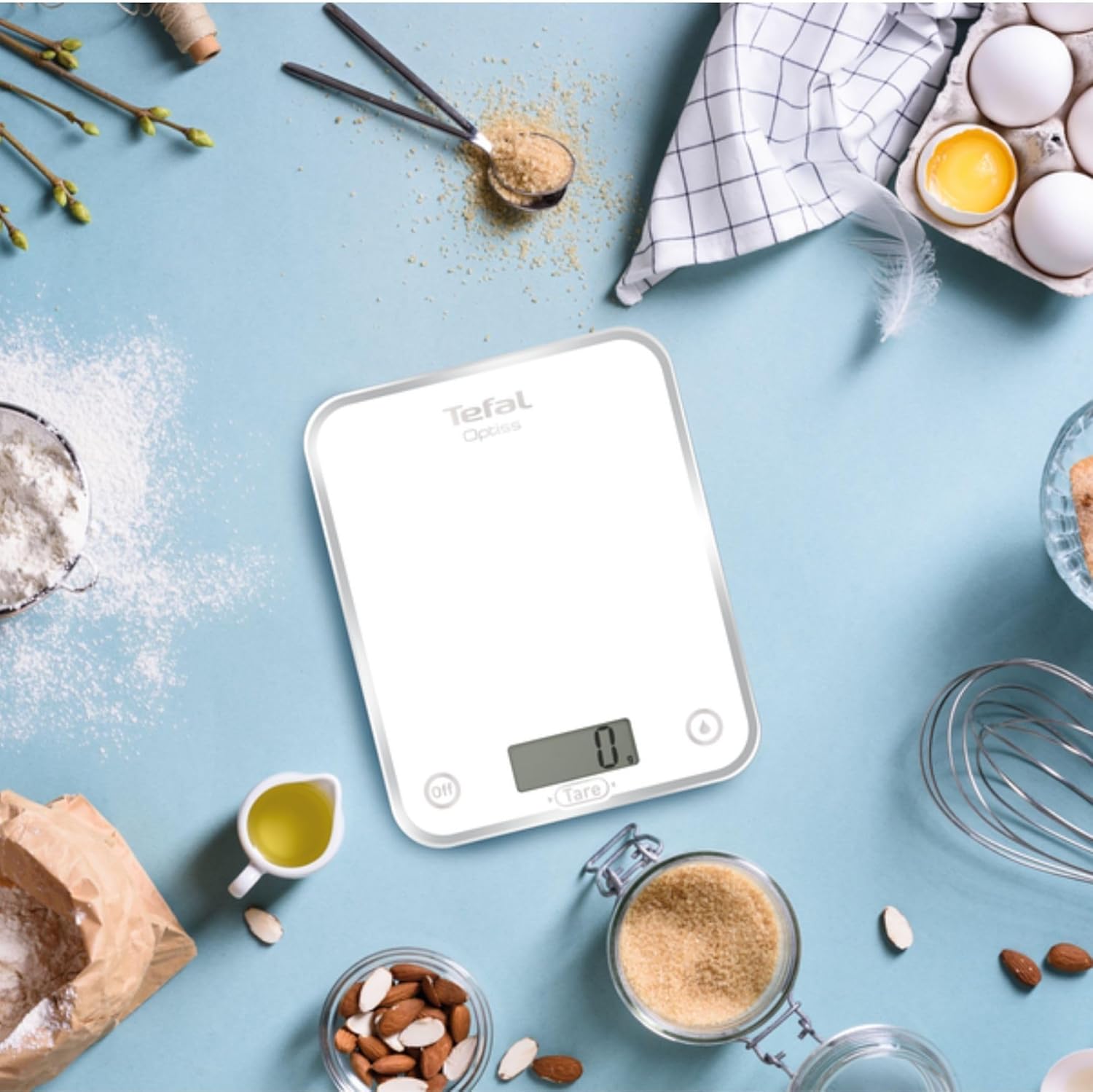
Image: A hand wiping the surface of the scale with a soft cloth, illustrating cleaning.
Troubleshooting
| Problem | Possible Cause | Solution |
|---|---|---|
| Scale does not turn on. | Dead or incorrectly installed batteries. | Check battery polarity. Replace batteries with new AAA batteries. |
| Inaccurate readings. | Scale not on a flat, stable surface; overloaded; external interference. | Place scale on a firm, level surface. Ensure weight does not exceed 5kg. Avoid strong vibrations or air currents. |
| Display shows 'Err' or 'O-Ld'. | Scale is overloaded. | Remove items immediately. The maximum capacity is 5kg. |
| Display shows 'Lo'. | Low battery power. | Replace batteries with new AAA batteries. |
Specifications
- Model: BC5000V1
- Type: Digital Kitchen Scale
- Material: Glass surface with stainless steel accents
- Maximum Capacity: 5 kg
- Reading Accuracy: 1 g
- Display Type: LCD
- Dimensions (L x W x H): Approximately 21.5 x 17.5 x 2.2 cm (8.46 x 6.89 x 0.87 inches)
- Power Source: 2 x AAA batteries (LR03)
- Special Features: Tare function, Liquid measurement (cl/dl), Auto-off, Hanging hook, Ultra-slim design
- Care: Hand wash only, not dishwasher safe

Image: The scale with its dimensions (21.5 cm width, 17.5 cm height) clearly indicated.
Product Videos
Video: Demonstration of the Tefal Optiss kitchen scale's features and ease of use.
Video: Short overview of the Tefal Optiss scale's design and functionality.
Video: Detailed look at the Tefal Optiss scale, including its slim profile and display.
Warranty and Support
For warranty information and customer support, please refer to the warranty card included with your product or visit the official Tefal website. Keep your purchase receipt as proof of purchase for any warranty claims.
You can also visit the Tefal Brand Store for more product information and support resources.


