
1. Introduction
This manual provides essential instructions for the safe and efficient operation, maintenance, and troubleshooting of your Karcher HDS Series pressure washer. Please read this manual thoroughly before operating the machine for the first time and keep it for future reference. This document covers models HDS 650, HDS 750, HDS 950, HDS 1150, and HDS 1290.
2. Safety Instructions
Always observe the following safety precautions to prevent injury or damage to the equipment.
- Read all instructions: Familiarize yourself with the controls and proper use of the pressure washer.
- Wear protective gear: Always wear safety glasses, hearing protection, and appropriate clothing.
- Electrical safety: Ensure the power supply matches the machine's requirements. Do not operate with damaged cords.
- Water supply: Connect to a suitable water source. Do not use contaminated water.
- Chemicals: Use only detergents approved for pressure washers. Follow manufacturer's instructions for chemical handling.
- Children and pets: Keep children and pets away from the operating area.
- Hot surfaces: Be aware of hot surfaces on the machine during and after operation.
- High pressure: Never direct the spray at people, animals, electrical devices, or the machine itself.
3. Product Overview
The Karcher HDS Series pressure washers are designed for professional cleaning tasks. Key components include the high-pressure pump, heating coil (for hot water models), motor, detergent tank, and various nozzles.
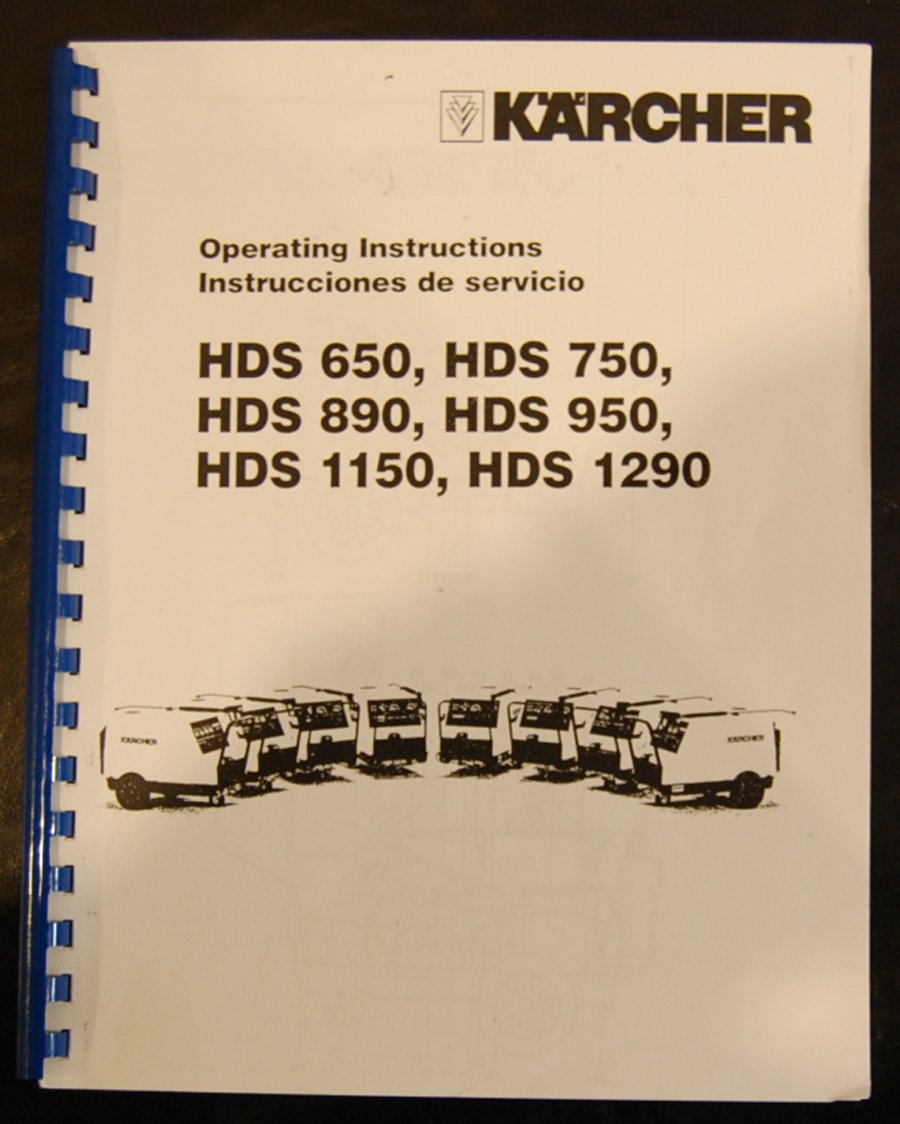
Figure 1: Cover of the Karcher HDS Series Pressure Washer Instruction Manual. This image represents the manual itself, which contains diagrams and information about the pressure washer components.
3.1 Main Components
- High-Pressure Gun: For directing the water spray.
- Spray Lance: Extends the reach of the spray.
- High-Pressure Hose: Connects the machine to the gun.
- Water Inlet: For connecting the water supply hose.
- Detergent Tank: For storing and dispensing cleaning agents.
- Control Panel: For power, temperature, and pressure adjustments.
- Wheels: For mobility.
4. Setup
Follow these steps to prepare your pressure washer for operation.
- Unpacking: Remove all components from the packaging.
- Assembly: Attach the wheels, handle, and any other loose parts as per the included diagrams.
- Water Connection: Connect a garden hose to the water inlet. Ensure the water supply is clean and has adequate pressure.
- High-Pressure Hose Connection: Securely attach the high-pressure hose to the machine and the high-pressure gun.
- Electrical Connection: Plug the power cord into a grounded electrical outlet. Verify voltage compatibility.
- Fuel/Detergent (if applicable): Fill the fuel tank (for combustion engine models) and/or detergent tank with appropriate liquids.
5. Operation
Operating your Karcher HDS Series pressure washer involves several key steps for effective cleaning.
5.1 Starting the Machine
- Open the water supply tap completely.
- Turn on the main power switch.
- If using hot water, select the desired temperature setting.
- Squeeze the trigger on the high-pressure gun to purge air from the system until a steady stream of water emerges.
- Release the trigger. The machine will build pressure.
5.2 Cleaning Procedure
- Select the appropriate nozzle for the cleaning task.
- Hold the spray gun firmly with both hands.
- Start spraying from a distance and gradually move closer to the surface, maintaining a safe distance to avoid damage.
- For detergent application, switch to the detergent setting (if available) and apply evenly. Allow dwell time as per detergent instructions.
- Rinse thoroughly with clear water.
5.3 Shutting Down
- Turn off the main power switch.
- Close the water supply tap.
- Squeeze the trigger on the high-pressure gun to release any remaining pressure.
- Disconnect the high-pressure hose and water supply hose.
6. Maintenance
Regular maintenance ensures the longevity and optimal performance of your pressure washer.
- After Each Use:
- Flush the system with clean water to remove detergent residues.
- Clean the nozzle to prevent blockages.
- Wipe down the exterior of the machine.
- Monthly/Seasonal:
- Check oil levels (for models with oil sumps).
- Inspect hoses and connections for leaks or damage.
- Clean or replace water inlet filter.
- Descaling (for hot water models) as per manufacturer's recommendations.
- Storage:
- Drain all water from the pump and hoses to prevent freezing damage.
- Store in a dry, frost-free location.
7. Troubleshooting
This section provides solutions to common operational issues.
| Problem | Possible Cause | Solution |
|---|---|---|
| No pressure or low pressure | Clogged nozzle, insufficient water supply, air in pump, worn seals. | Clean nozzle, check water tap, purge air from system, inspect seals. |
| Machine not starting | No power, tripped circuit breaker, faulty switch. | Check power connection, reset breaker, contact service. |
| Water leaks | Loose connections, damaged O-rings or hoses. | Tighten connections, replace O-rings or hoses. |
| No hot water (HDS models) | No fuel, faulty thermostat, heating coil issue. | Check fuel level, consult service manual for heating system. |
8. Parts Diagram
Refer to the detailed parts diagrams included in the original manual for identification and ordering of replacement parts. These diagrams provide exploded views of the machine's components, aiding in maintenance and repair.
Note: Specific diagrams are not included in this digital summary. Please consult your physical manual for visual references.
9. Technical Data / Specifications
The following table outlines general technical specifications for the Karcher HDS Series. Specific values may vary by model (HDS 650, HDS 750, HDS 950, HDS 1150, HDS 1290).
| Specification | Value Range (Typical) |
|---|---|
| Power Supply | 230V / 400V, 3-phase, 50Hz |
| Water Flow Rate | 450 - 1100 l/h |
| Operating Pressure | 30 - 180 bar (435 - 2610 PSI) |
| Max. Water Temperature | 80 - 155 °C |
| Detergent Tank Capacity | 10 - 25 liters |
| Weight | Approx. 90 - 180 kg |
10. Warranty and Support
For information regarding product warranty, technical support, or authorized service centers, please refer to the warranty card included with your pressure washer or visit the official Karcher website. Contact details for customer service are typically provided in the original product documentation.
Karcher Official Website: www.karcher.com


