
1. Introduction
This manual provides essential information for setting up, operating, maintaining, and troubleshooting your ASUS ROG G73SW-A1 17.3-inch laptop. The ASUS ROG G73SW-A1 is a high-performance laptop designed for demanding tasks, featuring an Intel Core i7-2630QM processor, 8GB DDR3 RAM, a 1TB hard drive, and NVIDIA GTX 460M graphics, running on Windows 7 Home Premium.
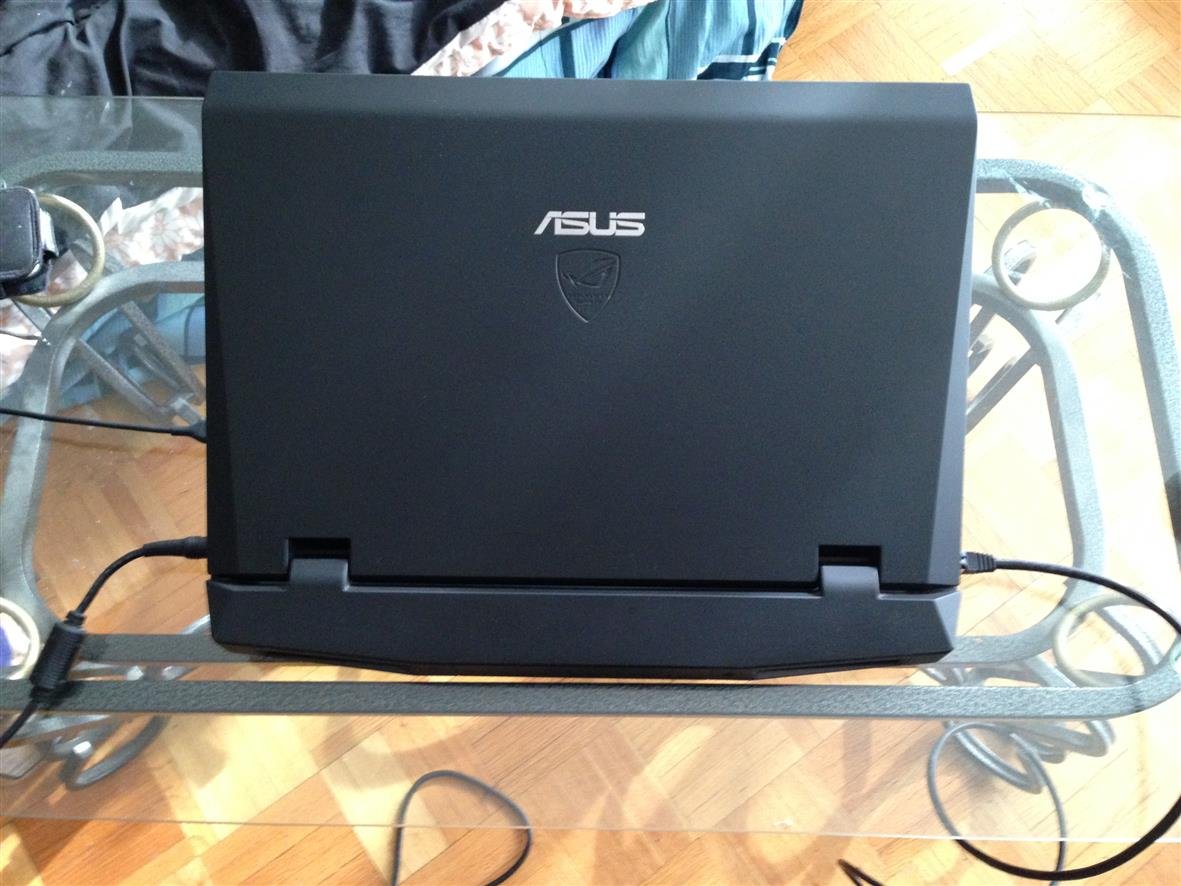
Figure 1: ASUS ROG G73SW-A1 Laptop (Closed View)
2. Initial Setup
2.1 Unpacking and Power Connection
- Carefully remove the laptop and all accessories from the packaging.
- Connect the AC adapter to the laptop's power input port and then plug the power cord into a wall outlet.
- Open the laptop lid.
2.2 First Boot and Operating System Setup
Press the power button to turn on the laptop. The system will guide you through the initial setup of Windows 7 Home Premium. Follow the on-screen instructions to configure your language, region, user account, and network settings.

Figure 2: Laptop Screen with Windows 7 Desktop
2.3 Connecting Peripherals
Connect your mouse, external keyboard, or other USB devices to the available USB ports. The laptop features 1 USB 3.0 port and 3 USB 2.0 ports. An 8-in-1 card reader is also available for memory cards.
3. Operation
3.1 Keyboard and Touchpad
The ASUS ROG G73SW-A1 features an illuminated keyboard for comfortable typing in various lighting conditions. Adjust keyboard backlighting using the Fn+F3/F4 keys. The touchpad supports multi-touch gestures for navigation.

Figure 3: Keyboard and Touchpad Layout
3.2 Optical Drive
The integrated BD Combo drive supports Blu-ray disc playback and DVD/CD read/write functions. Insert discs gently into the drive slot.
3.3 Connectivity
Utilize the built-in 802.11BGN Wi-Fi for wireless internet access and Bluetooth for connecting compatible devices. The laptop also includes an Ethernet port for wired network connections and an HDMI port for external display output.
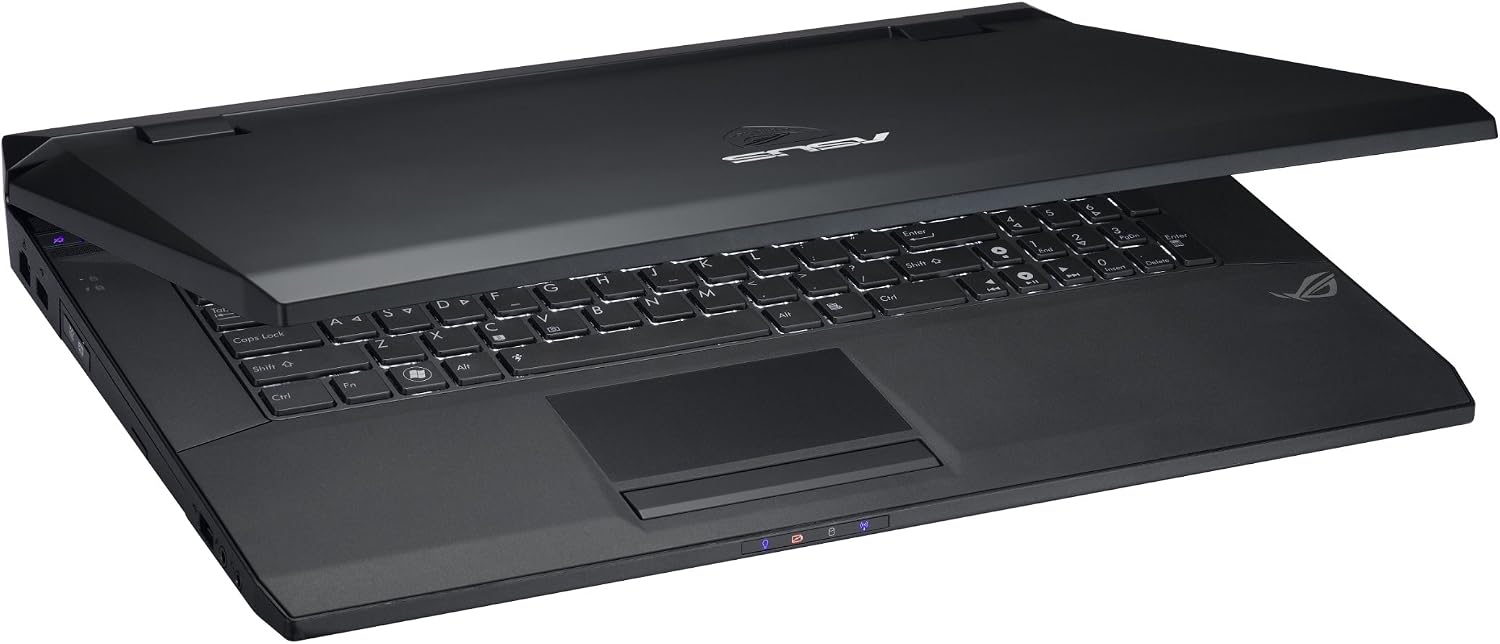
Figure 4: Side View with Ports
3.4 Video Overview
Video 1: Overview of 2nd Generation Intel Core Processors and Windows features relevant to this laptop. This video highlights key functionalities and performance aspects.
Video 2: Further details on the capabilities of 2nd Generation Intel Core Processors, providing insight into the laptop's processing power.
Video 3: An introduction to the R.O.G. G Series, showcasing the design and performance philosophy behind this line of laptops.
4. Maintenance
4.1 Cleaning the Laptop
- Use a soft, lint-free cloth to clean the screen and exterior surfaces. Avoid harsh chemicals.
- Periodically clean the keyboard and touchpad to remove dust and debris.
4.2 Battery Care
To prolong battery life, avoid fully discharging the battery frequently. Store the laptop in a cool, dry place when not in use for extended periods.
4.3 Software Updates
Regularly update your operating system and device drivers to ensure optimal performance and security. Visit the ASUS support website for the latest drivers for your G73SW-A1 model.
5. Troubleshooting
5.1 Common Issues and Solutions
- Laptop not powering on: Ensure the AC adapter is securely connected to both the laptop and a working power outlet. Check if the power button is functioning correctly.
- No display: Connect an external monitor to verify if the issue is with the laptop's internal display. Try adjusting the display brightness using function keys.
- Wi-Fi connectivity issues: Check if Wi-Fi is enabled (often via a function key or switch). Restart your router and the laptop. Ensure drivers are up to date.
- Slow performance: Close unnecessary applications. Check for malware. Ensure sufficient free space on the hard drive. Consider updating drivers or reinstalling the operating system if issues persist.
6. Specifications
| Feature | Specification |
|---|---|
| Brand | ASUS |
| Model Name | G73SW-A1 |
| Screen Size | 17.3 Inches |
| Native Resolution | 1920 x 1080 pixels (FHD LED) |
| CPU Model | Intel Core i7-2630QM (2 GHz Quad-Core) |
| RAM Memory Installed Size | 8 GB DDR3 SO-DIMM |
| Hard Disk Size | 1000 GB (1TB) 7200 RPM SATA |
| Graphics Card | NVIDIA GeForce GTX 460M (1.5G GDDR5 VRAM) |
| Operating System | Windows 7 Home Premium (64bit) |
| Optical Storage Device | BD Combo Drive |
| Wireless Compatibility | 802.11bgn Wi-Fi, Bluetooth |
| USB Ports | 1 x USB 3.0, 3 x USB 2.0 |
| Other Ports | HDMI, Ethernet, 8-in-1 Card Reader |
| Front Photo Sensor Resolution | 2 MP |
| Battery | 8 Cell |
| Item Weight | 8 Pounds |
7. Warranty and Support
7.1 Warranty Information
Your ASUS ROG G73SW-A1 laptop comes with the following warranty coverage:
- 2-Year Global Warranty
- 1-Year Accidental Damage Warranty
- 30-Day Zero Bright Dot Guarantee
7.2 Technical Support
For technical assistance, please refer to the ASUS official support website or contact their 24/7 technical support. Ensure you have your model number (G73SW-A1) and serial number ready when contacting support.