
Introduction
This instruction manual provides detailed information on the features, setup, operation, and maintenance of your Nikon D70s Digital SLR camera. Please read this manual thoroughly before using the camera to ensure correct operation and to maximize its performance and lifespan. Keep this manual in a safe place for future reference.
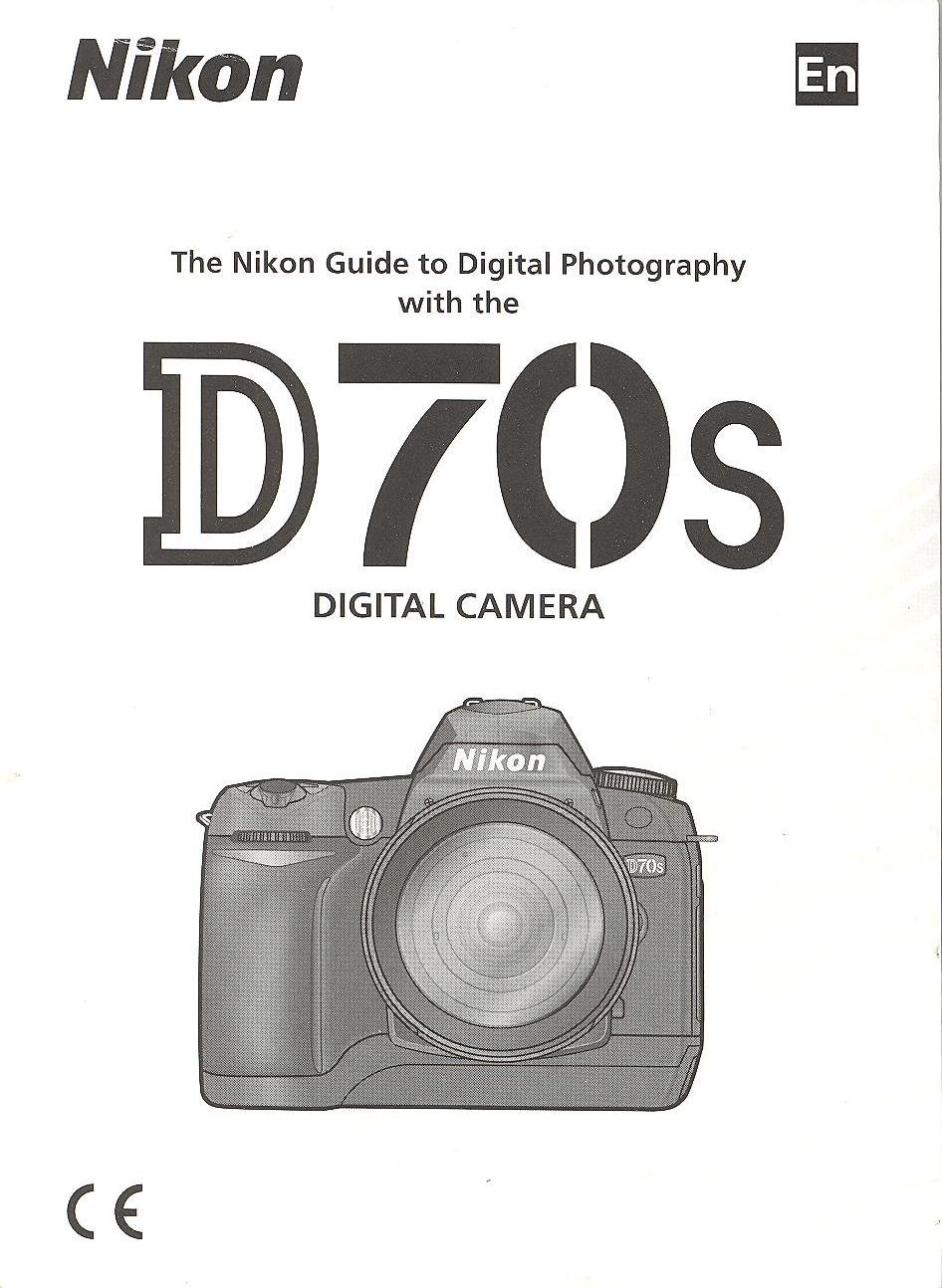
Image: Cover of the Nikon D70s Instruction Manual. This image displays the front cover of the official instruction manual for the Nikon D70s camera, featuring the Nikon logo and model name.
1. Setup and Preparation
1.1 Unpacking and Checking Contents
Before proceeding, ensure all components are present in the package. The standard package for the Nikon D70s typically includes:
- Nikon D70s Digital SLR Camera Body
- AF-S DX Zoom-Nikkor 18-70mm f/3.5-4.5G IF-ED Lens (kit dependent)
- Rechargeable Li-ion Battery EN-EL3a
- Quick Charger MH-18a
- USB Cable UC-E4
- Video Cable EG-D100
- Camera Strap AN-D70s
- Body Cap BF-1A
- Eyepiece Cap DK-5
- Rubber Eyecup DK-21
- LCD Monitor Cover BM-5
- Software CD-ROM
- Instruction Manual (this document)
- Warranty Card
1.2 Charging the Battery
The supplied EN-EL3a battery must be charged before first use. Follow these steps:
- Insert the EN-EL3a battery into the MH-18a Quick Charger. Ensure the battery is correctly oriented.
- Plug the charger into a power outlet. The CHARGE lamp will blink to indicate charging is in progress.
- Charging is complete when the CHARGE lamp stops blinking and glows steadily. This typically takes about 2 hours.
- Remove the battery from the charger.
Note: Use only genuine Nikon EN-EL3a batteries and MH-18a chargers to prevent damage and ensure safety.
1.3 Inserting the Battery and Memory Card
After charging, insert the battery and a CompactFlash (CF) memory card into the camera.
- Open the battery chamber cover on the bottom of the camera.
- Insert the charged EN-EL3a battery with the orange lock facing up, pushing it in until it clicks into place. Close the battery chamber cover.
- Open the memory card slot cover on the side of the camera.
- Insert a CompactFlash card into the slot with the correct orientation (usually label facing the front of the camera) until it clicks.
- Close the memory card slot cover.
Important: Ensure the camera is turned off before inserting or removing the battery or memory card.
1.4 Attaching a Lens
To attach a Nikon F-mount lens:
- Remove the body cap from the camera body and the rear lens cap from the lens.
- Align the mounting mark (white dot) on the lens with the mounting mark on the camera body.
- Mount the lens on the camera body and rotate it counter-clockwise until it clicks into place.
To remove a lens, press the lens release button on the camera body and rotate the lens clockwise until it detaches.
2. Basic Operation
2.1 Turning the Camera On/Off
The power switch is located around the shutter release button. Rotate it to the "ON" position to power on the camera and to "OFF" to power it off.
2.2 Basic Shooting Modes
The mode dial on the top of the camera allows selection of various shooting modes:
- P (Programmed Auto): Camera sets both shutter speed and aperture for optimal exposure.
- S (Shutter-Priority Auto): User sets shutter speed, camera sets aperture. Ideal for controlling motion blur.
- A (Aperture-Priority Auto): User sets aperture, camera sets shutter speed. Ideal for controlling depth of field.
- M (Manual): User sets both shutter speed and aperture.
- AUTO: Fully automatic mode for point-and-shoot simplicity.
- Scene Modes (Portrait, Landscape, Close Up, Sports, Night Portrait): Optimized settings for specific shooting situations.
2.3 Focusing
The D70s offers both autofocus and manual focus options.
- Autofocus (AF): Set the focus mode selector on the camera body to "AF". Press the shutter release button halfway to activate autofocus. The camera will focus on the subject in the selected focus area.
- Manual Focus (M): Set the focus mode selector on the camera body to "M" and the lens focus mode switch to "M". Rotate the focus ring on the lens until the subject appears sharp in the viewfinder.
2.4 Taking Pictures
- Turn the camera on.
- Select your desired shooting mode using the mode dial.
- Look through the viewfinder and compose your shot.
- Press the shutter release button halfway to focus.
- Press the shutter release button fully to take the picture.
3. Maintenance and Care
3.1 Cleaning the Camera
- Camera Body: Use a soft, dry cloth to wipe the camera body. For stubborn dirt, lightly dampen the cloth with distilled water or a specialized camera cleaner.
- Lens: Use a lens brush or blower to remove dust. For smudges, use a lens cleaning solution and a microfiber cloth, wiping gently in a circular motion from the center outwards.
- Image Sensor: Cleaning the image sensor should be done with extreme caution. It is recommended to have this service performed by a qualified Nikon service center.
- LCD Monitor: Use a soft, dry cloth. Avoid pressing hard on the screen.
3.2 Storage
When not in use, store the camera in a cool, dry, well-ventilated area, away from direct sunlight, high temperatures, and humidity. Remove the battery if the camera will not be used for an extended period to prevent leakage.
4. Troubleshooting
This section addresses common issues you might encounter with your Nikon D70s camera.
| Problem | Possible Cause | Solution |
|---|---|---|
| Camera does not turn on. | Battery is depleted or incorrectly inserted. | Charge the battery fully. Reinsert the battery correctly. |
| Cannot take pictures. | Memory card is full, not inserted, or locked. Lens not attached correctly. | Insert a formatted memory card with free space. Unlock the memory card. Reattach the lens securely. |
| Pictures are blurry. | Incorrect focus, camera shake, or dirty lens. | Ensure proper focus. Use a faster shutter speed or tripod. Clean the lens. |
| Flash does not fire. | Flash mode is off, or subject is too far. | Check flash settings. Ensure subject is within flash range. |
5. Specifications
Key technical specifications for the Nikon D70s Digital SLR Camera:
- Sensor: 6.1 effective megapixels DX-format CCD
- Image Size: 3,008 x 2,000 (Large), 2,240 x 1,488 (Medium), 1,504 x 1,000 (Small)
- Lens Mount: Nikon F mount (with AF coupling and AF contacts)
- Compatible Lenses: Nikon AF Nikkor lenses (excluding IX Nikkor lenses)
- Shutter Speed: 30 to 1/4,000 sec. in steps of 1/3 EV, Bulb
- ISO Sensitivity: ISO 200 to 1600 in steps of 1/3 EV
- Storage Media: CompactFlash (CF) Type I/II, Microdrive
- Monitor: 2.0-inch, 130,000-dot low-temperature polysilicon TFT LCD
- Battery: One Rechargeable Li-ion Battery EN-EL3a
- Dimensions (W x H x D): Approx. 140 x 111 x 78 mm (5.5 x 4.4 x 3.1 in.)
- Weight: Approx. 600 g (1 lb. 5.2 oz.) without battery, memory card, or body cap
6. Warranty and Support
6.1 Warranty Information
Warranty terms and conditions for the Nikon D70s camera are typically provided in a separate warranty card included with your product. Please refer to that document for details regarding coverage, duration, and claims procedures. You may also find detailed warranty information on the official Nikon website for your region.
6.2 Customer Support
For technical assistance, service, or further inquiries regarding your Nikon D70s camera, please contact Nikon customer support. Contact information, including phone numbers and online support resources, can usually be found on the official Nikon website or in the warranty documentation.
You can visit the official Nikon support website for your region for the most up-to-date information and resources.


