
1. Introduction
The Lutron Diva LED+ Dimmer Switch provides optimal dimming performance for a wide range of dimmable LED, CFL, incandescent, and halogen bulbs. This dimmer is designed for use in single-pole applications (controlling lights from one location) or 3-way applications (controlling lights from two locations). Its advanced technology ensures smooth, flicker-free dimming and broad compatibility with various bulb brands. The switch features a large paddle for on/off control and a discreet slider for precise light level adjustment.

Figure 1: Lutron Diva LED+ Dimmer Switch (Almond)
This manual provides essential information for the safe installation, operation, and maintenance of your Lutron Diva LED+ Dimmer Switch.
2. Safety Information
WARNING: RISK OF ELECTRIC SHOCK. Improper installation can result in serious injury or death.
- TURN OFF POWER at the circuit breaker or fuse box before installing or servicing the dimmer.
- Do not use this device with non-dimmable bulbs.
- Install in accordance with all national and local electrical codes.
- If you are unsure about any part of these instructions, consult a qualified electrician.
- For indoor use only.
- This product contains chemicals known to the State of California to cause cancer and birth defects or other reproductive harm.
3. Package Contents
Your package should contain the following item:
- (1) Lutron Diva LED+ Dimmer Switch (Model DVCL-153P)
4. Product Features
- Smooth Dimming: Advanced technology provides flicker-free, buzz-free, and delay-free dimming for compatible LED bulbs.
- Broad Compatibility: Works with up to 150W of dimmable LED/CFL or 600W of incandescent/halogen bulbs.
- No Neutral Wire Required: Simplifies installation in homes of any age.
- Single-Pole and 3-Way Applications: Control lights from one or two locations.
- Preset Light Level: The paddle switch returns lights to your preferred dimming level when turned on.
- Precision Dimming: A discreet slide control allows fine-tuning of light levels.
- Adjustable Trim Lever: Optimizes dimming performance for specific bulb types, reducing issues like flickering or pop-on.
- Durable Design: Engineered with professional-grade components for long-lasting reliability.
5. Setup and Installation
Before you begin: Ensure power is OFF at the circuit breaker. Read all instructions thoroughly.
The Lutron Diva LED+ Dimmer Switch is designed for easy installation and does not require a neutral wire, making it suitable for most existing wiring setups. For detailed, step-by-step instructions, please refer to the official Installation Manual (PDF).
Wiring Overview:
The dimmer includes color-coded wires for connection:
- Green Wire: Ground
- Black Wire: Hot/Line (power in)
- Red Wire: Load (to light fixture)
- Red/White Stripe Wire: 3-way traveler (for 3-way applications only)
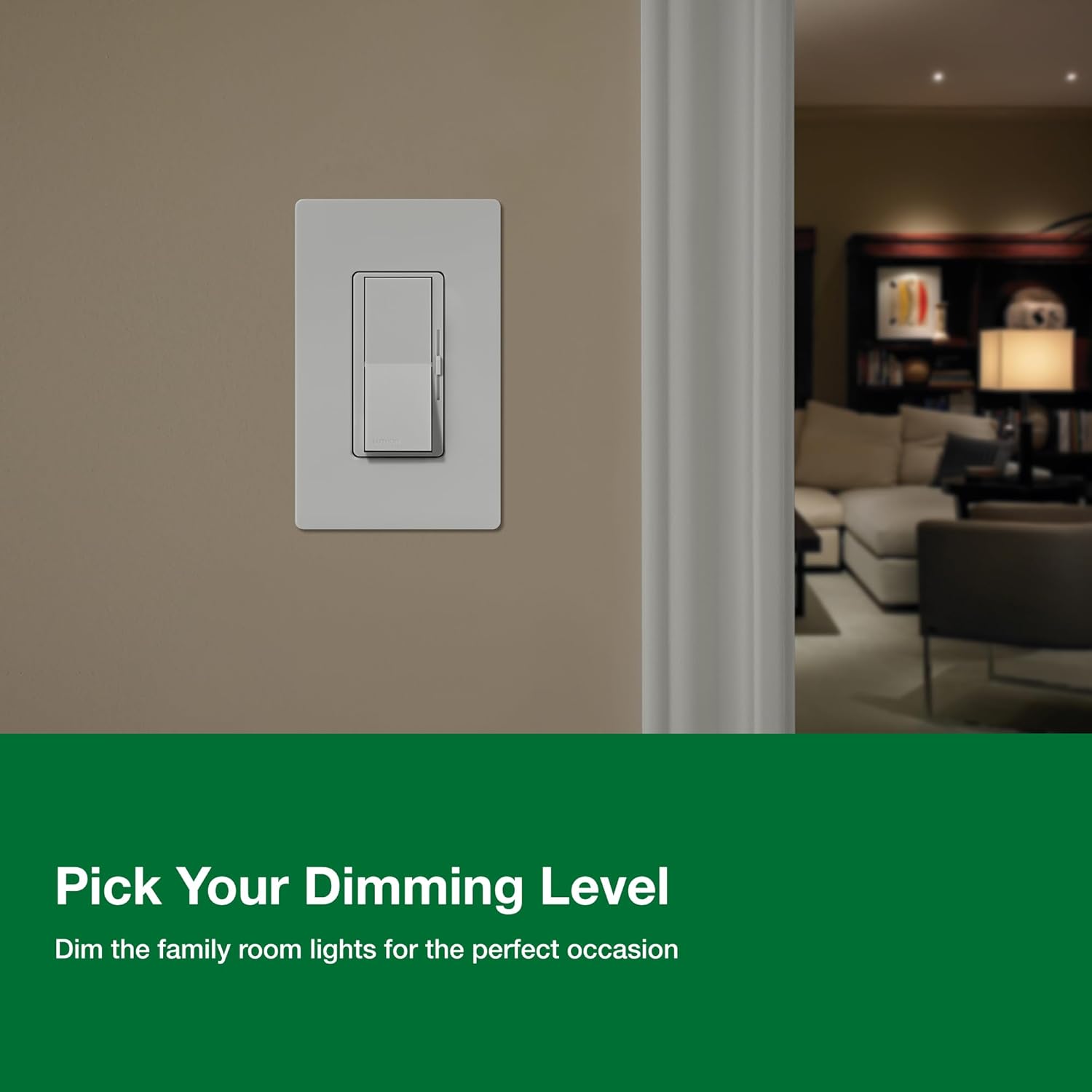
Figure 2: Rear view of the dimmer with wiring terminals
Installation Steps (General):
- Turn off power at the circuit breaker.
- Remove the existing switch and identify the wires.
- Connect the dimmer wires to the corresponding house wires using wire connectors.
- Carefully push the wires into the wall box and mount the dimmer.
- Install the wallplate (sold separately).
- Restore power at the circuit breaker.
Wiring Configurations:

Figure 3: Single-Pole Wiring (lights controlled from one location)

Figure 4: 3-Way Wiring (lights controlled from two locations)
For assistance with wiring, visit Lutron's Wiring Wizard online tool.

Figure 5: Dimmer installation process
6. Operating Instructions
The Lutron Diva LED+ Dimmer Switch offers intuitive control over your lighting.

Figure 6: Dimmer controls: Paddle switch, slider, and adjustment lever
- Turning Lights On/Off: Press the large paddle switch to turn lights on or off. When turned on, lights will return to the previously set dimming level.
- Adjusting Brightness: Use the small, discreet slider located next to the paddle switch. Move the slider up to brighten lights and down to dim them.
- Setting Optimal Dimming Range (Adjustment Lever): For best performance with LED bulbs, you may need to adjust the internal trim lever. This lever sets the lowest dimming level for your specific bulbs, helping to prevent flickering or premature turn-off.

Figure 7: Location of the trim wheel for fine-tuning LED performance
7. Maintenance
Your Lutron Diva LED+ Dimmer Switch requires minimal maintenance.
- To clean the dimmer, wipe with a soft, damp cloth. Do not use abrasive cleaners or solvents.
- Ensure the dimmer is free from dust and debris to maintain optimal performance.
8. Troubleshooting
If you experience issues with your dimmer, try the following solutions:
- Lights Flicker or Don't Dim Properly: Adjust the trim lever (refer to Figure 7). This fine-tunes the dimmer's low-end output to match your specific LED bulbs.
- Lights Don't Turn On: Check the circuit breaker. Ensure all wiring connections are secure. Verify that the bulbs are dimmable and functioning.
- Lights Buzz: Some LED bulbs may produce a slight buzz. Adjusting the trim lever or trying a different brand of dimmable LED bulb may help.
- Dimmer is Warm to the Touch: It is normal for dimmers to feel warm during operation. If it feels excessively hot, turn off power and consult an electrician.
For further assistance, consult the full installation manual or contact Lutron Customer Support.
9. Specifications
| Feature | Specification |
|---|---|
| Model Number | DVCL-153P |
| Operating Voltage | 120 VAC, 60 Hz |
| Max Load (LED/CFL) | 150 W |
| Max Load (Incandescent/Halogen) | 600 W |
| Current Rating | 1.25 A |
| Circuit Type | Single-pole or 3-way |
| Compatible Devices | Dimmable LED, CFL, Incandescent, Halogen bulbs |
| Dimensions (L x W x H) | 1.31 x 2.94 x 4.69 inches |
| Material | Metal, Plastic |
| Operating Temperature | 32°F to 104°F (0°C to 40°C) |
| Certifications | cULus Listed |
10. Warranty Information
Lutron stands behind the quality of its products. The Lutron Diva LED+ Dimmer Switch is backed by a 10-year limited warranty. This warranty covers defects in materials and workmanship under normal use. Please note that warranty terms may require product registration. For full warranty details, refer to the official Warranty Document (PDF).
11. Customer Support
Lutron provides comprehensive customer support to assist you with any questions or issues you may encounter.
- 24/7 Technical Support: Access U.S.-based lifetime technical support for installation, troubleshooting, and product inquiries.
- Online Resources: Visit the Lutron website for additional product information, FAQs, and compatibility tools (e.g., LED Compatibility Tool).

Figure 8: Lutron offers 24/7 customer support