
1. Introduction
Thank you for choosing the Polk Audio TL1 Satellite Speaker. This compact speaker is designed to deliver high-quality audio performance for your home entertainment system. It features Polk's PowerPort Technology and Time Lens Technology for superior sound imaging and blending with a subwoofer. This manual provides essential information for the proper setup, operation, and maintenance of your speaker.

Figure 1.1: Front-side view of the Polk Audio TL1 Satellite Speaker. This image shows the compact design and the speaker's drivers.
2. Important Safety Instructions
- Read these instructions thoroughly before operating the speaker.
- Keep these instructions for future reference.
- Heed all warnings on the product and in this manual.
- Follow all instructions for safe use and installation.
- Do not use this apparatus near water or moisture.
- Clean only with a dry cloth.
- Do not block any ventilation openings. Install in accordance with the manufacturer's instructions.
- Do not install near any heat sources such as radiators, heat registers, stoves, or other apparatus (including amplifiers) that produce heat.
- Only use attachments/accessories specified by the manufacturer.
- Refer all servicing to qualified service personnel. Servicing is required when the apparatus has been damaged in any way.
3. Package Contents
Ensure all items are present in the package:
- Polk Audio TL1 Satellite Speaker (White)
- Instruction Manual (this document)
Note: Speaker wire and mounting hardware are typically sold separately.
4. Setup and Installation
4.1 Speaker Placement
Optimal speaker placement is crucial for sound quality. As satellite speakers, TL1 units are designed to complement a subwoofer and can be used as front, center, or surround channels in a home theater system.
- Front Speakers: Place them equidistant from your primary listening position, typically on either side of your television or projection screen.
- Center Speaker: If using a TL1 as a center channel, place it directly above or below the center of your television/screen, aimed towards the listening area.
- Surround Speakers: For surround sound, place the TL1 speakers to the sides or slightly behind your listening position, at or slightly above ear level.
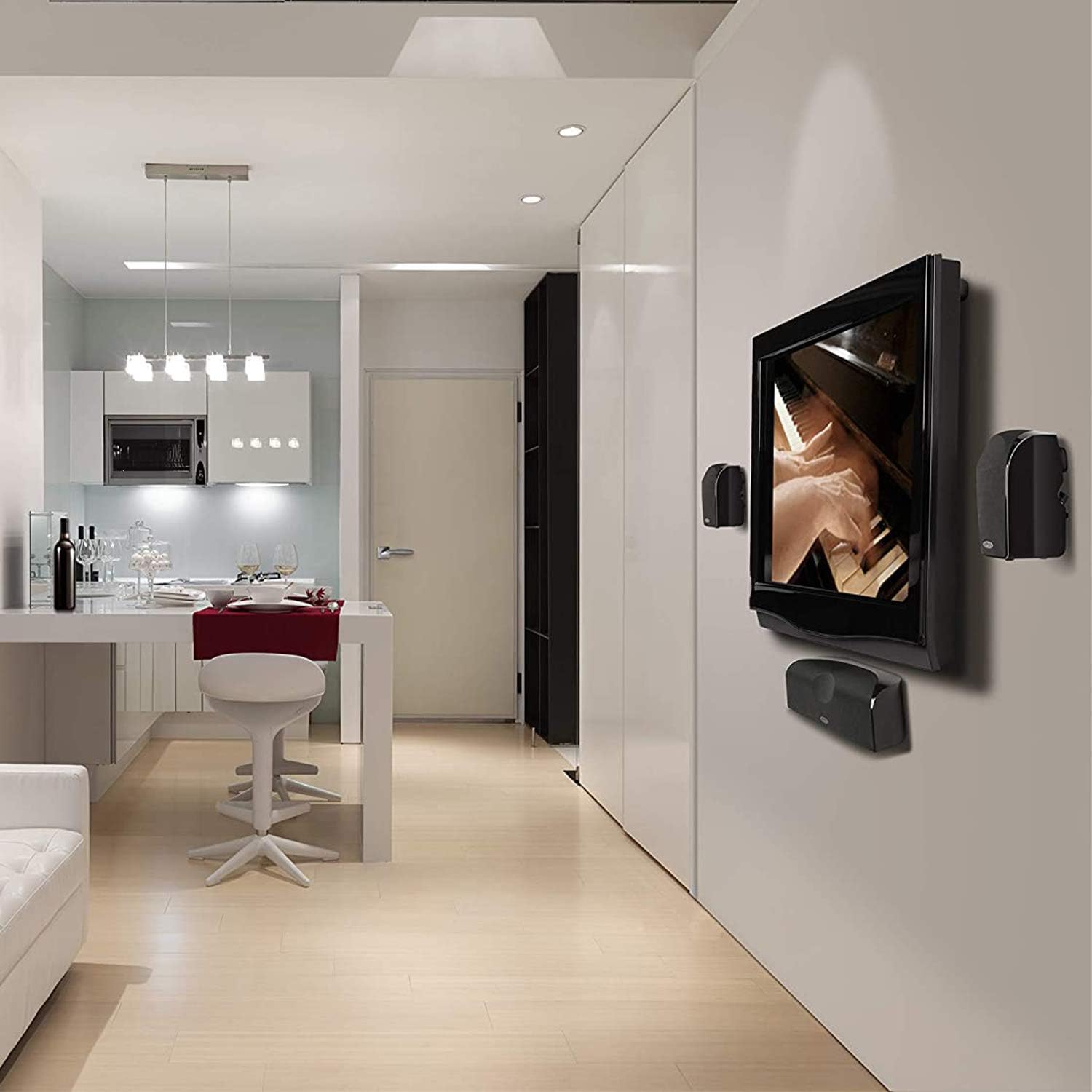
Figure 4.1: Example of Polk Audio TL1 Satellite Speakers wall-mounted in a living room setup, demonstrating flexible placement options.
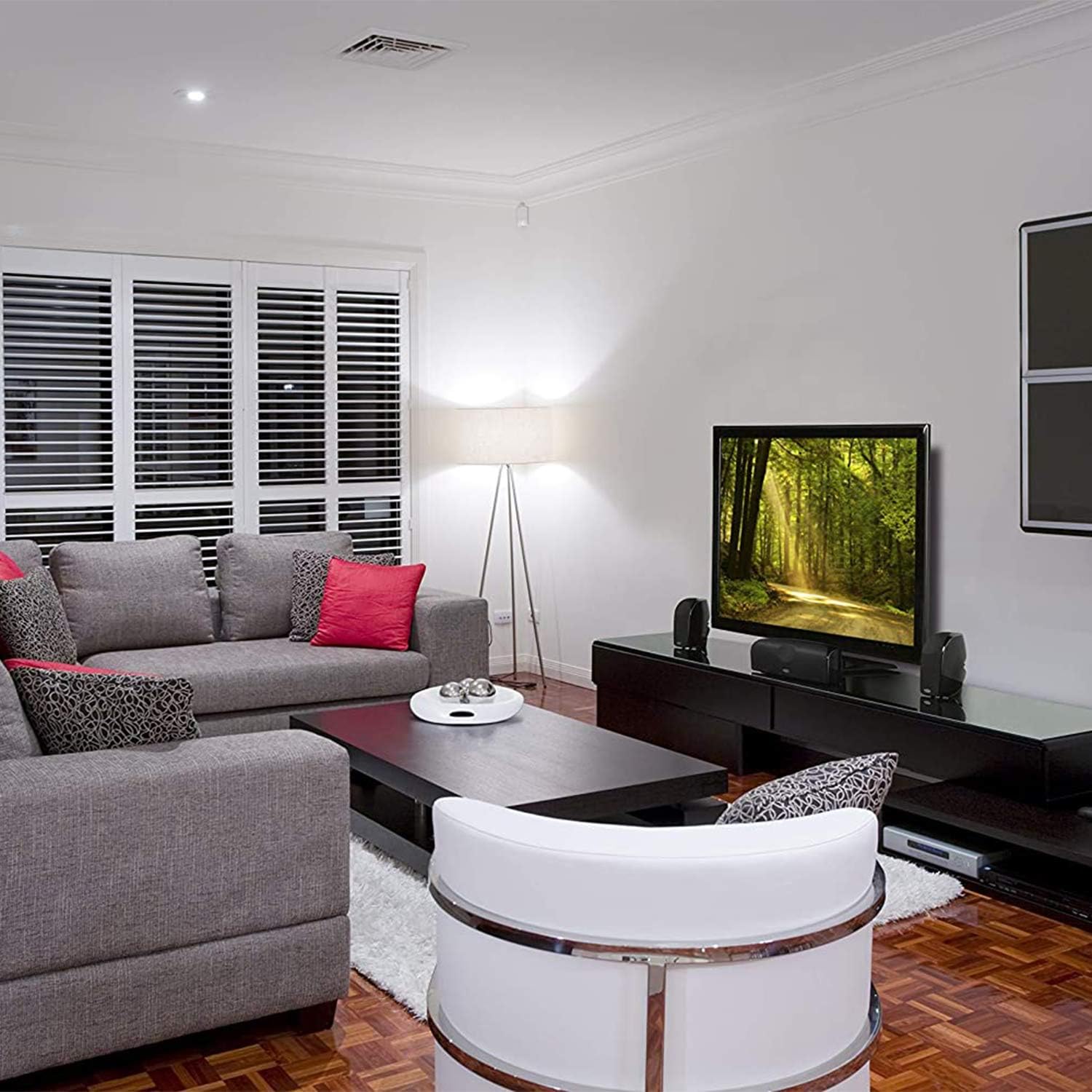
Figure 4.2: Example of Polk Audio TL1 Satellite Speakers placed on a media console, illustrating another common setup.
4.2 Connecting the Speaker
The TL1 Satellite Speaker connects to your audio receiver or amplifier using standard speaker wire.
- Ensure your receiver/amplifier is turned off and unplugged from the power outlet.
- Strip approximately 1/2 inch (12mm) of insulation from the ends of your speaker wire. Twist the bare wire strands tightly.
- Locate the binding posts on the back of the TL1 speaker. Connect the positive (+) terminal (red) on the speaker to the positive (+) terminal on your receiver/amplifier.
- Connect the negative (-) terminal (black) on the speaker to the negative (-) terminal on your receiver/amplifier.
- Ensure there are no stray wire strands touching between the positive and negative terminals, as this can cause a short circuit.
Important: Maintain correct polarity (+ to + and - to -) for all speakers in your system to ensure proper sound reproduction.
4.3 Mounting Options
The TL1 Satellite Speaker offers versatile mounting options:
- Keyhole Slot: The speaker features a combination keyhole slot on the rear for easy wall mounting using a screw (not included) securely fastened into a wall stud or appropriate wall anchor.
- 1/4" x 20 Threaded Insert: A 1/4" x 20 threaded insert is provided for compatibility with various aftermarket ceiling and wall brackets (sold separately). This offers robust and flexible mounting solutions.
Always ensure mounting hardware is appropriate for the speaker's weight and the wall/ceiling material. Consult a professional if unsure about installation.
5. Operating Instructions
Once your TL1 Satellite Speakers are connected to your receiver/amplifier, you can begin using them.
- Plug in and turn on your receiver/amplifier.
- Select the desired audio source (e.g., Blu-ray player, streaming device).
- Adjust the volume on your receiver/amplifier to a comfortable listening level.
- For optimal performance, especially in a home theater setup, it is highly recommended to pair the TL1 Satellite Speakers with a dedicated subwoofer. The TL1 speakers are designed to handle mid-range and high frequencies, while a subwoofer will reproduce the low-frequency effects.
- Utilize your receiver's automatic speaker calibration feature (if available) to optimize sound levels, crossover frequencies, and delays for your specific room and speaker configuration.
The TL1 speakers are rated for up to 100 Watts of power. Avoid exceeding the recommended power handling to prevent damage.
6. Care and Maintenance
Proper care will ensure the longevity and performance of your Polk Audio TL1 Satellite Speaker.
- Cleaning: Dust the speaker cabinet with a soft, dry cloth. Avoid using harsh chemicals, abrasive cleaners, or excessive moisture, as these can damage the finish or internal components.
- Grille Care: The speaker grille can be gently removed for cleaning if necessary. Use a soft brush or vacuum with a brush attachment to remove dust. Reattach carefully.
- Environment: Keep the speaker away from direct sunlight, extreme temperatures, and high humidity. Ensure adequate ventilation around the speaker, especially if placed in an enclosed cabinet.
- Handling: Avoid touching the speaker cones (woofer and tweeter) directly, as this can cause damage.
7. Troubleshooting
If you encounter issues with your TL1 Satellite Speaker, refer to the following common problems and solutions:
| Problem | Possible Cause | Solution |
|---|---|---|
| No sound from speaker |
|
|
| Distorted or unclear sound |
|
|
| Speaker sounds weak or lacks bass |
|
|
If the problem persists after trying these solutions, please refer to the Warranty and Support section.
8. Specifications
| Feature | Detail |
|---|---|
| Brand | Polk Audio |
| Model Number | TL 1 Satellite White |
| Speaker Type | Satellite |
| Color | White |
| Speaker Maximum Output Power | 100 Watts |
| Frequency Response | 22 KHz (Upper limit, lower limit depends on subwoofer integration) |
| Connectivity Technology | Auxiliary (Wired) |
| Audio Output Mode | Stereo (when paired with another speaker) |
| Mounting Type | Ceiling Mount, Wall Mount (via keyhole slot or 1/4" x 20 threaded insert) |
| Enclosure Material | Composite or Plastic |
| Tweeter Diameter | 0.5 Inches (Silk Dome) |
| Woofer Diameter | 2.5 Inches (Long Throw Drivers with Dynamic Balance Technology) |
| Impedance | 8 Ohms |
| Item Weight | 0.84 Kilograms |
| Item Dimensions (D x W x H) | 1"D x 1"W x 1"H (Note: These dimensions seem incorrect based on typical speaker size, likely placeholder data. Refer to product packaging for accurate dimensions.) |
| Specific Uses For Product | Home Theatre |
9. Warranty and Support
9.1 Limited Warranty
Polk Audio warrants this product against defects in materials and workmanship for a period of 5 years for parts and labor from the original date of purchase. This warranty is valid only for the original purchaser and is not transferable.
This warranty does not cover damage caused by accident, misuse, abuse, neglect, unauthorized product modification or repair, or failure to follow the instructions outlined in this manual.
9.2 Customer Support
For technical assistance, troubleshooting, or warranty service, please contact Polk Audio customer support. You can typically find contact information on the official Polk Audio website (www.polkaudio.com) or through your authorized dealer. Please have your product model number and proof of purchase ready when contacting support.


