
1. Introduction
The Lasko MyHeat Personal Space Heater Model 100 is a compact, 200-watt ceramic heater designed to provide concentrated personal warmth. Ideal for use in small personal spaces such as under a desk, in a dorm room, or a small office area, this heater offers efficient spot heating. Its simple manual controls and built-in safety features ensure ease of use and peace of mind.
2. Important Safety Instructions
When using electrical appliances, basic precautions should always be followed to reduce the risk of fire, electric shock, and injury to persons. Please read all instructions before using this heater.
- Read All Instructions: Ensure you understand all operating and safety instructions before use.
- Proper Placement: Always place the heater on a firm, level surface. Do not place the heater on soft surfaces like beds or rugs where openings may become blocked.
- Avoid Obstruction: Keep combustible materials such as furniture, pillows, bedding, papers, clothes, and curtains at least 3 feet (0.9 meters) from the front of the heater and keep them away from the sides and rear.
- Electrical Connection: Plug heaters directly into a wall outlet/receptacle. Never use with an extension cord or relocatable power tap (outlet/power strip).
- Overheat Protection: This heater is equipped with an automatic overheat protection system. If the heater overheats, it will automatically shut off. To reset, unplug the heater from the electrical outlet, wait 10 minutes for the unit to cool, and then plug it back in.
- Supervision: Extreme caution is necessary when any heater is used by or near children or invalids and whenever the heater is left operating and unattended.
- Moisture: Do not use the heater in wet or moist locations such as bathrooms or laundry areas.
- Ventilation: Do not insert or allow foreign objects to enter any ventilation or exhaust opening as this may cause an electric shock or fire, or damage the heater.
- Unplug When Not in Use: Always unplug the heater when not in use.
3. Product Overview
The Lasko MyHeat Personal Space Heater Model 100 is designed for simplicity and effectiveness in providing personal warmth. Its compact design makes it unobtrusive in any setting.

Figure 3.1: Front view of the Lasko MyHeat Personal Space Heater, highlighting its compact size and simple design.
Key Features:
- Compact Design: Small footprint (approximately 4" x 4" x 6" tall) for easy placement on desks or small surfaces.
- Ceramic Heating Element: Provides quick and efficient heat.
- Simple Manual Controls: Features a single on/off switch for straightforward operation.
- Quiet Fan: Circulates warm air with minimal noise.
- Cool-Touch Exterior: The housing remains cool to the touch during operation for added safety.
- Automatic Overheat Protection: Enhances safety by shutting off if the unit gets too hot.
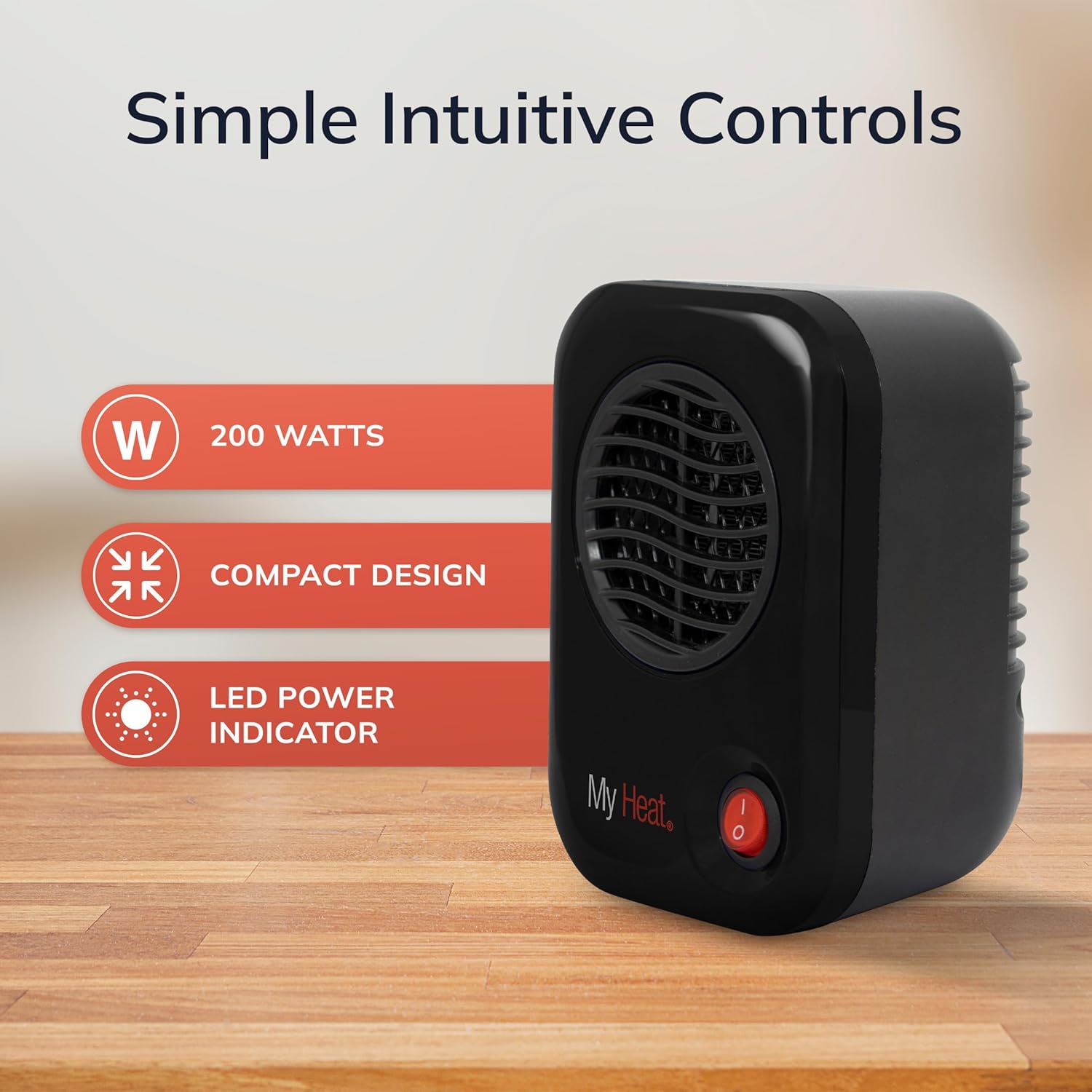
Figure 3.2: The Lasko MyHeat heater showcasing its 200 Watts power, compact design, and LED power indicator.
4. Setup
The Lasko MyHeat Personal Space Heater requires no assembly. It is ready for use right out of the box.
- Unpack: Carefully remove the heater from its packaging.
- Placement: Place the heater on a stable, flat surface, ensuring it is at least 3 feet away from any walls, furniture, or other objects. Ensure the air intake and output vents are not blocked.
- Plug In: Plug the 2-pronged power cord directly into a standard 120V AC wall outlet. Do not use extension cords or power strips.
5. Operating Instructions
Operating your Lasko MyHeat heater is simple and intuitive.
- Power On: Locate the red on/off switch on the front of the heater. Press the switch to the 'ON' (I) position. The switch will illuminate, indicating the heater is active.
- Heat Output: The heater will immediately begin to produce warm air. There is one heat setting, optimized for personal warmth.
- Power Off: To turn off the heater, press the red on/off switch to the 'OFF' (O) position. The light on the switch will turn off.
- Unplug: For safety, always unplug the heater from the wall outlet when it is not in use.
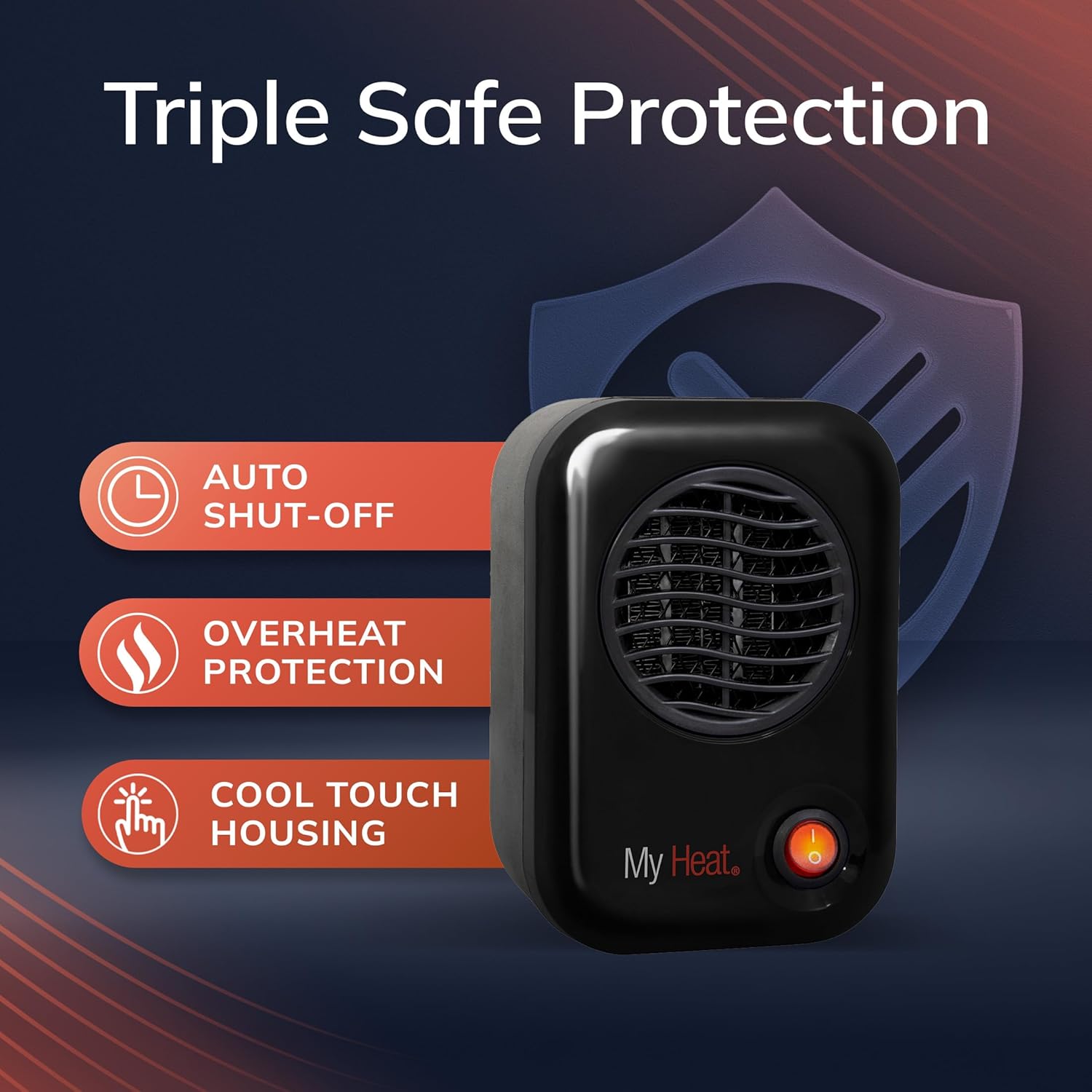
Figure 5.1: The Lasko MyHeat heater providing personal warmth on a desk, demonstrating its intended use for individual comfort.
6. Maintenance
Regular maintenance helps ensure the longevity and efficient operation of your heater.
- Cleaning: Always unplug the heater before cleaning. Use a soft, damp cloth to wipe the exterior surfaces of the heater. Do not use cleaning sprays, solvents, or abrasives.
- Dust Removal: Use a vacuum cleaner with a brush attachment to remove dust and lint from the air intake and exhaust grilles. Do not attempt to open the heater for internal cleaning.
- Storage: When storing the heater, keep it in its original carton in a cool, dry place.
7. Troubleshooting
If your heater is not operating as expected, refer to the following common issues and solutions:
| Problem | Possible Cause | Solution |
|---|---|---|
| Heater does not turn on. | No power to the unit. | Ensure the power cord is securely plugged into a working 120V AC outlet. Check the circuit breaker. |
| Heater turns off unexpectedly. | Overheat protection activated. | Unplug the heater, wait 10 minutes for it to cool down, then plug it back in. Ensure vents are not blocked. |
| Reduced heat output. | Dust or debris blocking vents. | Unplug the heater and clean the air intake and exhaust grilles as described in the Maintenance section. |

Figure 7.1: Visual representation of the heater's safety features, including auto shut-off, overheat protection, and cool-touch housing.
8. Specifications
| Brand | Lasko |
| Model Number | 100 |
| Power Source | Corded Electric |
| Heat Output | 200 Watts |
| Voltage | 120 Volts |
| Amperage | 2 Amps |
| Heating Element | Ceramic |
| Heating Coverage | Up to 50 sq ft (for personal use) |
| Dimensions (D x W x H) | 3.8"D x 4.3"W x 6.1"H |
| Item Weight | 1 Pound |
| Cable Length | 6 Feet |
| Special Features | Compact, Cool Touch Exterior, Energy Efficient, Manual Control, Overheat Protection, Portable |
9. Warranty and Support
This Lasko MyHeat Personal Space Heater Model 100 comes with a 3-year limited warranty. For detailed warranty information, product support, or to inquire about replacement parts, please refer to the official Lasko website or contact Lasko customer service directly. Keep your purchase receipt as proof of purchase for warranty claims.
Contact Information: Please visit the official Lasko website for the most current contact details and support resources.


